

From my experience with ThirstyAffiliates, it stands out as a practical and user-friendly WordPress plugin for affiliate marketers who want to manage their links efficiently. The ability to cloak links and automatically link keywords saves significant time and improves the professionalism of affiliate content. The built-in click tracking provides actionable insights to optimize campaigns. However, the plugin is limited to WordPress users and some advanced features require a paid subscription. Overall, if you run affiliate marketing through WordPress, ThirstyAffiliates offers a solid, SEO-conscious solution to streamline your workflow and boost conversions.
ThirstyAffiliates Affiliate Link Management Plugin for WordPress SEO
ThirstyAffiliates is a WordPress plugin that helps affiliate marketers cloak, manage, and track affiliate links with SEO-friendly redirects and automatic keyword linking.
- Best for
- Affiliate Link Cloaking
- Key capability
- Link Cloaking

Do you recommend this tool?
What is ThirstyAffiliates?
ThirstyAffiliates is a WordPress plugin designed to help affiliate marketers cloak, manage, and track their affiliate links efficiently. It transforms long, unattractive URLs into clean, branded links that are easier to share and more trustworthy to users. The plugin also offers tools to organize links, automate keyword linking, and monitor link performance, making it a comprehensive solution for affiliate marketing within WordPress.
Key features of ThirstyAffiliates
The main features of ThirstyAffiliates include link cloaking, link categorization, automatic keyword linking, click tracking, and SEO-friendly link management. These features help marketers optimize their affiliate campaigns, maintain a professional appearance, and gain insights into link effectiveness.
Link Cloaking
Convert long affiliate URLs into short, branded links that are easier to share and look trustworthy.
Automatic Keyword Linking
Automatically link specified keywords in your content to affiliate URLs to increase conversions without manual effort.
Click Tracking and Reporting
Track the number of clicks on each affiliate link and analyze performance with detailed reports.
Link Categorization
Organize affiliate links into categories for better management and quick access.
SEO-Friendly Redirects
Choose from 301, 302, or 307 redirects and automatically add nofollow attributes to protect your SEO.
Pros and cons of ThirstyAffiliates
Pros
- Easy to use and integrates well with WordPress
- Effective link cloaking improves user trust
- Built-in click tracking provides valuable insights
- Automatic keyword linking saves time
- SEO-friendly with customizable redirect types
Cons
- Advanced features require paid plans
- Limited to WordPress platform
- No native mobile app or desktop client
Key use cases for ThirstyAffiliates
Affiliate Link Cloaking
Easily cloak long and ugly affiliate URLs into clean, branded links to improve click-through rates and user trust.
Affiliate Link Management
Organize, categorize, and manage all affiliate links in one place within WordPress for better workflow and efficiency.
Link Tracking and Reporting
Track clicks on affiliate links with built-in reporting tools to analyze performance and optimize marketing strategies.
SEO Optimization
Automatically apply nofollow attributes and redirect types to affiliate links to improve SEO and avoid penalties.
Automatic Keyword Linking
Automatically link specified keywords in posts to affiliate URLs to increase monetization opportunities without manual effort.
How ThirstyAffiliates works
- 1
Install and Activate Plugin
Add ThirstyAffiliates to your WordPress site by installing and activating the plugin from the WordPress repository or uploading the premium version.
- 2
Create Affiliate Links
Add your affiliate URLs into the plugin, cloak them with your domain, and organize them into categories.
- 3
Insert Links into Content
Use the plugin’s interface to insert cloaked links into posts or pages manually or enable automatic keyword linking.
- 4
Track Link Performance
Monitor clicks and user engagement through the built-in reporting dashboard to optimize your affiliate marketing strategy.
Who is using ThirstyAffiliates
Affiliate marketers
Bloggers and content creators
Digital marketing agencies
Small business owners using affiliate programs
SEO professionals managing affiliate links
ThirstyAffiliates pricing
Free
$0/month
Basic link cloaking and management features with limited support.
Pro
$49/year
Advanced features including automatic keyword linking, click tracking, and premium support.
Pro Plus
$149/year
Includes all Pro features plus additional integrations and priority support.
Plans and prices are as published by the vendor and can change. Check the official site before you buy. Open the pricing page (opens in a new tab)
Frequently asked questions about ThirstyAffiliates
Yes, ThirstyAffiliates is compatible with most WordPress themes and works seamlessly within the WordPress environment.
Yes, the plugin includes built-in click tracking and reporting features to monitor link performance.
Yes, the Pro version offers automatic keyword linking to affiliate URLs within your content.
It supports 301, 302, and 307 redirects, allowing you to choose the best option for SEO and user experience.
This tool is designed to help users accomplish its core tasks more efficiently. It is typically used by individuals or teams looking to improve productivity and workflow.
Yes, it can help with that use case depending on how you configure it and what features are available. You’ll get the best results with clear inputs and a defined goal.
Yes, it can help with that use case depending on how you configure it and what features are available. You’ll get the best results with clear inputs and a defined goal.
Some tools offer a free plan or trial with limited features. Availability can vary, so confirm on the official website.
Sign in to review this tool.
Sign In to ReviewNo reviews yet
Be the first to share how this tool worked for you.
Ask about pricing, limits, or how it compares — or answer someone else.
Sign In to AskNo questions yet
Have a question about using or paying for this tool? Be the first to ask.
Featured on TiorAI



More AI Affiliate Marketing tools
Other tools in the same category, for when this one is not quite the fit.
Performance-based
CJ Affiliate
CJ Affiliate is a performance-based affiliate marketing platform that connects advertisers with publishers to drive sales and leads through commission-based partnerships.

Commission-based
ShareASale
ShareASale is an affiliate marketing platform that helps advertisers manage affiliate programs by connecting them with publishers who promote their products, tracking performance, and processing commissions.

One-time payment
Worldwide Brands
Worldwide Brands is a trusted wholesale directory offering certified suppliers and millions of products for dropshipping and ecommerce with a one-time lifetime membership fee.

Subscription
SaleHoo
SaleHoo is a subscription-based platform offering a verified directory of wholesale and dropshipping suppliers, market research tools, and educational resources to help ecommerce sellers source products and grow their businesses.

Prepaid
PopAds
PopAds is a popunder advertising network that enables advertisers and publishers to create and monetize popunder ad campaigns with advanced targeting and real-time bidding.

CPA
AdMaven
AdMaven is a programmatic advertising network that helps publishers monetize traffic with pop-under, native, and banner ads while enabling advertisers to run targeted campaigns using CPA, CPC, and CPM pricing models.

Free
Capital One Shopping
Capital One Shopping is a free browser extension that helps online shoppers save money by automatically applying coupon codes, comparing prices across retailers, and offering cashback rewards on qualifying purchases.
Custom Pricing
PartnerStack
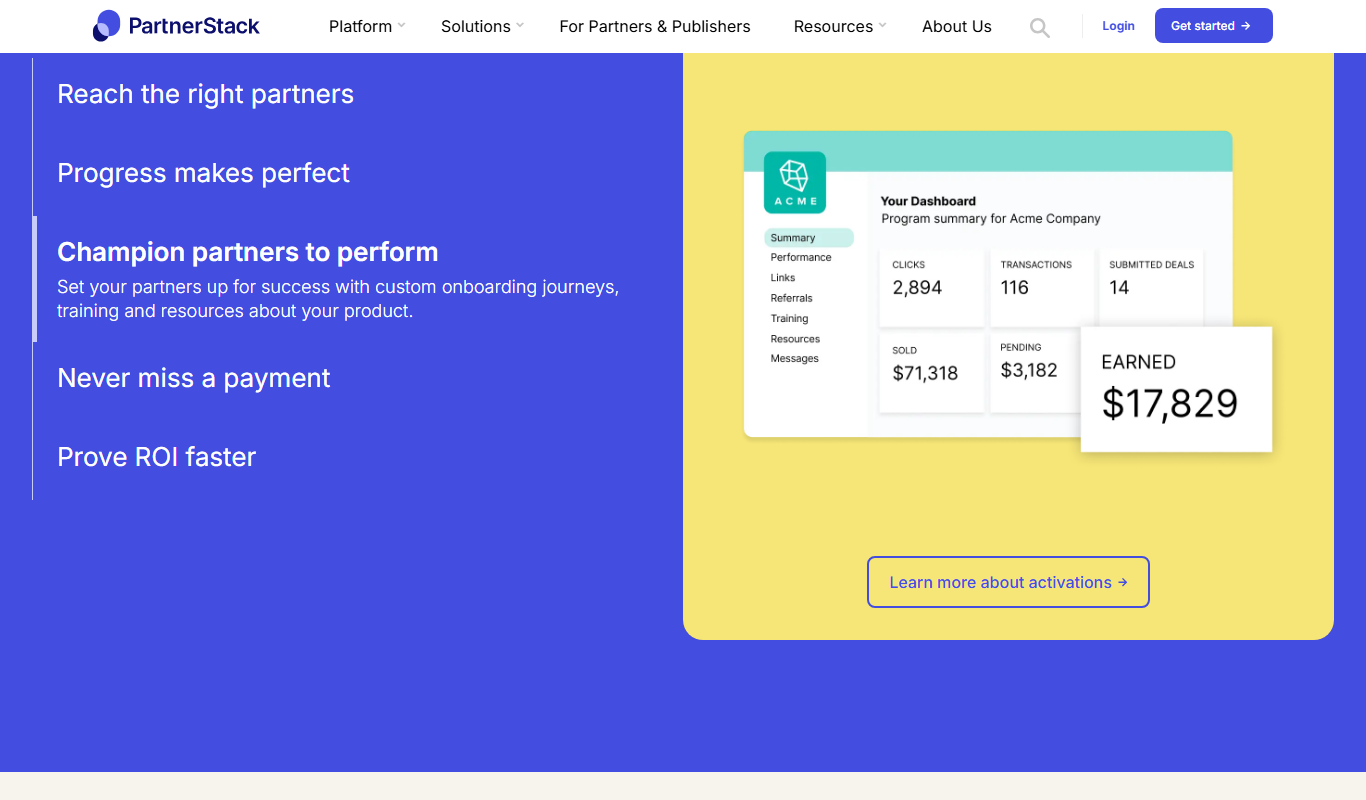
PartnerStack is a SaaS platform that helps businesses manage affiliate, referral, and channel partner programs by automating onboarding, tracking performance, and handling payments to scale partner-driven revenue.