

OASIS voice notes rewritten into writing by AI
OASIS turns your thoughts into writing: record a voice note and AI rewrites it with 20+ rewrite templates, on the web, iPhone and iPad.
- Best for
- Turning thoughts into writing
- Key capability
- Record voice notes
Save OASIS, follow its updates and vote on it — everything stays in your account.
Sign in or create a free account
What is OASIS?
OASIS is a voice-to-writing app: you record what you want to say, and AI transcribes it and rewrites it into finished text using 20+ AI rewrite templates or templates you create yourself. It runs as a web app and as iPhone and iPad apps, on credits.
Key features of OASIS
OASIS records voice notes, applies premium AI transcription and rewrites the result with 20+ AI rewrite templates or your own custom AI templates. It works in the web app and the iPhone and iPad apps, and every rewrite uses credits.
Record voice notes
Press to record audio, or click the screen to write; AI rewrites what you said.
Premium AI transcription
Voice notes are transcribed with premium AI transcription before rewriting.
20+ AI rewrite templates
Choose from 20+ AI rewrite templates for the finished text.
Custom AI templates
Create your own AI templates; Enterprise adds custom AI template sharing.
Web and iPhone/iPad apps
Use OASIS via the web on desktop, laptop or smartphone, or download the iPhone/iPad app.
Pros and cons of OASIS
Pros
- Only talking is needed; AI rewrites the result
- 20+ AI rewrite templates plus custom templates
- Web app plus iPhone and iPad apps
- Cancel at any time
Cons
- Android app is coming soon, not yet available
- No refunds on cancellation
- Credit-based: longer input and output use more credits
Key use cases for OASIS
Turning thoughts into writing
Speak freely and let AI rewrite your thoughts into polished writing.
Writing on the go
Record voice notes on an iPhone or iPad or in the web app on a smartphone.
Team templates
Teams and businesses can share credits and custom AI templates on Enterprise.
Social Media Content
Develop engaging posts and captions tailored for social media platforms.
How OASIS works
- 1
Record
Press to record audio with what you want to say, or click the screen to write.
- 2
Pick a rewrite option
Choose one of the AI rewrite options or templates.
- 3
AI rewrites it
Don’t worry about how you sound: AI rewrites it into finished writing.
- 4
Credits are used
Each AI rewrite uses a minimum of 1 credit; longer input and output use more credits.
Who is using OASIS
OASIS pricing
Basic
$4.17/month
For occasional users: 3,000 credits, voice notes, premium AI transcription, 20+ AI rewrite templates, custom templates, web app and iPhone and iPad apps.
Pro
$12.50/month
For most people: 30,000 credits with the same voice notes, transcription, 20+ AI rewrite templates, custom templates and apps.
Enterprise
Contact for pricing
For teams and businesses: credit sharing, custom AI template sharing, consolidated billing, multiple users, priority support and custom integrations.
Plans and prices are as published by the vendor and can change. Check the official site before you buy. Open the pricing page (opens in a new tab)
Frequently asked questions about OASIS
Each AI rewrite uses a minimum of 1 credit, and more text in and out uses more credits. Free trial users get 30 credits, and you can always buy more.
No. You can use OASIS via the web on desktop, laptop or smartphone, or download the iPhone/iPad app.
Not yet; the Android app is coming soon.
Pro offers 10x more credits than Basic for 3x the price, and additional credits cost 50% less on Pro.
Yes, you may cancel at any time, but there are no refunds.
Conclusion
Talking replaces typing in OASIS: a user records what they want to say, and AI rewrites it without them worrying about how they sound. Behind that sit premium AI transcription and more than 20 AI rewrite templates, plus templates users create themselves. Recording works in the web app on a desktop, laptop or smartphone and in the iPhone and iPad apps, while the Android app is still coming soon.
Every rewrite draws on credits, with at least one credit per rewrite and more for longer text. Free trial users get 30 credits, after which Basic serves occasional users and Pro carries 10x the credits. Teams and businesses can ask for an Enterprise setup with credit sharing and shared custom templates. Subscriptions can be cancelled at any time, though no refunds are given.
Sources
Sign in to review this tool.
Sign In to ReviewNo reviews yet
Be the first to share how this tool worked for you.
Ask about pricing, limits, or how it compares — or answer someone else.
Sign In to AskNo questions yet
Have a question about using or paying for this tool? Be the first to ask.
Featured on TiorAI



More AI Speech-to-Text tools
Other tools in the same category, for when this one is not quite the fit.

Kaption AI
Kaption AI transcribes WhatsApp voice notes, summarizes long chats and translates messages inside WhatsApp Web, with a free Chrome and Edge extension, a desktop app and phone apps.

Scribebuddy
Scribebuddy transcribes audio and video to text, translates transcripts and creates subtitle files in over 100 languages, with free transcription for files up to 5 minutes and pay-as-you-go minutes for longer recordings.

Vatis Tech
Vatis Tech transcribes audio and video to text in 50+ languages, with speaker labels, translation, subtitle export and a developer speech-to-text API; 10 free minutes to start.

WhisperTranscribe
WhisperTranscribe is an AI-based web tool that converts audio and video files into accurate text transcripts quickly and easily, supporting multiple formats and offering editable transcripts.

VoicePen
VoicePen is an AI note taker app for iPhone, iPad, Apple Watch and Mac that turns meetings, lectures, memos, videos and podcasts into transcripts, notes and summaries.
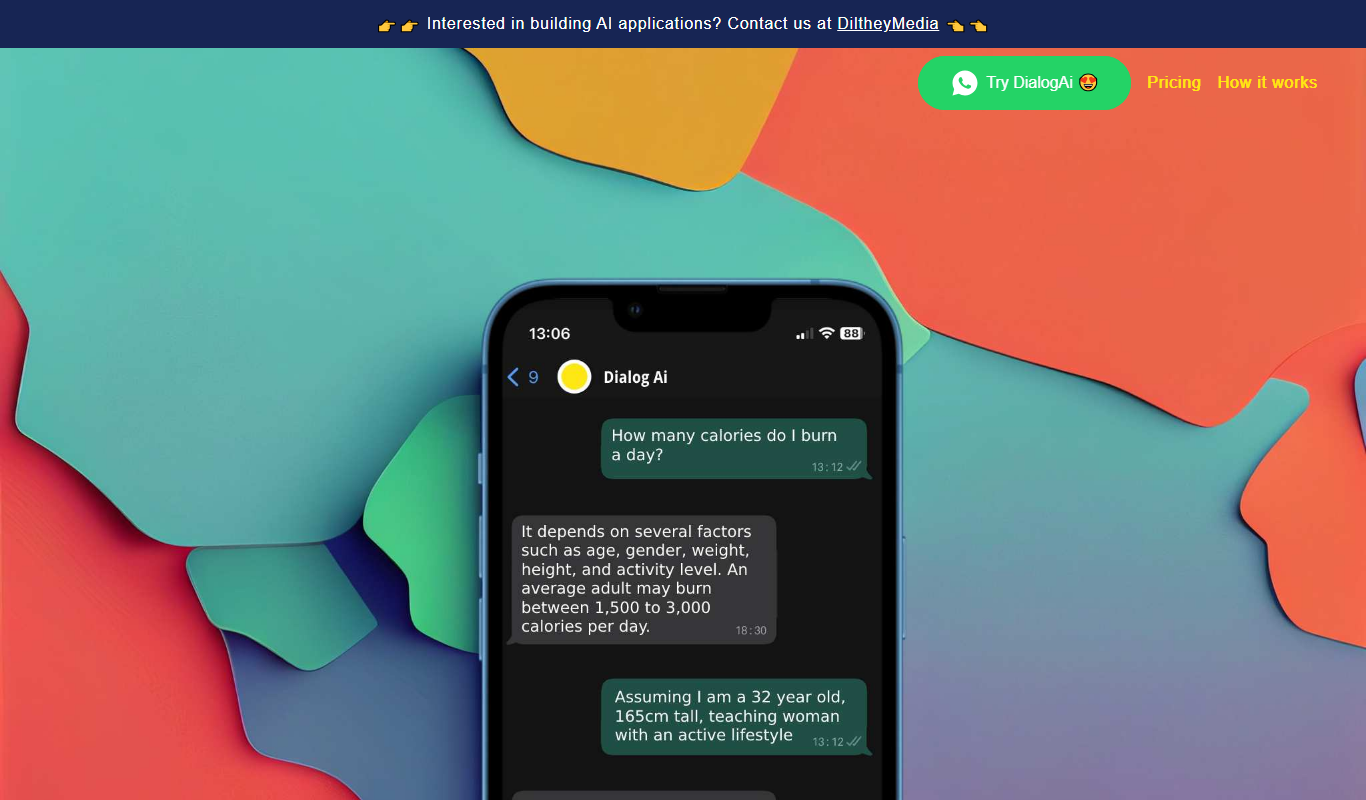
DialogAi
DialogAi is a WhatsApp chatbot that turns forwarded voice messages into text, summarises them and answers your questions by voice or text with ChatGPT.
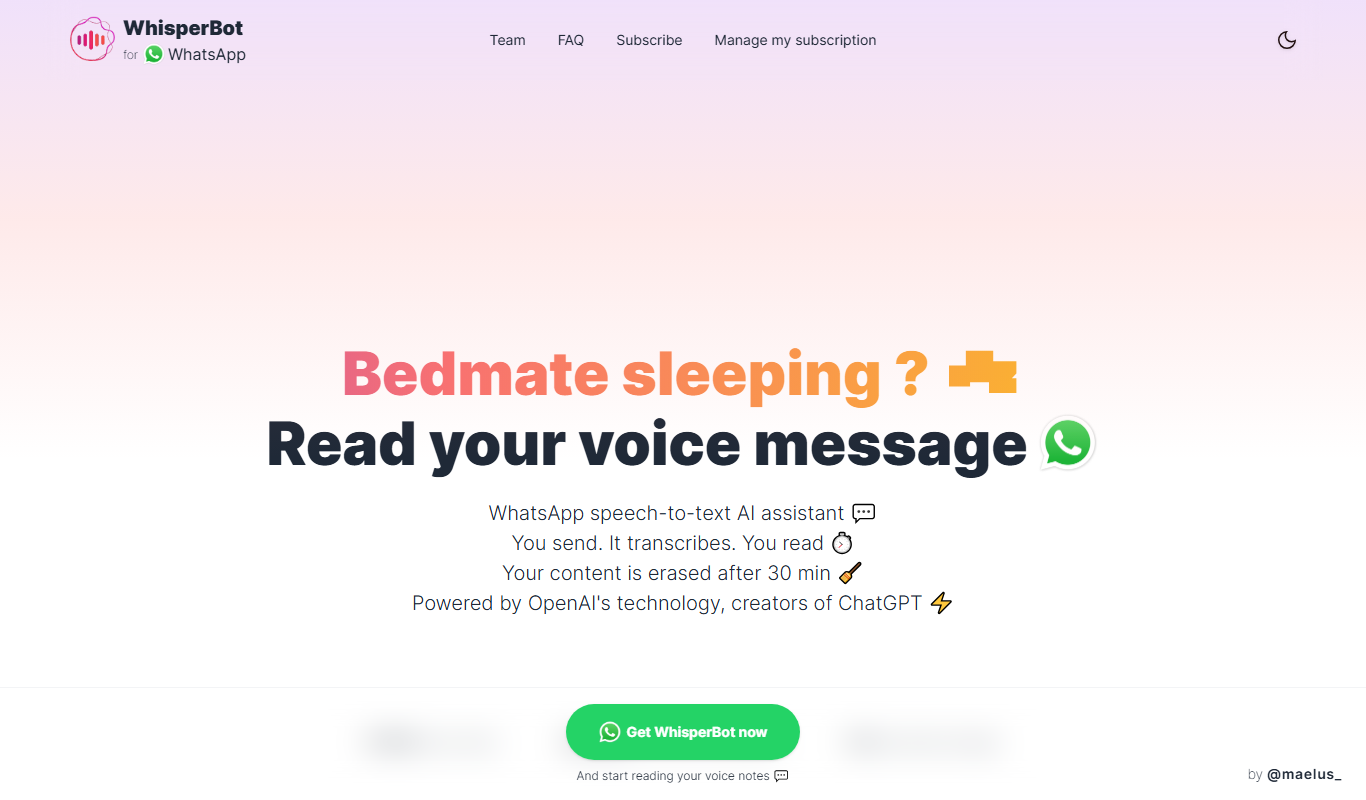
WhisperBot
WhisperBot turns your WhatsApp voice messages into text: forward a voice note and read the transcription almost instantly, in 57 languages.
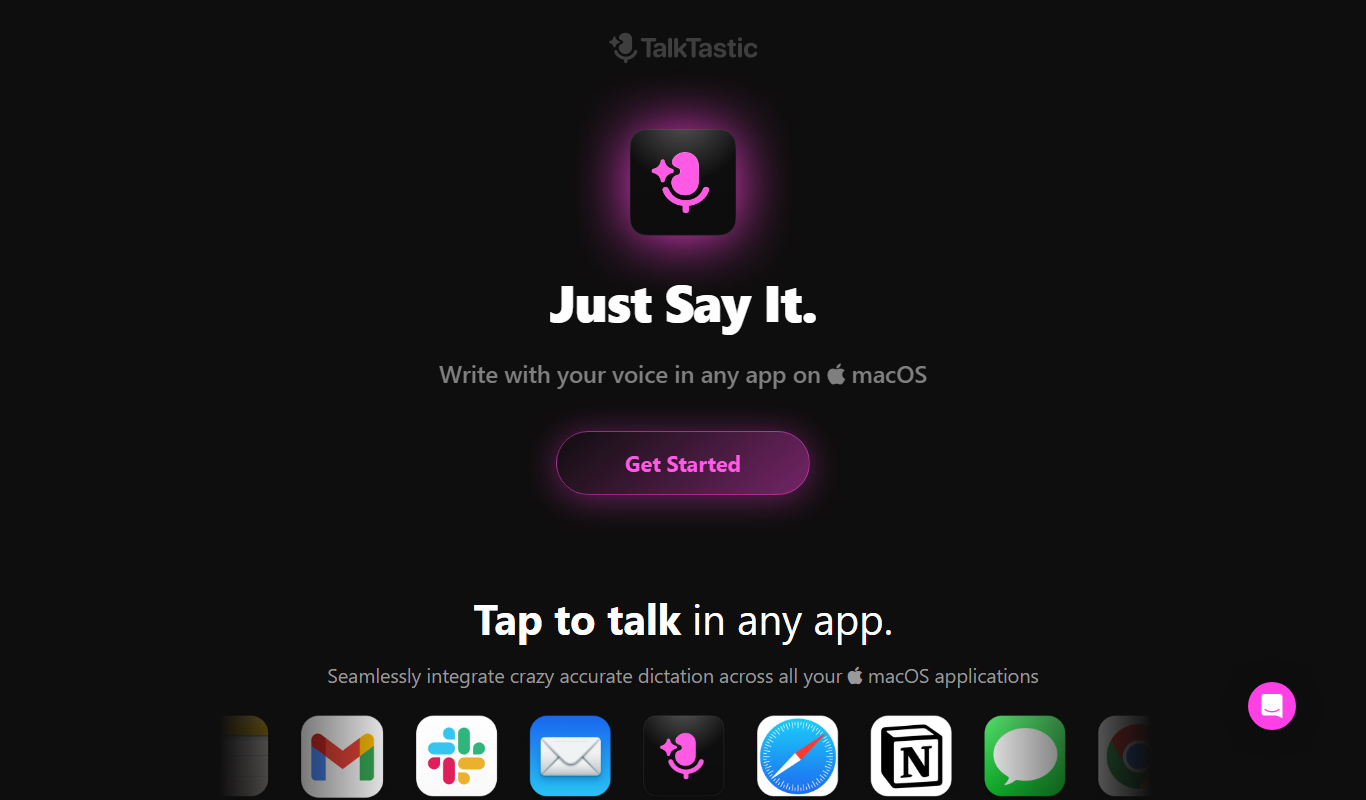
TalkTastic
TalkTastic is a macOS app for writing with your voice in any app, using a snapshot of your screen and multimodal AI to write what you mean in your style.