

From my experience with The New Riverside, it stands out for delivering studio-quality remote podcast and video recordings by leveraging local multi-track capture. The platform’s ability to record each participant locally ensures audio and video clarity that rivals in-person sessions, which is a significant advantage for podcasters and content creators working remotely. Its integrated live streaming and cloud syncing features make collaboration and publishing straightforward. However, the higher-tier plans may be a bit pricey for casual users, and the platform currently supports only English. Overall, if you need professional-grade remote recording with video capabilities, The New Riverside is a reliable choice.
The New Riverside - High-Quality Remote Podcast & Video Recording Platform
The New Riverside is a remote podcast and video recording platform that captures studio-quality local audio and video from multiple participants, supports live streaming, and offers cloud backup and editing tools.
- Best for
- Remote Podcast Recording
- Key capability
- Local Multi-Track Recording
Your actions
Save The New Riverside, follow its updates and vote on it — everything stays in your account.
Sign in or create a free account
What is The New Riverside?
The New Riverside is a remote podcast and video recording platform designed to capture studio-quality audio and video from multiple participants regardless of their location. It leverages local recording technology to ensure high fidelity and syncs tracks in the cloud for easy editing and publishing. The platform supports live streaming and offers tools tailored for podcasters, interviewers, and content creators seeking professional-grade remote production.
Key features of The New Riverside
The New Riverside offers multi-track local recording, high-definition video capture, live streaming capabilities, automatic backup to the cloud, and integrated editing tools. Its user-friendly interface allows seamless remote collaboration and supports up to 8 participants per session.
Local Multi-Track Recording
Records each participant's audio and video locally to avoid internet quality loss.
High-Definition Video Capture
Supports up to 4K video resolution for professional video podcasts.
Live Streaming Integration
Stream sessions live to platforms like YouTube, Facebook, and Twitch.
Cloud Backup and Sync
Automatic upload and synchronization of recordings to the cloud for easy access.
Built-in Editing Tools
Trim, cut, and export audio and video tracks directly within the platform.
Pros and cons of The New Riverside
Pros
- Studio-quality local recording for superior audio and video
- Supports up to 8 participants per session
- Integrated live streaming to major platforms
- Automatic cloud backup and syncing
- User-friendly interface with built-in editing
Cons
- Higher-tier plans can be costly for casual podcasters
- Limited language support (English only)
- Requires stable internet for live streaming features
Key use cases for The New Riverside
Remote Podcast Recording
Record high-fidelity audio and video podcasts with guests located anywhere in the world.
Video Interview Production
Capture multi-track video interviews for professional-quality content creation.
Live Streaming
Broadcast live shows directly to platforms like YouTube and Facebook with real-time audience engagement.
Content Editing and Post-Production
Use built-in tools to edit recordings and export separate audio and video tracks for enhanced post-production.
Remote Collaboration
Collaborate with co-hosts and producers remotely with synchronized recording and live chat features.
How The New Riverside works
- 1
Create an Account
Sign up on Riverside.fm to access the recording dashboard.
- 2
Schedule or Start a Session
Set up a new recording session and invite guests via a shareable link.
- 3
Record Locally
Each participant records audio and video locally on their device to ensure high quality.
- 4
Automatic Upload
Recordings are automatically uploaded to Riverside’s cloud storage for syncing and backup.
- 5
Edit and Export
Use Riverside’s editing tools to trim, mix, and export separate tracks for publishing.
Who is using The New Riverside
Podcasters and interviewers
Content creators and vloggers
Remote teams producing audio/video content
Marketing agencies producing podcasts
Educators and trainers conducting remote sessions
The New Riverside pricing
Free Trial
$0/month
Limited recording minutes and features to test the platform.
Standard
$19/month
Includes 10 hours of recording per month and HD video.
Pro
$39/month
Offers 25 hours of recording, 4K video, and live streaming.
Enterprise
Custom pricing
Tailored solutions with advanced features and priority support.
Plans and prices are as published by the vendor and can change. Check the official site before you buy. Open the pricing page (opens in a new tab)
Frequently asked questions about The New Riverside
Yes, The New Riverside allows you to record high-quality audio and video with guests anywhere in the world.
Yes, you can stream your sessions live to platforms like YouTube and Facebook.
Local recording means each participant’s audio and video is recorded on their device, ensuring the highest quality without internet interruptions.
Yes, Riverside provides basic editing tools to trim and export your recordings.
It depends on your specific needs and how you plan to use the tool. The official website and documentation are the best sources for the latest details.
Yes, it can help with that use case depending on how you configure it and what features are available. You’ll get the best results with clear inputs and a defined goal.
Pricing depends on the plan and included features. For the most accurate and up-to-date details, check the official pricing page.
Sign in to review this tool.
Sign In to ReviewNo reviews yet
Be the first to share how this tool worked for you.
Ask about pricing, limits, or how it compares — or answer someone else.
Sign In to AskNo questions yet
Have a question about using or paying for this tool? Be the first to ask.
Featured on TiorAI



Alternative Tools
Explore similar AI tools that might fit your needs

Free
Zencastr
Zencastr is a browser-based podcast recording platform that enables remote recording of high-quality audio and video with separate tracks for each participant, automatic post-production, and live monitoring.

Freemium
SquadCast
SquadCast is a browser-based platform that enables podcasters to record high-quality remote audio and video interviews with multitrack recording and cloud backup.

Free
Cleanfeed
Cleanfeed is a browser-based platform that enables high-quality remote audio recording and live broadcasting, widely used by podcasters and broadcasters to connect with guests and collaborators anywhere without software installation.
More AI Podcast Tools tools
Other tools in the same category, for when this one is not quite the fit.

Subscription
Castmagic
Castmagic is an AI-driven platform that transcribes podcast audio, extracts highlights, and generates summaries to streamline podcast editing and content repurposing.

Free Trial
ListenRobo
ListenRobo is an AI-driven platform that transcribes podcast audio into text and generates episode summaries to enhance accessibility and content repurposing.
Free
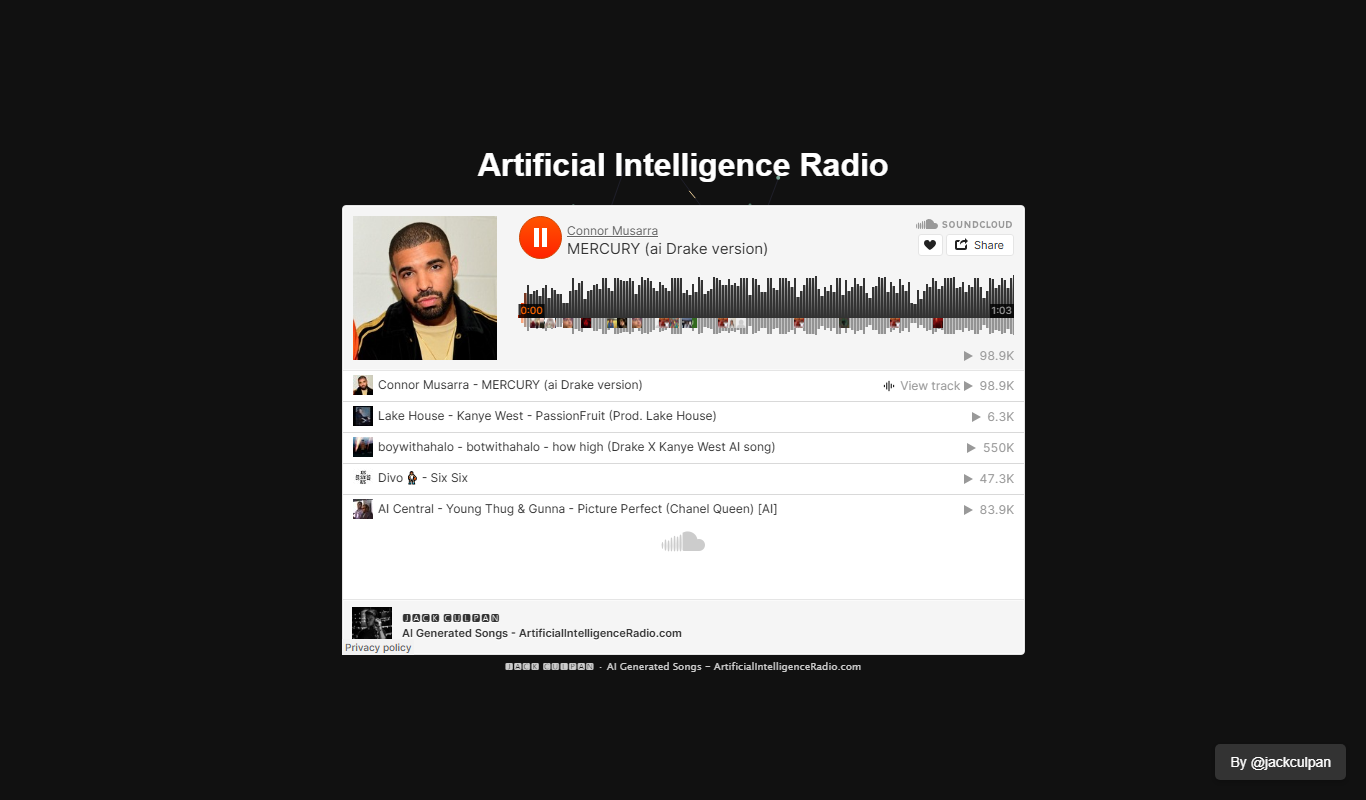
Artificial Intelligence Radio
Artificial Intelligence Radio is a free podcast offering expert interviews, AI news, and insights to keep listeners informed about artificial intelligence developments.
Free
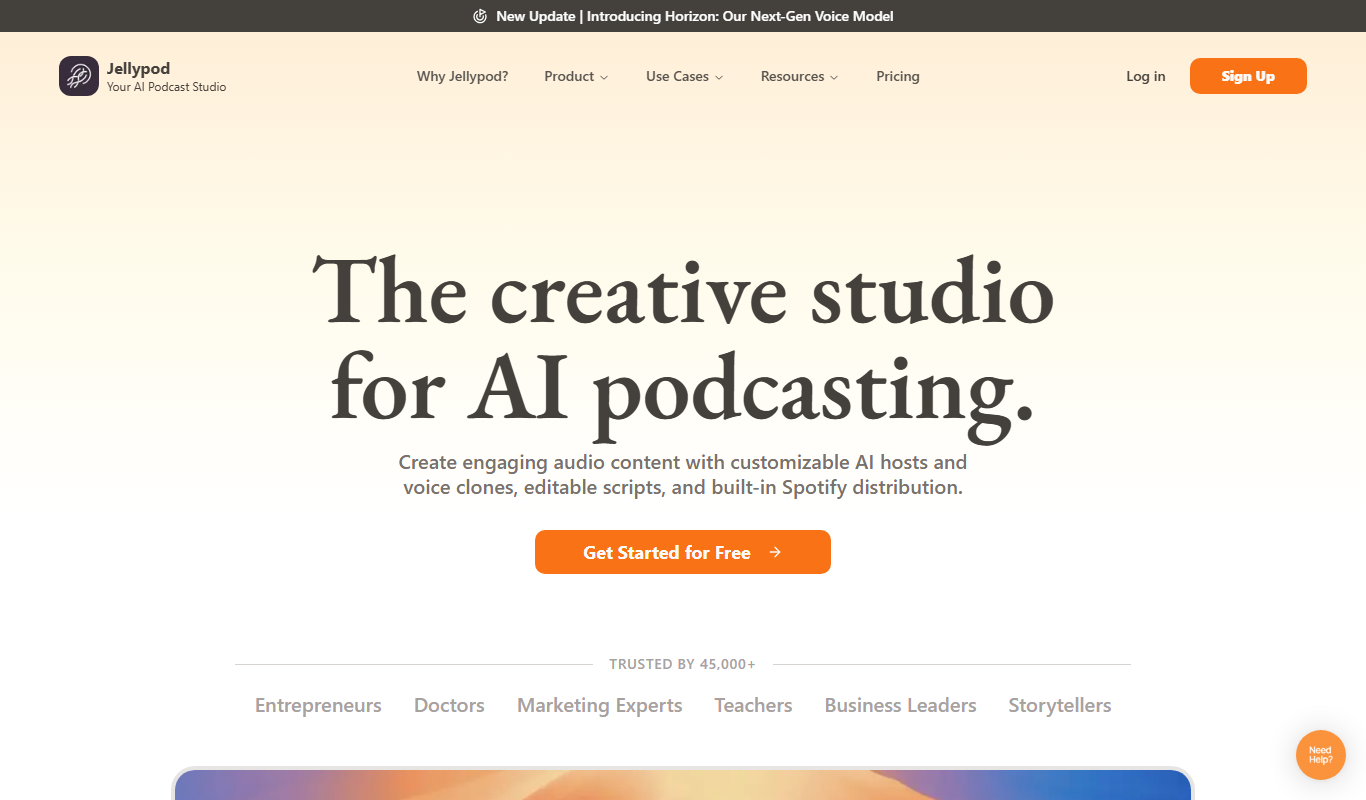
Jellypod
Jellypod is an AI-driven podcast creation and editing tool that automates audio production by converting scripts into natural-sounding podcasts with customizable AI voices and built-in editing features.

Freemium
PodfyAI – The Platform for Creators and Agencies
PodfyAI is a web-based AI podcast editing platform that automates filler word removal, noise reduction, and audio leveling to help creators and agencies produce professional podcast episodes efficiently.

Free Trial
Podify.io
Podify.io is a podcast hosting platform that provides unlimited storage, advanced analytics, automatic distribution to major directories, and monetization tools to help podcasters grow and monetize their audience.

Free
Opinion Stage AI
Opinion Stage AI is a platform for creating interactive polls, quizzes, and surveys that help marketers and businesses engage audiences and generate leads with AI-powered content optimization.

Free
Edit in PPT
Edit in PPT is a web-based AI tool that enables users to upload PowerPoint files and edit slide content using GPT-powered rewriting and optimization features.