

From my experience with Textio, I found it excels at providing real-time, data-driven writing guidance that helps improve business communications significantly. Its focus on inclusive language and predictive analytics makes it particularly valuable for HR and marketing teams aiming to craft compelling, bias-free content. However, the platform’s enterprise pricing and English-only support may limit accessibility for smaller businesses or multilingual teams. Overall, if your goal is to enhance clarity and engagement in professional writing, Textio offers a robust, insightful solution.
Textio AI Writing Platform for Enhanced Business Communication
Textio is an AI-powered augmented writing platform that helps businesses improve communication by providing real-time feedback, inclusive language suggestions, and predictive analytics to optimize writing effectiveness.
- Best for
- Job Description Writing
- Key capability
- Real-Time Writing Guidance

Do you recommend this tool?
What is Textio?
Textio is an augmented writing platform that uses artificial intelligence to help users craft more effective, inclusive, and engaging business communications. It provides real-time guidance and predictive analytics to improve the language in job descriptions, emails, marketing content, and other professional documents. By analyzing millions of data points, Textio highlights language patterns that impact reader response and suggests improvements to optimize outcomes.
Key features of Textio
Textio offers real-time writing guidance, predictive scoring, inclusive language suggestions, and analytics dashboards. It integrates with common business tools and provides API access for enterprise workflows. The platform focuses on reducing bias and improving engagement through data-driven language insights.
Real-Time Writing Guidance
Instant feedback on word choice, tone, and inclusivity to improve your writing as you type.
Predictive Scoring
A predictive score estimates how well your text will perform with your target audience.
Inclusive Language Suggestions
Highlights potentially biased or exclusive language and offers alternatives to foster diversity.
Analytics Dashboard
Visualize writing trends and effectiveness across teams and documents.
Integration and API Access
Seamlessly connect Textio with existing HR and communication platforms for streamlined workflows.
Pros and cons of Textio
Pros
- Provides actionable, data-driven writing guidance
- Helps reduce bias and promote inclusive language
- Improves engagement and response rates
- Integrates well with enterprise workflows
- User-friendly interface with real-time feedback
Cons
- Limited to English language support
- Pricing is not transparent and targets enterprises
- May require training to fully leverage analytics features
Key use cases for Textio
Job Description Writing
Improve clarity, inclusivity, and appeal of job postings to attract diverse candidates.
Business Communication
Enhance emails, proposals, and reports with real-time guidance to increase impact and engagement.
Marketing Content Optimization
Refine marketing copy to better resonate with target audiences and improve conversion rates.
Recruitment Messaging
Craft personalized and effective recruitment messages that reduce bias and improve candidate response.
Internal Collaboration
Support teams with consistent, clear, and inclusive language across internal documents and communications.
How Textio works
- 1
Create an Account
Sign up on Textio’s website to access the platform.
- 2
Input Your Text
Paste or write your document, such as a job description or email, into the editor.
- 3
Receive Real-Time Feedback
Textio analyzes your text and highlights areas for improvement with suggestions.
- 4
Apply Suggestions
Incorporate recommended changes to enhance clarity, inclusivity, and engagement.
- 5
Track Performance
Use analytics dashboards to monitor how your writing performs over time and adjust accordingly.
Who is using Textio
Human resources teams
Recruiters and talent acquisition professionals
Marketing and communications teams
Business leaders focused on diversity and inclusion
Content creators in corporate environments
Textio pricing
Enterprise
Custom pricing
Tailored solutions for large organizations with advanced features and support.
Plans and prices are as published by the vendor and can change. Check the official site before you buy. Open the pricing page (opens in a new tab)
Frequently asked questions about Textio
Textio is designed for business communications including job descriptions, emails, marketing copy, and internal documents.
Currently, Textio supports English language only.
Yes, Textio offers API access and integrations with common HR and communication tools.
Textio primarily offers enterprise subscription plans; a free trial may be available upon request.
This tool is designed to help users accomplish its core tasks more efficiently. It is typically used by individuals or teams looking to improve productivity and workflow.
It depends on your specific needs and how you plan to use the tool. The official website and documentation are the best sources for the latest details.
Yes, it can help with that use case depending on how you configure it and what features are available. You’ll get the best results with clear inputs and a defined goal.
It depends on your specific needs and how you plan to use the tool. The official website and documentation are the best sources for the latest details.
Sign in to review this tool.
Sign In to ReviewNo reviews yet
Be the first to share how this tool worked for you.
Ask about pricing, limits, or how it compares — or answer someone else.
Sign In to AskNo questions yet
Have a question about using or paying for this tool? Be the first to ask.
Featured on TiorAI



More AI Copywriting tools
Other tools in the same category, for when this one is not quite the fit.

Free
Copy.ai
Copy.ai is an AI copywriting platform that generates marketing content, social media posts, product descriptions, and blog ideas to help users create content faster and more efficiently.

Free Trial
Jasper AI
Jasper AI is an AI-powered writing assistant that generates marketing copy, blog posts, and other content types using advanced natural language processing, supporting multiple languages and SEO optimization.
Freemium
ErgoAI
ErgoAI is an AI writing assistant designed to help users generate, edit, and optimize written content efficiently, with features like grammar correction and SEO optimization.

Freemium
Karriereguru
Karriereguru is an AI-driven platform that helps job seekers in Germany create optimized resumes and cover letters, providing personalized career advice and interview preparation.
Free
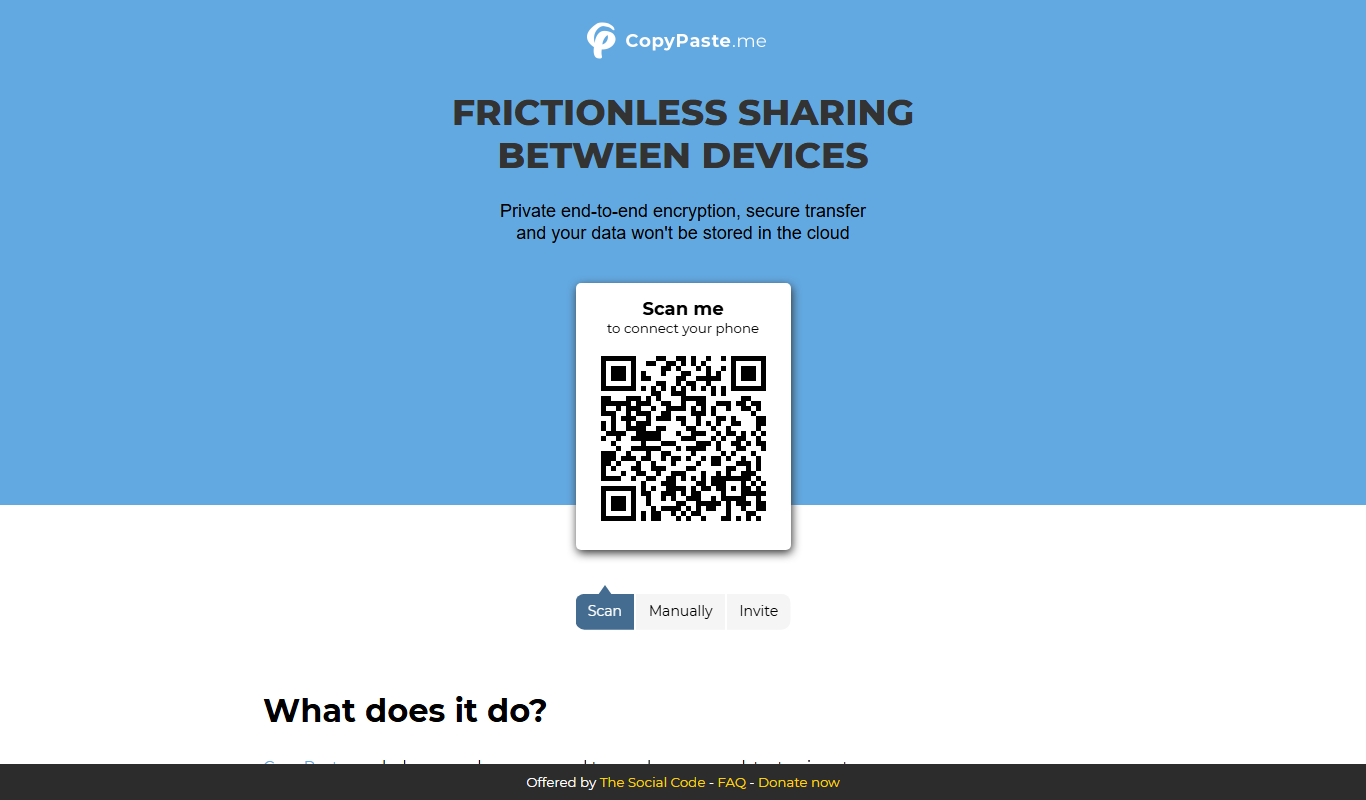
CopyPaste.me
CopyPaste.me is an AI-powered web tool that helps users generate and rewrite text content quickly and easily, supporting content creation, paraphrasing, and SEO optimization.
Free Trial
Grapevine Logic
Grapevine Logic is an AI writing assistant that helps users generate and optimize written content for marketing, blogging, and SEO purposes through an easy-to-use web platform.

Freemium
Cake
Cake is an AI writing assistant that helps generate, edit, and optimize written content for blogs, marketing, and SEO purposes.

Free
Paraphrase Online
Paraphrase Online is a free web-based AI tool that helps users rewrite and rephrase English text instantly without registration.