

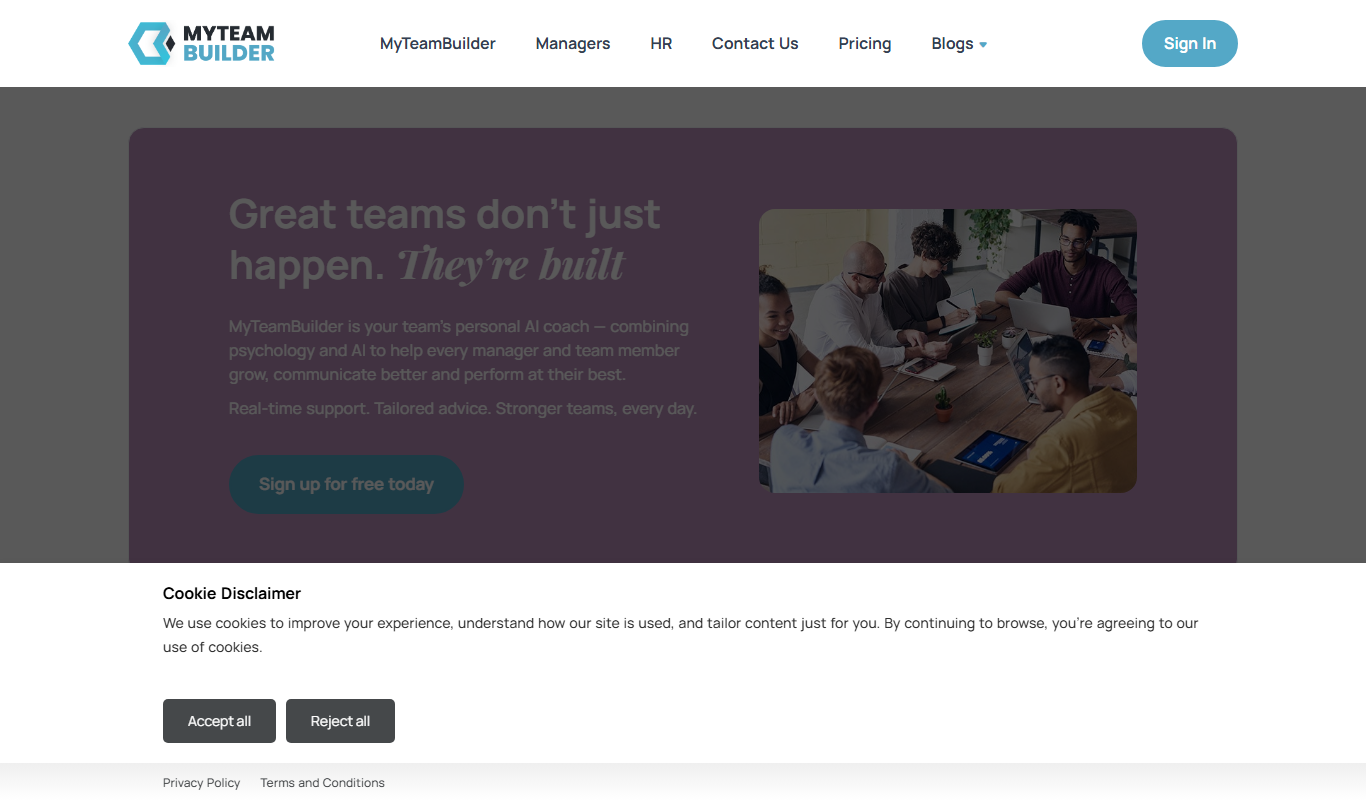
From my experience with Team Assessment, I found it excels at providing clear, actionable insights into employee engagement and team performance through customizable surveys and intuitive dashboards. After spending time with the platform, I can say it’s particularly well-suited for HR professionals and team managers looking to improve workplace culture and productivity, especially in remote or hybrid environments. However, there’s a trade-off: the lack of a dedicated mobile app and limited integration options may restrict flexibility for some organizations. Overall, if you need a straightforward tool to assess and enhance team dynamics, Team Assessment delivers solid results.
Team Assessment Software for Employee Performance and Engagement Insights
Team Assessment is a web platform that helps organizations evaluate employee performance and engagement through customizable surveys and analytics dashboards.
- Best for
- Employee Performance Evaluation
- Key capability
- Customizable Surveys

Do you recommend this tool?
What is Team Assessment?
Team Assessment is a web-based software platform designed to help organizations measure and improve employee performance, engagement, and team dynamics. It provides managers and HR professionals with actionable insights through surveys and analytics, enabling data-driven decisions to enhance workplace productivity and culture.
Key features of Team Assessment
The platform offers features such as customizable team surveys, real-time analytics dashboards, engagement scoring, performance tracking, and detailed reporting. These tools help identify strengths and weaknesses within teams and guide targeted interventions.
Customizable Surveys
Create tailored surveys to capture specific team and organizational needs.
Real-Time Analytics Dashboard
Visualize team performance and engagement data instantly for quick decision-making.
Engagement Scoring
Quantify employee engagement levels to identify trends and areas for improvement.
Detailed Reporting
Generate comprehensive reports to share insights with stakeholders.
Actionable Insights
Receive recommendations based on data to improve team dynamics and leadership.
Pros and cons of Team Assessment
Pros
- User-friendly interface with clear analytics
- Customizable surveys tailored to team needs
- Supports remote and hybrid team assessments
Cons
- No dedicated mobile app available
- Pricing details require direct contact
- Limited integration options with other software
Key use cases for Team Assessment
Employee Performance Evaluation
Helps managers and HR teams evaluate individual and team performance through data-driven insights.
Team Engagement Monitoring
Measures employee engagement levels to identify areas for improvement and boost morale.
Leadership Development
Provides actionable feedback to support leadership growth and improve team management skills.
Workplace Culture Analysis
Analyzes team dynamics and culture to foster a positive and productive work environment.
Remote Team Management
Supports remote and hybrid teams by offering tools to assess collaboration and communication effectiveness.
How Team Assessment works
- 1
Create an Account
Sign up on the Team Assessment website to start using the platform.
- 2
Set Up Team Surveys
Customize or select pre-built surveys to assess team performance and engagement.
- 3
Invite Team Members
Send survey invitations to employees to gather feedback and data.
- 4
Analyze Results
Use the dashboard to review analytics, engagement scores, and performance metrics.
- 5
Take Action
Implement improvements based on insights to enhance team collaboration and productivity.
Who is using Team Assessment
HR professionals
Team managers
Small to medium-sized businesses
Remote team leaders
Organizational development consultants
Team Assessment pricing
Free Trial
$0 for 14 days
Access core features to evaluate the platform with limited users.
Professional
Contact for pricing
Full access to all features with scalable user licenses and support.
Plans and prices are as published by the vendor and can change. Check the official site before you buy. Open the pricing page (opens in a new tab)
Frequently asked questions about Team Assessment
Yes, Team Assessment allows you to create and modify surveys to fit your specific team needs.
Currently, Team Assessment is accessible via web browsers; there is no dedicated mobile app.
The platform uses industry-standard security measures to protect your data and ensure privacy.
Integration options are limited; please contact support for specific integration inquiries.
This tool is designed to help users accomplish its core tasks more efficiently. It is typically used by individuals or teams looking to improve productivity and workflow.
It depends on your specific needs and how you plan to use the tool. The official website and documentation are the best sources for the latest details.
This tool is designed to help users accomplish its core tasks more efficiently. It is typically used by individuals or teams looking to improve productivity and workflow.
Sign in to review this tool.
Sign In to ReviewNo reviews yet
Be the first to share how this tool worked for you.
Ask about pricing, limits, or how it compares — or answer someone else.
Sign In to AskNo questions yet
Have a question about using or paying for this tool? Be the first to ask.
Featured on TiorAI



More AI Analytics Tools tools
Other tools in the same category, for when this one is not quite the fit.
Custom Pricing
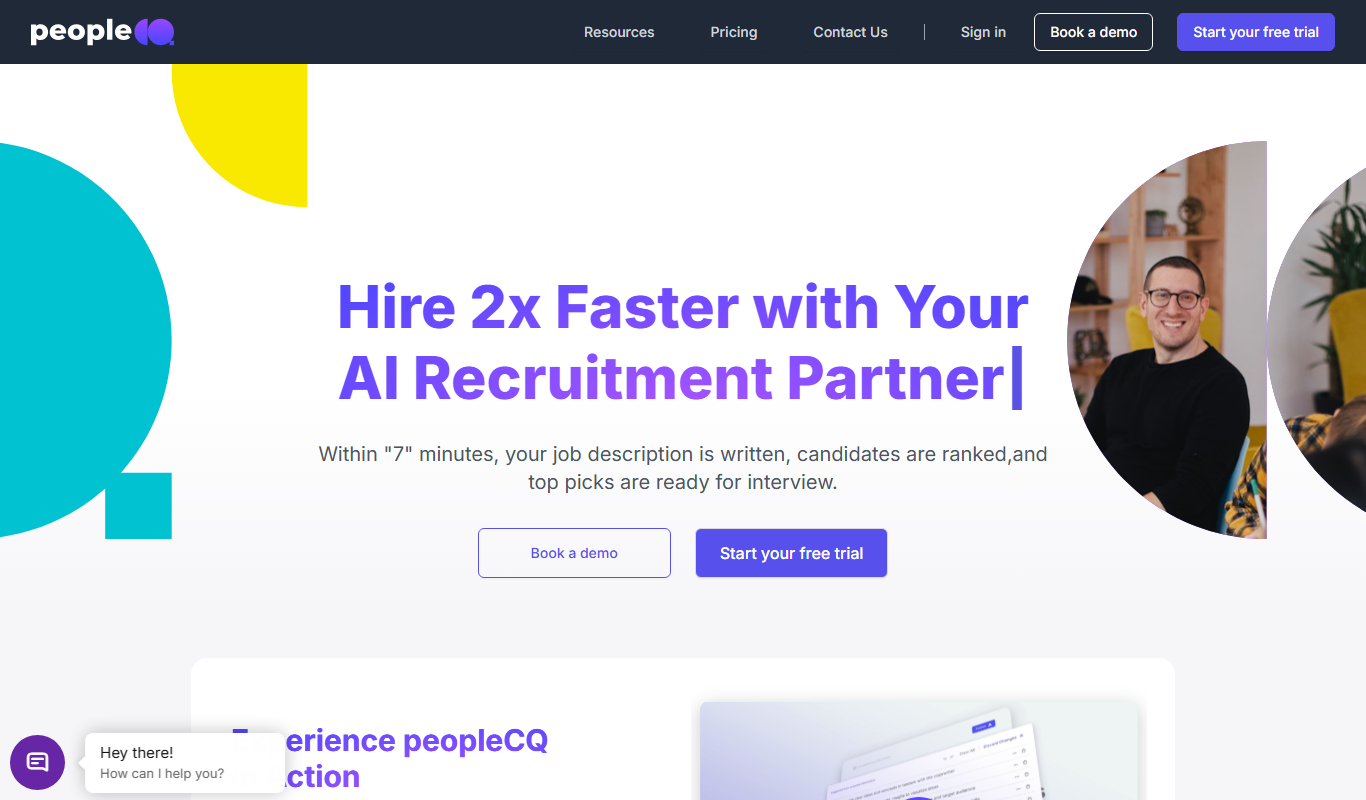
peopleCQ
peopleCQ is an employee experience platform that helps organizations collect continuous employee feedback, analyze workforce data, and improve engagement through actionable insights.
Contact for pricing
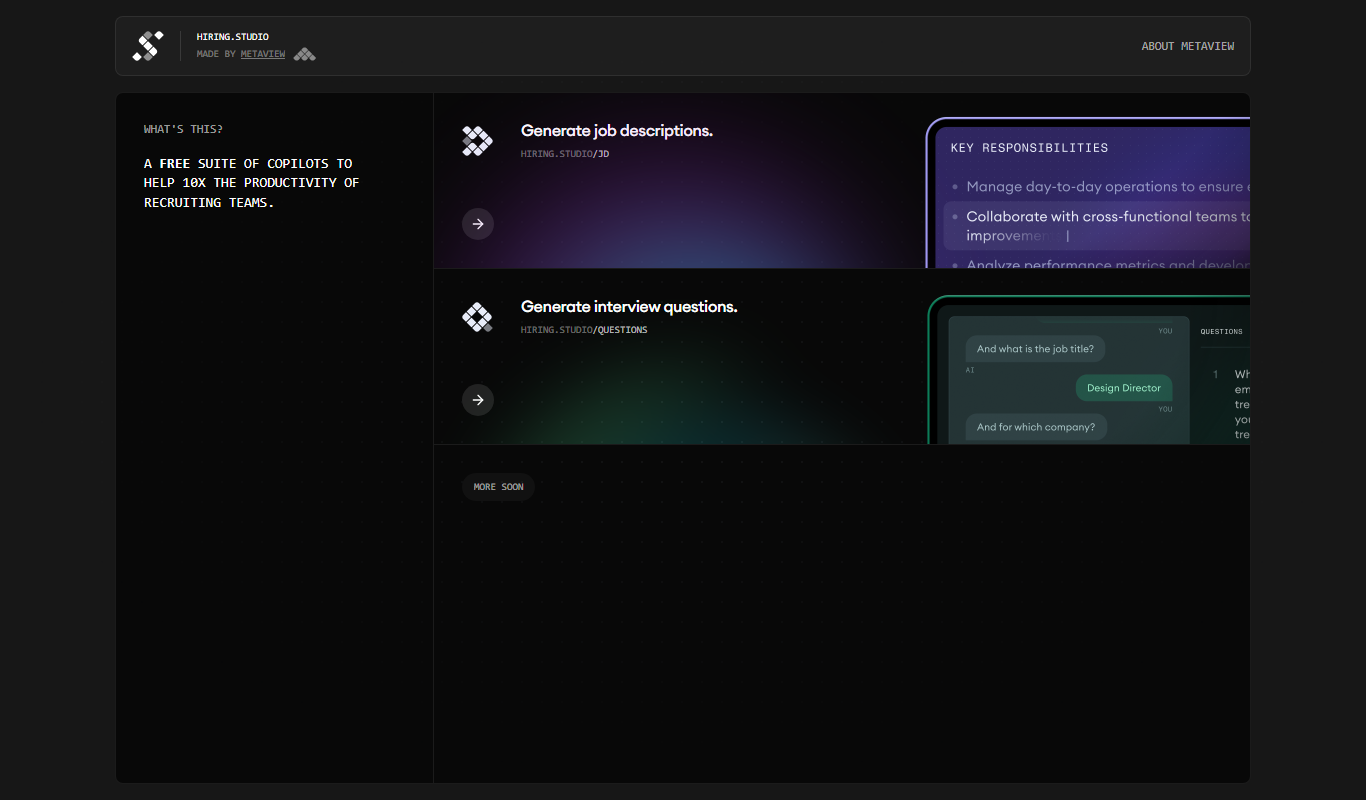
hiring.studio by Metaview
Hiring.Studio by Metaview is an AI-powered platform that records, transcribes, and analyzes video interviews to help companies reduce bias and improve hiring decisions through data-driven insights.
Contact for pricing
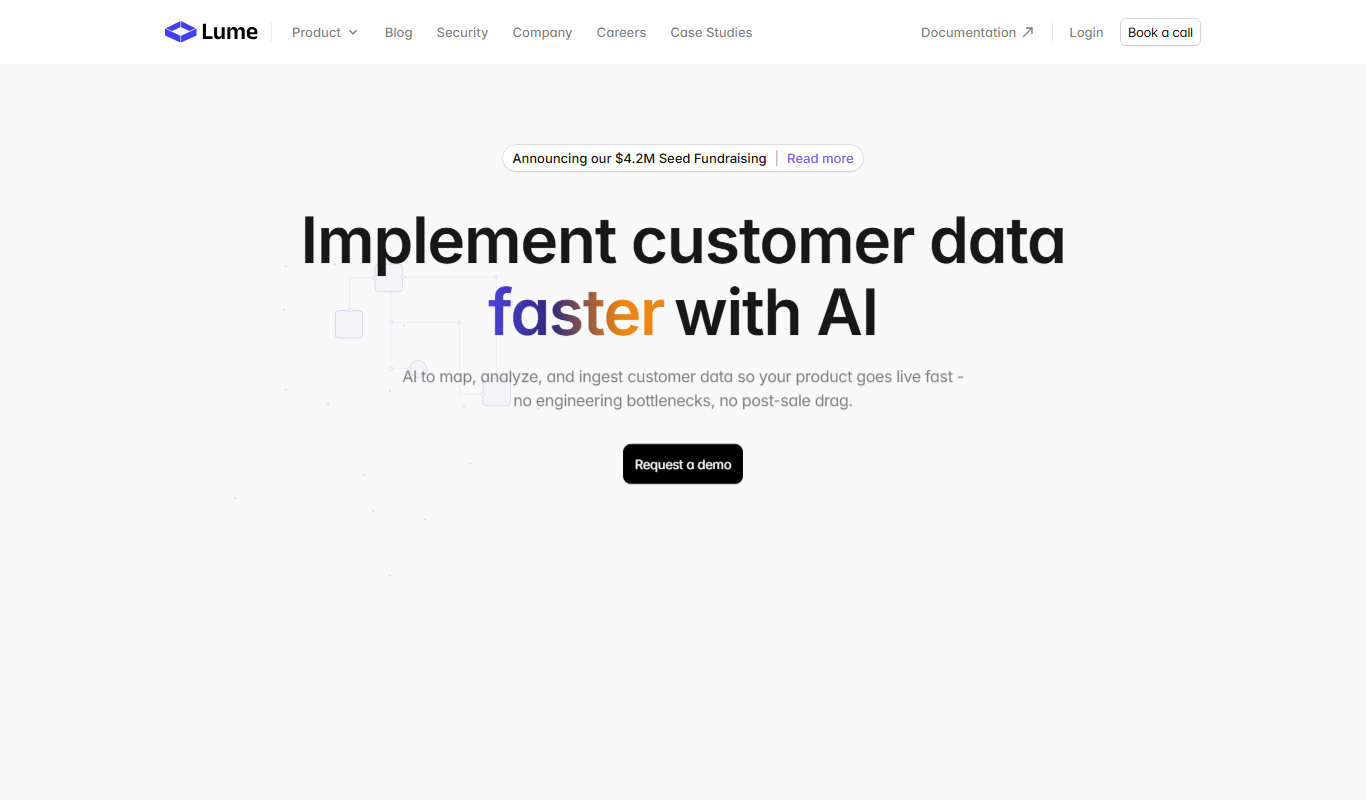
Lume
Lume is an AI platform that provides real-time 3D human pose estimation and motion analytics from standard video, enabling applications in sports, healthcare, animation, and workplace safety.

Freemium
Culture Counter
Culture Counter is a web app that enables organizations to measure, track, and improve workplace diversity and inclusion through customizable metrics, data visualization, and benchmarking tools.