

From my experience with Talking Tree, I found it excels at enabling immersive, audio-based interactive storytelling that is both intuitive and engaging. The ability to create branching narratives with voice recordings adds a unique dimension to storytelling that text alone cannot provide. After spending time with the platform, I can say it’s particularly well-suited for creative writers, educators, and content creators looking for collaborative and multimedia storytelling tools. However, there’s a trade-off: the free plan limits features and the app currently supports only English, which might restrict some users. Overall, if you want to craft or collaborate on interactive audio stories, Talking Tree delivers a solid and accessible experience.
Talking Tree App for Interactive Storytelling and Audio Conversations
Talking Tree is an interactive storytelling app that lets users create and share branching audio stories with collaborative features on web and mobile platforms.
- Best for
- Interactive Story Creation
- Key capability
- Audio-Based Story Nodes
Save Talking Tree, follow its updates and vote on it — everything stays in your account.
Sign in or create a free account
What is Talking Tree?
Talking Tree is an interactive storytelling platform that allows users to create, share, and explore stories using a combination of audio and text. It enables branching narratives where users can record voice notes and link story nodes, creating immersive and collaborative storytelling experiences.
Key features of Talking Tree
The app offers features such as audio recording for story nodes, branching story paths, collaborative story creation, and an intuitive interface for both creators and listeners to engage with interactive narratives.
Audio-Based Story Nodes
Record and embed voice notes directly into story segments for immersive storytelling.
Branching Narrative Structure
Create multiple story paths that users can explore, enhancing interactivity.
Collaborative Storytelling
Multiple users can contribute to and expand stories asynchronously.
Cross-Platform Accessibility
Available on web, iOS, and Android devices for easy access anywhere.
Pros and cons of Talking Tree
Pros
- Intuitive interface for creating audio-based stories
- Supports branching narratives for interactive experiences
- Cross-platform availability on web and mobile
- Facilitates asynchronous collaboration
Cons
- Limited free plan features
- Currently supports only English language
- No offline mode for story creation
Key use cases for Talking Tree
Interactive Story Creation
Users can create branching stories with audio and text, enabling immersive narrative experiences.
Collaborative Audio Conversations
Facilitates asynchronous audio conversations between users, useful for storytelling or discussions.
Creative Writing and Brainstorming
Writers and creators use the app to brainstorm ideas and develop stories with multimedia elements.
Educational Storytelling
Teachers and educators can use Talking Tree to engage students with interactive audio stories.
How Talking Tree works
- 1
Create an Account
Sign up on the Talking Tree app via web or mobile to start creating stories.
- 2
Record Audio Nodes
Add voice recordings to individual story nodes to build your narrative.
- 3
Link Story Branches
Connect nodes to create branching paths, allowing multiple story outcomes.
- 4
Share and Collaborate
Invite others to listen, contribute, or co-create stories asynchronously.
Who is using Talking Tree
Talking Tree pricing
Free
$0/month
Basic features with limited story nodes and recordings.
Pro
$9.99/month
Unlimited story nodes, longer recordings, and advanced collaboration tools.
Plans and prices are as published by the vendor and can change. Check the official site before you buy. Open the pricing page (opens in a new tab)
Frequently asked questions about Talking Tree
Yes, there is a free plan that allows you to create stories with some limitations.
Yes, the app is available on both iOS and Android platforms.
Yes, Talking Tree supports asynchronous collaboration among users.
It depends on your specific needs and how you plan to use the tool. The official website and documentation are the best sources for the latest details.
Some tools offer a free plan or trial with limited features. Availability can vary, so confirm on the official website.
Yes, it can help with that use case depending on how you configure it and what features are available. You’ll get the best results with clear inputs and a defined goal.
Sign in to review this tool.
Sign In to ReviewNo reviews yet
Be the first to share how this tool worked for you.
Ask about pricing, limits, or how it compares — or answer someone else.
Sign In to AskNo questions yet
Have a question about using or paying for this tool? Be the first to ask.
Featured on TiorAI



More AI Writing & Content Tools tools
Other tools in the same category, for when this one is not quite the fit.

Mindtrip
Mindtrip is an AI-powered writing assistant designed to help users generate creative stories, content ideas, and improve writing flow through AI-driven prompts and text generation.
Uwillfly
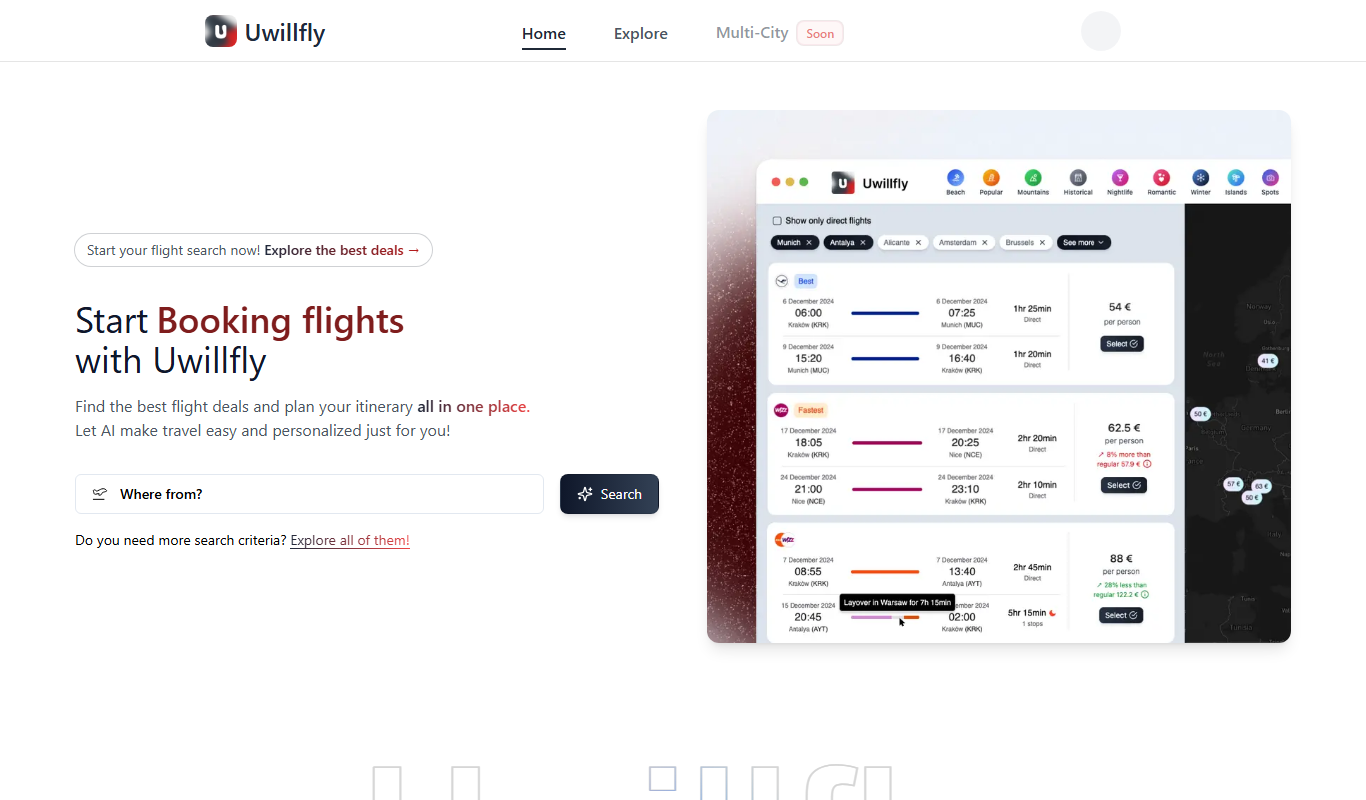
Uwillfly is an AI-powered writing assistant that generates SEO-optimized articles, marketing copy, and content in English and Chinese to help marketers and writers create content faster.

yonderhq.com
YonderHQ is a web-based AI-powered platform that helps marketing teams plan, organize, and collaborate on content strategies efficiently with features like AI content ideation, content calendars, and task management.

Explra
Explra is an AI-powered writing assistant designed to help marketers and content creators generate SEO-friendly content quickly and efficiently.

AI Listify
AI Listify is an AI-driven tool that generates structured lists for content marketing, SEO, and idea organization, helping users create engaging and readable lists quickly.

iSamurai
iSamurai is an AI-powered writing assistant that generates SEO-friendly content including blog posts and marketing copy to help businesses and creators save time and improve content quality.

SAiY™
SAiY™ is an AI-powered writing assistant that helps users generate and improve written content efficiently with features like AI content generation, real-time editing, and customizable writing styles.

Textie AI
Textie AI is a web-based AI writing assistant that helps users generate and edit content such as blog posts, emails, and social media posts by leveraging natural language processing technology.