

From my experience with Synthesis AI, the platform stands out for its ability to generate highly realistic synthetic videos without the need for traditional filming setups. This makes it an excellent choice for enterprises and marketing teams looking to scale video content production efficiently. The customizable avatars and multi-language support add valuable flexibility for global campaigns. However, the platform’s pricing and enterprise focus may limit accessibility for smaller businesses or individual creators. Overall, if your goal is to automate video creation with professional synthetic avatars, Synthesis AI offers a robust and scalable solution.
Synthesis AI Platform for Automated Video Creation and Content Generation
Synthesis AI is a platform that uses artificial intelligence to generate realistic synthetic videos featuring customizable human avatars, enabling automated video content creation without traditional filming.
- Best for
- Automated Video Content Creation
- Key capability
- Realistic Synthetic Avatars
Your actions
Save synthesis.com, follow its updates and vote on it — everything stays in your account.
Sign in or create a free account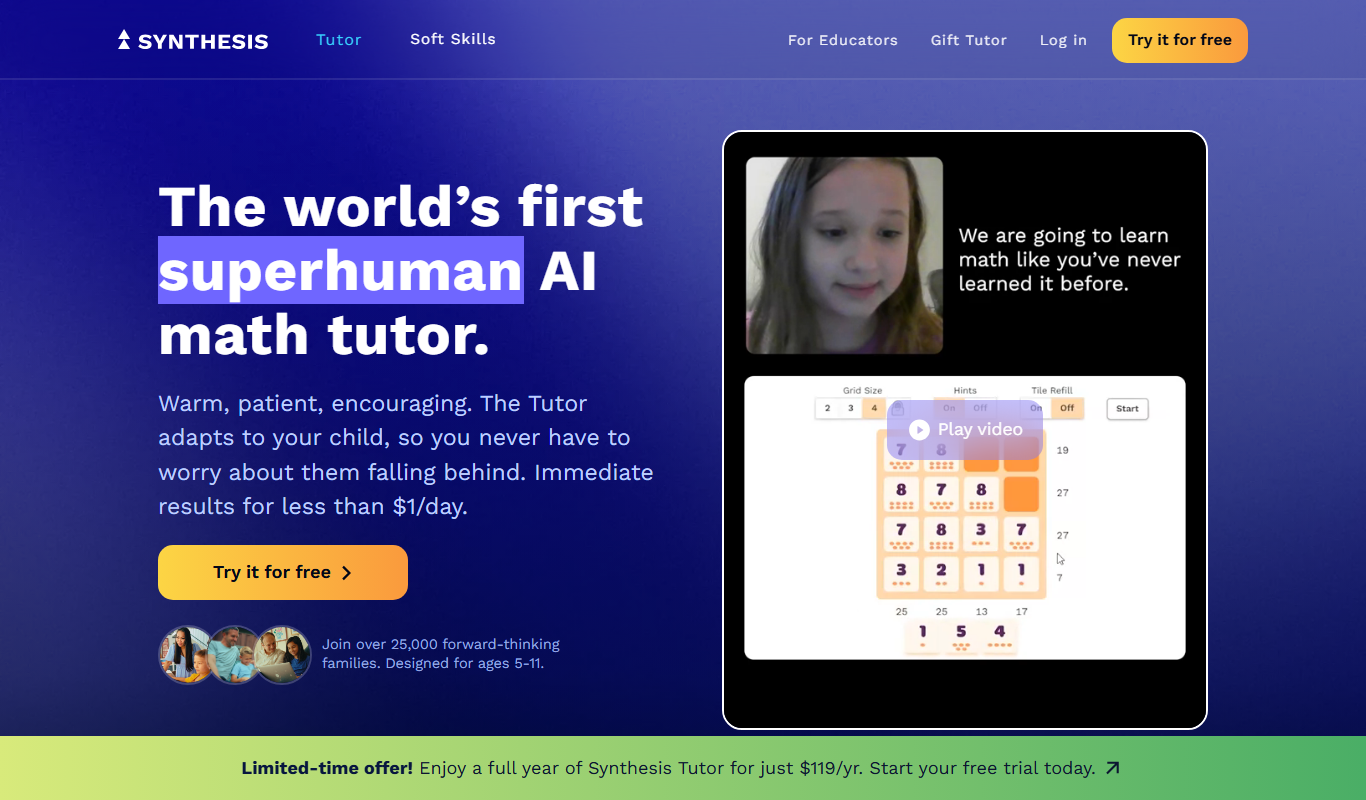

What is synthesis.com?
Synthesis AI is a platform that leverages artificial intelligence to generate synthetic videos featuring realistic human avatars. It enables users to create high-quality video content without traditional filming, using AI to synthesize speech, facial expressions, and gestures. This technology is designed to streamline video production workflows, reduce costs, and enable scalable personalized video content.
Key features of synthesis.com
The platform offers AI-driven video synthesis with customizable avatars, multi-language support, script-to-video conversion, and integration capabilities for seamless content creation and distribution.
Realistic Synthetic Avatars
Create lifelike digital humans that can deliver scripted content naturally.
Multi-language Support
Generate videos in multiple languages with accurate lip-sync and voice synthesis.
Script-to-Video Automation
Convert written scripts directly into engaging video presentations without manual filming.
Scalable Video Production
Produce personalized videos at scale for marketing campaigns and customer engagement.
Integration APIs
Connect the platform with existing workflows and content management systems via APIs.
Pros and cons of synthesis.com
Pros
- Enables high-quality video creation without cameras or actors
- Supports multiple languages and customizable avatars
- Scalable solution for personalized video content
- Reduces production time and costs significantly
Cons
- Pricing is custom and may be expensive for small businesses
- Limited public information on tech stack and detailed features
- Primarily targeted at enterprise users, less accessible for individuals
Key use cases for synthesis.com
Automated Video Content Creation
Create realistic AI-generated videos for marketing, training, and communication without the need for cameras or actors.
Synthetic Human Avatars
Generate lifelike digital avatars that can speak and present content in multiple languages and styles.
Personalized Video Messaging
Produce customized videos at scale for customer engagement, sales outreach, and onboarding.
Training and E-learning Videos
Develop scalable educational content with AI presenters to reduce production costs and time.
How synthesis.com works
- 1
Script Input
Users provide the text or script that the AI avatar will speak in the video.
- 2
Avatar Selection and Customization
Choose from a library of synthetic human avatars or create custom ones to represent the speaker.
- 3
Video Generation
The AI synthesizes the avatar’s speech, facial expressions, and gestures to produce a realistic video.
- 4
Review and Export
Preview the generated video, make adjustments if needed, and export it for use in marketing, training, or communication.
Who is using synthesis.com
Marketing agencies
Corporate training departments
E-learning content creators
Sales and customer engagement teams
Enterprises seeking scalable video production
synthesis.com pricing
Enterprise
Custom pricing
Tailored solutions with dedicated support and volume licensing.
Plans and prices are as published by the vendor and can change. Check the official site before you buy. Open the pricing page (opens in a new tab)
Frequently asked questions about synthesis.com
Yes, Synthesis AI allows creation of custom synthetic avatars tailored to your brand or requirements.
The platform supports multiple languages with accurate speech synthesis and lip-sync.
No, the platform is designed for ease of use, enabling users without video expertise to create content.
Synthesis AI follows industry-standard security practices to protect user data and content.
It depends on your specific needs and how you plan to use the tool. The official website and documentation are the best sources for the latest details.
It depends on your specific needs and how you plan to use the tool. The official website and documentation are the best sources for the latest details.
Yes, it can help with that use case depending on how you configure it and what features are available. You’ll get the best results with clear inputs and a defined goal.
It depends on your specific needs and how you plan to use the tool. The official website and documentation are the best sources for the latest details.
Sign in to review this tool.
Sign In to ReviewNo reviews yet
Be the first to share how this tool worked for you.
Ask about pricing, limits, or how it compares — or answer someone else.
Sign In to AskNo questions yet
Have a question about using or paying for this tool? Be the first to ask.
Featured on TiorAI



More AI Coaching tools
Other tools in the same category, for when this one is not quite the fit.

Enterprise
BetterUp
BetterUp is a digital coaching platform for organizations that combines certified human coaches with AI-powered insights to support leadership development, mental fitness, and career growth.
Free
Speeko
Speeko is an AI-powered speech coaching tool that analyzes your voice recordings to provide personalized feedback on public speaking and communication skills, helping you improve pace, tone, and clarity.

Custom Pricing
salesken.ai
Salesken.ai is an AI-powered sales coaching platform that provides real-time guidance during calls, conversation analytics, and performance tracking to help sales teams improve effectiveness and close deals faster.

Free
LoveGenius
LoveGenius writes dating profiles and opening lines for dating apps.

Free Trial
Interviews Pilot
Interviews Pilot is an AI-driven platform that helps job seekers practice interviews by simulating realistic questions and providing personalized feedback to improve performance.
Free
mycoachai.com
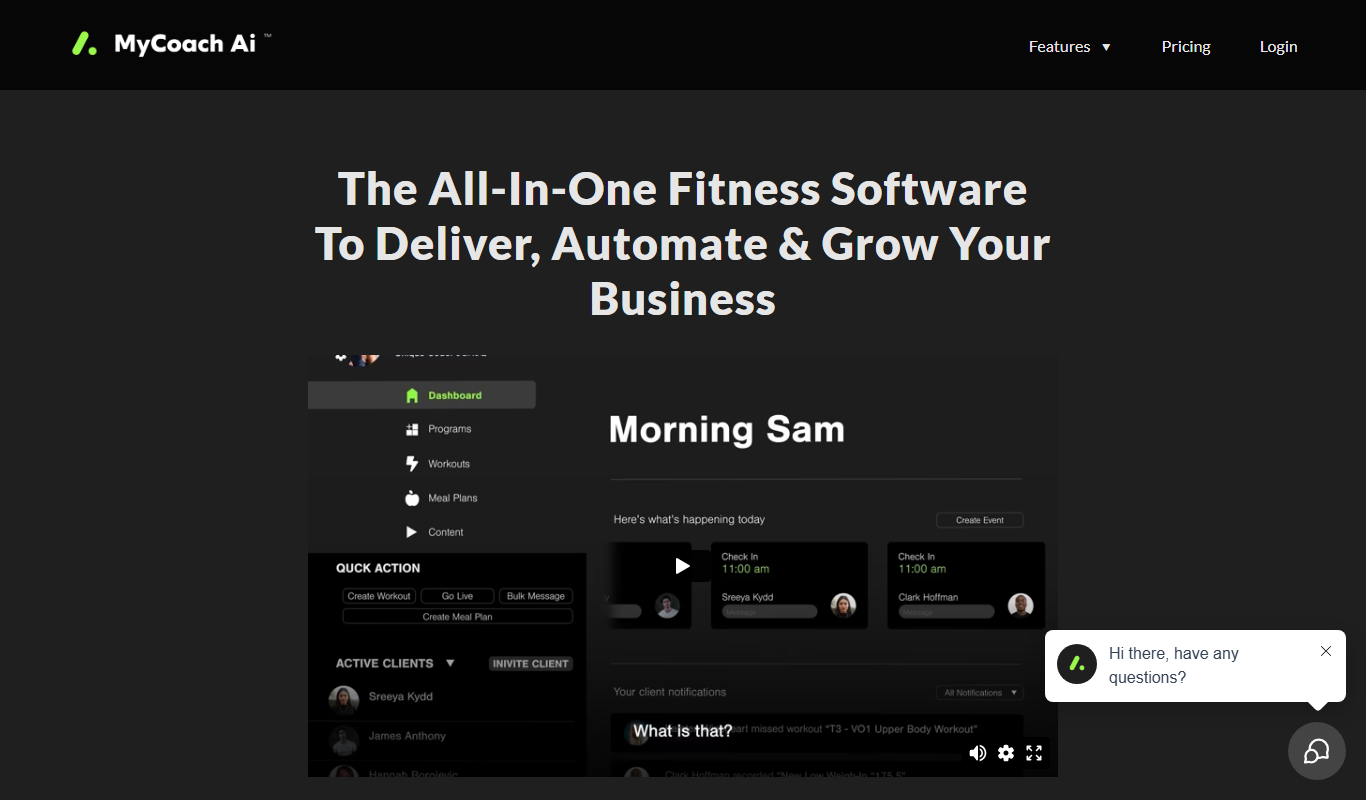
MyCoachAI is an AI-powered personal coaching platform that helps users set and achieve goals, track habits, and receive motivational support through personalized coaching prompts.
Freemium
Careerfornia
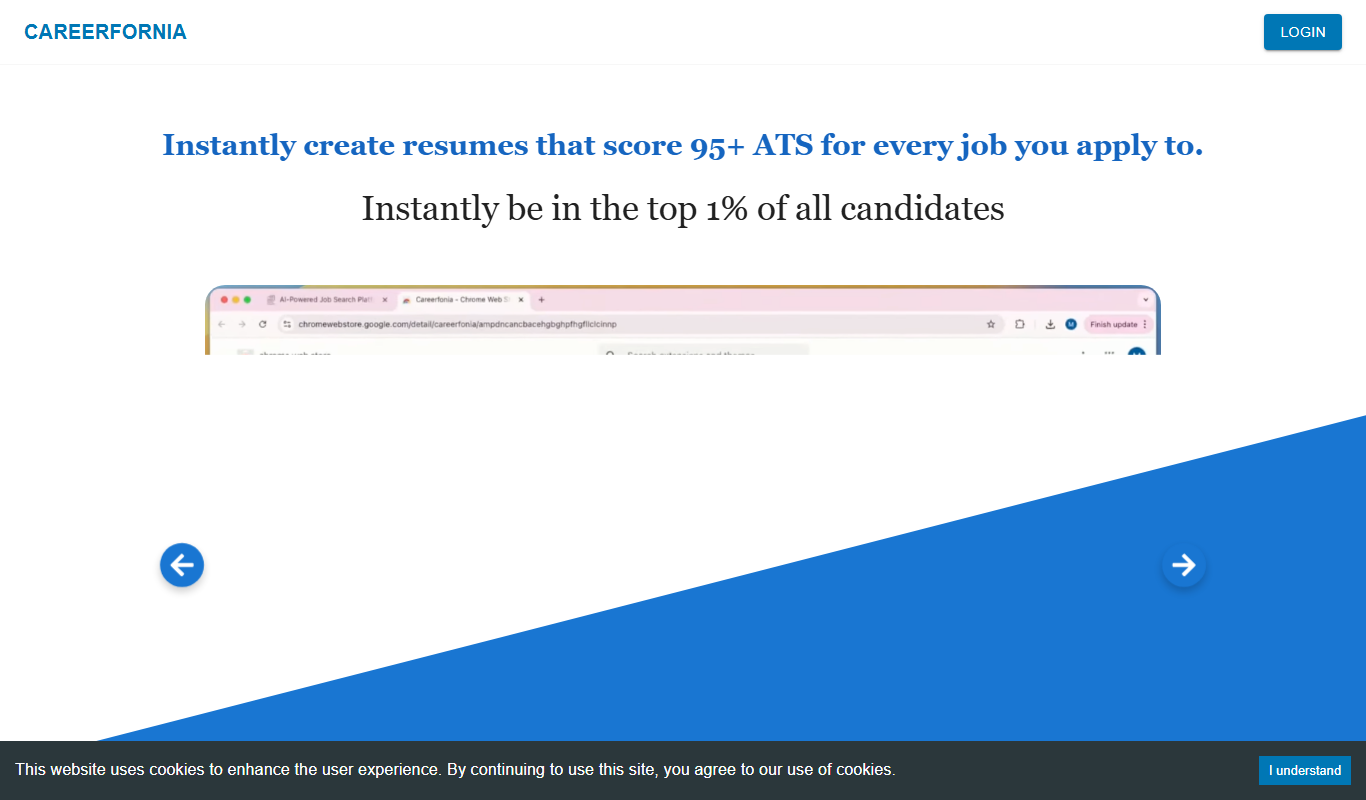
Careerfornia is an AI-driven career coaching platform that helps users with personalized job search strategies, resume building, interview preparation, and skill development recommendations.

Free Trial
Raise
Raise is an AI-driven sales coaching platform that provides real-time feedback during sales calls, integrates with CRMs, and offers analytics to improve sales performance.