

From my experience with Switch Off, I found it excels at providing a straightforward and effective way to reduce smartphone distractions through customizable app blocking and focus sessions. The inclusion of parental controls adds valuable functionality for families aiming to manage screen time. While the free version offers useful basics, upgrading to premium unlocks more detailed analytics and unlimited sessions, which is beneficial for serious users. However, the lack of desktop or web versions limits cross-device usage. Overall, if you want a simple, India-based app to help with digital detox and improve focus, Switch Off delivers practical tools with an easy-to-use interface.
Switch Off App for Digital Detox and Focus Enhancement in India
Switch Off is a mobile app designed to help users reduce screen time and distractions by blocking apps and notifications, scheduling focus sessions, and providing parental controls.
- Best for
- Digital Detox
- Key capability
- App Blocking


What is Switch Off?
Switch Off is a mobile application designed to help users manage their digital habits by limiting distractions from smartphones. It provides tools for digital detox, focus enhancement, and mindfulness by allowing users to block apps, schedule focus sessions, and monitor screen time. The app aims to promote healthier device usage and improve mental wellbeing.
Key features of Switch Off
Key features include app blocking, focus mode scheduling, usage analytics, and parental controls. The app supports customizable sessions to help users disconnect from distracting apps and notifications, fostering better concentration and reduced screen addiction.
App Blocking
Block distracting apps temporarily during focus or detox sessions.
Focus Mode Scheduling
Schedule recurring focus sessions to build consistent digital habits.
Usage Analytics
Track daily and weekly screen time and app usage statistics.
Parental Controls
Manage and limit app usage on children's devices for healthier digital habits.
Notification Management
Silence or block notifications during focus sessions to minimize interruptions.
Pros and cons of Switch Off
Pros
- Simple and intuitive interface for easy setup
- Effective app blocking and focus scheduling
- Includes parental control features
- Supports both Android and iOS platforms
Cons
- Limited features in the free version
- No desktop or web platform available
Key use cases for Switch Off
Digital Detox
Helps users reduce screen time by blocking distracting apps and notifications.
Focus Enhancement
Enables users to create focus sessions to improve concentration and productivity.
Mindfulness and Wellbeing
Supports mental wellness by encouraging breaks from digital devices.
Parental Control
Allows parents to manage and limit their children's app usage for healthier habits.
How Switch Off works
-
1
Download and Install
Get the Switch Off app from Google Play Store or Apple App Store and install it on your device.
-
2
Set Up Focus Sessions
Create customized focus or detox sessions by selecting apps to block and scheduling times.
-
3
Activate Sessions
Start the focus session to block selected apps and notifications, helping you stay distraction-free.
-
4
Monitor Usage
Review detailed analytics on your screen time and app usage to track progress.
Who is using Switch Off
Individuals seeking digital detox
Students and professionals needing focus tools
Parents wanting to control children's screen time
Wellness and mindfulness enthusiasts
Switch Off pricing
Free
$0/month
Basic app blocking and focus sessions with limited features.
Premium
$4.99/month
Unlock advanced features like unlimited sessions, detailed analytics, and parental controls.
Plans and prices are as published by the vendor and can change. Check the official site before you buy. Open the pricing page (opens in a new tab)
Frequently asked questions about Switch Off
Yes, Switch Off is available for download on both Android and iOS devices.
Yes, you can select specific apps to block during your focus or detox sessions.
Yes, the app includes parental control features to help manage children’s device usage.
Yes, Switch Off offers a free version with basic features and a premium subscription for advanced options.
Yes, it can help with that use case depending on how you configure it and what features are available. You’ll get the best results with clear inputs and a defined goal.
Some tools offer a free plan or trial with limited features. Availability can vary, so confirm on the official website.
Yes, it can help with that use case depending on how you configure it and what features are available. You’ll get the best results with clear inputs and a defined goal.
Yes, it can help with that use case depending on how you configure it and what features are available. You’ll get the best results with clear inputs and a defined goal.
Sign in to review this tool.
Sign In to ReviewNo reviews yet
Be the first to share how this tool worked for you.
Ask about pricing, limits, or how it compares — or answer someone else.
Sign In to AskNo questions yet
Have a question about using or paying for this tool? Be the first to ask.
Featured on TiorAI



Alternative Tools
Explore similar AI tools that might fit your needs
Free
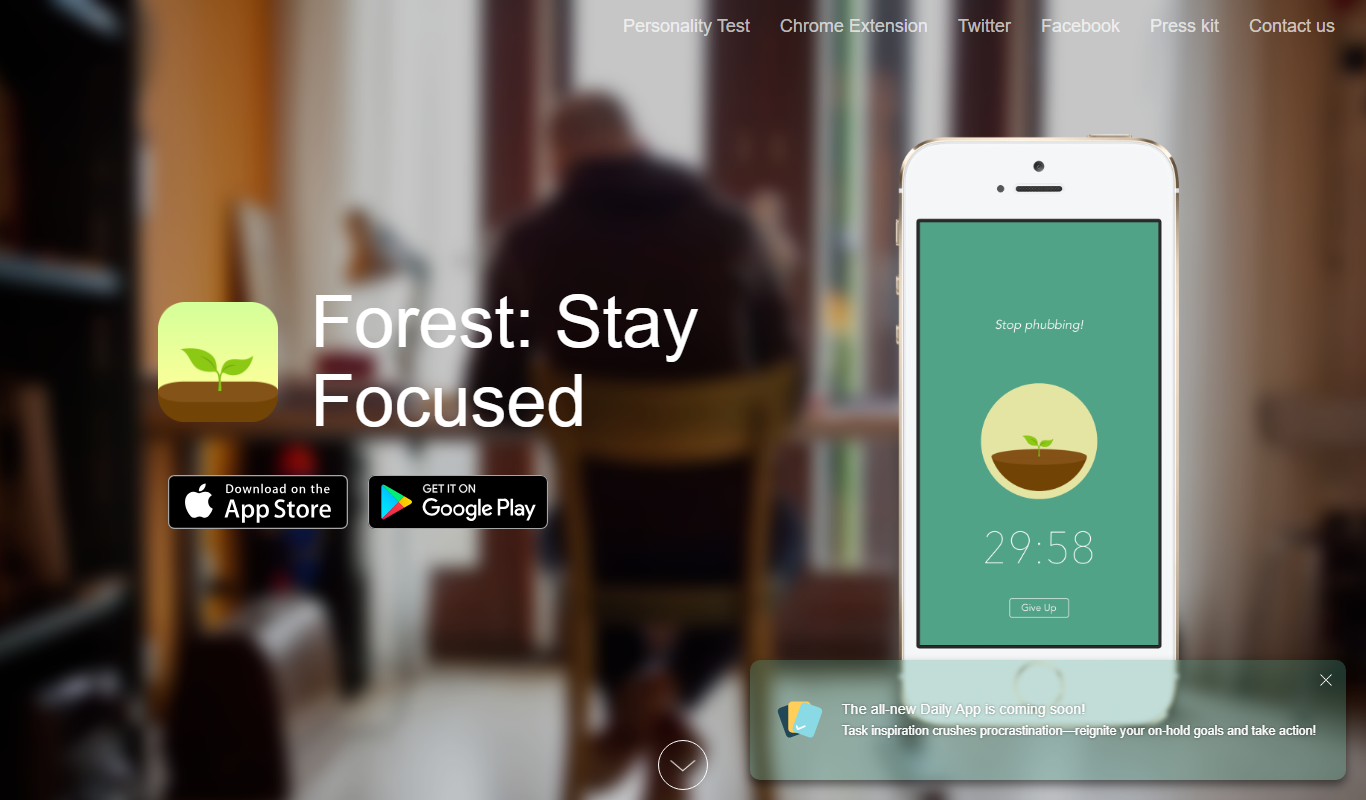
Forest
Forest is a productivity app that uses a gamified focus timer to help users stay concentrated by growing virtual trees during timed sessions, discouraging phone distractions.
Free
Offtime
Offtime is a mobile app that helps users block distracting apps and notifications to improve focus and manage screen time effectively.

Free Trial
Focus@Will
Focus@Will is a music service that uses neuroscience-backed audio tracks to help users improve focus, reduce distractions, and increase productivity during work or study.
More AI Productivity Tools tools
Other tools in the same category, for when this one is not quite the fit.

Free
Merlin AI
Merlin AI is a GPT-4 powered AI chat assistant that integrates as a browser extension, enabling users to access AI-generated content and assistance directly on any website to improve productivity and content creation.

Freemium
Wanderlust Browser Extension V2
Wanderlust Browser Extension V2 is a travel planning tool that integrates with Chrome and Firefox browsers, enabling users to save travel ideas, build itineraries, and collaborate on trip plans directly from their browsing experience.

Freemium
EasyTrip AI
EasyTrip AI is an AI-driven travel planner that generates customized trip itineraries based on your travel dates, destinations, and preferences, helping you organize your trip efficiently.

Freemium
PlaninGo
PlaninGo is an AI travel planning tool that generates personalized trip itineraries and guides based on your preferences, helping you plan efficient and enjoyable trips.

Free
Travelwiz
Travelwiz is an AI-powered travel planning tool that creates personalized trip itineraries and offers tailored travel recommendations based on user preferences.

Freemium
Swifty
Swifty is an AI writing assistant that helps users create and edit English content quickly with AI-generated suggestions and grammar corrections.

Free
Momo
Momo is an AI-powered assistant that automates workflows, manages tasks, and enhances team collaboration by integrating with popular productivity tools.

Freemium
Travel Itinerary AI
Travel Itinerary AI is an AI-powered web tool that creates personalized travel itineraries based on your preferences, helping you plan and manage trips efficiently.