

SummarAIze: Repurpose content from podcasts or video with AI
SummarAIze repurposes content from podcast episodes, webinars and other video into social posts, newsletters, video clips and more.
- Best for
- Podcast repurposing
- Key capability
- Audio and video repurposing
Save SummarAIze AI, follow its updates and vote on it — everything stays in your account.
Sign in or create a free account
What is SummarAIze AI?
SummarAIze repurposes your audio and video content into social posts, newsletters, video clips and more. You upload a podcast episode, webinar or interview, and it generates brand-aligned assets such as transcripts, titles, descriptions, blog posts and captions.
Key features of SummarAIze AI
Key features include transcription of any audio or video file, social posts, YouTube titles and descriptions, newsletters and blog posts, video clip timestamps and pull quotes, brand kits, custom templates and an AI chat for more assets.
Audio and video repurposing
Repurposes your audio and video content into social posts, newsletters, video clips and more.
Content formats
Social posts for LinkedIn, Twitter/X and Instagram, SEO-optimized YouTube titles and descriptions, newsletter drafts, blog posts, timestamps, pull quotes, transcripts and subtitles.
Brand kits and templates
Set up a brand kit to define your tone, audience and content type, then choose the templates SummarAIze should generate.
Ask SummarAIze
Use Ask SummarAIze to generate additional content from the same recording.
Shareable links
Send results directly to clients, team members or collaborators.
Pros and cons of SummarAIze AI
Pros
- One upload produces transcripts, posts, newsletters and clips
- Start with 75 free credits, no credit card required
- Unlimited team members with no per-seat fees
- Uploads from Google Drive, Dropbox, Zoom and YouTube links
- Files up to 10GB
Cons
- Every minute of transcription and every generated asset uses a credit
- Regenerating content or chatting with Ask SummarAIze also uses credits
- No mobile app currently available
Key use cases for SummarAIze AI
Podcast repurposing
Turn podcast episodes into social content, email content and more.
Webinar and video content
Repurpose webinars and other video content into posts, newsletters and clips.
YouTube publishing
Generate SEO-optimized YouTube titles and descriptions from a recording.
Transcripts and captions
Get full transcripts and subtitles for audio or video files.
Agency client delivery
Send generated assets to clients through shareable links.
How SummarAIze AI works
- 1
Tell it about your content
Set up your brand kit with tone, audience and content type, then choose the templates to generate.
- 2
Upload your audio or video
Drop in a podcast, webinar or interview of any length; multilingual recordings are supported.
- 3
Get ready-to-publish content
In minutes you get brand-aligned assets, and Ask SummarAIze can generate more.
- 4
Share the results
Send results directly to clients, team members or collaborators by link.
Who is using SummarAIze AI
SummarAIze AI pricing
Creator
$29/month
350 credits/month, unlimited brand kits, templates and content assets per upload, full access to Ask SummarAIze, standard support.
Content Manager
$59/month
800 credits/month, everything in Creator, faster support with 1:1 access as needed.
Business
$149/month
2,500 credits/month, everything in Content Manager, priority 1:1 support and early access to new features.
Plans and prices are as published by the vendor and can change. Check the official site before you buy. Open the pricing page (opens in a new tab)
Frequently asked questions about SummarAIze AI
SummarAIze repurposes your audio and video content into social posts, newsletters, video clips and more.
1 credit = 1 minute of content or 1 generated asset. Regenerating or using Ask SummarAIze also uses 1 credit per request.
Yes. You get 75 free credits with no credit card required.
Yes. Google Drive, Dropbox, Zoom and YouTube links are supported.
No. You keep all previously generated content.
Some tools offer a free plan or trial with limited features. Availability can vary, so confirm on the official website.
Integration support depends on the tool and its available connectors or API. Check the official documentation or integrations page to confirm what is supported.
Yes, it can help with that use case depending on how you configure it and what features are available. You’ll get the best results with clear inputs and a defined goal.
Conclusion
One recording feeds everything: a podcast episode, webinar or interview of any length is uploaded, and the platform returns brand-aligned social posts, newsletters, video clips and more. Before the first upload a brand kit sets tone, audience and content type, and templates decide which assets get generated. Outputs range from LinkedIn and Instagram captions to SEO-optimized YouTube titles, pull quotes and full transcripts, and an Ask SummarAIze chat can produce more from the same file.
Creators, marketers and agencies are the stated audience, and results can be shared with clients through a link. Usage is metered in credits, where each minute of transcription and each generated asset costs one credit. New accounts start with free credits and no credit card, and the paid plans differ only in monthly credits.
Sources
Sign in to review this tool.
Sign In to ReviewNo reviews yet
Be the first to share how this tool worked for you.
Ask about pricing, limits, or how it compares — or answer someone else.
Sign In to AskNo questions yet
Have a question about using or paying for this tool? Be the first to ask.
Featured on TiorAI



More AI Content Creation Tools tools
Other tools in the same category, for when this one is not quite the fit.
Rewin AI
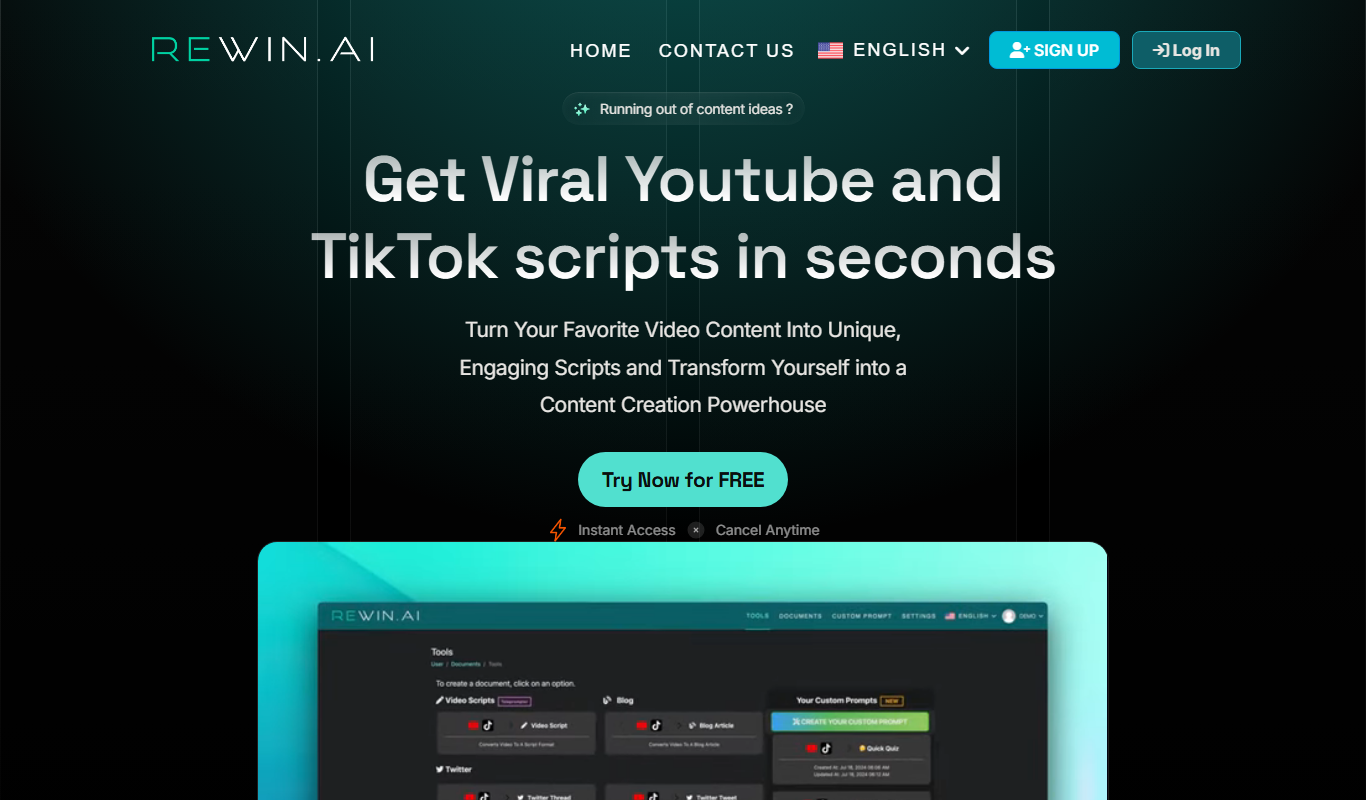
Rewin AI turns YouTube and TikTok video links into unique, personalized video scripts in seconds.

Showrunner
Showrunner is a platform for serialized AI storytelling where you watch AI shows and make your own, in any world and any genre.

Perfect
Perfect's AI agents source, reach out, call and screen every candidate around the clock and write back to your ATS.

Reica
reica is an AI still life studio that turns product photos into validated, marketplace-ready catalog images across thousands of SKUs.
GetZing
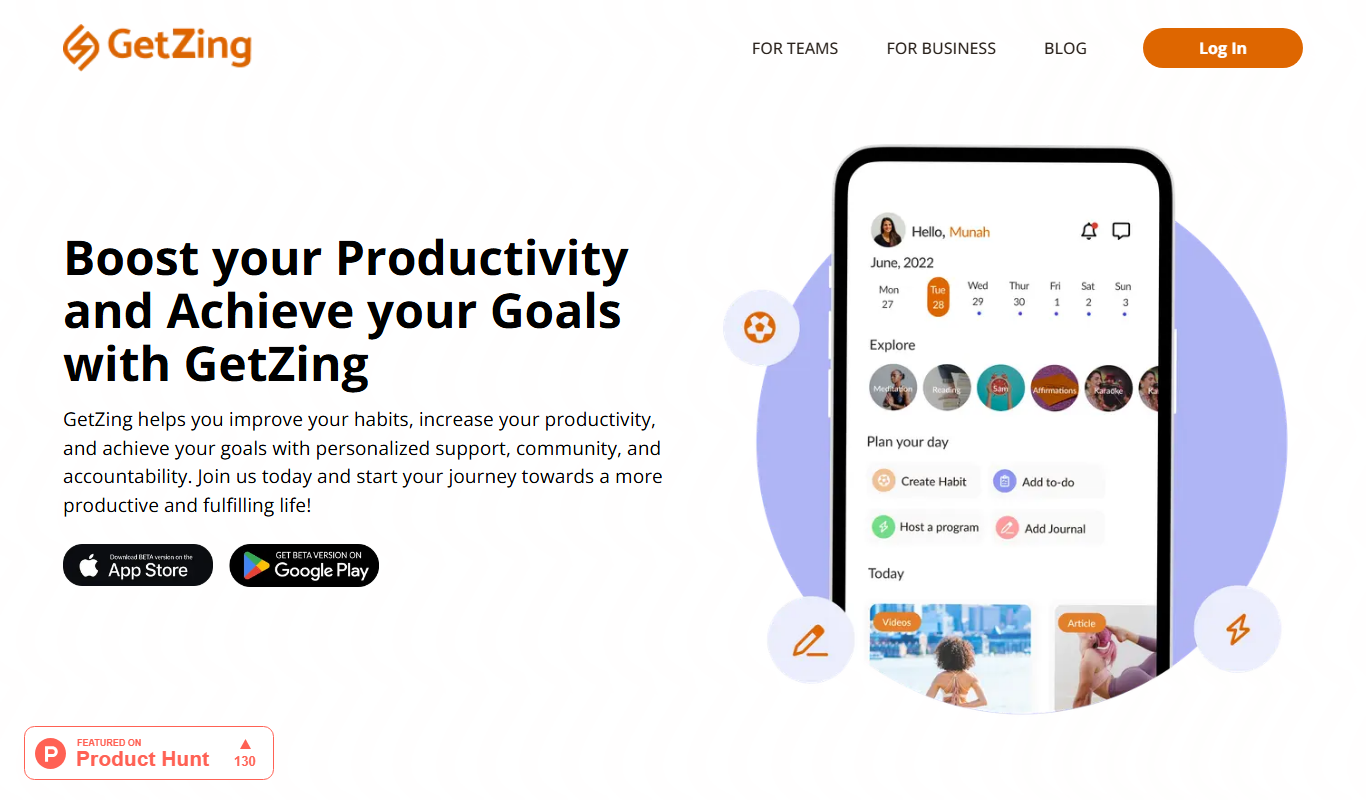
GetZing helps you build better habits, increase productivity and achieve your goals with a habit library, smart reminders, calendar time blocking and accountability partners.

Koolay
Koolay is an operating system for nonprofits that combines donations, donor CRM, grant discovery with AI-assisted writing, events and e-sign in one connected system.

Kesem AI
Kesem AI creates slideshows, charts and in-depth analyses with AI, building a storyline from a prompt and insights from uploaded data.

PopAi
PopAi is a personal AI workspace for creating AI presentations, chatting with PDFs, generating AI spreadsheets and creating AI images.