

From my experience with Story Creator AI, I found it excels at quickly generating coherent and creative story drafts that help overcome writer’s block. The platform’s straightforward interface makes it accessible even for beginners, and its genre customization adds useful flexibility. However, the free tier limits usage, and deeper customization options could enhance the creative control for advanced users. Overall, if you need a fast and easy way to produce story ideas or drafts for creative or marketing purposes, Story Creator AI delivers solid, practical results.
Story Creator AI - AI-Powered Story Writing and Content Generation Tool
Story Creator AI is a web-based tool that uses artificial intelligence to help users generate creative and original stories quickly by providing prompts and customizable options.
- Best for
- Creative Story Writing
- Key capability
- AI-Powered Story Generation
Your actions
Do you recommend this tool?
What is Story Creator AI?
Story Creator AI is an AI-powered writing assistant designed to help users generate creative stories and narratives effortlessly. It leverages advanced language models to produce coherent, engaging, and original story content based on user prompts. The tool is ideal for writers, marketers, educators, and anyone looking to create compelling storytelling content without starting from scratch.
Key features of Story Creator AI
Story Creator AI offers intuitive story generation, customizable prompts, multiple genre support, and easy export options. It streamlines the creative process by providing AI-generated story drafts that users can refine and personalize.
AI-Powered Story Generation
Automatically creates original stories from user prompts using advanced AI.
Genre Customization
Supports various genres such as fantasy, mystery, romance, and more.
User-Friendly Interface
Simple and clean design that makes story creation accessible to all skill levels.
Export Options
Allows users to export stories in multiple formats for easy sharing and publishing.
Pros and cons of Story Creator AI
Pros
- Easy to use with minimal setup
- Generates creative and coherent story drafts quickly
- Supports multiple storytelling genres
Cons
- Limited free tier usage
- No mobile app available
- Customization options could be deeper
Key use cases for Story Creator AI
Creative Story Writing
Generate original stories and narratives for books, blogs, or entertainment.
Content Marketing
Produce engaging story-based content to attract and retain audiences.
Idea Generation
Brainstorm plot ideas and story outlines quickly with AI assistance.
Educational Use
Help students and educators create stories for learning and teaching purposes.
How Story Creator AI works
- 1
Sign Up
Create a free account on the Story Creator AI website to access the tool.
- 2
Input Story Details
Enter your story prompt, genre, or keywords to guide the AI in generating content.
- 3
Generate Story
Use the AI engine to create a story draft based on your input.
- 4
Edit and Export
Review, edit, and export the generated story for your intended use.
Who is using Story Creator AI
Creative writers and authors
Content marketers
Educators and students
Bloggers and storytellers
Story Creator AI pricing
Free
$0/month
Basic access with limited story generations and features.
Premium
$19.99/month
Unlimited story generations, priority support, and advanced customization options.
Plans and prices are as published by the vendor and can change. Check the official site before you buy. Open the pricing page (opens in a new tab)
Frequently asked questions about Story Creator AI
Yes, the tool allows commercial use of generated stories under its terms of service.
Free users have a limited number of story generations per month, while Premium users have unlimited access.
It supports a wide range of genres including fantasy, romance, mystery, sci-fi, and more.
It depends on your specific needs and how you plan to use the tool. The official website and documentation are the best sources for the latest details.
Some tools offer a free plan or trial with limited features. Availability can vary, so confirm on the official website.
Yes, it can help with that use case depending on how you configure it and what features are available. You’ll get the best results with clear inputs and a defined goal.
Sign in to review this tool.
Sign In to ReviewNo reviews yet
Be the first to share how this tool worked for you.
Ask about pricing, limits, or how it compares — or answer someone else.
Sign In to AskNo questions yet
Have a question about using or paying for this tool? Be the first to ask.
Featured on TiorAI



More AI Content Creation Tools tools
Other tools in the same category, for when this one is not quite the fit.

Freemium
Swifty
Swifty is an AI writing assistant that helps users create and edit English content quickly with AI-generated suggestions and grammar corrections.
Freemium
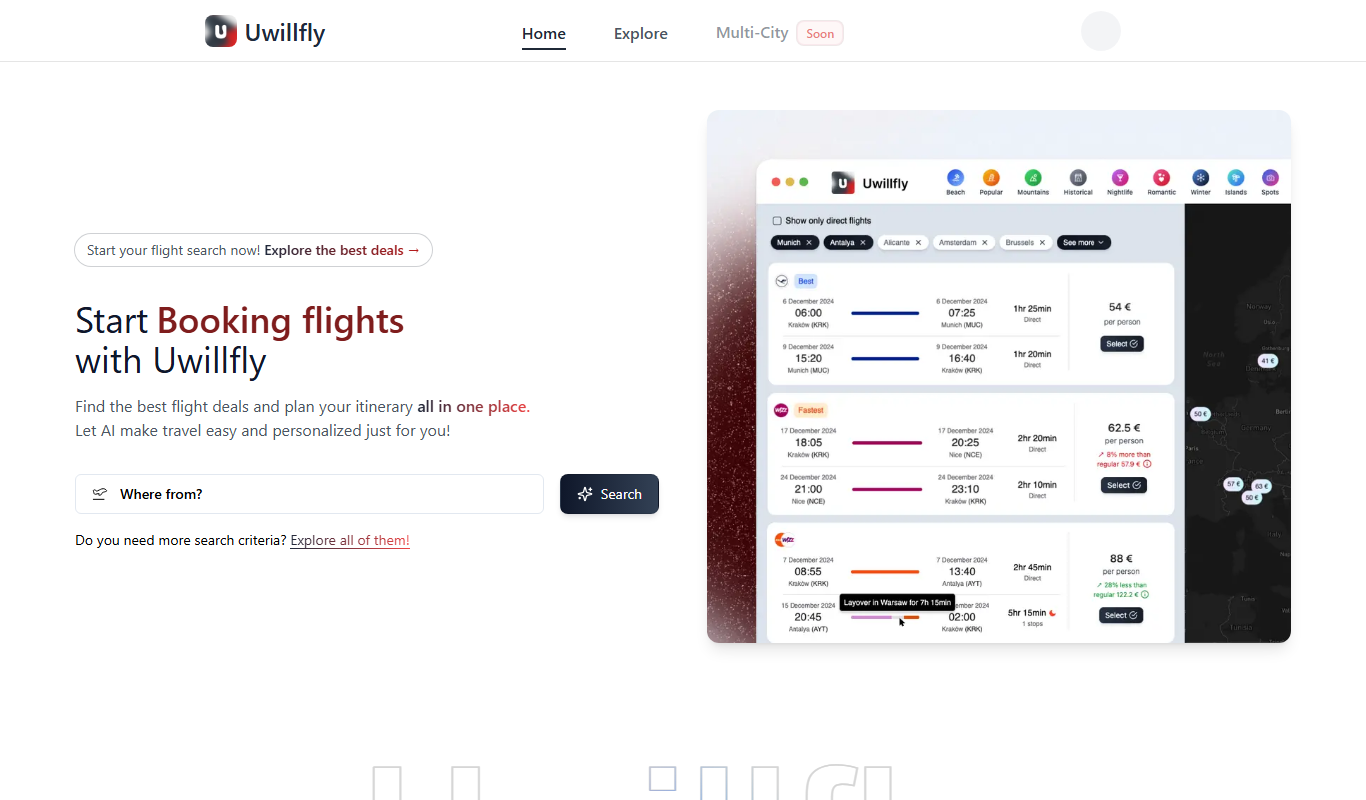
Uwillfly
Uwillfly is an AI-powered writing assistant that generates SEO-optimized articles, marketing copy, and content in English and Chinese to help marketers and writers create content faster.

Freemium
Smart Pineapple
Smart Pineapple is an AI-powered writing assistant designed to generate SEO-friendly content, including blog posts and marketing copy, through an easy-to-use web platform.

Freemium
Explra
Explra is an AI-powered writing assistant designed to help marketers and content creators generate SEO-friendly content quickly and efficiently.
Freemium
Ai & Stuff
Ai & Stuff is a web platform providing multiple AI-powered tools for generating text and images, automating content tasks, and assisting creative workflows.

Free
AI Listify
AI Listify is an AI-driven tool that generates structured lists for content marketing, SEO, and idea organization, helping users create engaging and readable lists quickly.

Freemium
iSamurai
iSamurai is an AI-powered writing assistant that generates SEO-friendly content including blog posts and marketing copy to help businesses and creators save time and improve content quality.
Free
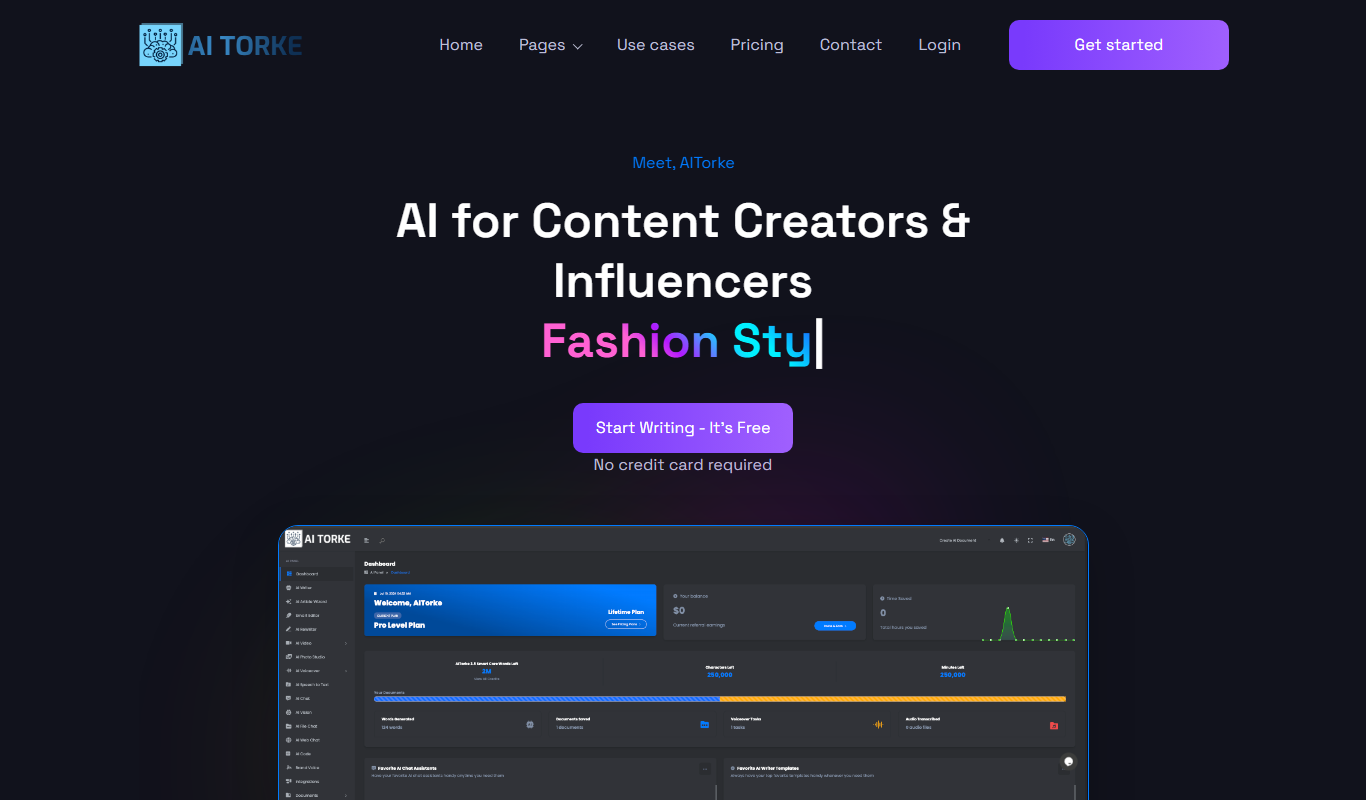
AITorke
AITorke is an AI writing assistant that helps users generate, optimize, and edit content with SEO tools and AI-powered suggestions.