

Sprout Social Review: Social Media Management & Analytics Platform
Sprout Social is a social media management platform that enables businesses to schedule posts, analyze performance, engage with audiences, and collaborate across teams on multiple social networks.
- Best for
- Social Media Scheduling
- Key capability
- Publishing Calendar
Save Sprout Social, follow its updates and vote on it — everything stays in your account.
Sign in or create a free account
What is Sprout Social?
Sprout Social is a comprehensive social media management platform designed to help businesses and organizations manage their social media presence effectively. It offers tools for scheduling posts, analyzing social media performance, engaging with audiences, and collaborating across teams. The platform supports multiple social networks including Facebook, Twitter, Instagram, LinkedIn, and Pinterest, providing a centralized hub for social media marketing activities.
Key features of Sprout Social
Sprout Social’s main features include an intuitive publishing calendar for scheduling content, robust analytics dashboards for tracking social media metrics, a unified Smart Inbox for managing messages and comments, social listening tools to monitor brand mentions, and team collaboration capabilities such as task assignments and approval workflows.
Publishing Calendar
Visual calendar to schedule and manage posts across multiple social networks.
Smart Inbox
Unified inbox to monitor and respond to all social messages and comments in one place.
Analytics and Reporting
Comprehensive reports on engagement, audience growth, and content performance.
Social Listening
Tools to track brand mentions, keywords, and industry trends in real time.
Team Collaboration
Features for task assignment, message approval, and workflow management.
Pros and cons of Sprout Social
Pros
- Comprehensive all-in-one social media management
- User-friendly interface with intuitive scheduling tools
- Robust analytics and reporting features
- Strong team collaboration and workflow management
- Responsive customer support
Cons
- Pricing may be high for small businesses or solo users
- Limited language support beyond English
- No free plan, only a free trial
Key use cases for Sprout Social
Social Media Scheduling
Plan and schedule posts across multiple social media platforms to maintain consistent brand presence.
Social Media Analytics
Track performance metrics and generate reports to measure engagement, reach, and ROI.
Team Collaboration
Coordinate social media campaigns with team members using task assignments and approval workflows.
Customer Engagement
Manage and respond to social messages and comments from a unified inbox to improve customer relationships.
Social Listening
Monitor brand mentions and industry trends to inform marketing strategies and reputation management.
How Sprout Social works
- 1
Create an Account
Sign up for Sprout Social and connect your social media profiles to the platform.
- 2
Schedule Content
Use the publishing calendar to plan and schedule posts across your social channels.
- 3
Engage with Audience
Monitor and respond to messages and comments from the Smart Inbox.
- 4
Analyze Performance
Review detailed analytics and reports to measure the impact of your social media efforts.
- 5
Collaborate with Team
Assign tasks, set approval workflows, and coordinate campaigns with your team.
Who is using Sprout Social
Sprout Social pricing
Standard
$199 per seat/month, annual billing
Perfect for small teams: 5 social profiles, consolidated inbox and collaboration tools, keyword and location monitoring, Trellis AI agent, review management.
Professional
$299 per seat/month, annual billing
Everything in Standard, plus unlimited social profiles, message tagging, extensive competitor, tag and paid insights, and Enhance Post by AI Assist.
Advanced
$399 per seat/month, annual billing
Everything in Professional, plus Enhance Reply by AI Assist, sentiment in the Smart Inbox and Reviews, the Sprout API and Helpdesk integrations, and Message Spike Alerts.
Essentials
$79 per seat/month ($99 per seat/month billed monthly)
For simplifying publishing workflows: connect up to 5 social profiles, optimal send times, profile and post-level reporting, and Trellis, the AI teammate.
Enterprise
Custom
Everything in Advanced, plus white-glove onboarding and implementation, for organizations with large-scale social media operations.
Plans and prices are as published by the vendor and can change. Check the official site before you buy. Open the pricing page (opens in a new tab)
Frequently asked questions about Sprout Social
Sprout Social supports Facebook, Twitter, Instagram, LinkedIn, Pinterest, and more.
Yes, Sprout Social offers a 30-day free trial with access to most features.
Yes, Sprout Social includes team collaboration features such as task assignments and approval workflows.
Yes, it offers social listening tools to monitor brand mentions and industry trends.
This tool is designed to help users accomplish its core tasks more efficiently. It is typically used by individuals or teams looking to improve productivity and workflow.
Pricing depends on the plan and included features. For the most accurate and up-to-date details, check the official pricing page.
It depends on your specific needs and how you plan to use the tool. The official website and documentation are the best sources for the latest details.
Yes, it can help with that use case depending on how you configure it and what features are available. You’ll get the best results with clear inputs and a defined goal.
Conclusion
Publishing runs from a visual calendar that schedules posts across multiple social networks, while the Smart Inbox gathers messages and comments in one place. Replies can be drafted with AI, and social listening tools monitor brand mentions and industry trends. Reports cover engagement, audience growth and content performance, and team features handle task assignment and message approval.
Social media managers, marketing agencies and enterprise marketing teams are the intended users. There is no free plan, only a 30-day free trial with no credit card required. Plans are priced per seat with annual billing, from Essentials for simple publishing workflows up to a custom Enterprise plan. Essentials and Standard connect 5 social profiles, while Professional and Advanced allow unlimited social profiles.
Sources
Sign in to review this tool.
Sign In to ReviewNo reviews yet
Be the first to share how this tool worked for you.
Ask about pricing, limits, or how it compares — or answer someone else.
Sign In to AskNo questions yet
Have a question about using or paying for this tool? Be the first to ask.
Featured on TiorAI



Alternative Tools
Explore similar AI tools that might fit your needs

Later
Later is an influencer marketing and social media management platform for brands, creators and social media managers, with tools to plan, schedule and analyze posts on Instagram, Facebook, TikTok, Pinterest, LinkedIn, YouTube and more.
More AI Analytics Assistant tools
Other tools in the same category, for when this one is not quite the fit.
Octolens AI
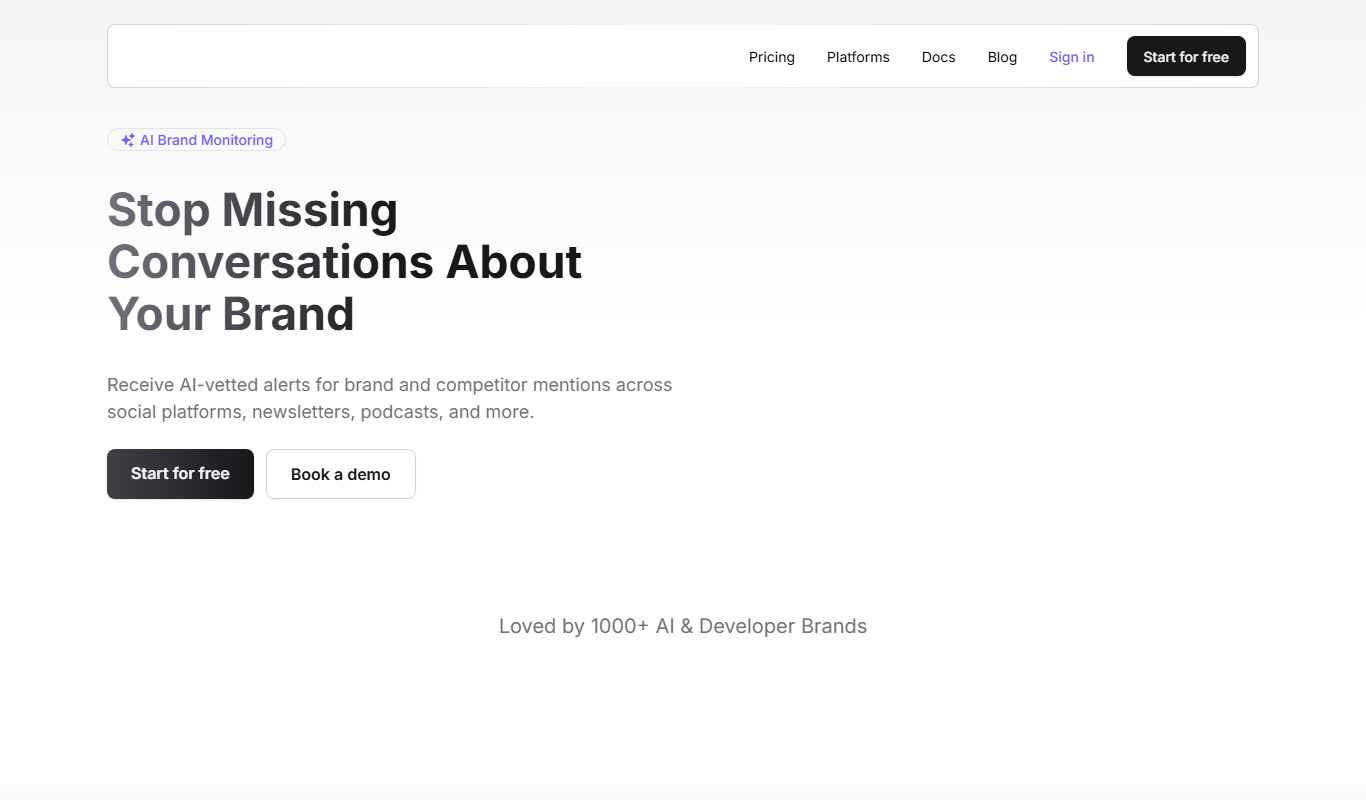
Octolens is an AI social listening tool that tracks brand mentions across Reddit, X, LinkedIn and 10+ platforms, with API, MCP and webhooks on every plan.

Insight7
Insight7 analyzes customer calls, scores every conversation, coaches reps and deploys AI voice and chat agents for customer teams.

neuronsinc.com
Neurons is a neuromarketing AI that predicts attention, engagement and memorability of ad creatives before they go live, with heatmaps and behavioral scores.
LangWatch
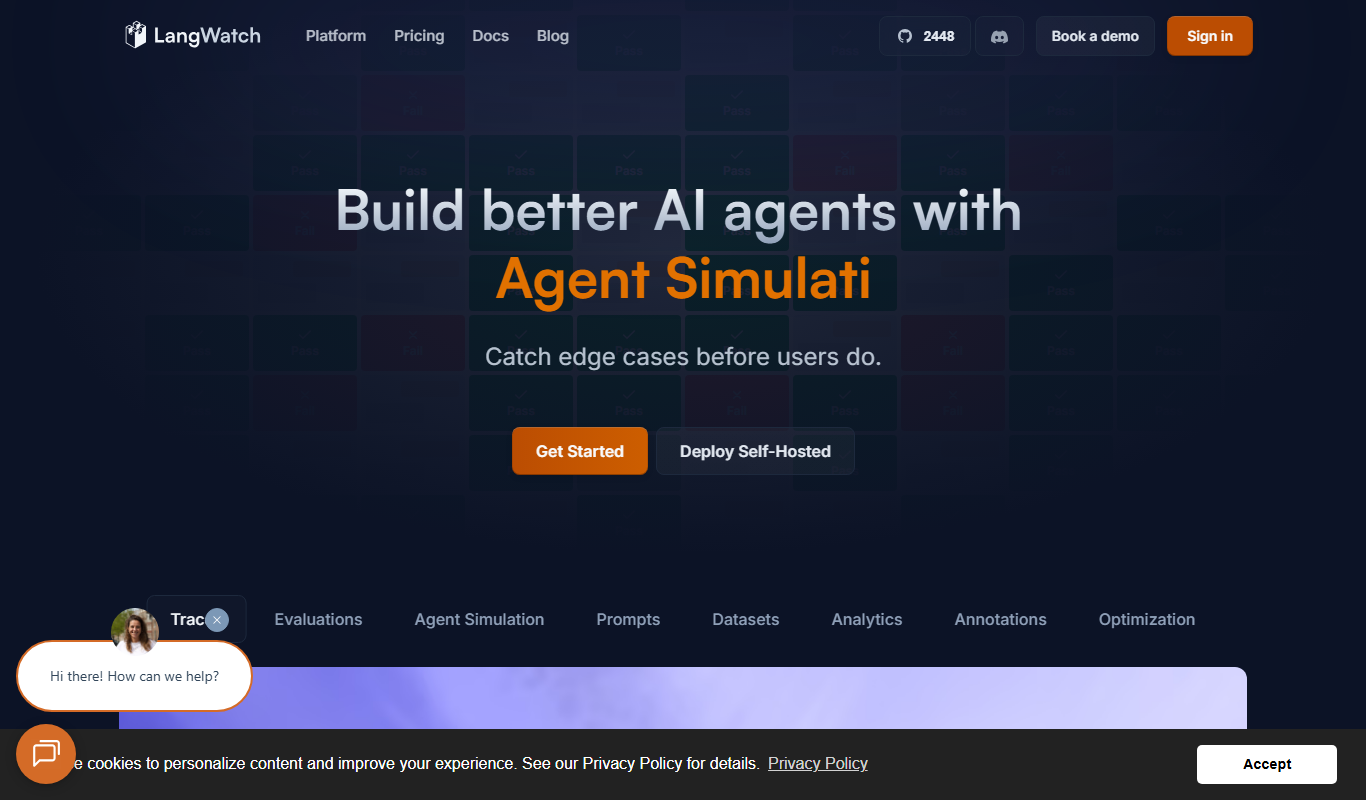
LangWatch is an AI agent testing and evaluation platform with simulations, evals, observability and prompt management, available in the cloud or self-hosted.

5-Out
5-Out helps restaurants boost profits with AI-powered sales forecasting, automated scheduling and purchasing based on predicted demand.

MUSICDATAK
MusicDatak is a music research platform that helps radio stations and brands track music trends, optimize playlists and grow radio audience share with tools like StationRadar.

ReviewHawk
ReviewHawk analyzes app store reviews with AI to show why users leave and what they want, so app makers can reduce churn.

StrongArm Technologies PPE AI
StrongArm Technologies offers the SafeWork Sensor, a wearable device that provides real-time haptic feedback and collects movement data, and SafeWork Training, a personalized safety training program.