
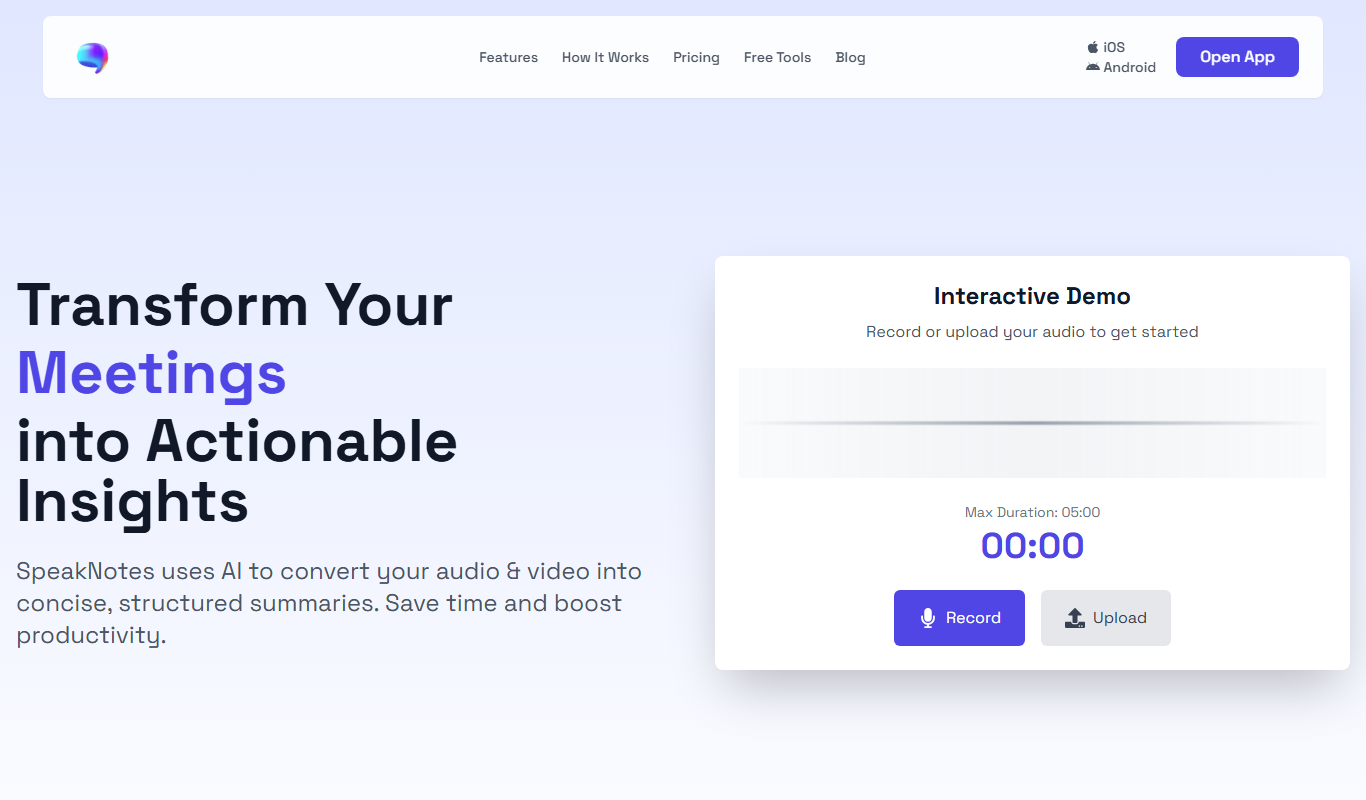
From my experience with SpeakNotes, I found it excels at providing quick and accurate real-time transcription through a simple web interface. It’s particularly well-suited for students, business professionals, and content creators who need to capture spoken content without hassle. However, the tool currently supports only English and lacks a dedicated mobile app, which could limit flexibility for some users. Overall, if you want an easy-to-use, affordable AI transcription and note-taking solution accessible from any browser, SpeakNotes delivers solid results.
SpeakNotes AI Transcription and Note-Taking Tool for Meetings and Lectures
SpeakNotes is a web-based AI transcription tool that converts speech to text in real-time, helping users capture meetings, lectures, and interviews efficiently.
What is SpeakNotes?
SpeakNotes is a web-based AI-powered transcription and note-taking tool designed to convert speech into organized text in real-time. It helps users capture conversations, lectures, meetings, and interviews efficiently, reducing manual note-taking effort and improving accuracy.
Key Features of SpeakNotes
Real-Time AI Transcription
Instantly converts speech to text with high accuracy and automatic punctuation.
Speaker Identification
Differentiates between multiple speakers to keep notes organized.
Easy Editing and Formatting
Allows users to edit transcriptions and format notes for clarity.
Export Options
Supports exporting notes as text files, PDFs, or sharing via links.
No Installation Required
Fully web-based platform accessible from any modern browser.
Pros and Cons of SpeakNotes
Pros
- Easy to use with no installation required
- Real-time transcription with speaker identification
- Affordable pricing with a free tier
Cons
- Supports only English language
- No dedicated mobile app available
- Limited advanced editing features compared to desktop software
Key Use Cases for SpeakNotes
Meeting Transcription
Automatically transcribe spoken content during meetings to generate accurate notes.
Lecture Note-Taking
Capture and organize lecture content in real-time for students and educators.
Interview Documentation
Record and transcribe interviews for easy review and reference.
Content Creation
Convert spoken ideas into written drafts for blogs, articles, or scripts.
Personal Voice Notes
Quickly capture thoughts and reminders by speaking instead of typing.
How SpeakNotes Works
-
1
Access the Web Platform
Open SpeakNotes on your browser without the need for downloads or installations.
-
2
Start Recording
Click to start recording your voice or upload audio files for transcription.
-
3
Real-Time Transcription
SpeakNotes transcribes speech instantly, displaying text with punctuation and speaker labels.
-
4
Edit and Organize Notes
Make corrections, highlight important parts, and organize notes within the platform.
-
5
Export or Share
Download your notes in various formats or share them directly with collaborators.
Who's Using SpeakNotes
Students and educators
Business professionals
Journalists and interviewers
Content creators
Anyone needing quick and accurate transcription
SpeakNotes Pricing
Free
$0/month
Basic transcription with limited minutes and features.
Pro
$9.99/month
Extended transcription minutes, priority processing, and advanced features.
Frequently Asked Questions About SpeakNotes
Currently, SpeakNotes supports English transcription only.
Yes, SpeakNotes allows uploading audio files to transcribe them.
No, SpeakNotes is currently available as a web-based platform only.
Accuracy depends on audio quality and clarity, but SpeakNotes uses advanced AI models to provide high accuracy.
It depends on your specific needs and how you plan to use the tool. The official website and documentation are the best sources for the latest details.
Yes, it can help with that use case depending on how you configure it and what features are available. You’ll get the best results with clear inputs and a defined goal.
Some tools offer a free plan or trial with limited features. Availability can vary, so confirm on the official website.
Share your review
Reviews are limited to one per logged-in user and are published after moderation.
You need an account to review this tool.
0.0
★
★
★
★
★
0 reviews
5 star
0
4 star
0
3 star
0
2 star
0
1 star
0
No reviews yet
Be the first to share how this tool worked for you.
Questions from the community
Read questions and answers about this tool, or ask your own.
No questions yet
Start the conversation by asking the first question about this tool.
Is this tool helpful?
Alternative Tools
Explore similar AI tools that might fit your needs
Pay As You Go
Temi
Temi is an AI-powered transcription service that quickly converts audio and video files into editable, timestamped text transcripts with speaker identification.
Freemium
Scholarbot AI
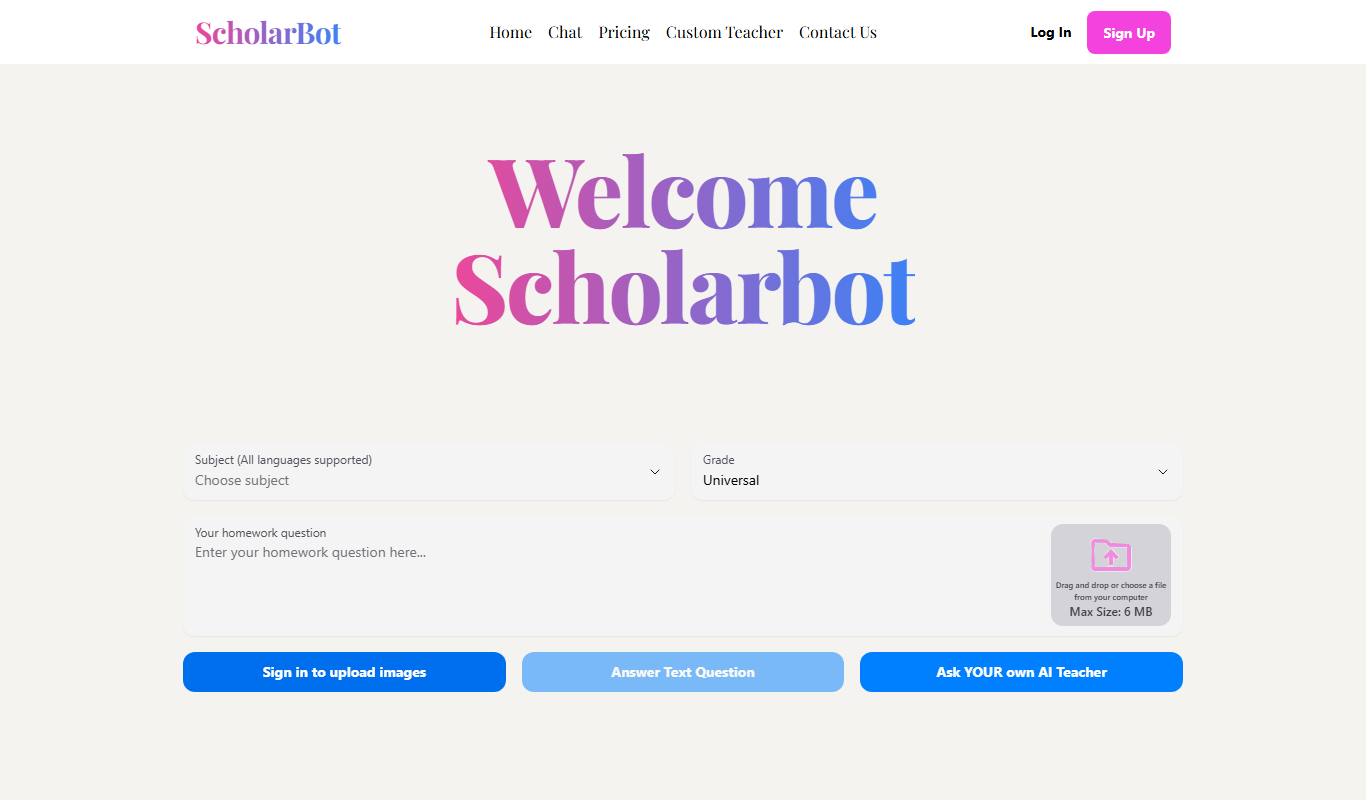
Scholarbot AI is an AI-driven research assistant that automates literature reviews, summarizes academic papers, and extracts citations to streamline scholarly research.

Freemium
FileAI
FileAI is an AI-driven platform that automates document analysis, OCR processing, and file organization to streamline managing large volumes of files.

Free
Smart Paste
Smart Paste is an AI-driven web tool that simplifies text summarization and content extraction from copied text, helping users save time and improve productivity.

Freemium
LuDe
LuDe is an AI-powered writing assistant that helps users generate, edit, and improve written content efficiently through advanced natural language processing.
Free
UpMeet 3.0
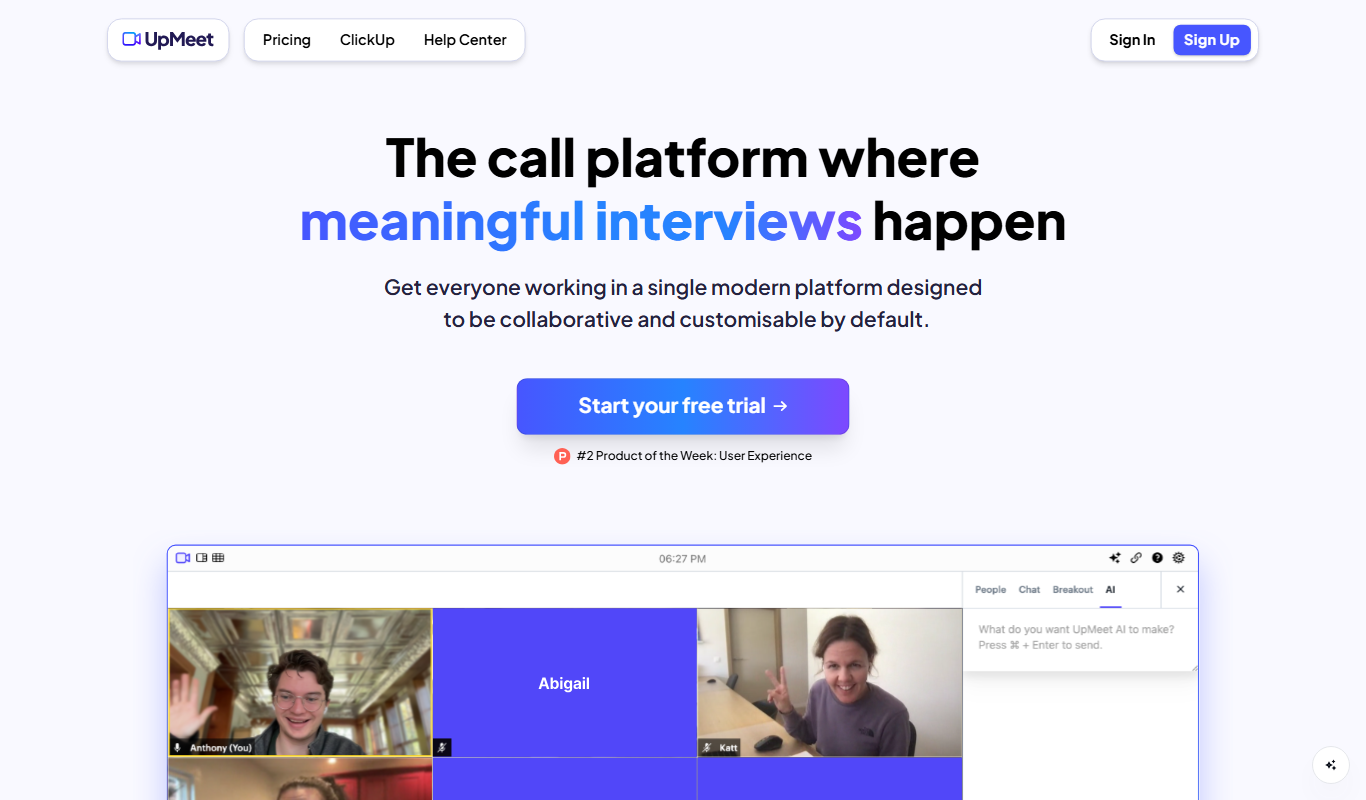
UpMeet 3.0 is a web-based meeting scheduler that integrates with calendars to simplify appointment booking, supports team scheduling, and automates reminders to reduce no-shows.

Free
GPT Duel
GPT Duel is a free web tool that lets you input prompts and see side-by-side responses from OpenAI's GPT-3 and GPT-4 models to compare their output quality and style.

Free Trial
Swiftbrief
Swiftbrief is an AI writing assistant focused on improving clarity and conciseness in business communications through rewriting, summarization, and tone adjustment.

Free
Morgen
Morgen is a calendar app that integrates multiple calendars into one platform, enabling easy team scheduling, time zone management, and collaboration through a web interface and Chrome extension.