

Social Curator Review: Social Media Content Curation & Scheduling Tool
Social Curator is a subscription platform where the AI assistant Dottie creates customized social media content in your voice, with scheduling and autoposting for Instagram, Facebook, LinkedIn and X.
- Best for
- Social Media Content Curation
- Key capability
- Curated Content Libraries
Save Social Curator, follow its updates and vote on it — everything stays in your account.
Sign in or create a free account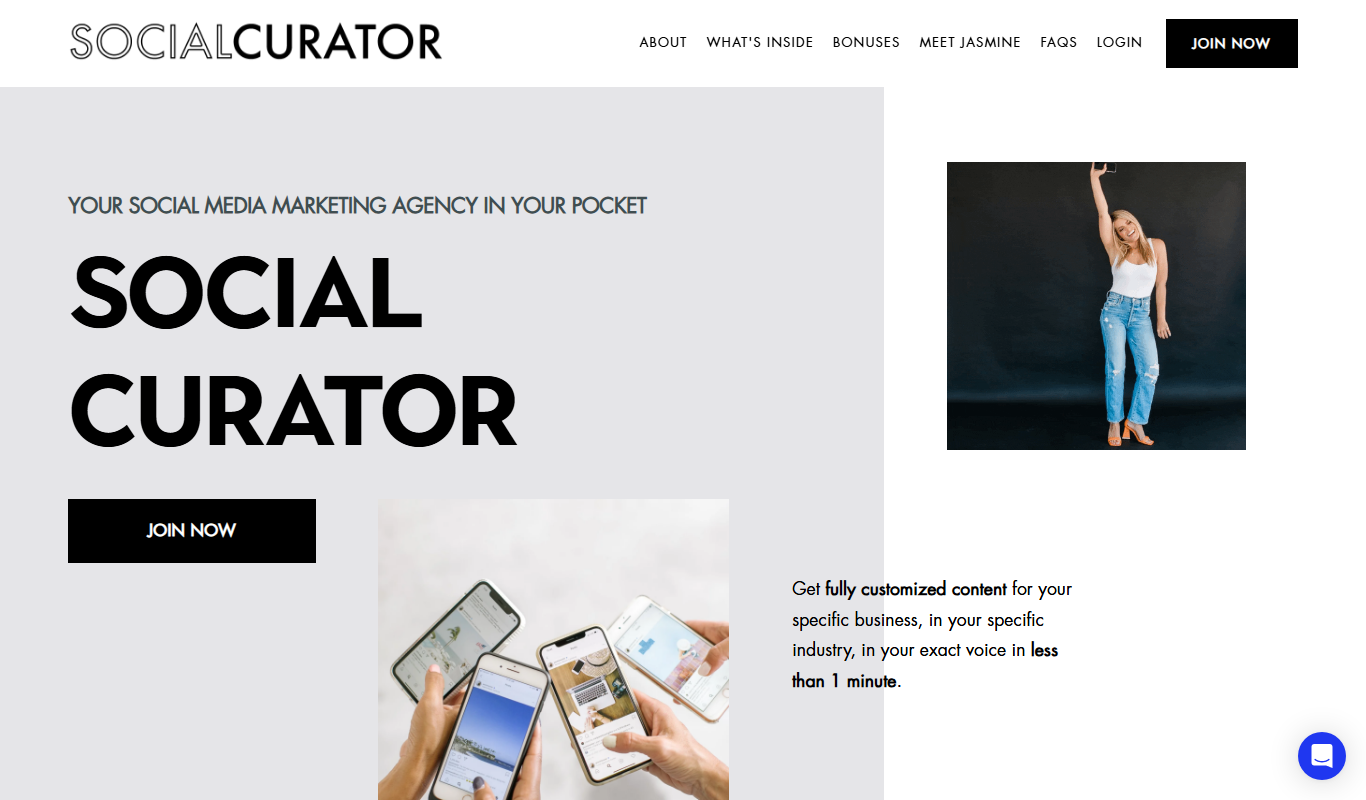

What is Social Curator?
Social Curator is an all-in-one social media platform for small business owners. Its AI assistant Dottie, a digital social media manager, creates customized content in your voice, and the platform adds scheduling tools and step-by-step education to turn followers into customers.
Key features of Social Curator
Social Curator offers curated content libraries, scheduling capabilities, caption templates, and a user-friendly dashboard to manage multiple social accounts. It focuses on simplifying content creation by providing pre-made posts and ideas, helping users stay active on social media with minimal effort.
Curated Content Libraries
Dottie creates fully customized content for your business in your exact voice and suggests a visual to pair with each caption.
Post Scheduling
Schedule posts in advance across multiple social media platforms.
Caption Templates
Use professionally written caption templates to enhance engagement.
User-Friendly Dashboard
Manage all your social media content and schedules in one intuitive interface.
Content Customization
Easily customize images and text before posting to align with your brand voice.
Pros and cons of Social Curator
Pros
- Saves time with ready-to-use curated content
- Easy scheduling across major social platforms
- Helpful caption templates included
- User-friendly and intuitive interface
Cons
- Limited to Instagram and Facebook platforms
- No free trial available
- Lacks advanced analytics or original content creation tools
Key use cases for Social Curator
Social Media Content Curation
Easily find and organize relevant content to share on social media platforms.
Content Scheduling
Schedule curated and original posts across multiple social media accounts.
Brand Engagement
Maintain consistent posting to increase audience engagement and brand visibility.
Marketing Campaign Support
Use curated content to support marketing campaigns and keep social channels active.
Time-Saving Automation
Automate content discovery and posting to reduce manual social media management effort.
How Social Curator works
- 1
Sign Up
Create an account on Social Curator’s website to access the platform.
- 2
Connect Social Accounts
Link your Instagram, Facebook, or other supported social media accounts.
- 3
Access Curated Content
Ask Dottie for content, for example a week of posts for your ideal client, and get it in your own voice.
- 4
Customize and Schedule Posts
Edit captions or images if needed, then schedule posts to publish automatically.
- 5
Monitor and Engage
Track your scheduled posts and engage with your audience through the platform.
Who is using Social Curator
Social Curator pricing
Monthly Plan
$59 USD/month
Access to Dottie, the scheduling and autoposting platform, marketing education, the community and a gallery of 6k+ photos.
Annual Plan
$470/year
Discounted yearly subscription with full platform access.
Plans and prices are as published by the vendor and can change. Check the official site before you buy. Open the pricing page (opens in a new tab)
Frequently asked questions about Social Curator
Social Curator connects Instagram, Facebook, LinkedIn and X (Twitter) profiles, with up to 3 accounts of each.
Yes, you can edit captions and images to better fit your brand before scheduling posts.
Social Curator gives you 14 days to try it, with a full refund if it is not right for you.
Yes. Dottie, the digital social media manager, creates fully customized content for your business in your voice and can suggest which visual to pair with a caption.
This tool is designed to help users accomplish its core tasks more efficiently. It is typically used by individuals or teams looking to improve productivity and workflow.
Yes, it can help with that use case depending on how you configure it and what features are available. You’ll get the best results with clear inputs and a defined goal.
Yes, it can help with that use case depending on how you configure it and what features are available. You’ll get the best results with clear inputs and a defined goal.
Some tools offer a free plan or trial with limited features. Availability can vary, so confirm on the official website.
Conclusion
Content now comes from Dottie, a digital social media manager and marketing copywriter that produces customized posts in the owner’s voice in less than 1 minute. It can write a whole week of posts on request and tell the user what visual to pair with each caption, and it also drafts video scripts, emails and blog posts. Posts are organized, scheduled and autoposted to Instagram, Facebook, LinkedIn and X, with up to 3 accounts of each.
Membership also covers marketing education with live classes, a community with coaching sessions led by Jasmine Star and a gallery of over 6k lifestyle photos. Dottie writes in several languages, among them Spanish, French, German and Arabic. The Monthly Plan is the only plan shown, and there are 14 days to try Social Curator with a full refund if it is not right for the business. It is meant for owners who are willing to do the work, which the site puts at less than two hours a week.
Sources
Sign in to review this tool.
Sign In to ReviewNo reviews yet
Be the first to share how this tool worked for you.
Ask about pricing, limits, or how it compares — or answer someone else.
Sign In to AskNo questions yet
Have a question about using or paying for this tool? Be the first to ask.
Featured on TiorAI



Alternative Tools
Explore similar AI tools that might fit your needs

Later
Later is an influencer marketing and social media management platform for brands, creators and social media managers, with tools to plan, schedule and analyze posts on Instagram, Facebook, TikTok, Pinterest, LinkedIn, YouTube and more.
More Content, Media & Communication tools
Other tools in the same category, for when this one is not quite the fit.

MixPeek
MixPeek is an AI-driven multimedia search engine that indexes videos, images, audio, and documents to enable fast, accurate search through a web interface and developer API.

ContentMod
ContentMod is an AI-powered API for text and image moderation that detects harmful content instantly.

Suno Download
Suno Download is a free MP3 downloader for AI generated music from Suno AI, with Chrome extension support.
Melobytes.gr
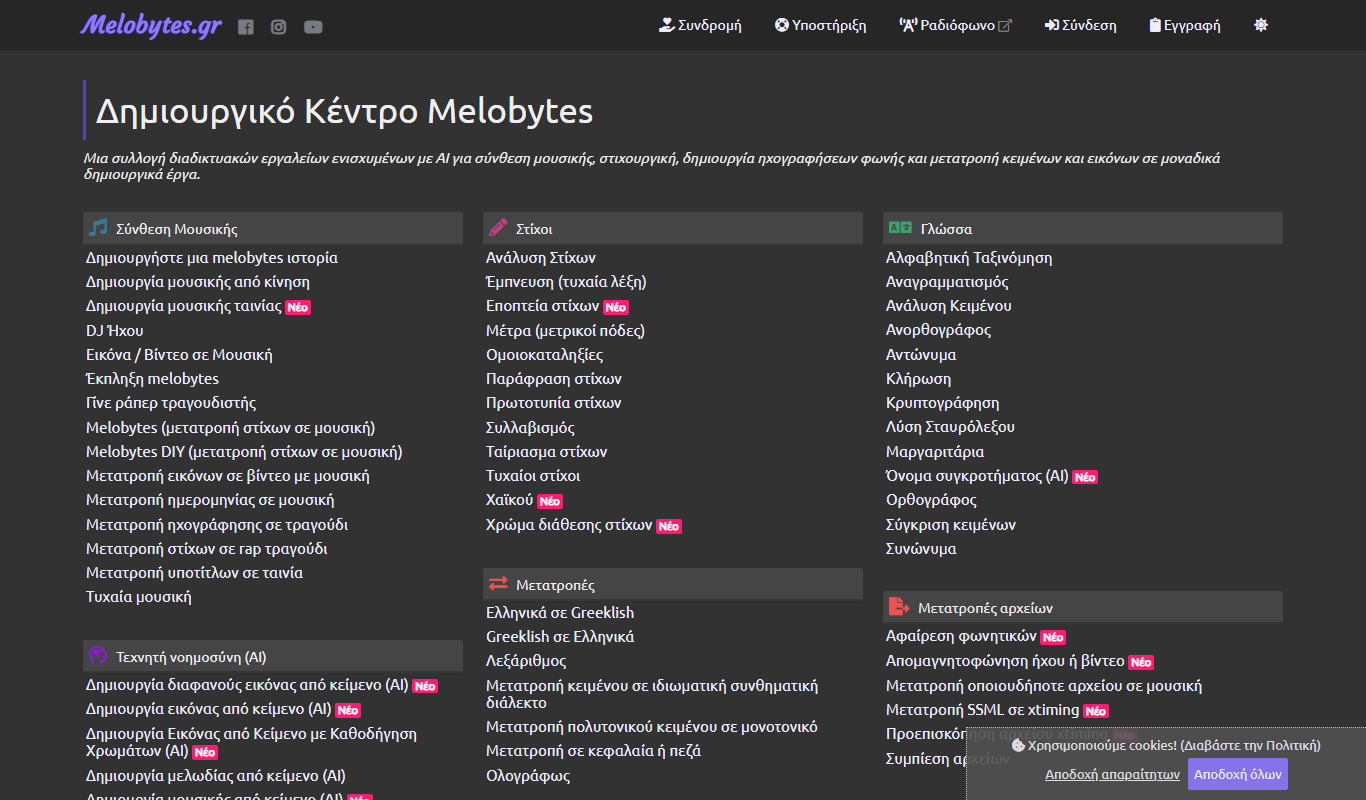
Melobytes.gr is a free web-based AI platform that generates music and audio from images, text, audio, and video inputs, enabling creative sound creation without musical expertise.

Planable
Planable is a collaborative social media planning platform that enables teams to create, review, approve, and schedule posts across multiple social networks with real-time feedback and client workflows.

commentguard.io
CommentGuard is comment moderation software that auto-hides damaging comments and spam on Facebook and Instagram posts and ads, with a unified inbox and AI replies.

Originality
Originality AI is a web-based tool that detects plagiarism and AI-generated content to ensure content originality and SEO compliance.

wedetect.ai
wedetect.ai is a free AI image detector that estimates whether a photo or screenshot is AI-generated or real, with no sign-up.