

Snipo: video notes to Notion and AI flashcards
Snipo is a free browser extension that takes timestamped video notes into Notion in one click, with screenshots, transcripts and an AI flashcards maker.
- Best for
- Studying online courses
- Key capability
- Timestamped notes
Save Snipo, follow its updates and vote on it — everything stays in your account.
Sign in or create a free account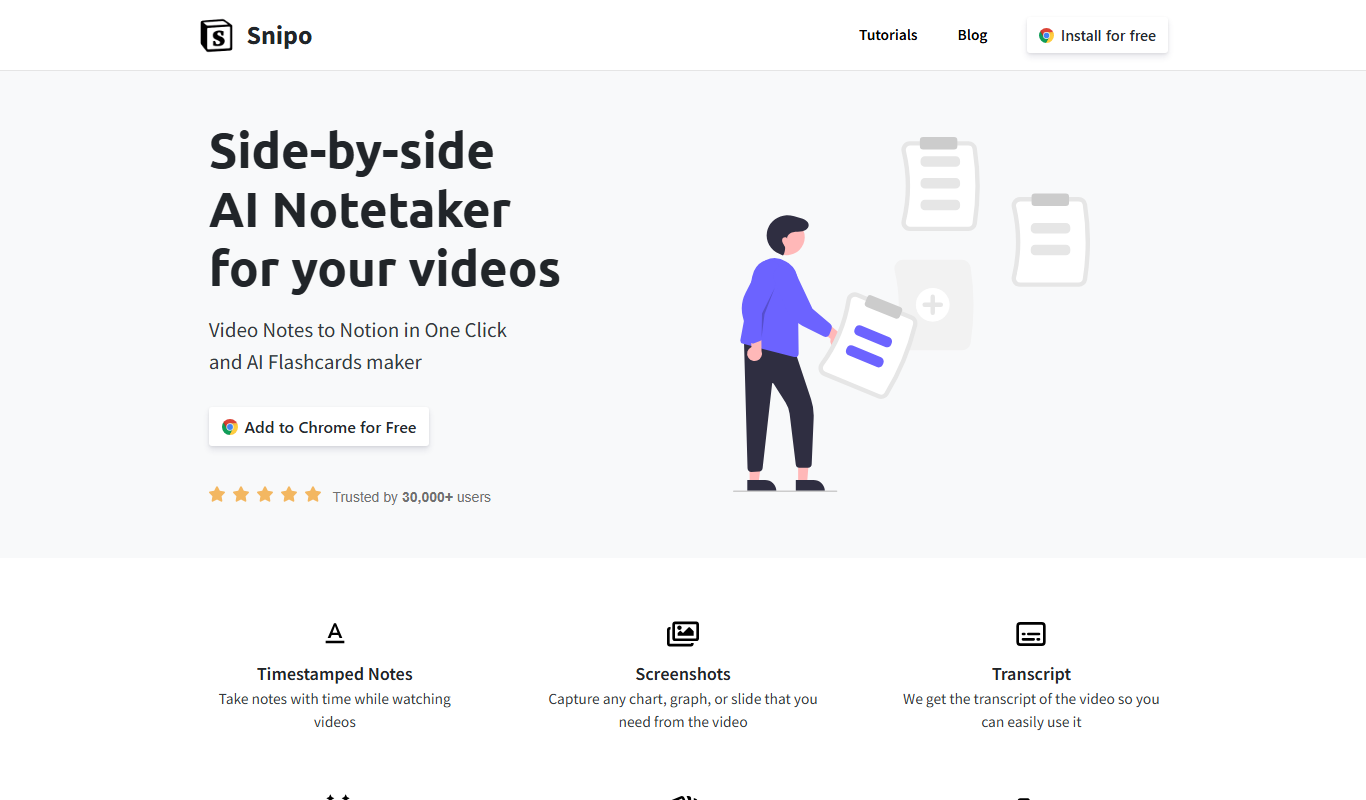

What is Snipo?
Snipo is a side-by-side AI notetaker for videos that runs as a browser extension. It takes timestamped notes, screenshots and transcripts while you watch YouTube, Udemy or Coursera videos, saves them to Notion in one click, and generates AI flashcards from learning videos.
Key features of Snipo
Timestamped notes while watching videos, screenshots of charts or slides, video transcripts, one-click export to Notion, playlist and course syncing, keyboard shortcuts, and AI flashcards saved to decks or exported to Anki.
Timestamped notes
Take notes with time while watching videos.
Screenshots and transcripts
Capture any chart, graph or slide from the video and use its transcript.
AI flashcards
Auto-generated flashcards from learning videos or any webpage, saved to decks or exported to Anki.
Playlists and courses
Sync a YouTube playlist or learning course to Notion notes in one click.
Keyboard shortcuts
Speed up or down, pause and capture without leaving Notion or your keyboard.
Pros and cons of Snipo
Pros
- Free to install
- Notes go straight into Notion
- Flashcards export to Anki in one click
- Works with major learning platforms
- Bulk link shortening saves time
Cons
- Notes are saved to Notion, so a Notion workspace is needed
- Runs as a browser extension for Chrome, Edge and Firefox
Key use cases for Snipo
Studying online courses
Take notes on Udemy, Coursera, Skillshare and LinkedIn Learning videos.
YouTube notes
Sync a YouTube playlist to Notion notes in one click.
Revision with flashcards
Generate flashcards from a learning video or webpage and export them to Anki.
Custom Domain Branding
Use your own domain to create branded short links that enhance brand recognition.
Real-Time Analytics
Access detailed analytics including clicks, geolocation, device type, and referral sources in real time.
How Snipo works
- 1
Install the extension
Add Snipo to Chrome, Edge or Firefox for free.
- 2
Open a video
Watch a YouTube, Udemy, Coursera, Skillshare or LinkedIn Learning video.
- 3
Take notes
Add timestamped notes and screenshots beside the video.
- 4
Save to Notion
Notes go to Notion in one click.
- 5
Make flashcards
Generate AI flashcards and export them to Anki.
Who is using Snipo
Snipo pricing
Free
Free
Install the extension for free.
Pro
$15/month
Includes custom domains, advanced analytics, and increased link limits.
Business
$49/month
Offers team collaboration, priority support, and full feature access.
Plans and prices are as published by the vendor and can change. Check the official site before you buy. Open the pricing page (opens in a new tab)
Frequently asked questions about Snipo
Yes, the extension can be installed for free.
YouTube, Udemy, Coursera, Skillshare and LinkedIn Learning.
In Notion, in one click.
Yes. AI flashcards can be saved to decks and exported to Anki in one click.
Chrome, Edge and Firefox.
Yes, it can help with that use case depending on how you configure it and what features are available. You’ll get the best results with clear inputs and a defined goal.
Yes, it can help with that use case depending on how you configure it and what features are available. You’ll get the best results with clear inputs and a defined goal.
Some tools offer a free plan or trial with limited features. Availability can vary, so confirm on the official website.
Conclusion
Notes sit beside the video: while watching YouTube or a course on Udemy, Coursera, Skillshare or LinkedIn Learning, users add timestamped notes and capture slides or charts as screenshots. Everything lands in Notion in one click, including the video transcript, and whole playlists or courses can be synced at once. An AI flashcards maker turns a learning video or webpage into cards that can be kept in decks or exported to Anki.
Learners who keep their study material in Notion may find it a natural fit, and keyboard shortcuts control playback without leaving the keyboard. Snipo installs for free as an extension for Chrome, Edge and Firefox.
Sources
Sign in to review this tool.
Sign In to ReviewNo reviews yet
Be the first to share how this tool worked for you.
Ask about pricing, limits, or how it compares — or answer someone else.
Sign In to AskNo questions yet
Have a question about using or paying for this tool? Be the first to ask.
Featured on TiorAI



More AI Education & Learning Tools tools
Other tools in the same category, for when this one is not quite the fit.

History Timeline Generator
History Timeline Generator is an AI tool that turns a topic such as a person, nation, company or historical event into a customized history timeline.

Narrative Nooks
Narrative Nooks is an AI-driven learning platform for young learners, with interactive story-based lessons, badges, a homework helper and round-the-clock tutoring support.

FGenEds
FGenEds turns a PDF of your lecture slides into a cheat sheet for studying, aimed at students in gen ed classes.

knowt.com
Knowt.com is an AI-driven study tool that converts your notes or any text into interactive flashcards and summaries to enhance learning efficiency.

Terrakotta
Terrakotta is the all-in-one prospecting platform for commercial real estate brokers: source leads, make calls and deliver personalized AI voicemails.
plat.ai
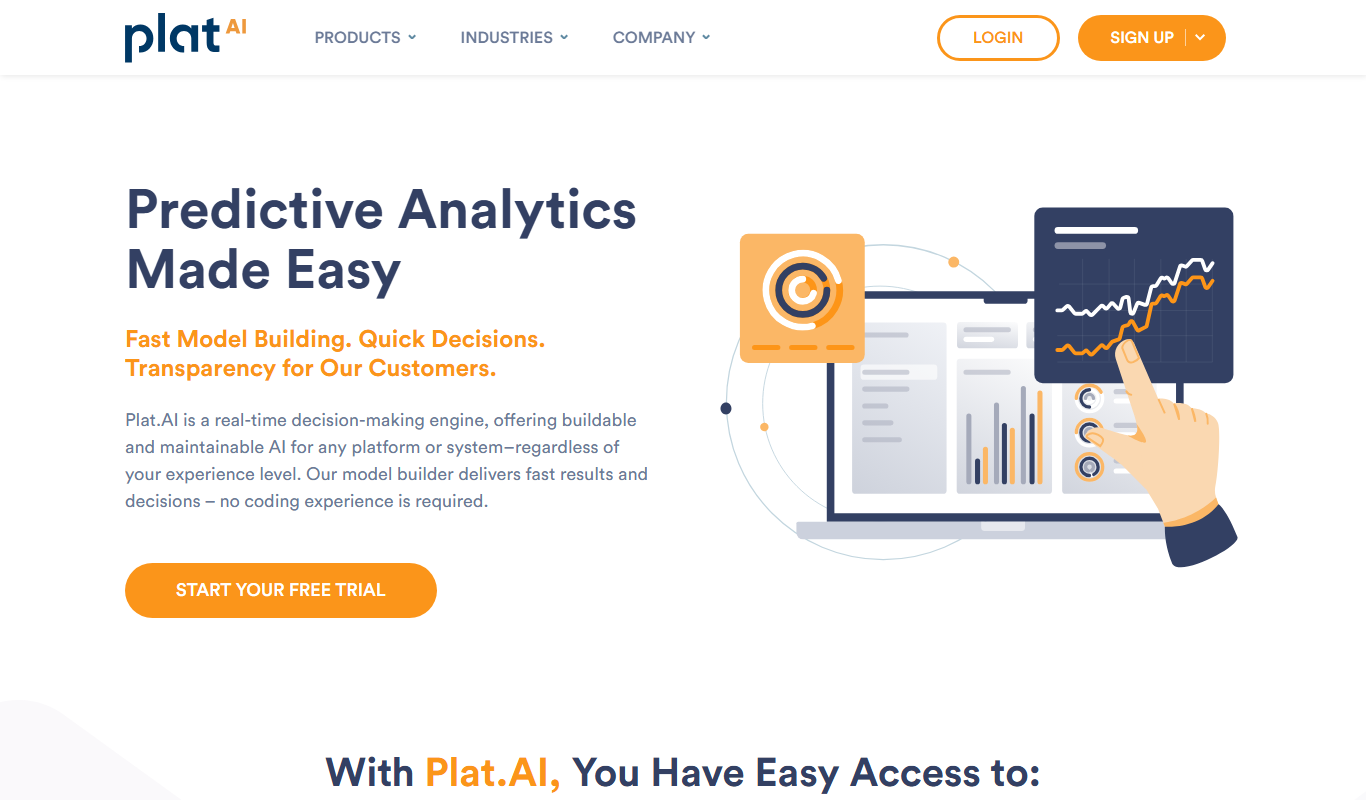
plat.ai is a comprehensive AI development platform that enables users to build, train, deploy, and manage custom machine learning models with scalable infrastructure and API integration.

Quino
Quino is the LMS that marks every exam: courses, lessons, online exams and diplomas, with AI that marks handwritten answers in seconds and writes tests from your notes.

MockTok
MockTok is an AI mock interview app with 50+ interactive questions, follow-up questions, job post analysis, multi-stage interviews, feedback and AI extracted cases.