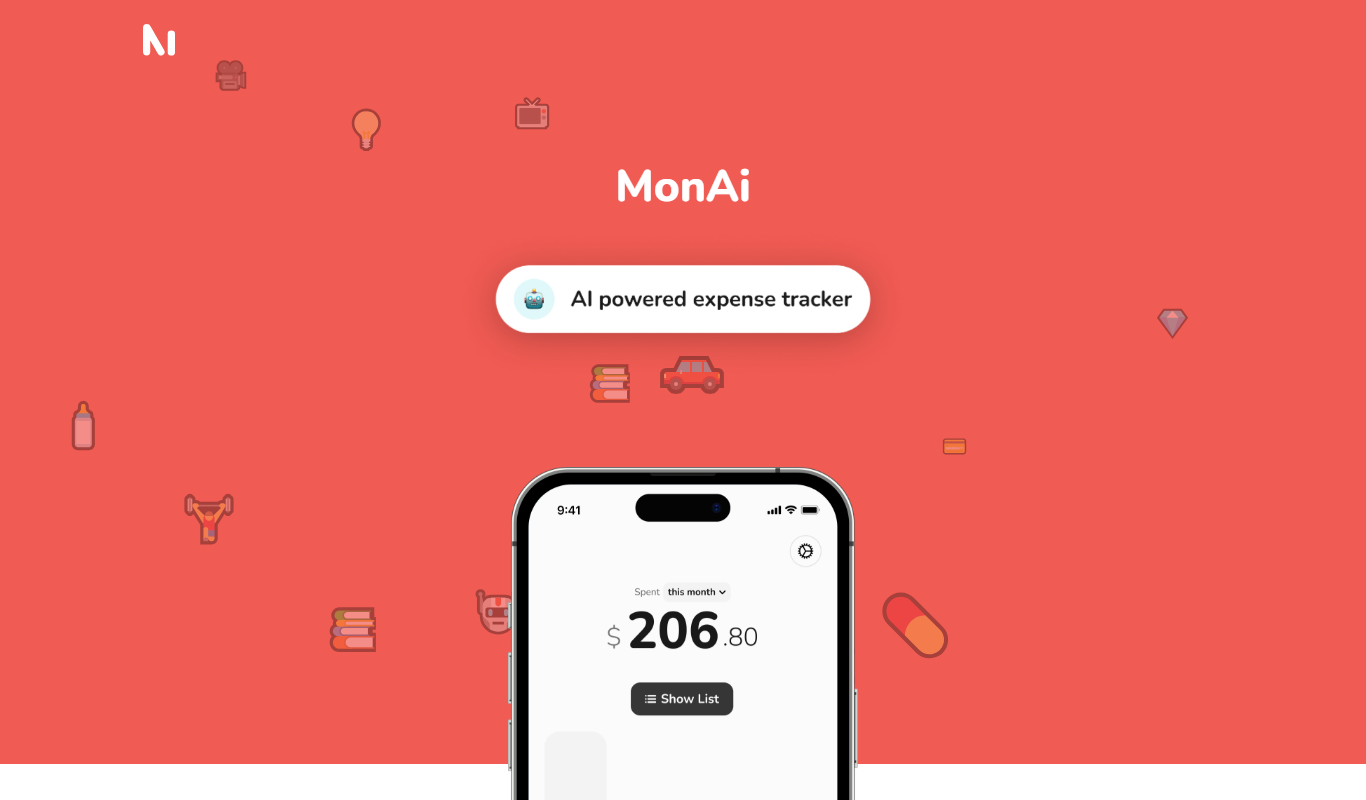
From my experience with Sleepytales, I found it excels at creating personalized bedtime stories that truly engage children by incorporating their names and interests. The multi-language support and audio narration add valuable layers that make storytime more immersive and accessible for diverse families. After spending time with the platform, I can say it’s particularly well-suited for parents and educators looking to enrich children’s bedtime routines with creative, AI-generated content. However, the free plan limits story generation, which might require upgrading for frequent use. Overall, if you want a convenient way to deliver customized, entertaining stories to kids, Sleepytales delivers solid results.
Sleepytales AI Story Generator for Personalized Children's Bedtime Stories
Sleepytales is an AI storytelling platform that generates personalized bedtime stories for children based on their preferences, offering audio narration and multi-language support.
- Best for
- Personalized Bedtime Stories
- Key capability
- AI-Powered Story Generation

Do you recommend this tool?
What is Sleepytales?
Sleepytales is an AI-powered storytelling platform designed to create personalized children’s bedtime stories. It uses artificial intelligence to generate unique, engaging narratives based on user inputs such as child’s name, interests, and preferred themes. The tool aims to make bedtime routines more enjoyable and foster children’s imagination and learning through customized stories.
Key features of Sleepytales
Sleepytales offers personalized story generation, multi-language support, audio narration, and a user-friendly interface accessible via web and mobile apps. It allows customization of characters and themes, providing a diverse library of story templates enhanced by AI creativity.
AI-Powered Story Generation
Creates unique, personalized stories based on user inputs to engage children effectively.
Multi-Language Support
Supports several languages including English, French, Spanish, German, and Italian.
Audio Narration
Offers narrated versions of stories to enhance the bedtime experience.
Customizable Characters and Themes
Allows users to tailor stories with preferred characters and themes for greater personalization.
Cross-Platform Accessibility
Available on web browsers and mobile apps for iOS and Android devices.
Pros and cons of Sleepytales
Pros
- Highly personalized story generation tailored to children’s preferences
- Supports multiple languages for diverse users
- Includes audio narration to enhance storytelling experience
- User-friendly interface accessible on web and mobile
- Affordable premium plan with unlimited access
Cons
- Free plan limits the number of stories per month
- Customization options may be limited compared to manual storytelling
- Audio narration voices are AI-generated and may lack emotional nuance
Key use cases for Sleepytales
Personalized Bedtime Stories
Generate unique bedtime stories tailored to children's preferences to make bedtime engaging and comforting.
Educational Storytelling
Use AI-generated stories to teach children moral lessons, vocabulary, and creativity through interactive narratives.
Parent-Child Bonding
Facilitate quality time by creating stories that parents and children can enjoy together, enhancing emotional connection.
Creative Writing Inspiration
Provide story ideas and inspiration for parents, teachers, or children interested in creative writing.
How Sleepytales works
- 1
Create an Account
Sign up on Sleepytales via the website or mobile app to start generating stories.
- 2
Input Preferences
Enter details such as child’s name, age, favorite themes, and characters to personalize the story.
- 3
Generate Story
The AI creates a unique bedtime story tailored to the inputs provided.
- 4
Listen or Read
Access the story in text format or listen to the narrated audio version.
- 5
Save and Share
Save favorite stories to your library or share them with family and friends.
Who is using Sleepytales
Parents seeking engaging bedtime stories
Educators and childcare providers
Children’s content creators
Families with multilingual backgrounds
Early childhood development specialists
Sleepytales pricing
Free
$0/month
Access to a limited number of stories per month with basic features.
Premium
$7.99/month
Unlimited story generation, full access to all features, and offline story listening.
Plans and prices are as published by the vendor and can change. Check the official site before you buy. Open the pricing page (opens in a new tab)
Frequently asked questions about Sleepytales
Yes, Sleepytales allows you to input your child’s name, favorite themes, and characters to personalize each story.
Yes, the platform provides audio narration for all generated stories.
Sleepytales supports English, French, Spanish, German, and Italian.
Yes, Sleepytales is available as an app for both iOS and Android devices.
It depends on your specific needs and how you plan to use the tool. The official website and documentation are the best sources for the latest details.
Some tools offer a free plan or trial with limited features. Availability can vary, so confirm on the official website.
Yes, it can help with that use case depending on how you configure it and what features are available. You’ll get the best results with clear inputs and a defined goal.
Yes, it can help with that use case depending on how you configure it and what features are available. You’ll get the best results with clear inputs and a defined goal.
Sign in to review this tool.
Sign In to ReviewNo reviews yet
Be the first to share how this tool worked for you.
Ask about pricing, limits, or how it compares — or answer someone else.
Sign In to AskNo questions yet
Have a question about using or paying for this tool? Be the first to ask.
Featured on TiorAI



Alternative Tools
Explore similar AI tools that might fit your needs
Free
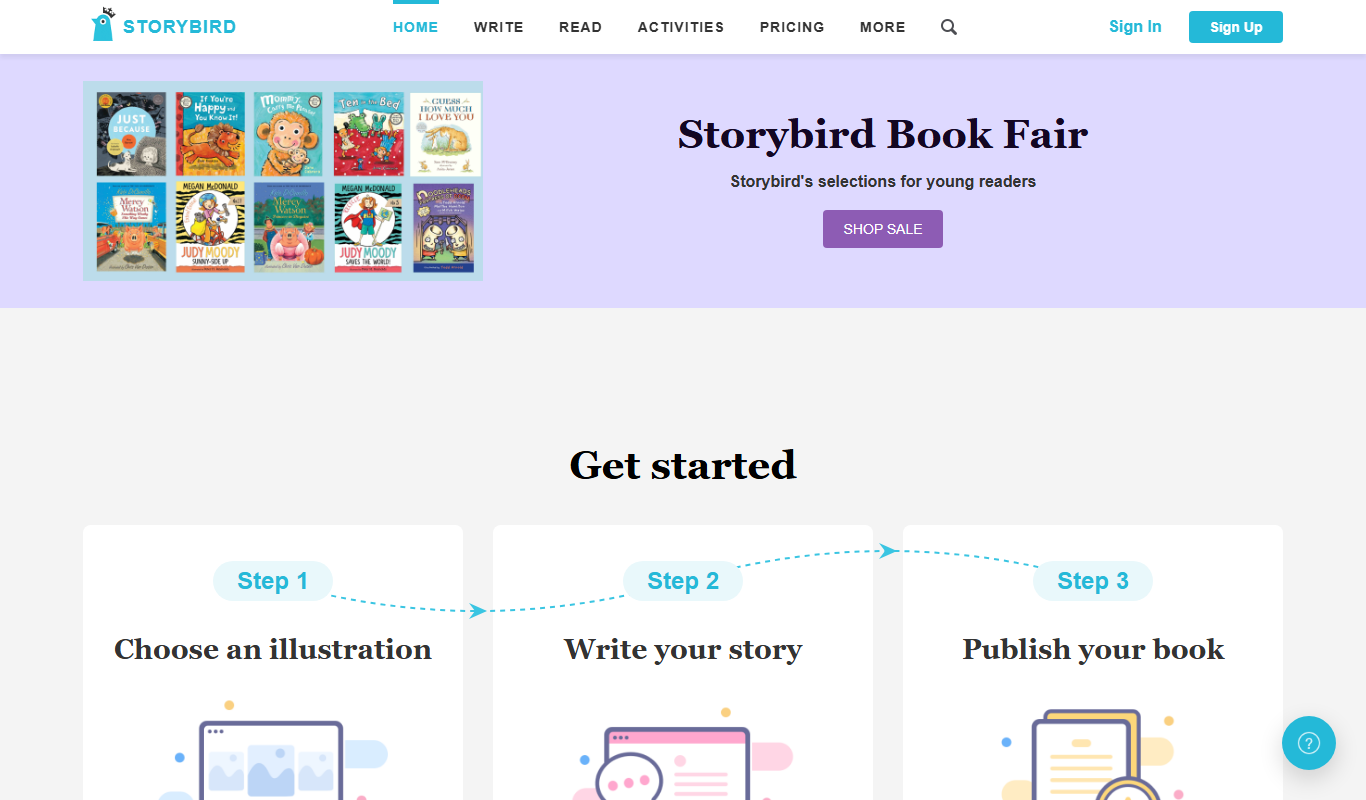
Storybird
Storybird is an online platform that combines curated artwork with writing tools to help children and educators create, publish, and share illustrated stories and poems.
More AI Dream Interpreter tools
Other tools in the same category, for when this one is not quite the fit.

Free
Ego Death Recovery Guide by PsychonautWiki
The Ego Death Recovery Guide by PsychonautWiki is a free, detailed online resource offering explanations and practical advice to help individuals recover from ego dissolution after psychedelic experiences.
Free
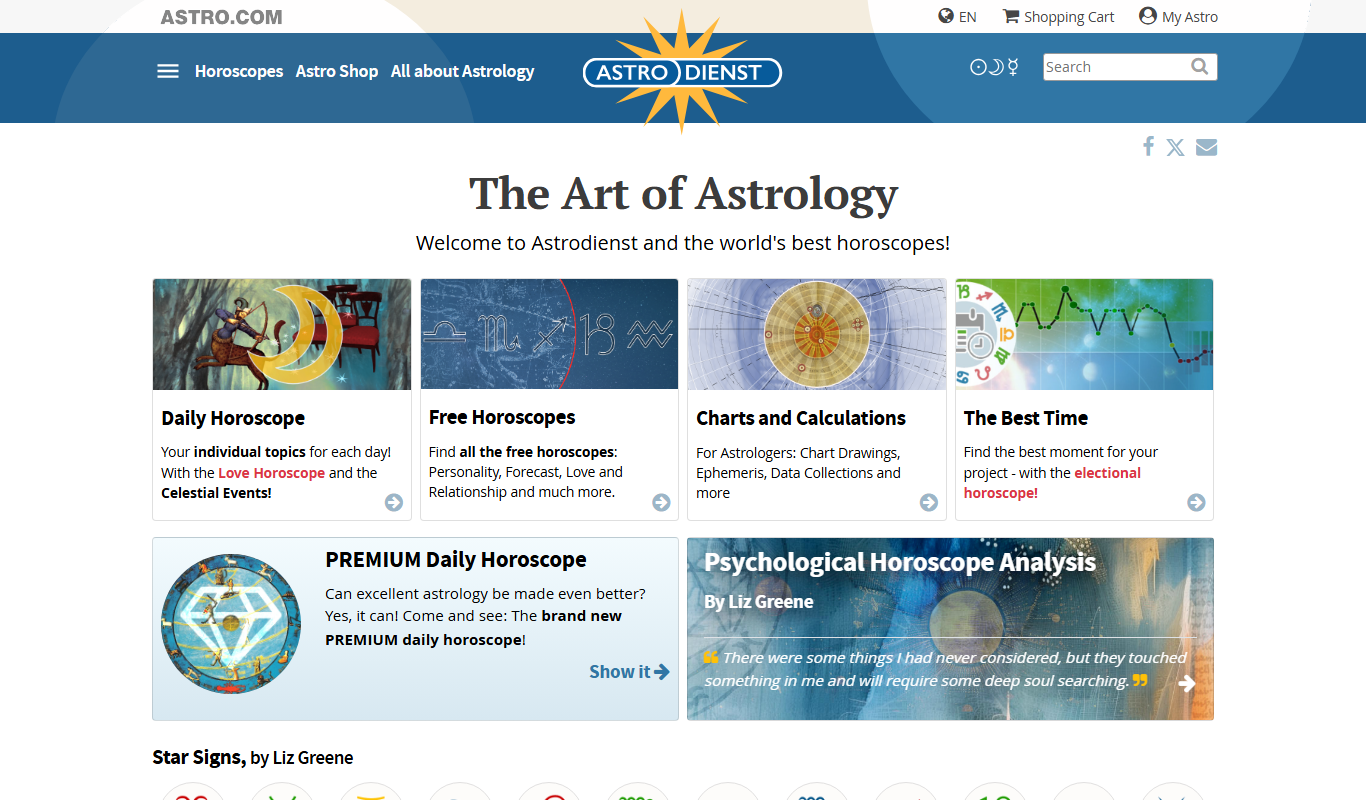
Astro.com
Astro.com is a leading online astrology platform offering free and paid personalized horoscopes, natal charts, and compatibility reports based on precise birth data.
Free
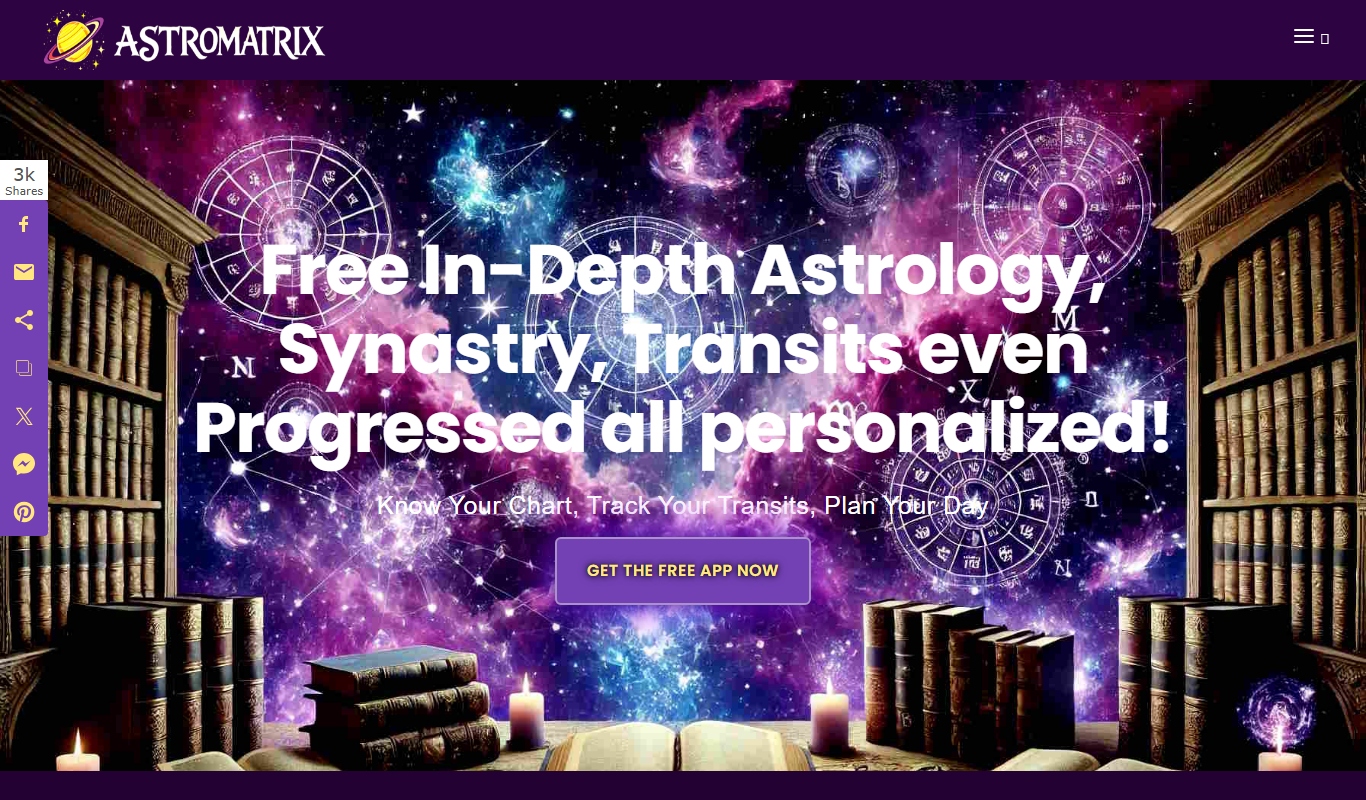
AstroMatrix
AstroMatrix is an astrology software and app that provides personalized horoscope readings, birth chart analyses, compatibility reports, and AI-powered dream interpretation based on your birth data.
Free
DreamMoods
DreamMoods is a free online dream dictionary that provides detailed meanings and interpretations of common dream symbols to help users understand their dreams.