
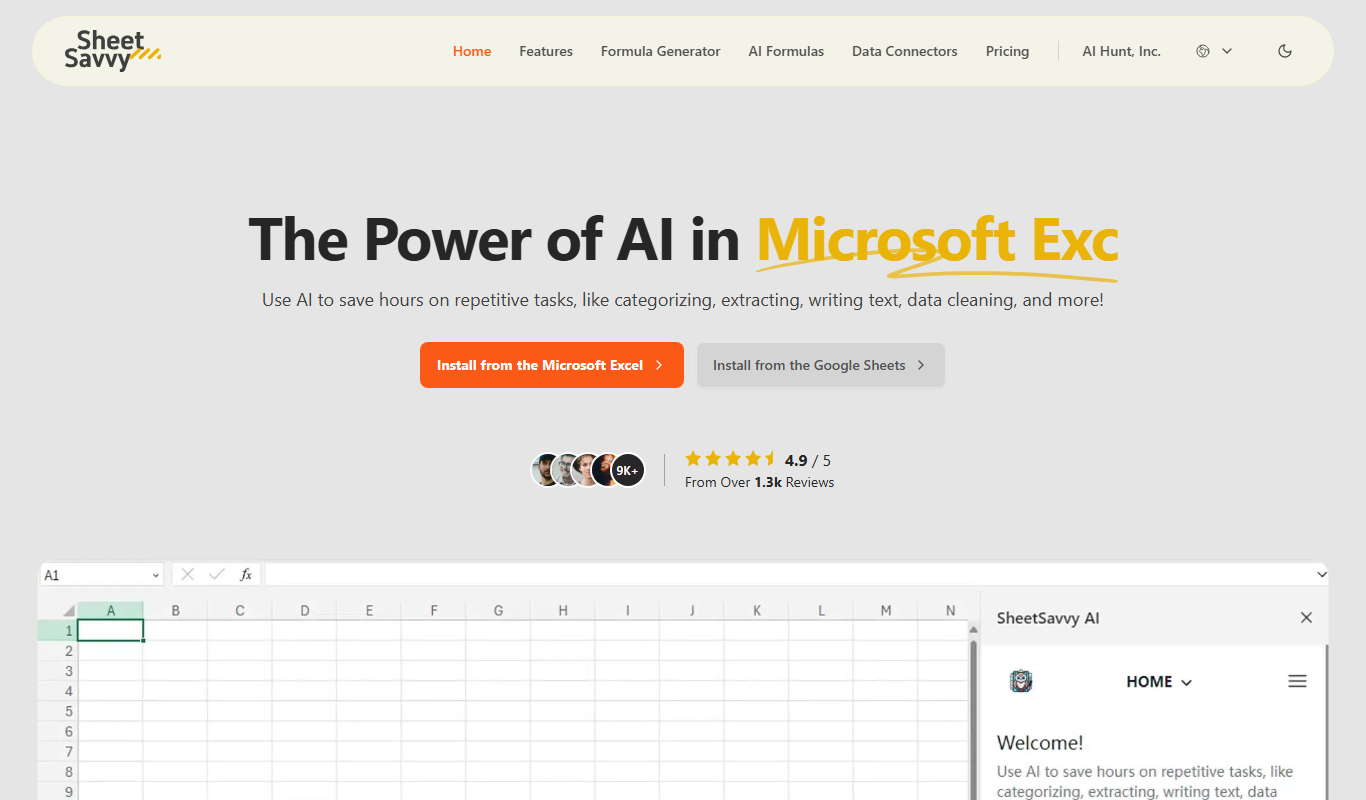
From my experience with SheetSavvy AI, it stands out by simplifying complex spreadsheet tasks through intelligent automation directly within Google Sheets. The natural language query feature is particularly helpful for quickly extracting insights without deep technical knowledge. I found it especially useful for small business owners and analysts who want to save time on repetitive data cleaning and reporting. However, the tool currently supports only Google Sheets, which may limit users reliant on Excel. Overall, if you frequently work with spreadsheets and seek to automate workflows and data analysis, SheetSavvy AI offers a practical and efficient solution.
SheetSavvy AI - AI-Powered Spreadsheet Automation and Data Analysis Tool
SheetSavvy AI is an AI-powered Google Sheets add-on that automates data cleaning, analysis, and report generation to boost spreadsheet productivity.
Tech Stack:
Google Apps Script
JavaScript
Python
What is SheetSavvy AI?
SheetSavvy AI is an AI-powered tool designed to enhance spreadsheet productivity by automating data processing, analysis, and reporting tasks. It integrates seamlessly with Google Sheets, enabling users to leverage artificial intelligence to simplify complex spreadsheet workflows, reduce manual errors, and gain actionable insights from their data.
Key Features of SheetSavvy AI
AI-Powered Data Cleaning
Automatically detect and correct errors, inconsistencies, and formatting issues in spreadsheets.
Natural Language Queries
Ask questions about your data in plain English and receive instant answers and summaries.
Automated Report Generation
Create detailed reports and dashboards from raw data with minimal manual input.
Workflow Automation
Set up recurring tasks and triggers to automate routine spreadsheet operations.
Seamless Google Sheets Integration
Works directly within Google Sheets as an add-on, ensuring smooth user experience.
Pros and Cons of SheetSavvy AI
Pros
- Simplifies complex spreadsheet tasks with AI automation
- Integrates directly within Google Sheets for ease of use
- Supports natural language queries for quick data insights
- Offers tiered pricing to suit different user needs
Cons
- Limited to Google Sheets platform, no Excel support yet
- Advanced features require paid subscription
- Some AI tasks may have learning curve for new users
Key Use Cases for SheetSavvy AI
Automated Data Processing
Use AI to automate repetitive spreadsheet tasks such as data cleaning, formatting, and transformation.
Data Analysis and Insights
Leverage AI-powered analytics to generate insights, summaries, and visualizations directly within spreadsheets.
Workflow Automation
Integrate SheetSavvy AI with Google Sheets to automate workflows, reducing manual effort and errors.
Report Generation
Automatically create reports and dashboards from raw spreadsheet data using AI-driven templates.
Collaboration Enhancement
Facilitate team collaboration by automating data updates and sharing within cloud-based spreadsheets.
How SheetSavvy AI Works
-
1
Install the Add-on
Add SheetSavvy AI to your Google Sheets from the G Suite Marketplace.
-
2
Connect Your Spreadsheet
Authorize SheetSavvy AI to access your spreadsheet data securely.
-
3
Select Automation Tasks
Choose from various AI-powered tasks like data cleaning, analysis, or report generation.
-
4
Run AI Processes
Execute the selected tasks and let the AI process your data automatically.
-
5
Review and Collaborate
Review AI-generated outputs and share with your team for collaborative decision-making.
Who's Using SheetSavvy AI
Data analysts
Small business owners
Marketing teams
Financial professionals
Project managers
SheetSavvy AI Pricing
Free
$0/month
Basic access with limited AI tasks and monthly usage caps.
Pro
$19/month
Expanded AI capabilities, higher usage limits, and priority support.
Business
$49/month
Advanced features, team collaboration tools, and dedicated account management.
Frequently Asked Questions About SheetSavvy AI
Currently, SheetSavvy AI is designed primarily for Google Sheets and does not support Excel natively.
Yes, SheetSavvy AI follows strict security protocols and only accesses your data with your permission.
Yes, SheetSavvy AI allows customization of automation workflows to fit specific needs.
Yes, new users can try the Pro plan features with a limited free trial period.
It depends on your specific needs and how you plan to use the tool. The official website and documentation are the best sources for the latest details.
Yes, it can help with that use case depending on how you configure it and what features are available. You’ll get the best results with clear inputs and a defined goal.
Some tools offer a free plan or trial with limited features. Availability can vary, so confirm on the official website.
Share your review
Reviews are limited to one per logged-in user and are published after moderation.
You need an account to review this tool.
0.0
★
★
★
★
★
0 reviews
5 star
0
4 star
0
3 star
0
2 star
0
1 star
0
No reviews yet
Be the first to share how this tool worked for you.
Questions from the community
Read questions and answers about this tool, or ask your own.
No questions yet
Start the conversation by asking the first question about this tool.
Is this tool helpful?
Alternative Tools
Explore similar AI tools that might fit your needs
Free
Sheet AI
Sheet AI is a Google Sheets add-on that enables users to automate data processing and generate insights using AI-powered custom functions without coding skills.
Free Trial
UChat
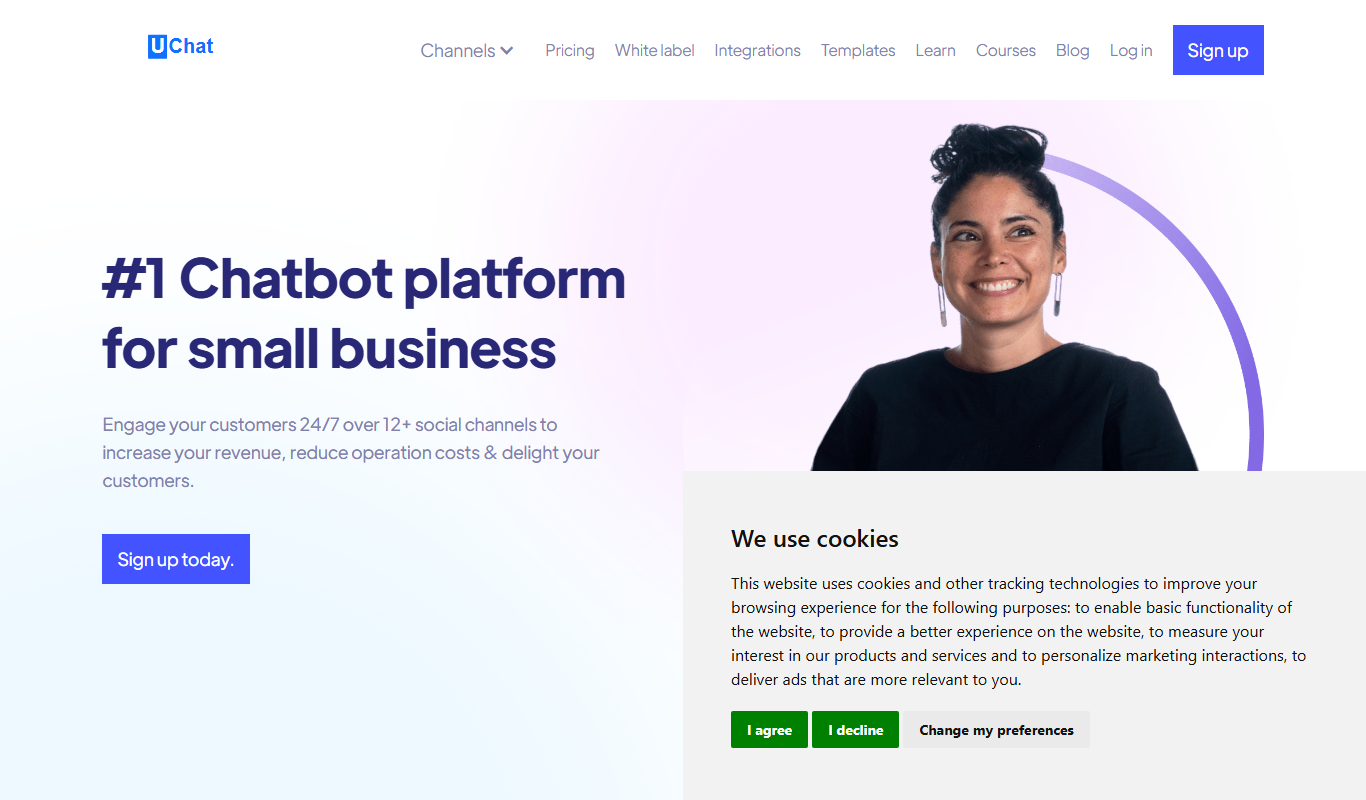
UChat is an AI chatbot platform that enables businesses to build and deploy conversational chatbots across multiple channels to automate customer support, lead generation, and internal workflows without coding.

Contact Sales
CloudVerse.ai
CloudVerse.ai is an AI-powered platform that automates cloud infrastructure management and workflow orchestration across multiple cloud providers, enhancing operational efficiency and security compliance.

Free Trial
Theneo
Theneo is an AI-driven knowledge base platform that automates customer support by providing a smart, searchable knowledge base and AI chatbot integration to deliver instant, accurate answers.

Free
Tunk
Tunk is an AI-powered chatbot platform that helps businesses automate customer support and engagement by deploying customizable conversational bots on websites and via API.
Free
UniDeck
UniDeck is an AI-powered tool that automates the creation of professional presentations by generating slide content and designs based on your input, helping users save time and produce polished decks.

Freemium
YuanbaoPower AI
YuanbaoPower AI is a data analytics and automation platform that uses AI to help businesses analyze data, automate workflows, and generate predictive insights.
Free Trial
AI Thriving
AI Thriving is an AI-powered platform that helps businesses generate SEO-optimized content and automate marketing tasks to improve digital presence.
Free Trial
AIEasyUse
AIEasyUse is an AI-driven content creation platform that helps users generate articles, social media posts, and emails efficiently with support for English and Chinese languages.