
From my experience with SEO Video Scribe, I found it excels at simplifying the creation of SEO-optimized videos without requiring advanced video editing skills. The platform’s templates and keyword integration make it straightforward to produce content that can improve search engine visibility. It’s particularly well-suited for marketers and small business owners looking to boost organic traffic through video content. However, the tool lacks some advanced editing features found in professional software and currently supports only English. Overall, if your goal is to quickly create marketing videos optimized for SEO, SEO Video Scribe offers a practical and affordable solution.
SEO Video Scribe Review - Create SEO-Optimized Videos for Marketing
SEO Video Scribe is a web-based tool that enables users to create videos optimized for search engines, combining video creation with SEO best practices to improve organic reach and engagement.
What is SEO Video Scribe?
SEO Video Scribe is a web-based platform designed to help marketers and businesses create SEO-optimized videos quickly and easily. It combines video creation tools with SEO best practices to produce videos that rank well on search engines and attract organic traffic. The tool offers templates, customization options, and guidance to streamline video production for marketing purposes.
Key Features of SEO Video Scribe
SEO Keyword Integration
Embed targeted keywords within video scripts and metadata to improve search rankings.
Customizable Video Templates
Access a library of templates designed for various industries and marketing objectives.
Voiceover and Text-to-Speech
Add professional voiceovers or use built-in text-to-speech functionality.
Multi-Platform Export
Export videos in formats optimized for websites, YouTube, and social media platforms.
User-Friendly Interface
Drag-and-drop editor and simple controls make video creation accessible to all skill levels.
Pros and Cons of SEO Video Scribe
Pros
- Easy to use with no prior video editing skills required
- Templates optimized for SEO and marketing
- Affordable pricing with a free trial
- Supports multiple export formats for different platforms
Cons
- Limited advanced video editing features compared to professional software
- Currently supports only English language
Key Use Cases for SEO Video Scribe
SEO Video Creation
Create videos optimized for search engines to improve organic traffic and rankings.
Content Marketing
Produce engaging video content to attract and retain customers across digital channels.
Social Media Promotion
Generate videos tailored for social media platforms to increase brand visibility and engagement.
Lead Generation
Use video content to capture leads by integrating calls to action and SEO strategies.
Brand Awareness
Build brand recognition through consistent, high-quality video content optimized for SEO.
How SEO Video Scribe Works
-
1
Sign Up
Create an account on the SEO Video Scribe website to access the platform.
-
2
Choose a Template
Select from a variety of SEO-optimized video templates tailored for different marketing goals.
-
3
Customize Video
Add your content, keywords, images, and voiceovers to personalize the video.
-
4
Optimize for SEO
Integrate relevant keywords and metadata to enhance search engine visibility.
-
5
Export and Publish
Download the finished video or publish it directly to social media or your website.
Who's Using SEO Video Scribe
Digital marketers
Small business owners
Content creators
SEO specialists
Social media managers
SEO Video Scribe Pricing
Free Trial
$0 for 7 days
Access to basic features with limited exports to test the platform.
Pro Plan
$27/month
Full access to all templates, unlimited video exports, and advanced SEO features.
Frequently Asked Questions About SEO Video Scribe
Yes, the platform is designed with an intuitive interface and templates to simplify video creation for beginners.
Yes, you can export videos optimized for social media and publish them directly from the platform.
The free trial has export limits, but the Pro Plan offers unlimited video exports.
Yes, you can upload your own voice recordings or use the built-in text-to-speech feature.
It depends on your specific needs and how you plan to use the tool. The official website and documentation are the best sources for the latest details.
Yes, it can help with that use case depending on how you configure it and what features are available. You’ll get the best results with clear inputs and a defined goal.
Pricing depends on the plan and included features. For the most accurate and up-to-date details, check the official pricing page.
Share your review
Reviews are limited to one per logged-in user and are published after moderation.
You need an account to review this tool.
0.0
★
★
★
★
★
0 reviews
5 star
0
4 star
0
3 star
0
2 star
0
1 star
0
No reviews yet
Be the first to share how this tool worked for you.
Questions from the community
Read questions and answers about this tool, or ask your own.
No questions yet
Start the conversation by asking the first question about this tool.
Is this tool helpful?
Free
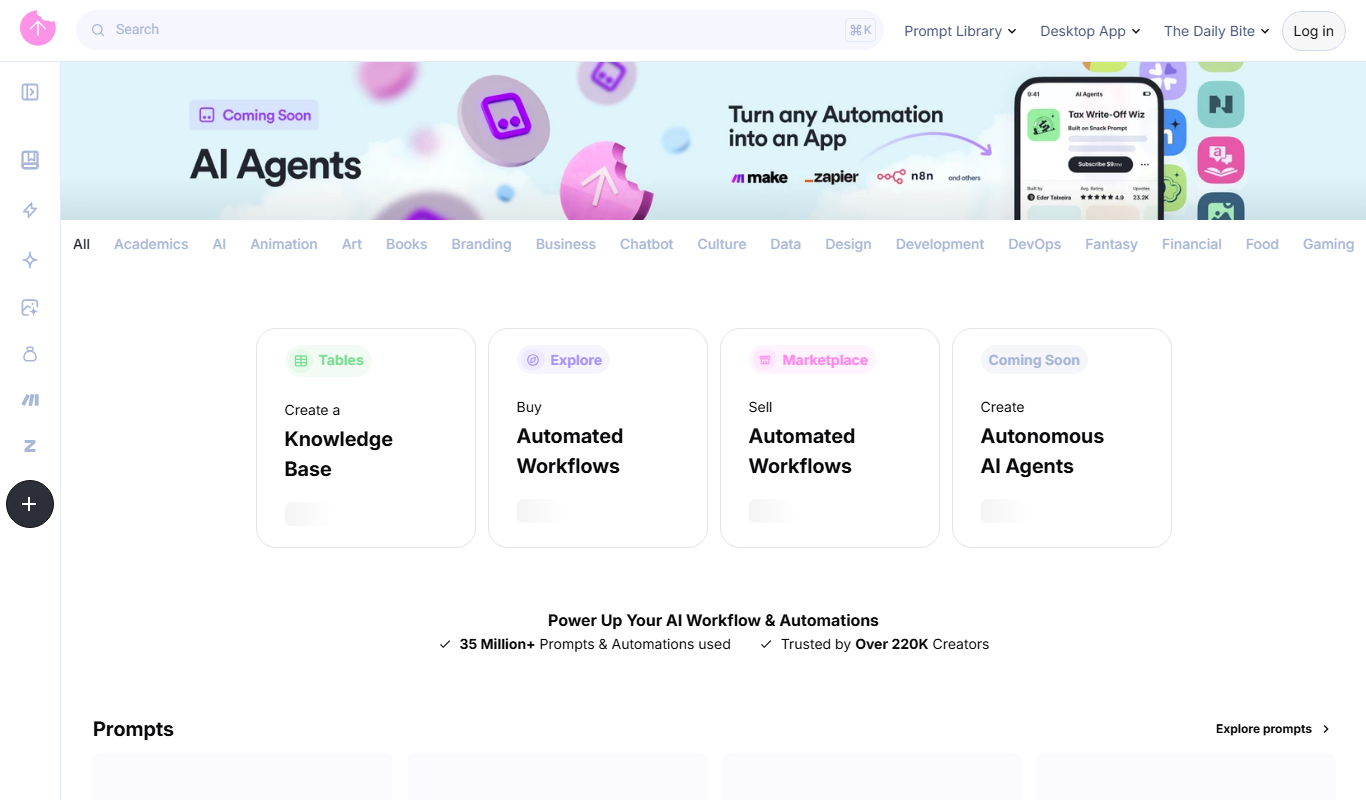
Snack Prompt
Snack Prompt is a web-based AI writing assistant that generates creative content and copywriting prompts to help users produce high-quality text efficiently.

Free
Wondershare Filmora
Wondershare Filmora is an easy-to-use video editing software suitable for beginners and professionals, offering features like 4K editing, effects, transitions, and audio tools.

Free Trial
QuillGenius AI Copywriting Tool
QuillGenius is an AI-powered copywriting tool that helps users create marketing, SEO, and creative content efficiently through customizable templates and AI-generated drafts.

Free
Pepur
Pepur is an AI-powered writing assistant that helps users generate creative and efficient written content through AI-generated drafts, suggestions, and editing tools.

Free
Tutory
Tutory is a web-based platform that enables teachers to create, customize, and share worksheets and teaching materials efficiently using an intuitive drag-and-drop editor and collaborative features.

Free
IntelliMuse
IntelliMuse is an AI-powered writing assistant that helps users generate creative content, improve writing quality, and boost productivity through AI-driven suggestions and editing tools.

Free Trial
Wondershare Filmora ES
Wondershare Filmora ES is a Spanish-language video editing software designed for beginners and intermediate users, offering easy-to-use tools, effects, and export options for Windows and macOS.
Free Trial
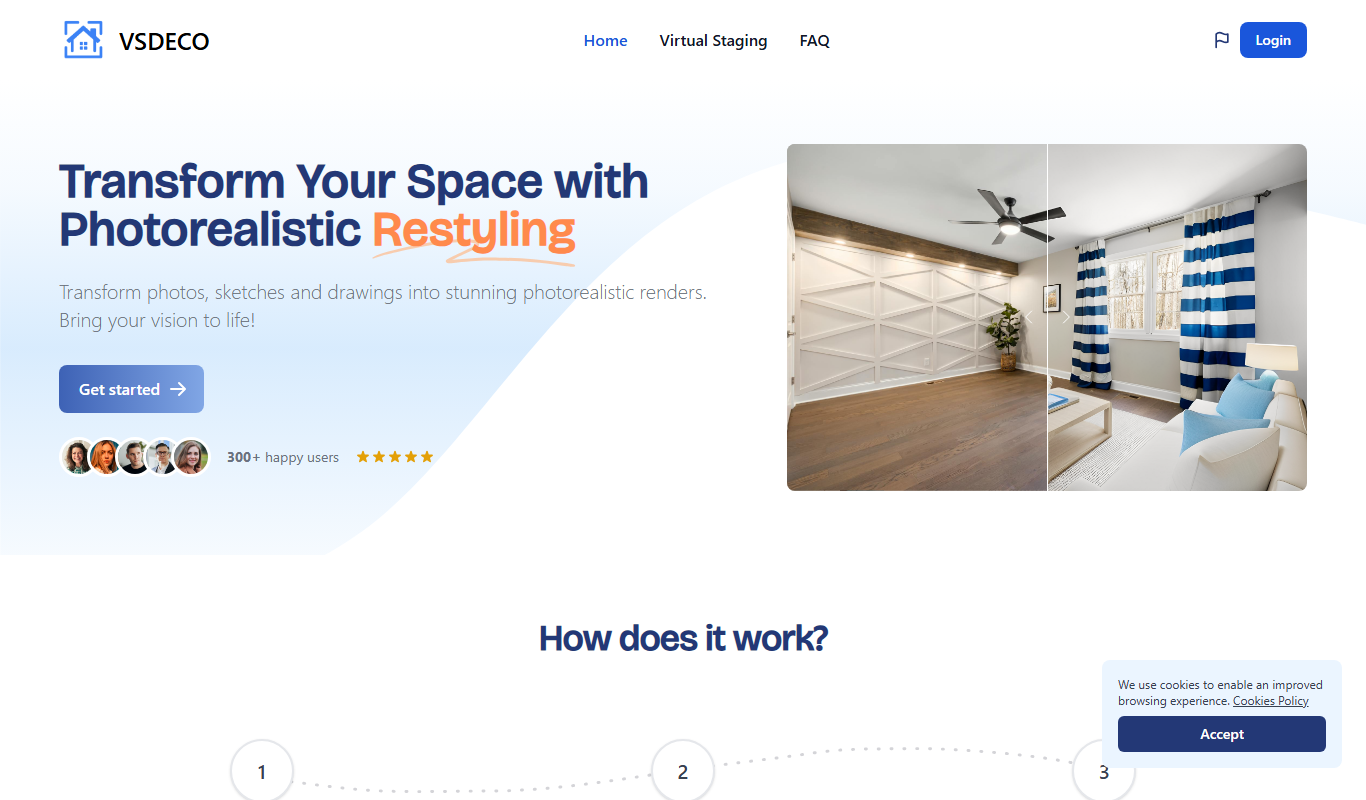
VSDECO
VSDECO is a video editing software designed for creators and professionals, featuring multi-track editing, drag-and-drop interface, customizable effects, and export options.