

From my experience with Script Reader AI, I found it excels at providing clear, actionable feedback on screenplay structure and dialogue, which is invaluable for writers looking to polish their scripts. The platform’s straightforward web interface makes it accessible even for beginners, while the AI-driven insights help identify story weaknesses that might be overlooked. However, the tool currently supports only English and lacks mobile or desktop apps, which might limit flexibility for some users. Overall, if you are a screenwriter seeking affordable, AI-powered script analysis, Script Reader AI offers a practical and effective solution.
Script Reader AI Review - AI-Powered Script Analysis and Feedback Tool
Script Reader AI is an AI-driven web tool that analyzes screenplays to provide feedback on story structure, character development, dialogue, and formatting to help writers improve their scripts.
- Best for
- Script Analysis
- Key capability
- Narrative Structure Analysis


Do you recommend this tool?
What is Script Reader AI?
Script Reader AI is an AI-powered web application designed to assist screenwriters by analyzing their scripts and providing actionable feedback. It leverages natural language processing and machine learning to evaluate story elements such as plot structure, character development, pacing, and dialogue quality. This tool aims to help writers refine their screenplays, making them more compelling and industry-ready.
Key features of Script Reader AI
The main features of Script Reader AI include comprehensive script analysis, AI-generated feedback on story and characters, dialogue evaluation, pacing insights, and formatting checks. It offers an intuitive web interface where users can upload or paste their scripts and receive detailed reports highlighting areas for improvement.
Narrative Structure Analysis
Evaluates the plot flow and identifies pacing issues or plot inconsistencies.
Character Development Feedback
Assesses character arcs and depth to ensure compelling and believable characters.
Dialogue Quality Assessment
Analyzes dialogue for naturalness, tone, and engagement.
Formatting Verification
Checks script formatting against industry standards to ensure professional presentation.
User-Friendly Interface
Simple web-based platform that requires no technical skills to use.
Pros and cons of Script Reader AI
Pros
- Provides detailed AI-driven script feedback
- Easy-to-use web interface
- Supports multiple aspects of screenplay writing
- Affordable subscription plan
- Helps improve story structure and dialogue
Cons
- Limited language support (English only)
- No desktop or mobile app versions
- Free plan has usage and feature restrictions
Key use cases for Script Reader AI
Script Analysis
Provides detailed AI-driven feedback on screenplays to improve story structure, character development, and dialogue.
Screenwriting Assistance
Helps writers identify weaknesses and strengths in their scripts to refine and polish their work.
Story Development
Supports writers in developing compelling narratives by highlighting pacing, plot holes, and character arcs.
Dialogue Improvement
Analyzes dialogue for naturalness and effectiveness, suggesting enhancements to make conversations more engaging.
Script Formatting Check
Ensures scripts adhere to industry-standard formatting guidelines for professional presentation.
How Script Reader AI works
- 1
Upload or Paste Script
Users submit their screenplay by uploading a file or pasting the text directly into the platform.
- 2
AI Analysis
The AI engine processes the script, examining narrative structure, character arcs, dialogue, and formatting.
- 3
Receive Feedback Report
Users get a detailed report with suggestions and insights to improve their screenplay.
- 4
Revise Script
Writers use the feedback to refine their script and can re-analyze as needed.
Who is using Script Reader AI
Screenwriters
Film students
Independent filmmakers
Script editors
Content creators in film and TV
Script Reader AI pricing
Free
$0/month
Basic script analysis with limited feedback and usage caps.
Pro
$19/month
Full access to all features, unlimited script uploads, and detailed feedback reports.
Plans and prices are as published by the vendor and can change. Check the official site before you buy. Open the pricing page (opens in a new tab)
Frequently asked questions about Script Reader AI
You can analyze screenplays, teleplays, and other narrative scripts primarily in English.
The free plan has limits on script length and number of analyses; the Pro plan offers unlimited usage.
Yes, it checks your script formatting against industry standards and highlights issues.
Yes, it analyzes dialogue for naturalness and engagement and offers improvement tips.
It depends on your specific needs and how you plan to use the tool. The official website and documentation are the best sources for the latest details.
It depends on your specific needs and how you plan to use the tool. The official website and documentation are the best sources for the latest details.
Yes, it can help with that use case depending on how you configure it and what features are available. You’ll get the best results with clear inputs and a defined goal.
Sign in to review this tool.
Sign In to ReviewNo reviews yet
Be the first to share how this tool worked for you.
Ask about pricing, limits, or how it compares — or answer someone else.
Sign In to AskNo questions yet
Have a question about using or paying for this tool? Be the first to ask.
Featured on TiorAI



Alternative Tools
Explore similar AI tools that might fit your needs
Free
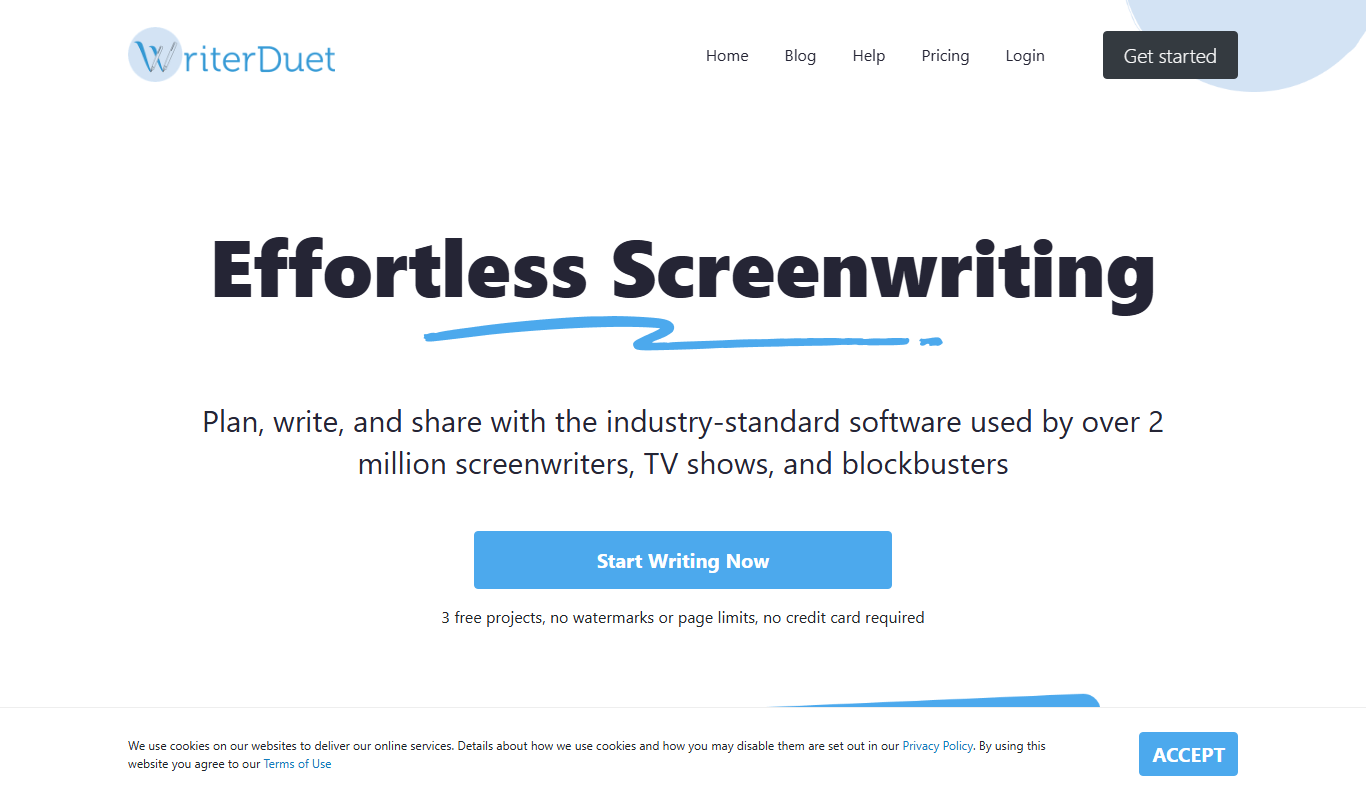
WriterDuet
WriterDuet is a cloud-based screenwriting software that enables multiple writers to collaborate in real time with automatic script formatting and offline capabilities.

Free
Celtx
Celtx is a cloud-based software platform designed for scriptwriting and media pre-production, providing tools for writing scripts, creating storyboards, scheduling production, and collaborating with teams.
More AI Script Analysis Tools tools
Other tools in the same category, for when this one is not quite the fit.
Free
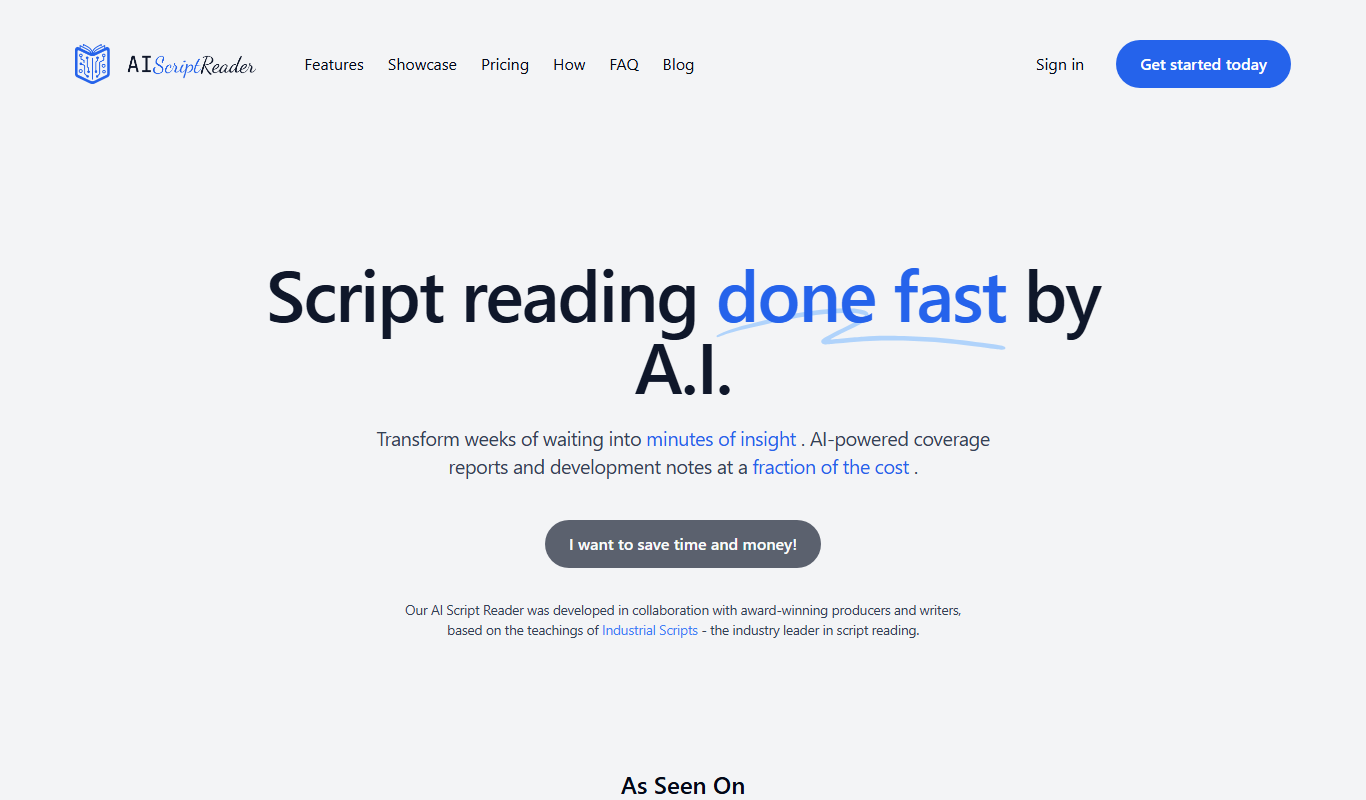
AIScriptReader
AIScriptReader is an AI tool that analyzes and summarizes scripts to help content creators improve clarity and engagement.