

From my experience with Scribe Medix, I found it excels at providing a secure and specialized transcription solution tailored for healthcare providers. The platform’s focus on HIPAA compliance and EMR integration makes it a practical choice for medical professionals seeking to streamline documentation workflows. However, the lack of publicly available pricing and limited language support may require direct consultation to assess fit. Overall, if you need reliable medical transcription with strong security and integration features, Scribe Medix delivers solid results.
Scribe Medix Medical Transcription Software for Healthcare Providers
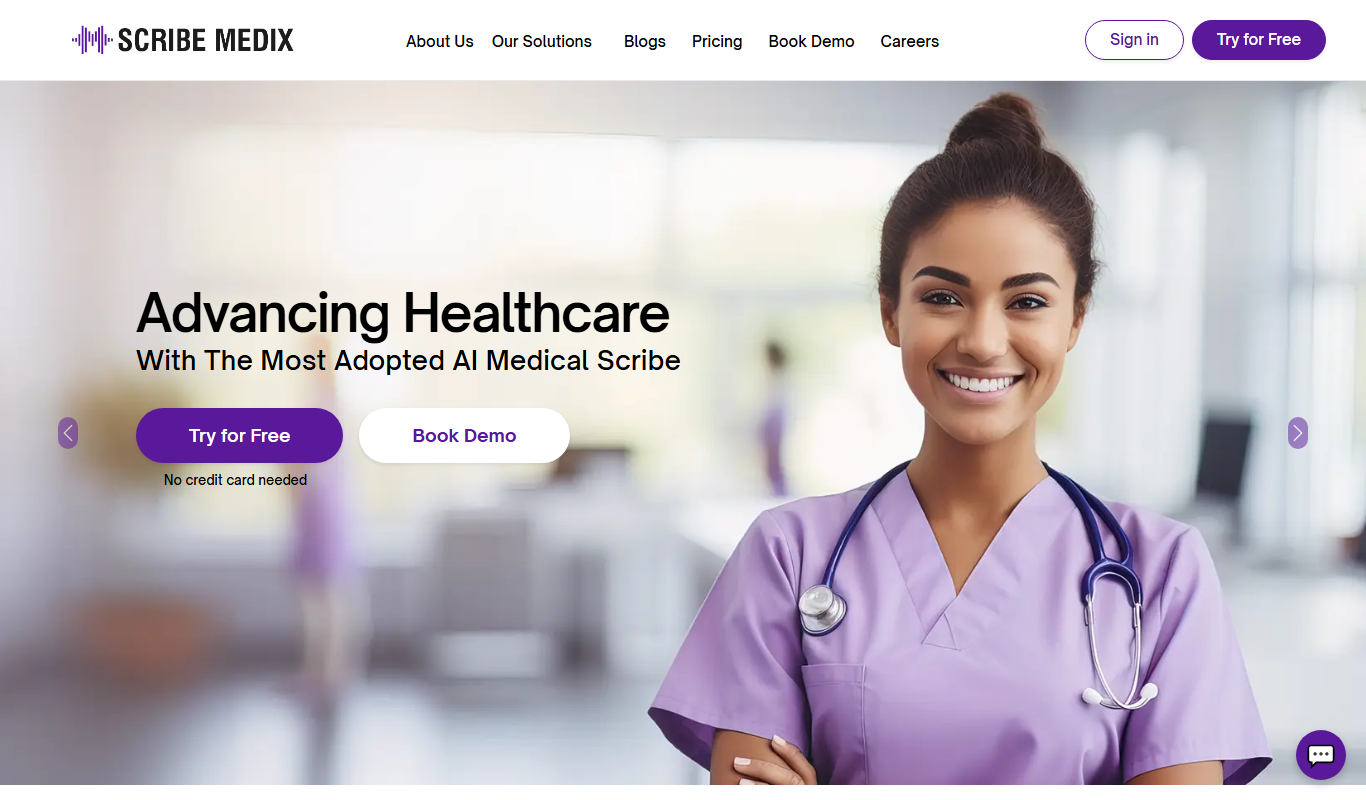
Scribe Medix is a HIPAA-compliant medical transcription software that converts healthcare providers' voice dictations into accurate medical documents, integrates with EMR systems, and supports secure document management.
- Best for
- Medical Transcription
- Key capability
- HIPAA Compliant Security
Do you recommend this tool?
What is Scribe Medix?
Scribe Medix is a specialized medical transcription software designed to convert healthcare providers’ voice dictations into precise, formatted medical documents. It aims to improve documentation accuracy and efficiency while ensuring compliance with healthcare industry standards such as HIPAA.
Key features of Scribe Medix
The platform offers features including advanced speech recognition, EMR integration, secure document management, and customizable transcription workflows tailored for medical professionals.
HIPAA Compliant Security
Ensures all patient data and transcriptions are handled with strict privacy and security standards.
EMR Integration
Supports direct integration with popular electronic medical record systems for seamless workflow.
Customizable Templates
Allows creation of tailored transcription templates to fit different medical specialties.
Speech Recognition Technology
Utilizes advanced speech-to-text engines to accelerate transcription speed.
Quality Assurance
Includes human proofreading and editing to ensure transcription accuracy.
Pros and cons of Scribe Medix
Pros
- Specialized for medical transcription needs
- Strong focus on HIPAA compliance and security
- Customizable templates for various specialties
- Integration with EMR systems streamlines workflow
Cons
- Pricing details are not publicly available
- Limited to English language transcription
- No mobile app platform currently
Key use cases for Scribe Medix
Medical Transcription
Converts physician dictations into accurate, formatted medical reports.
Electronic Medical Record (EMR) Integration
Seamlessly integrates transcribed documents into EMR systems for streamlined workflows.
Healthcare Documentation Management
Manages and stores medical documents securely, ensuring compliance with healthcare regulations.
Speech Recognition Assistance
Supports speech-to-text technology to speed up documentation processes.
How Scribe Medix works
- 1
Record Dictation
Healthcare providers record their patient notes or reports using the platform or compatible devices.
- 2
Upload or Stream Audio
The recorded audio is uploaded or streamed securely to the Scribe Medix system.
- 3
Transcription Processing
The software transcribes the audio into text using speech recognition and human review for accuracy.
- 4
Review and Edit
Providers or transcriptionists review and edit the transcribed documents for final approval.
- 5
Integration and Storage
Finalized documents are integrated into EMR systems and stored securely within the platform.
Who is using Scribe Medix
Healthcare providers
Medical transcriptionists
Hospitals and clinics
Medical billing and coding professionals
Healthcare IT administrators
Scribe Medix pricing
Custom Pricing
Contact for pricing
Pricing tailored based on volume, features, and integration needs.
Plans and prices are as published by the vendor and can change. Check the official site before you buy. Open the pricing page (opens in a new tab)
Frequently asked questions about Scribe Medix
Yes, Scribe Medix adheres to HIPAA regulations to protect patient information.
Scribe Medix supports integration with many popular EMR platforms; contact support for specific systems.
Currently, Scribe Medix supports transcription in English.
Information about free trials is available upon contacting their sales team.
It depends on your specific needs and how you plan to use the tool. The official website and documentation are the best sources for the latest details.
Integration support depends on the tool and its available connectors or API. Check the official documentation or integrations page to confirm what is supported.
It depends on your specific needs and how you plan to use the tool. The official website and documentation are the best sources for the latest details.
Sign in to review this tool.
Sign In to ReviewNo reviews yet
Be the first to share how this tool worked for you.
Ask about pricing, limits, or how it compares — or answer someone else.
Sign In to AskNo questions yet
Have a question about using or paying for this tool? Be the first to ask.
Featured on TiorAI



More AI Healthcare Tools tools
Other tools in the same category, for when this one is not quite the fit.
Freemium
Healee
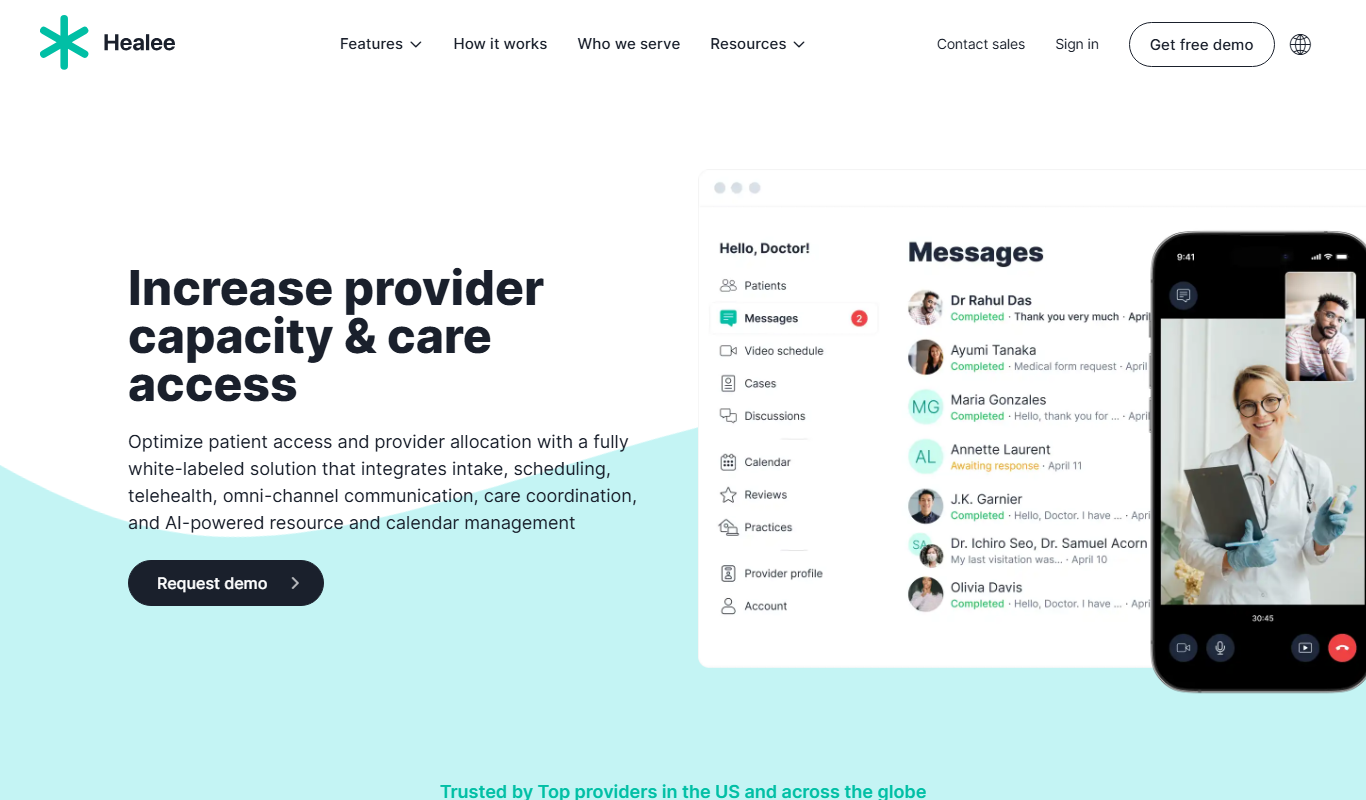
Healee is a telemedicine platform that enables patients to consult doctors online via video, chat, or phone, offering electronic prescriptions and patient management features.
Freemium
Healee
Healee is a telemedicine platform that enables secure online consultations between doctors and patients through video calls, chat, and patient management tools accessible on web and mobile devices.

Freemium
DocteurQuiz
DocteurQuiz is a French online platform providing medical quizzes for students and healthcare professionals to improve knowledge and prepare for exams.
Pay As You Go
ChartFast
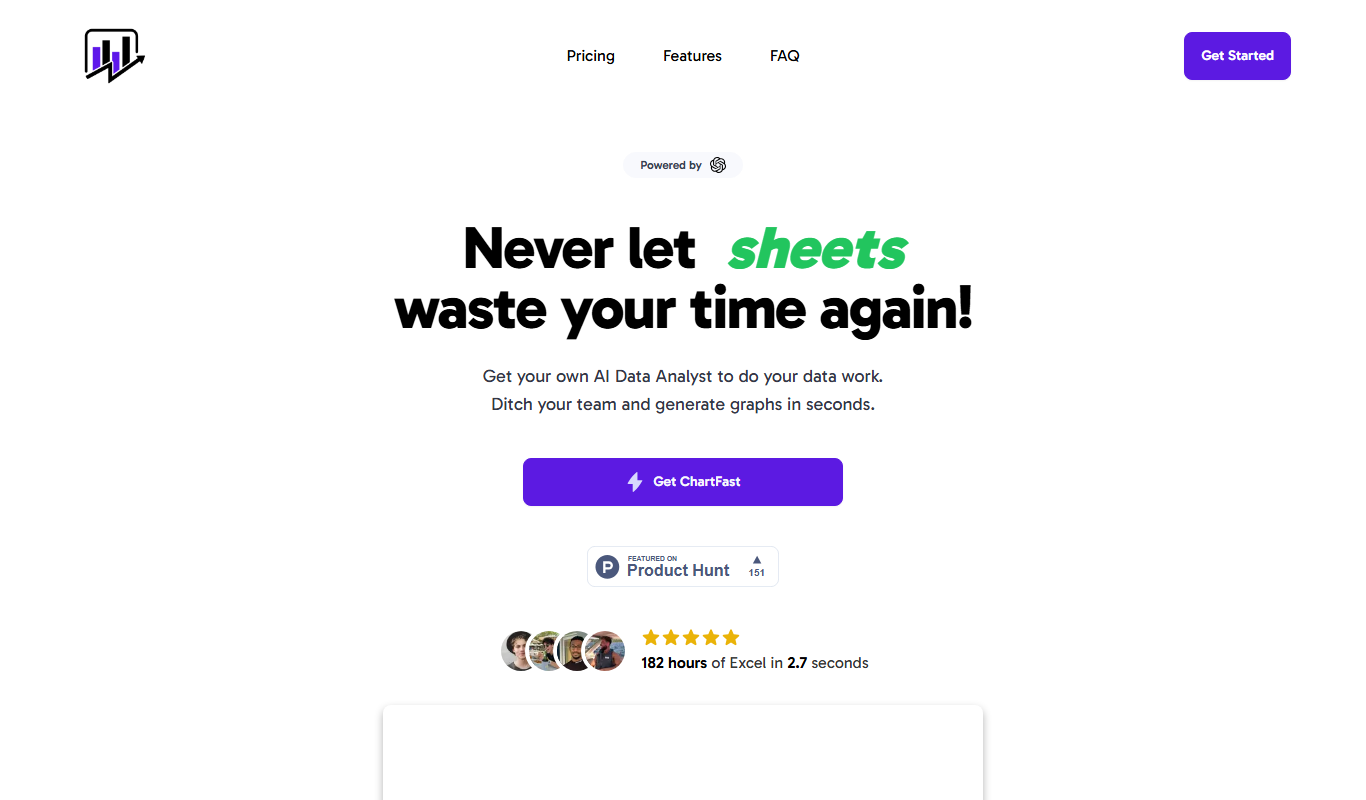
ChartFast is a medical transcription software that uses AI and human editors to convert physician dictations into accurate medical reports integrated with EHR systems.

Free Trial
Mediscribe Pro
Mediscribe Pro is a medical transcription software that converts physician dictations into accurate medical reports using AI-powered speech recognition and integrates with EMR systems.