

From my experience with rudeCaptcha, I found it stands out by offering a fresh take on CAPTCHA challenges that can engage users more than traditional methods. Its easy API integration makes it practical for developers looking to add bot protection quickly. However, the unconventional and sometimes humorous challenge style may not suit every website’s tone or audience, which is a trade-off to consider. Overall, if you want to enhance your website security with a unique anti-bot solution that also provides analytics, rudeCaptcha is worth exploring.
rudeCaptcha - Advanced Anti-Bot CAPTCHA Service for Website Security
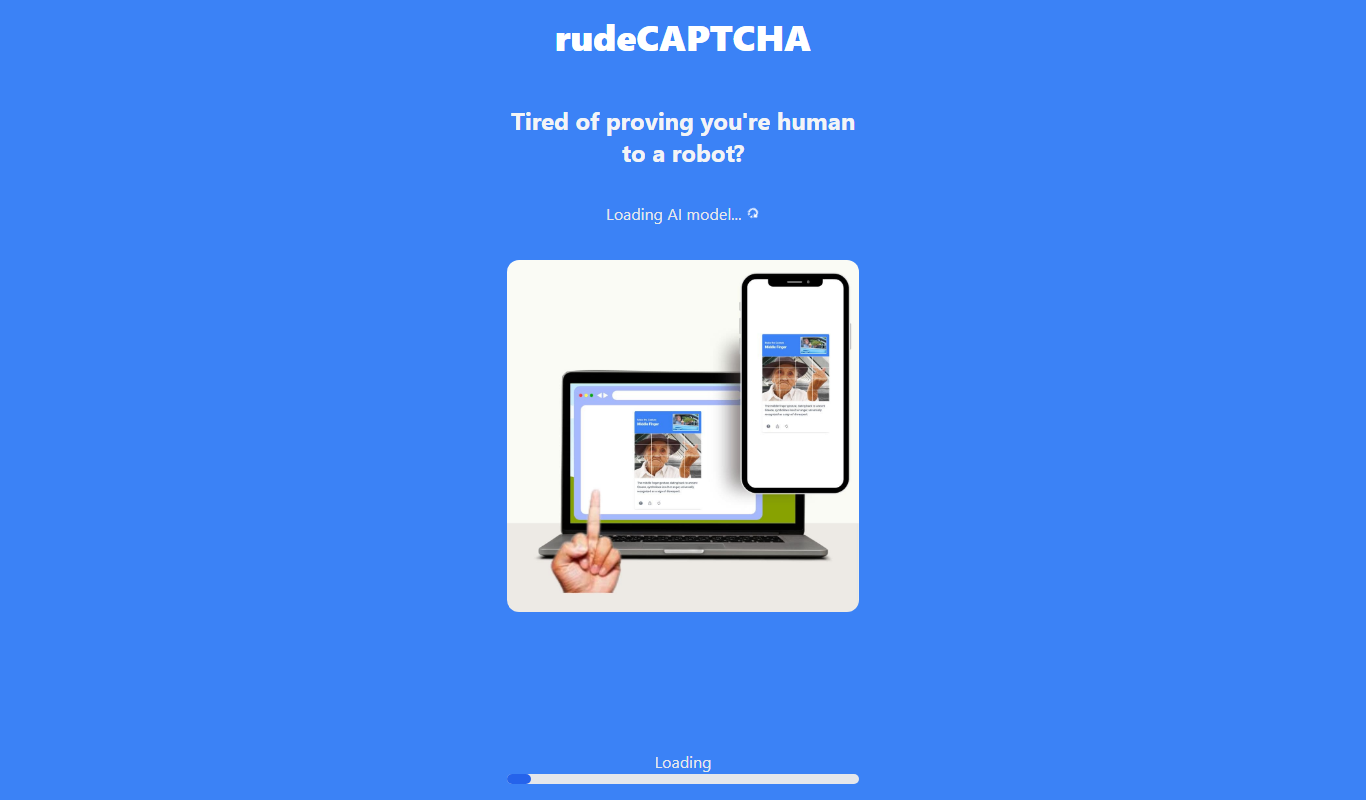
rudeCaptcha is an anti-bot CAPTCHA service that uses unconventional challenges to verify human users and protect websites from automated abuse.
- Best for
- Preventing Automated Spam
- Key capability
- Unconventional CAPTCHA Challenges
Your actions
Do you recommend this tool?
What is rudeCaptcha?
rudeCaptcha is an anti-bot CAPTCHA service designed to protect websites from automated abuse. Unlike traditional CAPTCHAs, rudeCaptcha uses unconventional and sometimes humorous challenges to differentiate humans from bots, aiming to improve security while engaging users in a unique way.
Key features of rudeCaptcha
The tool offers customizable CAPTCHA challenges, easy integration via API, and a focus on blocking bots effectively while maintaining user engagement. It supports multiple challenge types and provides analytics to monitor bot activity.
Unconventional CAPTCHA Challenges
Uses humorous and unique challenges to differentiate humans from bots.
Easy API Integration
Simple API setup for quick deployment on websites.
Bot Activity Analytics
Provides insights into bot traffic and CAPTCHA success rates.
Customizable Appearance
Allows customization to match website branding and user experience.
Pros and cons of rudeCaptcha
Pros
- Unique and engaging CAPTCHA challenges
- Simple API integration
- Provides bot traffic analytics
- Customizable to fit website design
Cons
- Limited information on company background
- May not be suitable for all audiences due to unconventional challenge style
Key use cases for rudeCaptcha
Preventing Automated Spam
rudeCaptcha helps websites block automated bots from submitting spam through forms or comments.
Protecting Login Pages
It secures login pages by verifying that users are human, reducing brute-force attacks.
Enhancing Website Security
By filtering out bots, rudeCaptcha improves overall website security and user experience.
How rudeCaptcha works
- 1
Integrate API
Developers add rudeCaptcha to their website forms or login pages using the provided API.
- 2
User Interaction
Visitors complete the CAPTCHA challenge, which uses unconventional prompts to verify humanity.
- 3
Verification
rudeCaptcha verifies the response and allows legitimate users to proceed while blocking bots.
Who is using rudeCaptcha
Website owners seeking anti-bot protection
Developers integrating CAPTCHA services
Small to medium businesses
Online communities and forums
E-commerce platforms
rudeCaptcha pricing
Free
$0/month
Basic CAPTCHA service with limited challenges and usage.
Pro
$10/month
Advanced features, higher usage limits, and priority support.
Plans and prices are as published by the vendor and can change. Check the official site before you buy. Open the pricing page (opens in a new tab)
Frequently asked questions about rudeCaptcha
rudeCaptcha uses unconventional and humorous challenges rather than distorted text or image recognition to verify users.
Yes, it provides a straightforward API for quick integration into websites.
Yes, it is designed to work smoothly on both desktop and mobile browsers.
This tool is designed to help users accomplish its core tasks more efficiently. It is typically used by individuals or teams looking to improve productivity and workflow.
It depends on your specific needs and how you plan to use the tool. The official website and documentation are the best sources for the latest details.
Some tools offer a free plan or trial with limited features. Availability can vary, so confirm on the official website.
Sign in to review this tool.
Sign In to ReviewNo reviews yet
Be the first to share how this tool worked for you.
Ask about pricing, limits, or how it compares — or answer someone else.
Sign In to AskNo questions yet
Have a question about using or paying for this tool? Be the first to ask.
Featured on TiorAI



Alternative Tools
Explore similar AI tools that might fit your needs
Free
reCAPTCHA
Google reCAPTCHA is a free security service that protects websites from bots and spam by verifying users through challenges and risk analysis.

Free
Friendly Captcha
Friendly Captcha is a privacy-focused human verification tool that uses cryptographic proof-of-work challenges running in the browser to distinguish humans from bots without tracking or user friction.
More Dirty Talking AI Lite tools
Other tools in the same category, for when this one is not quite the fit.

Free Trial
Diddo AI
Diddo AI is an AI chatbot platform that helps businesses automate customer support and engagement through customizable conversational AI and API integration.

Freemium
Dicte.ai
Dicte.ai is an AI-driven voice dictation tool that converts speech to text in real time, supporting multiple languages and accessible via a Chrome extension.

Freemium
ChatALL — all-in-one GPT’s app
ChatALL is an AI chatbot app that integrates multiple GPT models and supports multilingual conversations, available on web, iOS, and Android platforms.

Free
Deepwander
Deepwander is an AI-powered art generation tool that transforms text prompts or images into unique digital artworks using deep learning.

Freemium
Dhime
Dhime is an AI writing assistant that helps users generate SEO-optimized content, marketing copy, and blog articles through an easy-to-use web platform.

Freemium
My Dream Team
My Dream Team is an AI-driven platform that helps organizations build and optimize teams by analyzing skills and personality traits to recommend the best team compositions.
Freemium
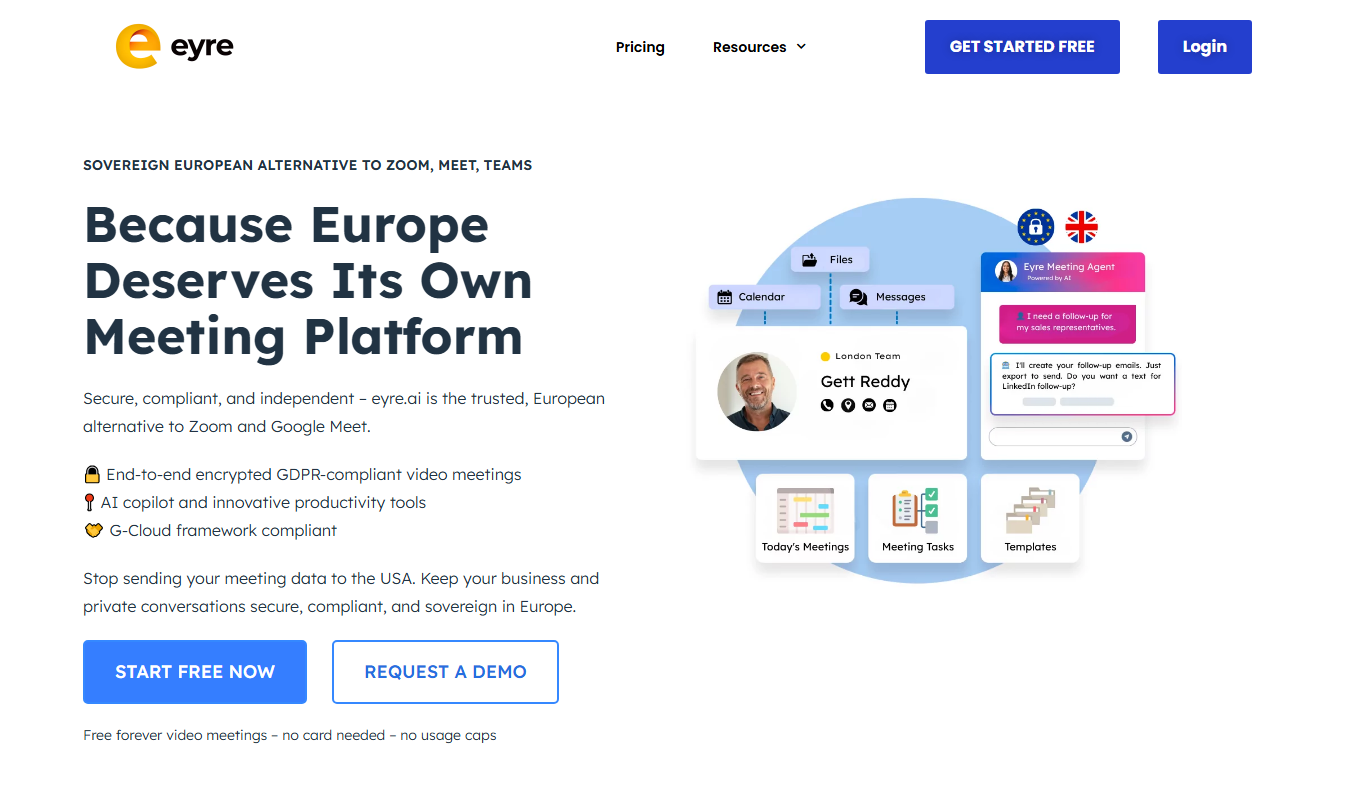
Eyre: Whiteboard Your Meetings
Eyre is an AI-powered digital whiteboard that enables teams to collaborate in real-time during meetings by capturing notes, brainstorming visually, and organizing ideas efficiently.
Free
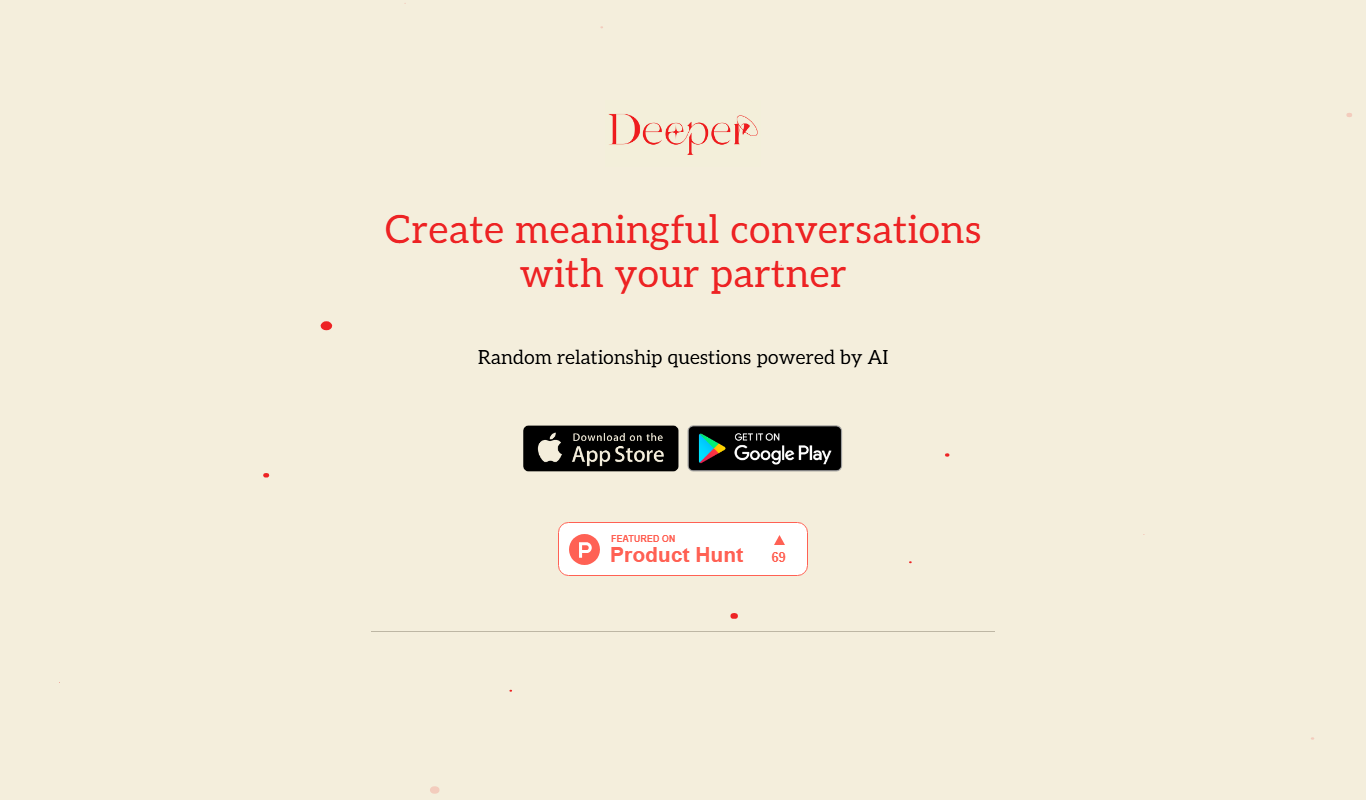
Deeper app
Deeper app is an AI-powered journaling tool that helps users explore emotions, set goals, and track personal growth through guided prompts and personalized insights.