

Roshi: AI lesson generator for teachers
Roshi helps teachers create custom, interactive lessons in seconds with AI: voiced dialogues, visuals and activities shared to Moodle, Google Classroom and other platforms.
- Best for
- Interactive lesson creation
- Key capability
- Voiced dialogues
Save Roshi AI, follow its updates and vote on it — everything stays in your account.
Sign in or create a free account
What is Roshi AI?
Roshi is an AI lesson generator that helps teachers craft interactive learning material in a few clicks. A teacher describes the desired material in a prompt, Roshi generates fully voiced dialogues, visuals and targeted activities, and the lesson is shared to Moodle, Google Classroom and other learning platforms, sent to students or printed.
Key features of Roshi AI
Roshi generates fully voiced dialogues with custom voices, visuals such as images and brochures, and targeted activities including CLB-aligned assessments, imports worksheets, articles, videos and PDFs, levels content up or down, and shares lessons to students, Google and Moodle or as printouts.
Voiced dialogues
Fully voiced dialogues with custom voices and pronunciation.
Visuals and activities
Images, brochures and documents plus targeted activities based on criteria such as CLB.
Content import
Bring in worksheets, articles, videos and PDFs and use them in your lesson.
Sharing to learning platforms
Send to students, export to Google or Moodle, or print.
Key use cases for Roshi AI
Interactive lesson creation
Craft interactive learning material in a few clicks.
Language lesson dialogues
Create fully voiced dialogues with custom voices and pronunciation.
CLB assessments
Build a CLB-aligned assessment from scratch or from existing material.
Digitizing worksheets
Automatically digitize PDF and image worksheets.
How Roshi AI works
- 1
Describe the material
Describe your desired learning material using prompts.
- 2
Roshi generates it
Watch Roshi generate your material using AI.
- 3
Adjust the lesson
Level content up or down by complexity and edit it.
- 4
Share the lesson
Share your content to Moodle, Google Classroom and other learning platforms.
- 5
Review submissions
Receive and review student answers, track results and give feedback.
Roshi AI pricing
Basic
$0 - Free forever
10 lesson creations per month, sharing and printing, 300 word limit for texts and videos, 5 sections per lesson.
Pro
$10.00/month, billed annually at $120.00
Unlimited lessons, longer texts up to 3,000 words and unlimited activities per lesson.
Organization
Contact us
Shared lessons across teams, custom features billed per feature and early access to new features.
Plans and prices are as published by the vendor and can change. Check the official site before you buy. Open the pricing page (opens in a new tab)
Frequently asked questions about Roshi AI
Roshi helps teachers craft interactive learning material in just a few clicks.
You can share content to Moodle, Google Classroom and other learning platforms, send it to students or print it.
Fully voiced dialogues, visuals such as images and brochures, and targeted activities.
Yes. The Basic plan is free forever with 10 lesson creations per month.
This tool is designed to help users accomplish its core tasks more efficiently. It is typically used by individuals or teams looking to improve productivity and workflow.
Pricing depends on the plan and included features. For the most accurate and up-to-date details, check the official pricing page.
Yes, it can help with that use case depending on how you configure it and what features are available. You’ll get the best results with clear inputs and a defined goal.
Some tools offer a free plan or trial with limited features. Availability can vary, so confirm on the official website.
Conclusion
A teacher types a prompt describing the material, and Roshi generates a lesson that can include fully voiced dialogues, visuals such as images or brochures, and targeted activities. Existing worksheets, articles, videos and PDFs can be imported, content can be leveled up or down by complexity, and each speaker can get a chosen voice and accent. Finished lessons go to students, Google or Moodle, or become printouts, and student submissions come back for review and feedback.
Activities can follow specialized criteria such as CLB, and there are dedicated tools for CLB-aligned assessments in LINC programs. A free Basic plan allows a limited number of lessons each month with word and section limits, while the paid Pro plan removes the lesson cap and adds worksheet digitizing; organizations can ask for group deals.
Sources
Sign in to review this tool.
Sign In to ReviewNo reviews yet
Be the first to share how this tool worked for you.
Ask about pricing, limits, or how it compares — or answer someone else.
Sign In to AskNo questions yet
Have a question about using or paying for this tool? Be the first to ask.
Featured on TiorAI



More AI Education & Learning Tools tools
Other tools in the same category, for when this one is not quite the fit.

History Timeline Generator
History Timeline Generator is an AI tool that turns a topic such as a person, nation, company or historical event into a customized history timeline.

Narrative Nooks
Narrative Nooks is an AI-driven learning platform for young learners, with interactive story-based lessons, badges, a homework helper and round-the-clock tutoring support.

FGenEds
FGenEds turns a PDF of your lecture slides into a cheat sheet for studying, aimed at students in gen ed classes.

knowt.com
Knowt.com is an AI-driven study tool that converts your notes or any text into interactive flashcards and summaries to enhance learning efficiency.

Terrakotta
Terrakotta is the all-in-one prospecting platform for commercial real estate brokers: source leads, make calls and deliver personalized AI voicemails.
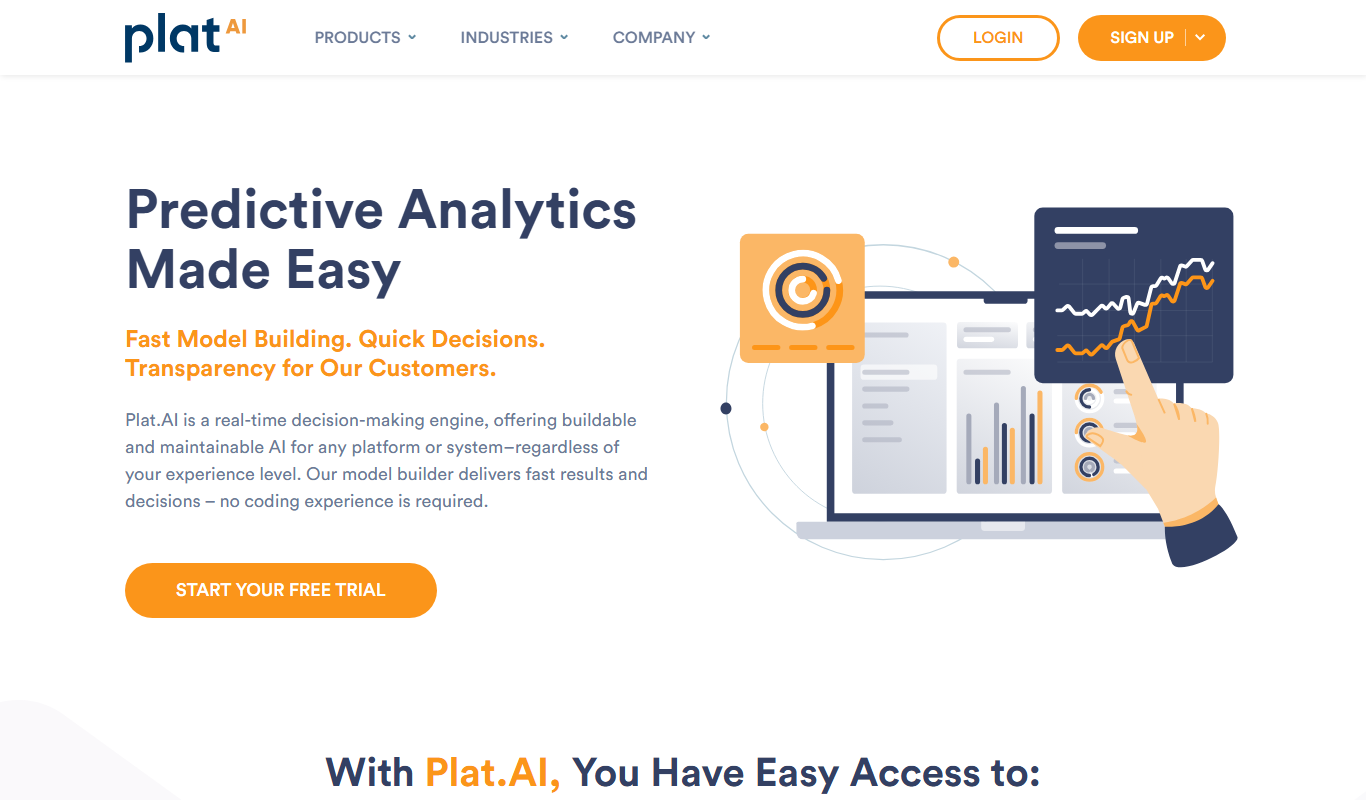
plat.ai
plat.ai is a comprehensive AI development platform that enables users to build, train, deploy, and manage custom machine learning models with scalable infrastructure and API integration.

Quino
Quino is the LMS that marks every exam: courses, lessons, online exams and diplomas, with AI that marks handwritten answers in seconds and writes tests from your notes.

MockTok
MockTok is an AI mock interview app with 50+ interactive questions, follow-up questions, job post analysis, multi-stage interviews, feedback and AI extracted cases.