

From my experience with ROSA, I found it excels at providing engaging and personalized AI conversations that feel natural and supportive. After spending time with the platform, I can say it’s particularly well-suited for creative writers and individuals seeking an AI companion for brainstorming or emotional support. However, there’s a trade-off: the free plan limits daily usage and the tool currently supports only English, which may restrict some users. Overall, if you want a friendly AI chatbot to assist with creative tasks and casual conversation, ROSA delivers solid and approachable results.
ROSA AI Chatbot for Personalized Conversations and Creative Assistance
ROSA is an AI chatbot designed for personalized, natural conversations and creative assistance, helping users with writing, brainstorming, and companionship.
- Best for
- Personalized Conversations
- Key capability
- Natural Language Understanding
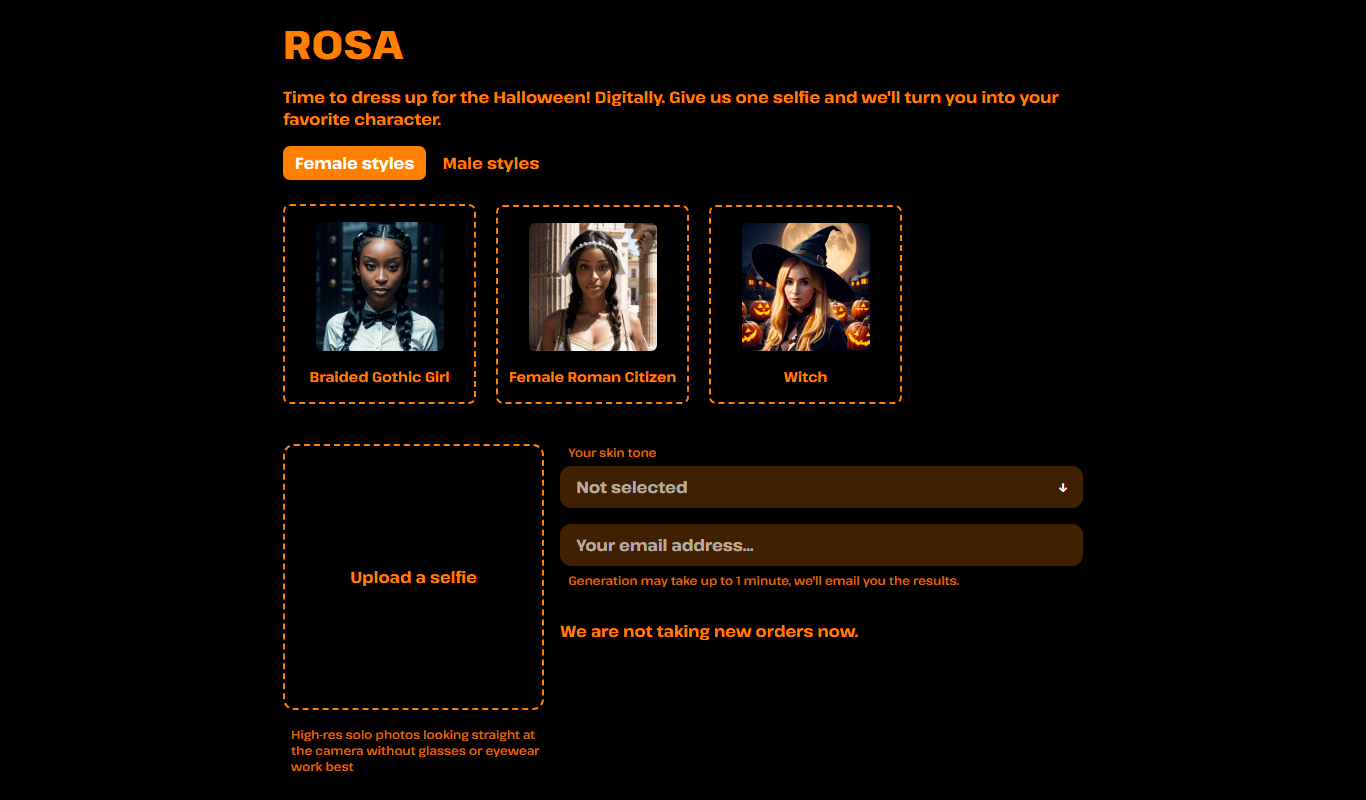
Do you recommend this tool?
What is ROSA?
ROSA is an AI-powered chatbot designed to simulate engaging, personalized conversations. It acts as a creative assistant and companion, helping users with writing, brainstorming, and emotional support through natural language interactions.
Key features of ROSA
ROSA offers conversational AI capabilities that provide personalized chat experiences, creative content generation, and empathetic responses to support users in various personal and creative tasks.
Natural Language Understanding
ROSA comprehends and responds to user inputs with contextually relevant replies.
Creative Content Generation
Supports writing stories, poems, and brainstorming ideas with AI assistance.
Personalized Interaction
Adapts responses based on user preferences and conversation history.
User-Friendly Web Interface
Accessible via web browser with a clean, intuitive chat interface.
Pros and cons of ROSA
Pros
- Engaging and natural conversational AI
- Helpful for creative writing and brainstorming
- Simple and intuitive web interface
Cons
- Limited language support (English only)
- Free plan has usage restrictions
- No mobile app currently available
Key use cases for ROSA
Personalized Conversations
Engage in natural, human-like conversations tailored to user preferences.
Creative Writing Assistance
Help users brainstorm ideas, write stories, poems, or other creative content.
Emotional Support and Companionship
Provide empathetic responses and companionship through AI-driven chat.
Productivity Aid
Assist with reminders, note-taking, and managing simple tasks conversationally.
How ROSA works
- 1
Access the Platform
Visit the ROSA website and create a free account to start chatting.
- 2
Start a Conversation
Engage with ROSA by typing messages or prompts to receive AI-generated responses.
- 3
Use Creative Tools
Leverage ROSA’s creative writing and brainstorming features for content generation.
- 4
Upgrade for More Features
Subscribe to premium plans for extended usage and additional capabilities.
Who is using ROSA
Creative writers and storytellers
Individuals seeking AI companionship
Users looking for conversational AI tools
Students and professionals needing brainstorming help
ROSA pricing
Free
$0/month
Basic access with limited daily conversations and features.
Premium
$9.99/month
Unlimited conversations, priority access, and advanced creative tools.
Plans and prices are as published by the vendor and can change. Check the official site before you buy. Open the pricing page (opens in a new tab)
Frequently asked questions about ROSA
Yes, ROSA offers a free plan with limited daily usage and features.
Yes, ROSA assists users in brainstorming and generating creative content like stories and poems.
Currently, ROSA primarily supports English.
ROSA follows standard privacy practices, but users should review the privacy policy for details.
This tool is designed to help users accomplish its core tasks more efficiently. It is typically used by individuals or teams looking to improve productivity and workflow.
Yes, it can help with that use case depending on how you configure it and what features are available. You’ll get the best results with clear inputs and a defined goal.
Yes, it can help with that use case depending on how you configure it and what features are available. You’ll get the best results with clear inputs and a defined goal.
Sign in to review this tool.
Sign In to ReviewNo reviews yet
Be the first to share how this tool worked for you.
Ask about pricing, limits, or how it compares — or answer someone else.
Sign In to AskNo questions yet
Have a question about using or paying for this tool? Be the first to ask.
Featured on TiorAI



Alternative Tools
Explore similar AI tools that might fit your needs

Free
Replika
Replika is an AI chatbot designed to provide personalized emotional support and companionship through text and voice conversations, helping users manage loneliness and stress.
More AI Anime Art tools
Other tools in the same category, for when this one is not quite the fit.
Free
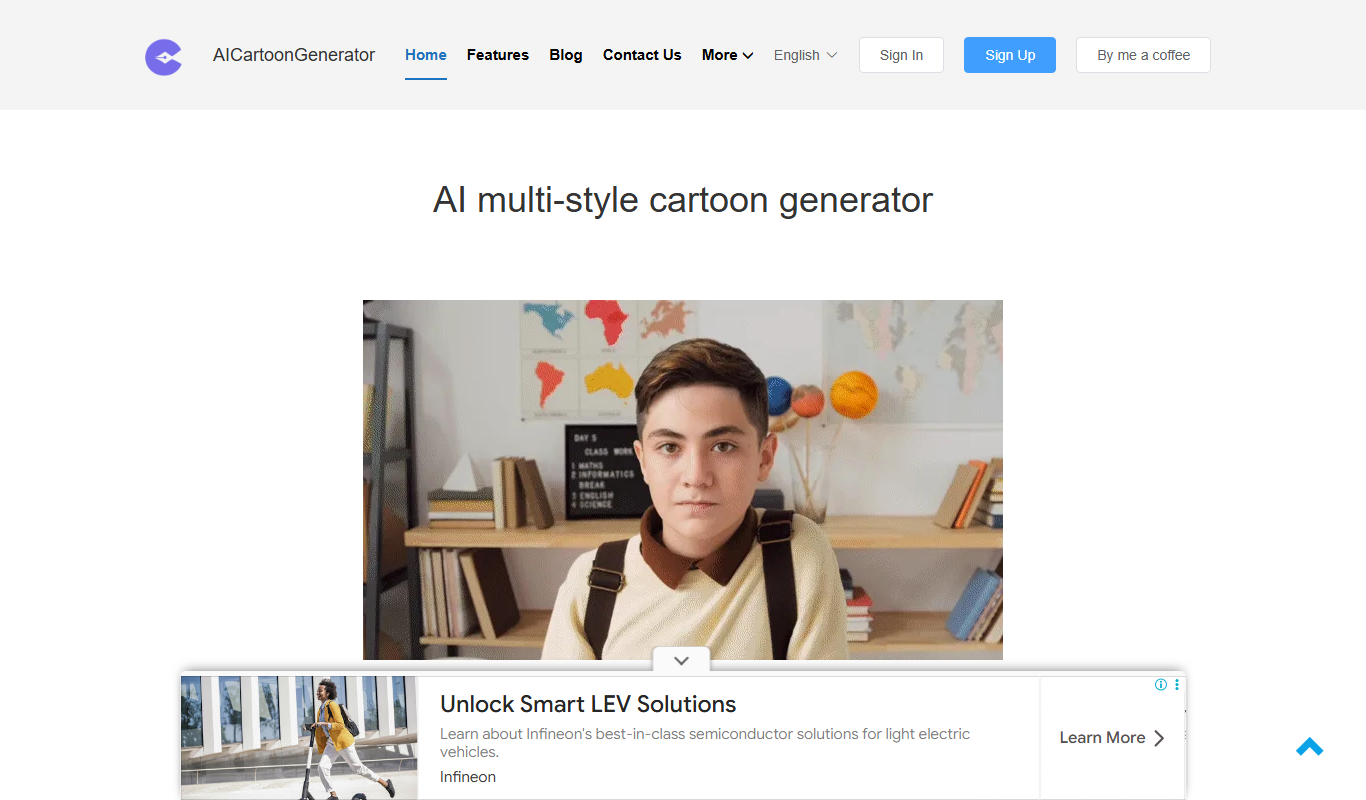
FigureToCartoon
FigureToCartoon is an AI-powered web tool that transforms photos into cartoon avatars quickly and easily, offering free and premium options.

Freemium
Open Dream
Open Dream is a web-based AI art generator that creates unique images from user text prompts using advanced machine learning models.

Free
Sink In
Sink In is an AI meeting assistant that automatically transcribes meetings, generates summaries, and extracts action items to improve team productivity.

Freemium
anifusion.ai
Anifusion AI is a web platform that uses AI to convert 2D videos into 3D character animations, simplifying the animation process for creators.
Free
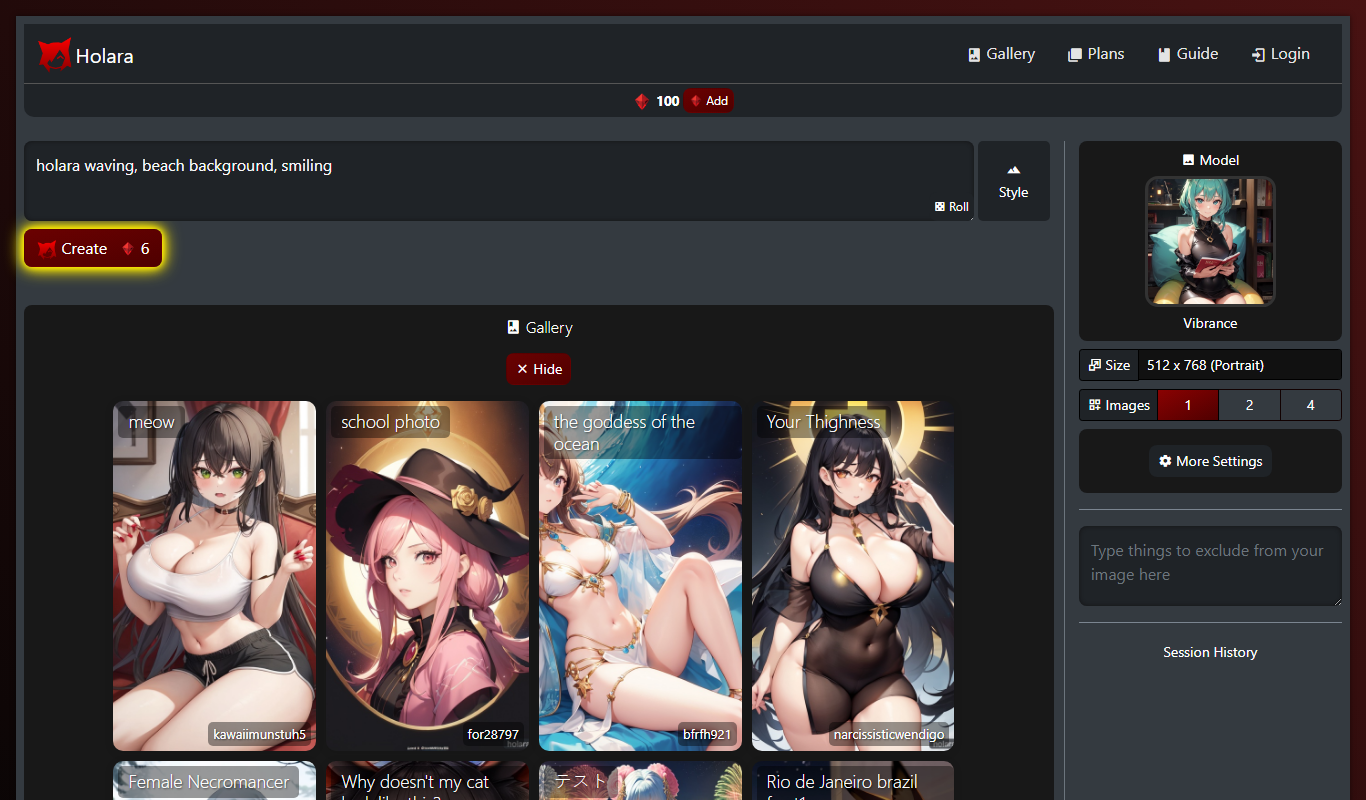
Holara – Anime Image Generation
Holara is a web-based AI tool that generates customizable anime-style images quickly and easily, suitable for artists, creators, and anime fans.

Free
SketchEdge
SketchEdge is an AI-powered tool that converts text prompts into unique digital sketches, offering multiple artistic styles and high-resolution downloads for creative projects.

Free
animeBuilder
animeBuilder is an online tool that lets users create anime-style videos using customizable templates and a drag-and-drop editor, suitable for beginners and professionals alike.

Free Trial
Personfy
Personfy is an AI chatbot platform that enables businesses to automate customer interactions with personalized, conversational chatbots across multiple channels.