

From my experience with Roast My Tree, I found it excels at delivering quick, personalized humor centered around trees, making it a unique and entertaining niche tool. The simplicity of the interface means anyone can generate a witty roast in seconds without any technical knowledge or sign-up hassle. It’s particularly well-suited for social media users and content creators looking for fresh, lighthearted content. However, its focus on tree-themed roasts limits its broader applicability. Overall, if you want a fun, free way to create shareable humorous content about trees, Roast My Tree is a solid choice.
Roast My Tree - Personalized Tree Roasting Generator for Fun Social Sharing
Roast My Tree is a free web tool that generates personalized humorous roasts for trees based on user input, ideal for social sharing and entertainment.
- Best for
- Social Media Content
- Key capability
- Personalized Roasts


What is Roast My Tree?
Roast My Tree is a web-based entertainment tool that generates personalized humorous ‘roasts’ for trees based on user input. It combines playful language and creative insults tailored to the characteristics or names of trees, designed for fun social sharing and lighthearted amusement.
Key features of Roast My Tree
The tool offers a simple interface where users input a tree name or description and receive a witty, customized roast. It emphasizes humor and shareability, making it easy to generate unique content for social media or personal enjoyment.
Personalized Roasts
Generates unique and tailored humorous insults for any tree input.
Easy to Use Interface
Simple web interface requiring no sign-up or technical skills.
Social Sharing Options
Facilitates quick sharing of generated roasts on popular social media platforms.
Pros and cons of Roast My Tree
Pros
- Completely free and accessible without registration
- Fun and creative way to generate unique humorous content
- Simple and intuitive user interface
Cons
- Limited to English language
- Focused solely on tree-themed roasts, limiting broader use
Key use cases for Roast My Tree
Social Media Content
Create humorous personalized tree roasts to share on social platforms and engage followers.
Entertainment
Generate funny and lighthearted roasts for personal amusement or group entertainment.
Icebreaker or Conversation Starter
Use unique tree roasts as quirky icebreakers in chats or social gatherings.
How Roast My Tree works
-
1
Enter Tree Details
Input the name or type of tree you want to roast.
-
2
Generate Roast
The tool creates a personalized humorous roast based on the input.
-
3
Share or Save
Users can share the roast on social media or save it for later use.
Who is using Roast My Tree
Social media users looking for fun content
Individuals seeking lighthearted entertainment
Content creators wanting unique humorous posts
People interested in novelty web tools
Roast My Tree pricing
Free
$0
Full access to roast generation without any cost or subscription.
Plans and prices are as published by the vendor and can change. Check the official site before you buy. Open the pricing page (opens in a new tab)
Frequently asked questions about Roast My Tree
Yes, the tool is completely free with no hidden charges.
No account or sign-up is required to generate roasts.
Yes, the tool provides easy options to share your personalized roasts.
It depends on your specific needs and how you plan to use the tool. The official website and documentation are the best sources for the latest details.
Yes, it can help with that use case depending on how you configure it and what features are available. You’ll get the best results with clear inputs and a defined goal.
Sign in to review this tool.
No reviews yet
Be the first to share how this tool worked for you.
Ask about pricing, limits, or how it compares — or answer someone else.
No questions yet
Have a question about using or paying for this tool? Be the first to ask.
Featured on TiorAI



More AI Entertainment Tools tools
Other tools in the same category, for when this one is not quite the fit.
Free
AI Insult Generator
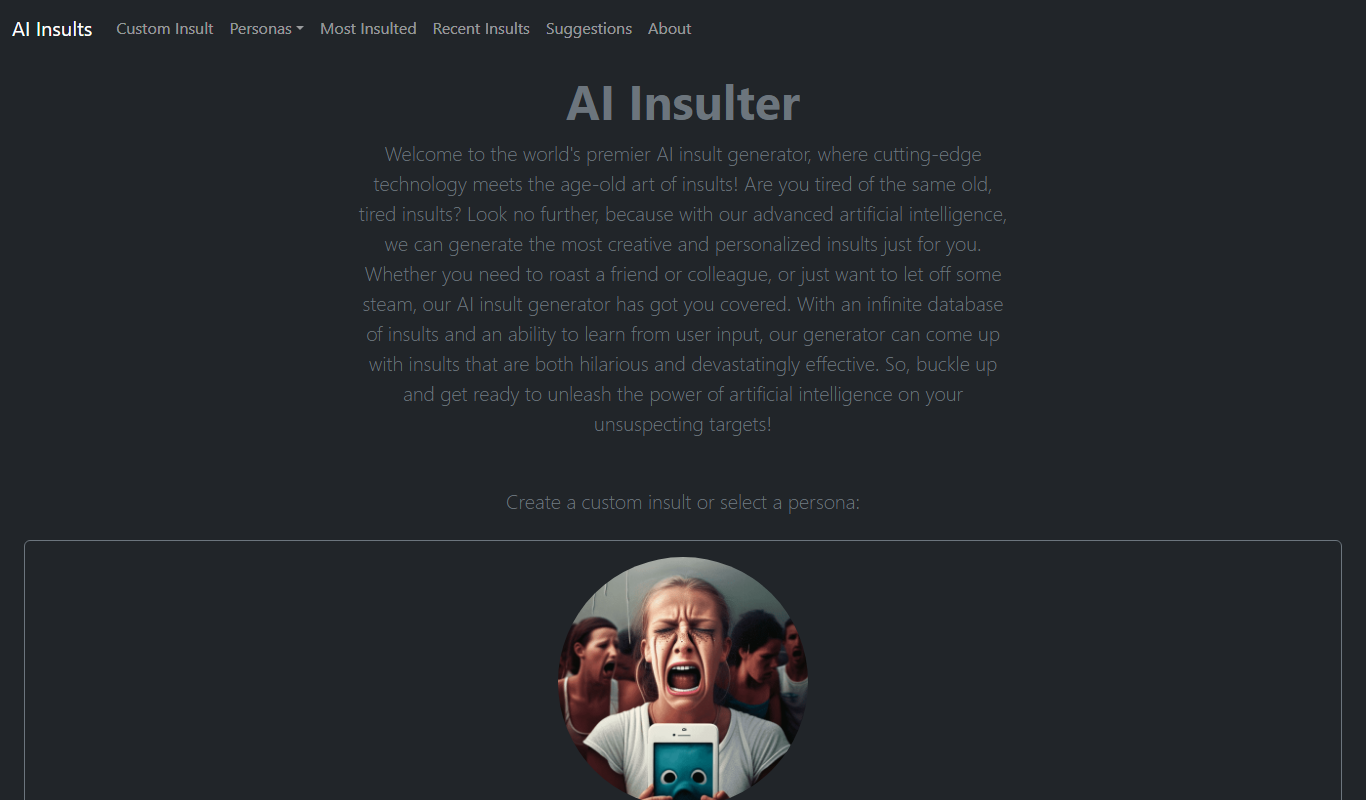
AI Insult Generator is a free web-based tool that creates humorous and creative insults instantly for entertainment and creative use.

Free
What Should I Watch
What Should I Watch is a free AI-powered web tool that provides personalized movie and TV show recommendations based on your preferences and mood.

Free
More Episodes!
More Episodes! is a free web platform that helps users discover personalized podcast recommendations based on their interests, allowing browsing by genre, bookmarking favorites, and sharing suggestions.

Free
Blue Bot
Blue Bot is a free web-based AI chatbot designed for fun and casual conversations, offering instant chat without registration.

Free
AI is a Joke
AI is a Joke is a free web platform that generates humorous and satirical AI content for entertainment and creative inspiration.

Free
DreamTavern
DreamTavern is an AI chatbot platform that enables users to engage in immersive roleplaying and storytelling through dynamic conversations with AI-generated characters.

Free
Guess The Prompt!
Guess The Prompt! is a free online game where players guess AI-generated prompts based on images or clues, promoting creative thinking and fun.

Free
AI Pickup Lines
AI Pickup Lines is a free web tool that instantly generates creative and humorous pickup lines to help users start conversations in dating or social settings.