

From my experience with Roast ®, I found it excels at quickly generating witty and humorous roasts that are perfect for lighthearted social media content or casual fun with friends. The tool’s simplicity and free access make it very approachable, especially for users who want instant entertainment without any setup. However, the content is limited to English and lacks customization options, which might restrict users seeking more tailored or diverse humor. Overall, if you want a straightforward AI-powered roast generator for quick laughs, Roast ® delivers effectively.
Roast ® - Online AI-Powered Text Roasting and Humor Generator Tool
Roast ® is a free online AI tool that generates humorous and witty roasts based on user input, ideal for social media and entertainment.
- Best for
- Social Media Content
- Key capability
- AI-Powered Humor
Your actions
Save Roast ®, follow its updates and vote on it — everything stays in your account.
Sign in or create a free account
What is Roast ®?
Roast ® is a web-based AI-powered tool designed to generate humorous and witty roasts or insults based on user input. It leverages natural language processing to craft clever, context-aware text that users can share for entertainment or social media engagement.
Key features of Roast ®
The tool offers instant generation of funny roasts, easy-to-use interface, and shareable results. It focuses on humor and entertainment, providing users with quick, creative insults without manual effort.
AI-Powered Humor
Uses AI to generate contextually relevant and funny roasts.
Instant Results
Provides quick generation of roasts with minimal user input.
User-Friendly Interface
Simple web interface requiring no technical knowledge.
Free to Use
Accessible without subscription or payment.
Pros and cons of Roast ®
Pros
- Easy and quick roast generation
- No cost or sign-up required
- Fun and engaging for social media
- Mobile-friendly web platform
Cons
- Limited to English language
- No advanced customization options
- Content may not suit all audiences
Key use cases for Roast ®
Social Media Content
Generate witty and humorous roasts to engage followers and create entertaining posts.
Casual Entertainment
Use the tool for fun interactions with friends or to lighten up conversations with clever insults.
Creative Writing Inspiration
Inspire writers with sharp, humorous lines that can be adapted for characters or dialogue.
How Roast ® works
- 1
Enter Text
Users input a name or phrase they want to roast.
- 2
Generate Roast
The AI processes the input and creates a witty, humorous roast.
- 3
Share or Save
Users can copy, share, or save the generated roast for social media or personal use.
Who is using Roast ®
Social media users
Content creators
Casual entertainment seekers
Writers seeking humor inspiration
Friends looking for fun interactions
Roast ® pricing
Free
$0
Unlimited access to roast generation without cost.
Plans and prices are as published by the vendor and can change. Check the official site before you buy. Open the pricing page (opens in a new tab)
Frequently asked questions about Roast ®
Yes, Roast ® is completely free to use with no subscription required.
Yes, the web interface is mobile-friendly and accessible via smartphones and tablets.
The tool generates humorous roasts which may include mild insults; user discretion is advised.
It depends on your specific needs and how you plan to use the tool. The official website and documentation are the best sources for the latest details.
Yes, it can help with that use case depending on how you configure it and what features are available. You’ll get the best results with clear inputs and a defined goal.
Sign in to review this tool.
Sign In to ReviewNo reviews yet
Be the first to share how this tool worked for you.
Ask about pricing, limits, or how it compares — or answer someone else.
Sign In to AskNo questions yet
Have a question about using or paying for this tool? Be the first to ask.
Featured on TiorAI



More AI Entertainment Tools tools
Other tools in the same category, for when this one is not quite the fit.

Free
Random Movie Generator
Random Movie Generator is a free web tool that instantly suggests random movies to help users decide what to watch without browsing extensive lists.

Free
Roast Me AI
Roast Me AI is a free web-based tool that uses artificial intelligence to generate humorous and witty roasts or insults instantly for entertainment purposes.
Freemium
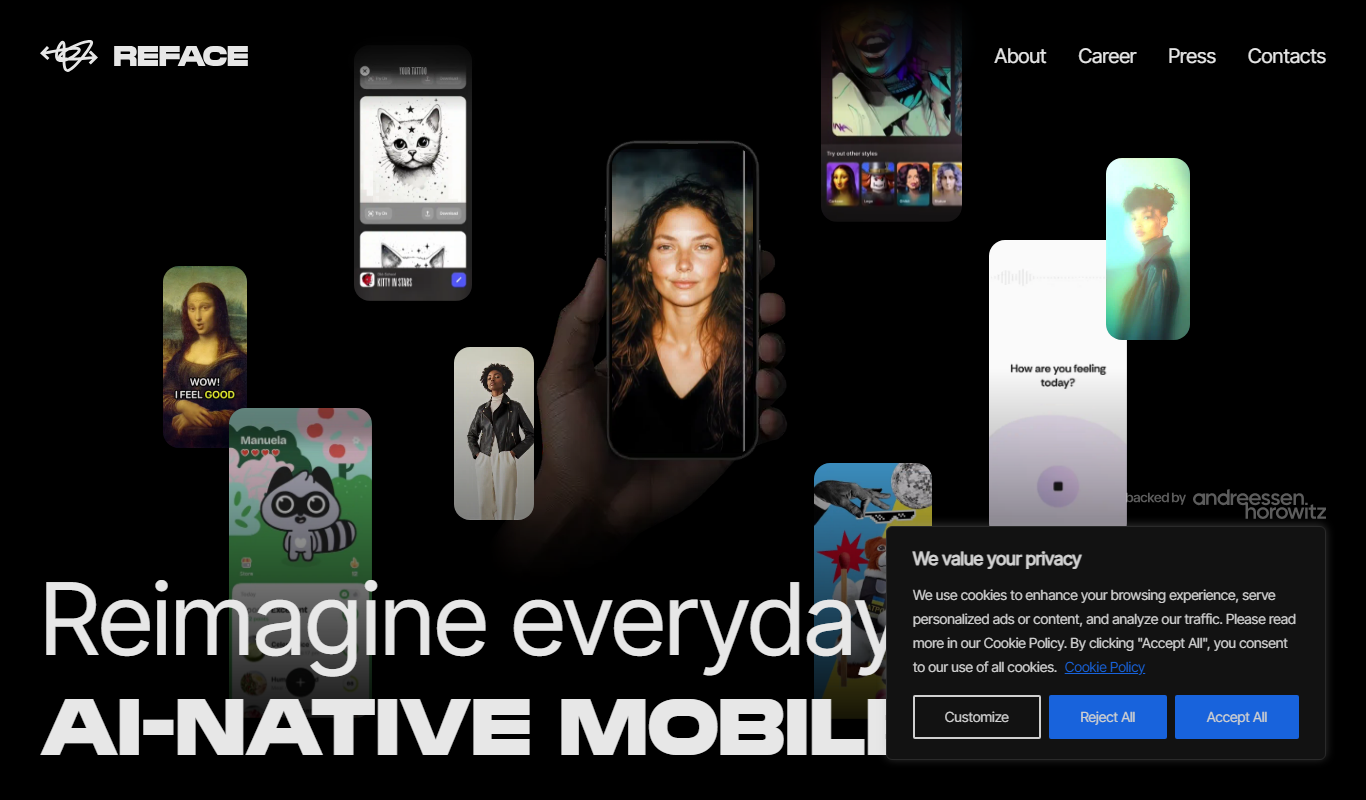
Reface AI
Reface AI is an AI-powered app that enables users to swap faces in videos and GIFs realistically, offering a fun and engaging way to create personalized content.

Free
Baby Maker & Baby Face Generator
Baby Maker & Baby Face Generator is a free AI web tool that creates realistic images of potential babies by blending facial features from two parent photos for entertainment purposes.

Freemium
Unite.com – love fantasies by AI
Unite.com is an AI-driven platform that generates personalized love fantasies and romantic stories based on user inputs, offering a unique way to explore romantic storytelling.
Free
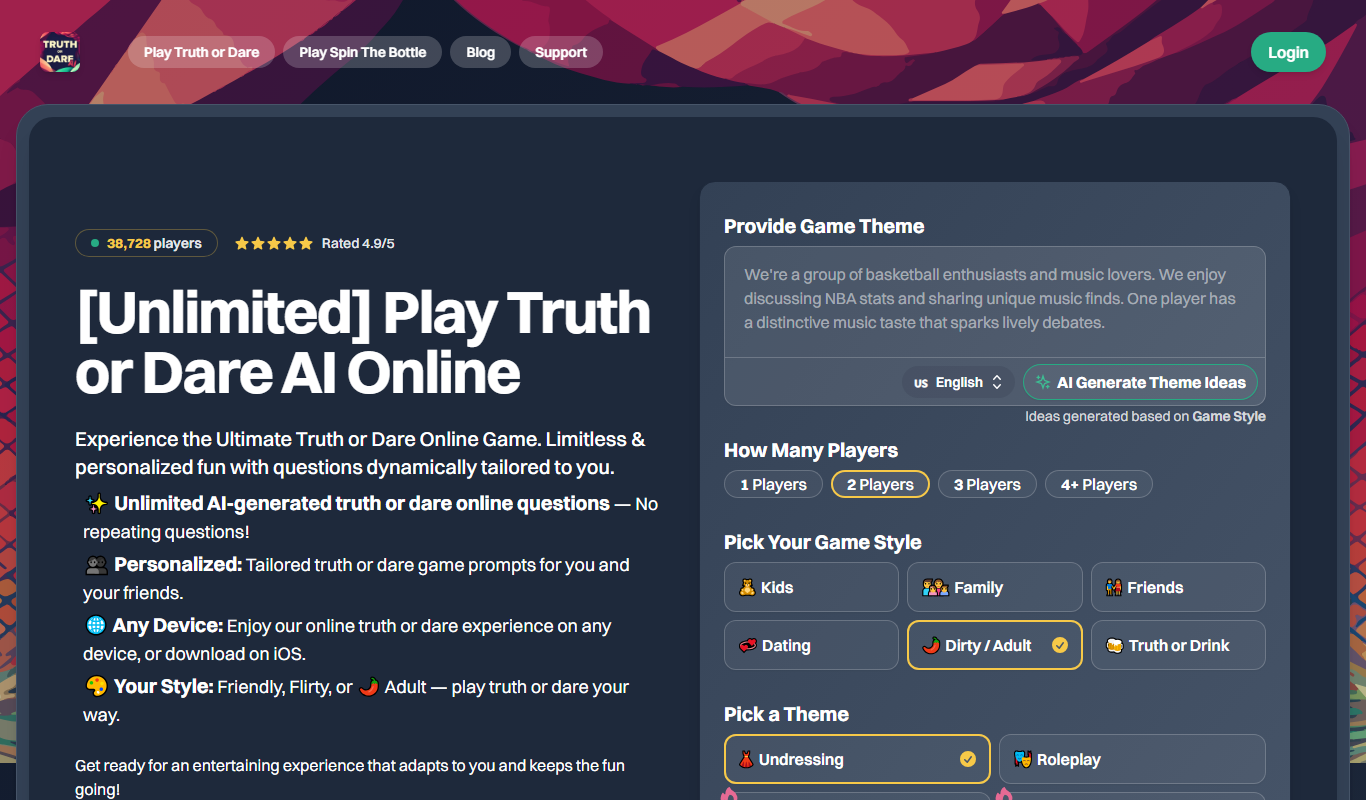
Truth or Dare AI
Truth or Dare AI is a free web-based party game that uses artificial intelligence to generate unique truth questions and dares for players, enhancing social interactions and entertainment.

Free
Guess The Prompt!
Guess The Prompt! is a free online game where players guess AI-generated prompts based on images or clues, promoting creative thinking and fun.

Free
AI Pickup Lines
AI Pickup Lines is a free web tool that instantly generates creative and humorous pickup lines to help users start conversations in dating or social settings.