

From my experience with ReRoom, I found it excels at quickly and accurately removing backgrounds from product photos, which is a huge time saver for e-commerce sellers. The batch processing feature is particularly useful when dealing with large image catalogs, streamlining workflow significantly. However, the tool focuses mainly on background removal and offers limited additional editing capabilities, so users needing more comprehensive photo editing might need supplementary software. Overall, if your primary need is fast, AI-driven background removal for product images, ReRoom delivers reliable and efficient results.
ReRoom AI Background Removal Tool for E-commerce Product Photos
ReRoom is an AI-based tool that automatically removes backgrounds from product photos, offering batch processing and high-resolution outputs tailored for e-commerce and marketing needs.
- Best for
- E-commerce Product Photography
- Key capability
- AI-Powered Background Removal
Your actions
Save ReRoom, follow its updates and vote on it — everything stays in your account.
Sign in or create a free account
What is ReRoom?
ReRoom is an AI-powered background removal tool designed to help users quickly and accurately remove backgrounds from product photos and other images. It is tailored for e-commerce businesses and marketers who need clean, professional images without manual editing.
Key features of ReRoom
ReRoom offers automatic background removal, batch processing, and easy download options. Its AI technology ensures precise cutouts, saving time and effort for users who need high-quality product images.
AI-Powered Background Removal
Automatically removes backgrounds with high accuracy using advanced AI algorithms.
Batch Processing
Process multiple images at once to save time on large product catalogs.
User-Friendly Interface
Simple drag-and-drop upload and intuitive controls for quick editing.
High-Resolution Output
Download images in high resolution suitable for professional use.
Pros and cons of ReRoom
Pros
- Fast and accurate AI background removal
- Supports batch processing for efficiency
- Easy to use with minimal learning curve
Cons
- Limited editing tools beyond background removal
- No desktop or mobile app versions currently
Key use cases for ReRoom
E-commerce Product Photography
Automatically remove backgrounds from product images to create clean, professional photos for online stores.
Marketing and Advertising
Prepare product images with transparent backgrounds for use in ads, catalogs, and promotional materials.
Graphic Design
Enable designers to quickly isolate subjects for compositing and creative projects.
Social Media Content Creation
Create visually appealing product posts by removing distracting backgrounds.
How ReRoom works
- 1
Upload Images
Users upload product photos directly to the ReRoom web platform.
- 2
AI Background Removal
The AI automatically detects and removes the background from each image.
- 3
Review and Edit
Users can preview results and make minor adjustments if needed.
- 4
Download Processed Images
Final images with transparent backgrounds can be downloaded for use.
Who is using ReRoom
E-commerce sellers
Digital marketers
Graphic designers
Small business owners
Social media managers
ReRoom pricing
Free
$0/month
Limited number of free background removals per month with standard resolution.
Pro
$19/month
Higher limits, batch processing, and access to high-resolution downloads.
Business
$49/month
Extended usage limits, priority support, and advanced features for teams.
Plans and prices are as published by the vendor and can change. Check the official site before you buy. Open the pricing page (opens in a new tab)
Frequently asked questions about ReRoom
Yes, ReRoom supports batch processing to handle multiple images simultaneously.
ReRoom accepts common image formats such as JPG and PNG.
There are some limits depending on your subscription plan, with higher tiers allowing larger and higher-resolution images.
Yes, the platform allows minor manual adjustments to refine the cutout.
It depends on your specific needs and how you plan to use the tool. The official website and documentation are the best sources for the latest details.
It depends on your specific needs and how you plan to use the tool. The official website and documentation are the best sources for the latest details.
Pricing depends on the plan and included features. For the most accurate and up-to-date details, check the official pricing page.
Sign in to review this tool.
Sign In to ReviewNo reviews yet
Be the first to share how this tool worked for you.
Ask about pricing, limits, or how it compares — or answer someone else.
Sign In to AskNo questions yet
Have a question about using or paying for this tool? Be the first to ask.
Featured on TiorAI



Alternative Tools
Explore similar AI tools that might fit your needs

Free
Slazzer
Slazzer is an AI background removal tool that automatically removes image backgrounds with high accuracy, supporting bulk processing and API integration for developers and businesses.
More AI E-Commerce Tools tools
Other tools in the same category, for when this one is not quite the fit.

Contact for pricing
BIK
BIK is an agentic AI CRM and marketing automation platform for eCommerce brands, with 100+ AI commerce agents across retention, acquisition and support.

Subscription
Sell The Trend
Sell The Trend is a dropshipping product research and automation platform that helps e-commerce entrepreneurs find trending products, analyze market trends, and automate store management, primarily integrating with Shopify.

Free Trial
glorifyapp.com
Glorify is a web-based design tool focused on helping e-commerce businesses create product mockups and marketing visuals easily using templates and drag-and-drop editing.

Free Trial
plugandpay.com
Plug&Pay is sales funnel and checkout software for creating websites, landing pages, checkouts and upsells for one-time purchases, quotes and subscriptions.

Contact for pricing
V-retail
V-retail is a platform that enables businesses to build immersive 3D virtual stores accessible through web browsers and VR devices, enhancing online shopping experiences.
Free
Compara.cat
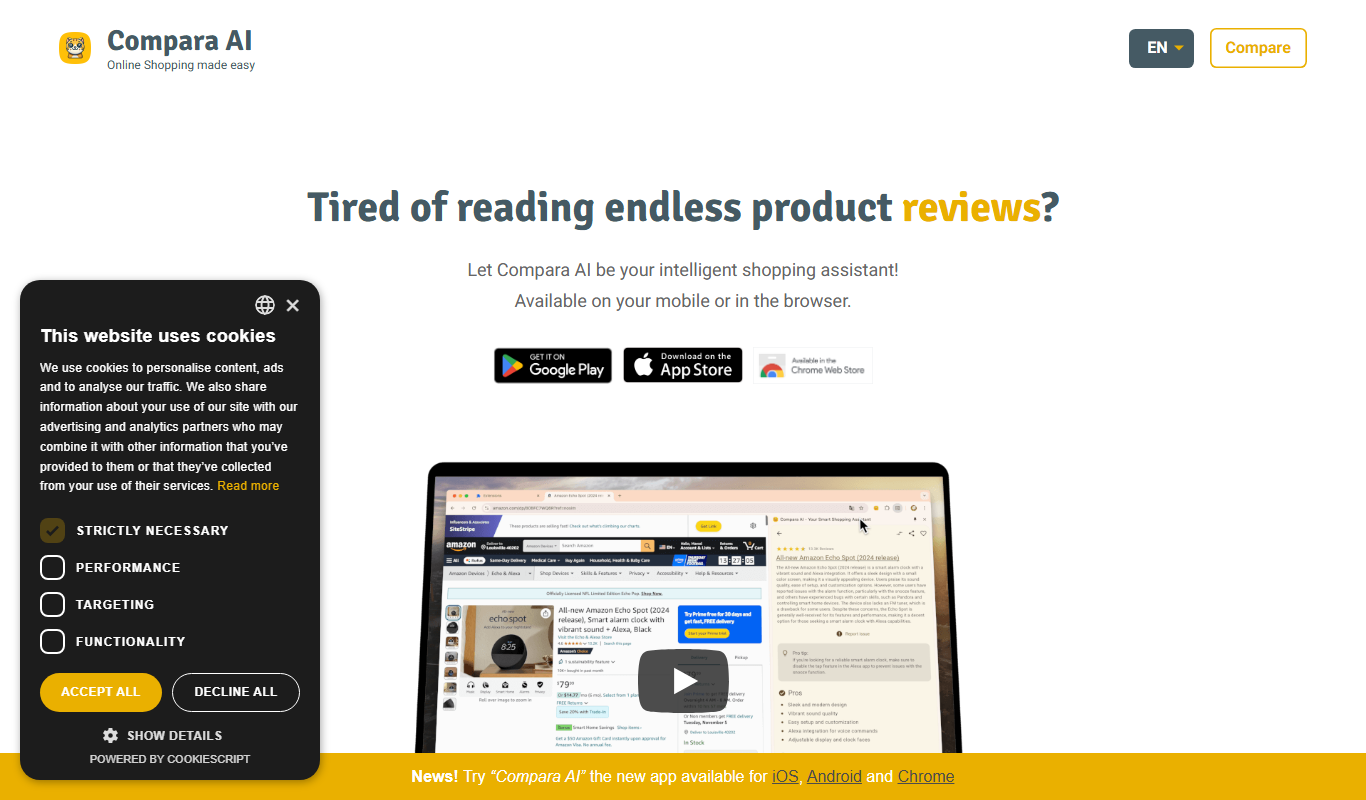
Compara.cat is a AI product comparison site in Catalan based on user reviews, with apps for iOS, Android and Chrome.

Pay As You Go
Pixelz AI
Pixelz AI is an AI-driven platform that automates background removal and retouching for product images, designed to streamline e-commerce image workflows.
Free
Gift Recommender
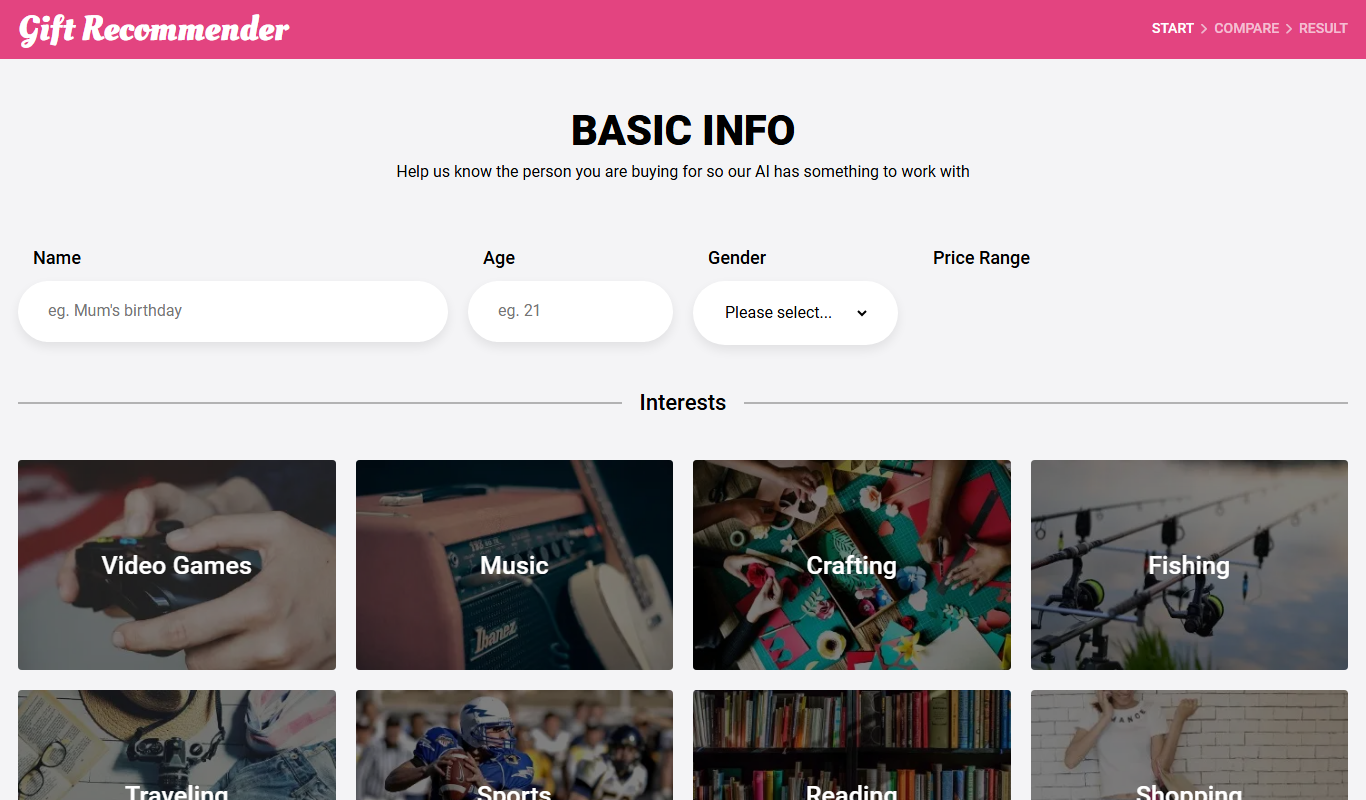
Gift Recommender is a free online tool that provides personalized gift ideas based on recipient details and occasion, helping users find unique presents quickly.