

From my experience with Replit GPT Assistant, I found it excels at integrating AI-powered code suggestions directly into the coding workflow, which significantly speeds up development and learning. The seamless embedding within the Replit IDE means you don’t have to switch contexts, making it ideal for both beginners and experienced developers. However, the main limitation is that it is tied to the Replit environment, so those using other IDEs might find it less accessible. Overall, if you are already using Replit or want an AI assistant that helps with coding, debugging, and documentation in one place, this tool delivers solid and practical support.
Replit GPT Assistant AI Coding Helper for Developers and Programmers
Replit GPT Assistant is an AI coding assistant integrated into the Replit IDE that helps developers write, debug, and understand code with AI-powered suggestions and explanations.
- Best for
- Code Generation
- Key capability
- AI Code Completion
Your actions
Save Replit GPT Assistant, follow its updates and vote on it — everything stays in your account.
Sign in or create a free account
What is Replit GPT Assistant?
Replit GPT Assistant is an AI-powered coding assistant integrated into the Replit online IDE platform. It leverages OpenAI’s GPT models to help developers write, debug, and understand code more efficiently. The assistant provides real-time code suggestions, explanations, and documentation generation, streamlining the coding workflow for programmers of all skill levels.
Key features of Replit GPT Assistant
The tool offers intelligent code completion, error detection and fixes, code explanation, and documentation generation. It integrates seamlessly within the Replit environment, allowing users to interact with AI directly in their coding workspace without switching contexts.
AI Code Completion
Provides context-aware code suggestions to speed up coding.
Debugging Support
Helps identify errors and suggests fixes with explanations.
Code Explanation
Breaks down complex code snippets into understandable language.
Documentation Generation
Automatically creates comments and documentation for codebases.
Multi-language Support
Supports various programming languages commonly used in Replit.
Pros and cons of Replit GPT Assistant
Pros
- Seamless integration within Replit IDE
- Context-aware AI code suggestions
- Helpful debugging and explanation features
Cons
- Limited to Replit environment
- Some advanced features require paid subscription
Key use cases for Replit GPT Assistant
Code Generation
Generate code snippets and functions quickly using AI-powered suggestions.
Debugging Assistance
Identify and fix bugs with AI explanations and code corrections.
Learning and Experimentation
Use AI to understand programming concepts and experiment with code examples.
Code Documentation
Automatically generate comments and documentation for existing code.
Project Prototyping
Rapidly prototype projects by leveraging AI to scaffold code structure.
How Replit GPT Assistant works
- 1
Access Replit IDE
Open the Replit online IDE and start a new or existing coding project.
- 2
Activate GPT Assistant
Enable the GPT Assistant within the IDE to start receiving AI-powered code suggestions.
- 3
Interact with AI
Type code or questions, and the assistant will provide completions, explanations, or debugging help.
- 4
Review and Apply
Review AI-generated code or suggestions and apply them to your project as needed.
Who is using Replit GPT Assistant
Individual developers
Coding students and learners
Software development teams
Educators teaching programming
Hobbyist programmers
Replit GPT Assistant pricing
Free
$0/month
Basic access to GPT Assistant with limited usage and features.
Pro
$20/month
Enhanced usage limits, priority access, and advanced AI capabilities.
Plans and prices are as published by the vendor and can change. Check the official site before you buy. Open the pricing page (opens in a new tab)
Frequently asked questions about Replit GPT Assistant
Yes, there is a free tier with limited usage, and a paid Pro plan for extended features.
It supports many popular languages including Python, JavaScript, Java, C++, and more.
Currently, the GPT Assistant is integrated within the Replit platform and its extensions.
This tool is designed to help users accomplish its core tasks more efficiently. It is typically used by individuals or teams looking to improve productivity and workflow.
Yes, it can help with that use case depending on how you configure it and what features are available. You’ll get the best results with clear inputs and a defined goal.
Some tools offer a free plan or trial with limited features. Availability can vary, so confirm on the official website.
Yes, it can help with that use case depending on how you configure it and what features are available. You’ll get the best results with clear inputs and a defined goal.
Sign in to review this tool.
Sign In to ReviewNo reviews yet
Be the first to share how this tool worked for you.
Ask about pricing, limits, or how it compares — or answer someone else.
Sign In to AskNo questions yet
Have a question about using or paying for this tool? Be the first to ask.
Featured on TiorAI


More AI Coding Tools tools
Other tools in the same category, for when this one is not quite the fit.

Freemium
CopilotChat
CopilotChat generates JavaScript code with test-driven development: you define test cases, an LLM writes the code and CopilotChat refines it until all tests pass.

Freemium
lluminy
lluminy automates documentation for Python projects: it connects to GitHub, generates docstrings with AI and opens a pull request with the results.

Freemium
Dot Copilot
Dot Copilot is an AI assistant for Android and iPhone that reads your screen with ChatGPT to add events, reply to messages, translate and track expenses in Google Sheets.

Free
CommandAI
CommandAI is an AI-powered command line tool installed from npm that turns plain-language requests into terminal scripts, shows the plan before running them, and can also query databases and chat with an AI.

Free Trial
CodableAI – Code Writing & Debugging
CodableAI is a freemium coding assistant from Vivens Dynamics.

Freemium
Devv.AI
Devv is an AI coding agent that builds full-stack AI-powered products from an idea, with native integrations, for indie builders and small teams.

Free
Sherpa Coder
Sherpa Coder is a VS Code extension that lets developers chat with their own OpenAI assistants inside the editor, using source code from the current workspace as context.
Freemium
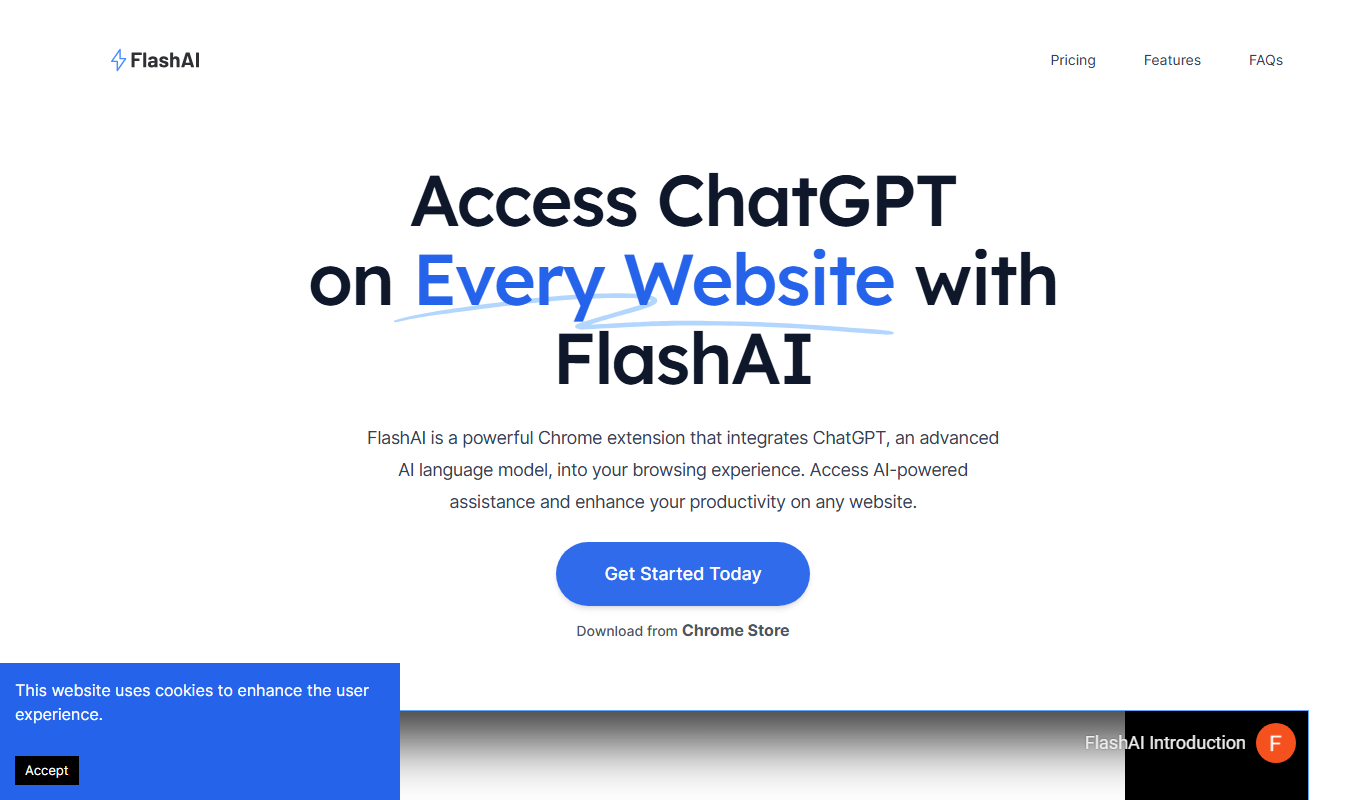
FlashAI
FlashAI is an AI-driven code generation platform that converts natural language prompts into code snippets, supports multiple programming languages, and offers API integration to enhance developer productivity.