

From my experience with RemoveBG.sh, I found it excels at providing a straightforward API for automated background removal, making it ideal for developers and businesses seeking to streamline image editing workflows. The pay-as-you-go pricing and fast processing times allow flexible and scalable use without upfront commitments. However, the free tier is limited, which may require early investment for larger projects. Overall, if you need to integrate background removal into your app or service efficiently, RemoveBG.sh offers a reliable and developer-friendly solution.
RemoveBG.sh Background Removal API for Automated Image Editing
RemoveBG.sh is an API service that automates background removal from images, enabling easy integration into apps and workflows for fast, accurate results.
- Best for
- E-commerce Product Images
- Key capability
- API-Based Background Removal


Do you recommend this tool?
What is RemoveBG.sh — Background Removal API?
RemoveBG.sh is an API service that automates the removal of image backgrounds. It enables developers and businesses to integrate background removal functionality into their applications, websites, or workflows, simplifying the process of isolating subjects from backgrounds in photos.
Key features of RemoveBG.sh — Background Removal API
The tool offers fast and accurate background removal via a simple API, supports multiple image formats, and provides transparent pricing with a pay-as-you-go model. It is designed for easy integration and automation in various digital workflows.
API-Based Background Removal
Programmatically remove backgrounds from images using a RESTful API.
High Accuracy
Leverages advanced algorithms to accurately separate subjects from backgrounds.
Supports Multiple Formats
Accepts common image formats including JPEG and PNG.
Fast Processing
Delivers quick turnaround times suitable for real-time applications.
Transparent Pricing
Offers pay-as-you-go pricing with no hidden fees.
Pros and cons of RemoveBG.sh — Background Removal API
Pros
- Easy API integration
- Accurate background removal
- Flexible pay-as-you-go pricing
- Supports multiple image formats
Cons
- Limited free tier credits
- No desktop or mobile app interface
Key use cases for RemoveBG.sh — Background Removal API
E-commerce Product Images
Automatically remove backgrounds from product photos to create clean, professional images for online stores.
Marketing and Advertising
Enhance marketing materials by isolating subjects from backgrounds for banners, ads, and social media posts.
Mobile and Web App Integration
Integrate background removal capabilities into apps or websites via API for user-generated content processing.
Graphic Design Automation
Streamline graphic design workflows by automating background removal tasks.
Photography Post-Processing
Save time in photo editing by automating the extraction of subjects from complex backgrounds.
How RemoveBG.sh — Background Removal API works
-
1
Sign Up
Create an account on RemoveBG.sh to obtain API access credentials.
-
2
Integrate API
Use the provided API documentation to integrate background removal into your application or workflow.
-
3
Upload Images
Send images to the API endpoint for processing.
-
4
Receive Processed Images
Get images back with backgrounds removed, ready for use.
Who is using RemoveBG.sh — Background Removal API
Developers
E-commerce businesses
Marketing agencies
Graphic designers
Photographers
RemoveBG.sh — Background Removal API pricing
Free
$0/month
Limited free credits to test the API.
Pay-as-you-go
Varies
Pay per image processed with volume discounts available.
Plans and prices are as published by the vendor and can change. Check the official site before you buy. Open the pricing page (opens in a new tab)
Frequently asked questions about RemoveBG.sh — Background Removal API
RemoveBG.sh supports common image formats such as JPEG and PNG.
Yes, the service offers free credits to test the API before committing to paid plans.
Yes, the API can be integrated into mobile, web, or desktop applications.
Processing times are typically fast enough for real-time or near real-time applications.
Integration support depends on the tool and its available connectors or API. Check the official documentation or integrations page to confirm what is supported.
Some tools offer a free plan or trial with limited features. Availability can vary, so confirm on the official website.
Yes, it can help with that use case depending on how you configure it and what features are available. You’ll get the best results with clear inputs and a defined goal.
Sign in to review this tool.
Sign In to ReviewNo reviews yet
Be the first to share how this tool worked for you.
Ask about pricing, limits, or how it compares — or answer someone else.
Sign In to AskNo questions yet
Have a question about using or paying for this tool? Be the first to ask.
Featured on TiorAI



Alternative Tools
Explore similar AI tools that might fit your needs

Free
Slazzer
Slazzer is an AI background removal tool that automatically removes image backgrounds with high accuracy, supporting bulk processing and API integration for developers and businesses.
More AI Api Tools tools
Other tools in the same category, for when this one is not quite the fit.

Freemium
Ares
Ares is an AI-powered natural language processing API by Traversa AI that provides semantic search, entity recognition, sentiment analysis, and text classification through a RESTful API.

Freemium
Salad Transcription API
Salad Transcription API is a developer-friendly speech-to-text service offering real-time and batch transcription with features like speaker diarization and punctuation, accessible via REST API.
Free Trial
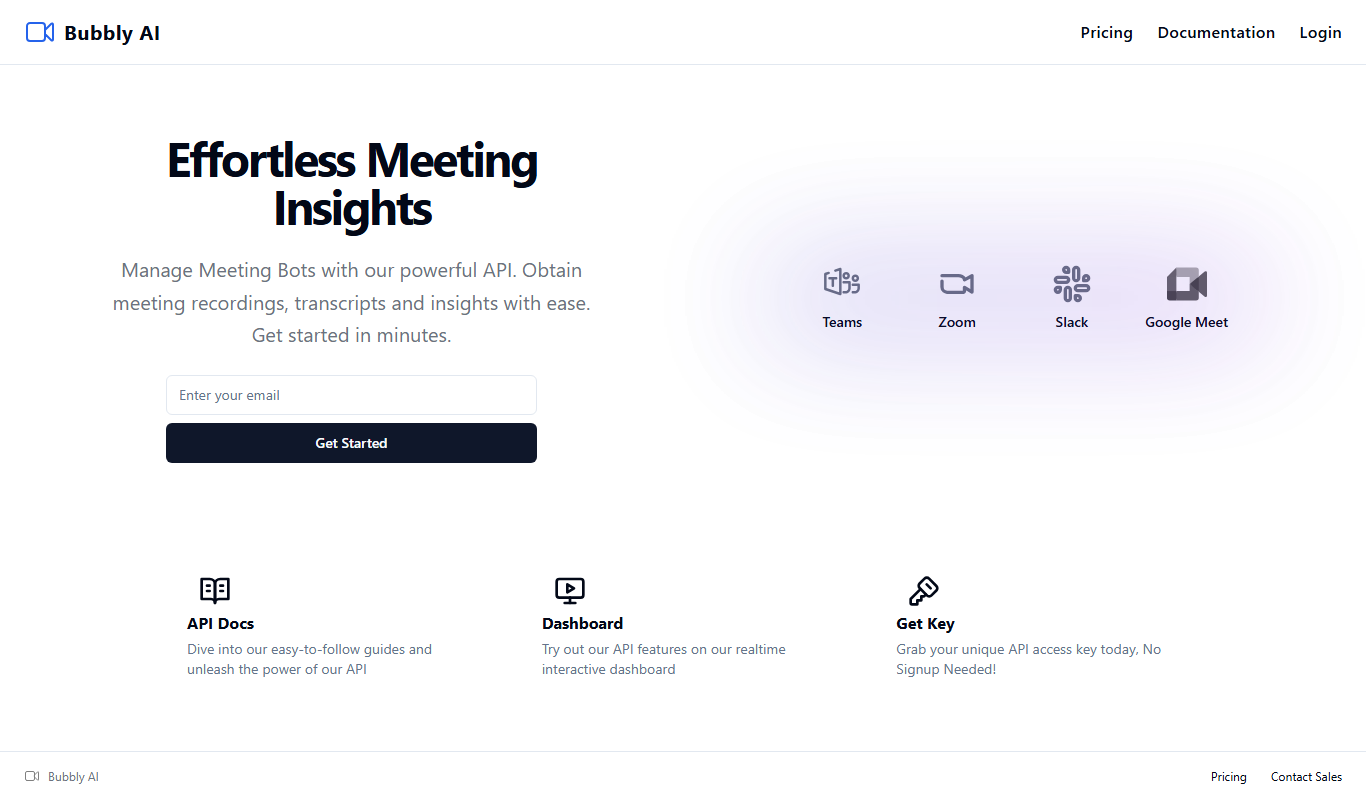
Bubbly Meeting Api
Bubbly Meeting API provides developers with AI-driven meeting transcription and summarization services via a REST API, enabling automated, accurate meeting documentation and insights.
Free
Get Any Link Metadata
Get Any Link Metadata is an API service that extracts comprehensive metadata from any URL, including titles, descriptions, images, and videos, enabling developers to create rich link previews and embed content easily.

Freemium
linkshieldapi.com
LinkShieldAPI is an API service that scans URLs in real time to detect malware, phishing, and other threats, helping developers secure links before users access them.

Freemium
Math Handwriting API
Math Handwriting API is a developer tool that converts handwritten mathematical expressions into digital formats like LaTeX and MathML using AI-powered handwriting recognition.

Freemium
okra.ai
Okra.ai is a Nigerian fintech platform providing APIs that enable businesses to access real-time bank data, initiate payments, and perform KYC verification securely through direct bank integrations.

Free
OpenRouter
OpenRouter is a platform that provides API access to various open-source large language models, enabling developers to integrate these models into applications without managing infrastructure.