

From my experience with Refocus, I found it excels at making writing clearer and more concise without losing the original meaning. The AI suggestions are practical and easy to apply, which makes it a great tool for professionals and content creators who want to polish their text quickly. However, the tool currently supports only English and lacks a mobile app, which may limit flexibility for some users. Overall, if you need straightforward assistance to improve your writing clarity and tone, Refocus delivers reliable and user-friendly results.
Refocus AI Writing Assistant for Clear, Concise Content Creation
Refocus is an AI-powered writing assistant that helps users rewrite and improve text for clarity, conciseness, and tone via a simple web interface.
- Best for
- Improve Writing Clarity
- Key capability
- Sentence Rewriting
Your actions
Save Refocus, follow its updates and vote on it — everything stays in your account.
Sign in or create a free account
What is Refocus?
Refocus is an AI-powered writing assistant designed to help users rewrite and improve their text for clarity, conciseness, and impact. It leverages advanced natural language processing to suggest better phrasing, restructure sentences, and enhance overall writing quality. The tool is accessible via a web platform and targets professionals, students, and content creators who want to produce polished, effective writing quickly.
Key features of Refocus
Refocus offers features such as sentence rewriting, tone adjustment, clarity enhancement, and style improvement. It provides instant AI-generated suggestions to make writing more concise and engaging, helping users communicate their ideas more effectively.
Sentence Rewriting
Transforms sentences to be clearer and more concise without losing meaning.
Tone Adjustment
Modifies text tone to suit professional, casual, or creative contexts.
Instant Suggestions
Provides real-time AI-generated alternatives for improved writing.
User-Friendly Interface
Simple web-based platform requiring no technical skills.
Pros and cons of Refocus
Pros
- Easy to use with a clean web interface
- Effective at improving clarity and conciseness
- Offers tone adjustment for different writing styles
Cons
- Limited to English language support
- No mobile app available
- Free plan has usage restrictions
Key use cases for Refocus
Improve Writing Clarity
Refocus helps users rewrite sentences and paragraphs to be clearer and more concise, improving overall readability.
Content Editing
Users can edit and refine existing content to enhance tone, style, and flow with AI suggestions.
Professional Communication
Ideal for professionals who want to polish emails, reports, and presentations for better impact.
Creative Writing Assistance
Supports creative writers by offering alternative phrasings and ideas to overcome writer’s block.
How Refocus works
- 1
Input Text
Users paste or type their text into the Refocus web interface.
- 2
Select Improvement Goals
Choose the desired writing improvements such as clarity, conciseness, or tone.
- 3
Receive AI Suggestions
Refocus analyzes the text and provides rewritten alternatives and enhancements.
- 4
Apply Changes
Users review suggestions and apply preferred changes to their content.
Who is using Refocus
Content writers
Business professionals
Students and academics
Creative writers
Marketing teams
Refocus pricing
Free
$0/month
Basic access with limited daily usage and core rewriting features.
Pro
$15/month
Unlimited usage, advanced rewriting options, and priority support.
Plans and prices are as published by the vendor and can change. Check the official site before you buy. Open the pricing page (opens in a new tab)
Frequently asked questions about Refocus
Yes, Refocus offers a free plan with limited daily usage and basic features.
Absolutely, it helps polish emails for clarity and appropriate tone.
Currently, Refocus supports English only.
It depends on your specific needs and how you plan to use the tool. The official website and documentation are the best sources for the latest details.
Yes, it can help with that use case depending on how you configure it and what features are available. You’ll get the best results with clear inputs and a defined goal.
Sign in to review this tool.
Sign In to ReviewNo reviews yet
Be the first to share how this tool worked for you.
Ask about pricing, limits, or how it compares — or answer someone else.
Sign In to AskNo questions yet
Have a question about using or paying for this tool? Be the first to ask.
Featured on TiorAI



More AI Course tools
Other tools in the same category, for when this one is not quite the fit.

Freemium
Learnrithm Ai
Learnrithm AI is an adaptive online education platform that uses artificial intelligence to personalize learning paths, helping users acquire skills efficiently through customized courses and progress tracking.

Free
Learn Prompting
Learn Prompting is a free, open-source platform that teaches users how to design effective prompts for AI language models through structured lessons and interactive examples.

Freemium
DocteurQuiz
DocteurQuiz is a French online platform providing medical quizzes for students and healthcare professionals to improve knowledge and prepare for exams.

Custom Pricing
AI Course Creator – AcademyOcean
AcademyOcean's AI Course Creator is a web platform that uses AI to automate the creation of online courses, helping educators and trainers quickly generate structured content, customize lessons, and manage learner progress.

Freemium
Thea
Thea is an AI study assistant that helps students create personalized study plans, generate practice questions, and track progress to improve exam preparation.

Freemium
Duomly – Interact, Engage and Learn!
Duomly is an interactive online learning platform that offers engaging courses with quizzes and real-time feedback to help users learn practical skills effectively.

Freemium
CourseMind
CourseMind is an AI-driven tool that automates the creation of online courses, lesson plans, and quizzes, enabling educators and trainers to build e-learning content quickly and efficiently.
Freemium
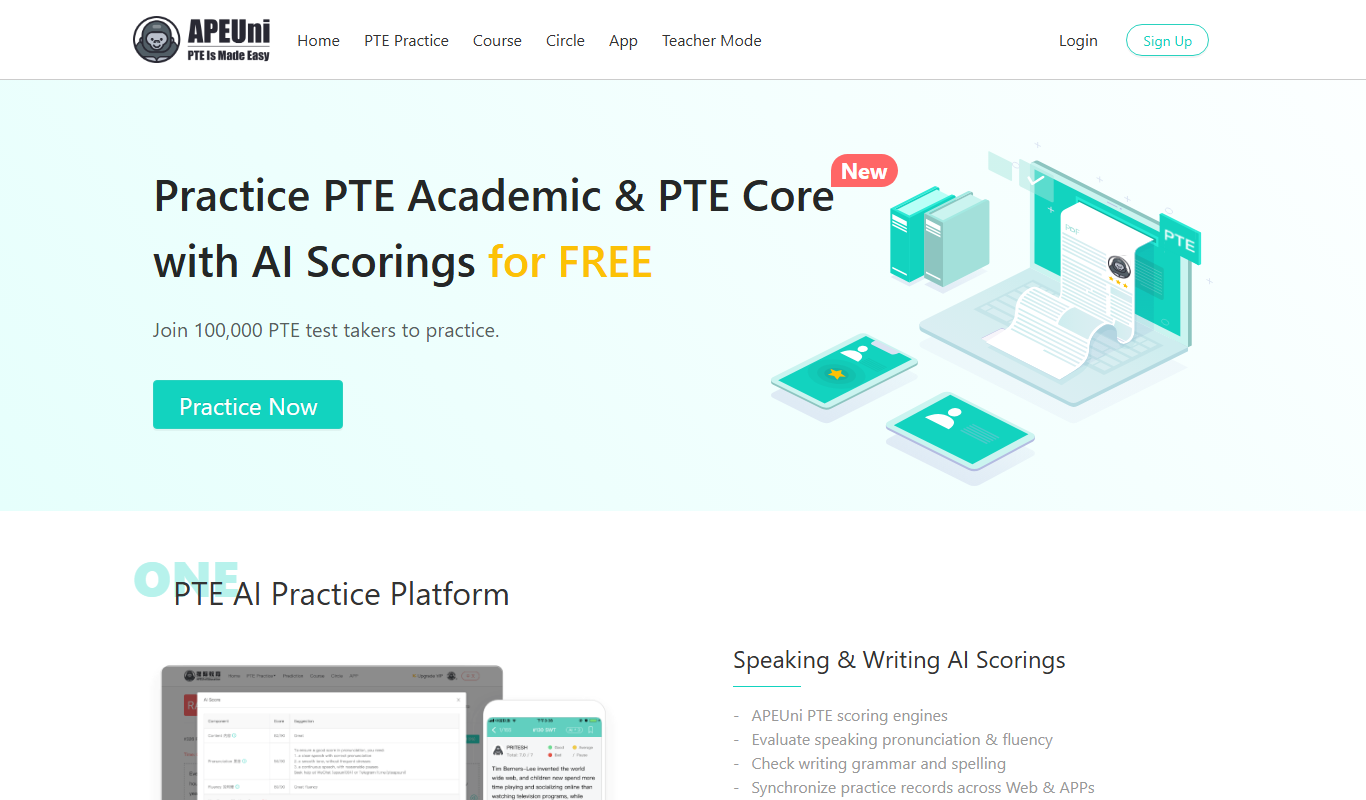
PTE APEUni
PTE APEUni is an online platform offering realistic PTE Academic practice tests, instant automated scoring, detailed feedback, and personalized study plans to help users prepare effectively for the PTE exam.