

From my experience with Recall Browser Extension, I found it excels at simplifying the process of capturing and organizing web-based information. Its intuitive annotation tools and centralized knowledge base make it especially useful for researchers and knowledge workers who need to manage large amounts of online content. However, the free plan’s storage limits and lack of mobile apps may restrict heavy users. Overall, if you require a straightforward, browser-integrated solution for web annotation and knowledge management, Recall delivers reliable and user-friendly functionality.
Recall Browser Extension for Efficient Web Page Annotation and Knowledge Management
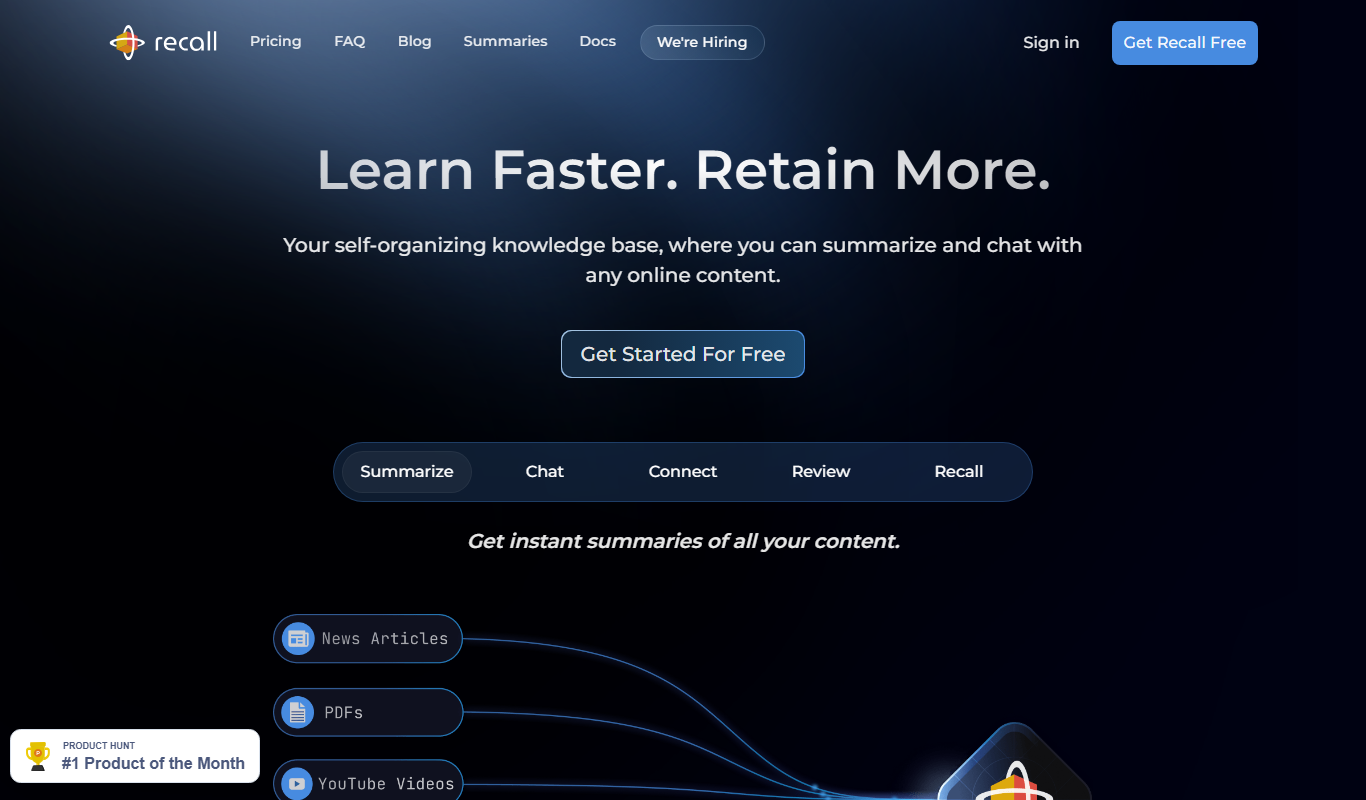
Recall Browser Extension is a tool that enables users to highlight, annotate, and save web page content, organizing it into a searchable knowledge base accessible across devices.
- Best for
- Web Page Annotation
- Key capability
- Text Highlighting and Annotation
Do you recommend this tool?
What is Recall Browser Extension?
Recall Browser Extension is a productivity tool designed to help users capture, annotate, and organize information directly from web pages. It functions as a smart web clipping and knowledge management extension that integrates seamlessly with popular browsers, allowing users to highlight text, add notes, and save content for easy retrieval and sharing.
Key features of Recall Browser Extension
The extension offers intuitive annotation tools, a searchable knowledge base, tagging and organization features, and options for sharing and collaboration. It streamlines the process of managing web-based information, making it accessible and actionable.
Text Highlighting and Annotation
Easily highlight important text and add contextual notes directly on web pages.
Personal Knowledge Base
Store and organize all saved annotations in a searchable, centralized repository.
Tagging and Categorization
Use tags and folders to categorize saved content for efficient retrieval.
Cross-Device Sync
Access your saved annotations across devices through cloud synchronization.
Sharing and Collaboration
Share your notes and annotated pages with colleagues or teams to enhance collaboration.
Pros and cons of Recall Browser Extension
Pros
- Simple and intuitive annotation tools
- Centralized knowledge base for easy retrieval
- Supports collaboration and sharing
- Cross-device synchronization
- Freemium model allows trying before buying
Cons
- Limited storage on free plan
- Currently supports only Chrome and Firefox
- No mobile app available yet
Key use cases for Recall Browser Extension
Web Page Annotation
Users can highlight, annotate, and save important sections of web pages for later reference.
Knowledge Management
Organize and retrieve saved web content efficiently to build a personal knowledge base.
Research and Study
Ideal for researchers and students to collect and manage information from multiple online sources.
Collaboration
Share annotated web pages and notes with teams or collaborators to enhance group productivity.
How Recall Browser Extension works
- 1
Install Extension
Add the Recall Browser Extension to your preferred browser from the official store.
- 2
Browse and Annotate
While browsing, highlight text or sections and add notes using the extension’s tools.
- 3
Save and Organize
Save your annotations to your personal knowledge base, tagging and categorizing for easy access.
- 4
Search and Retrieve
Quickly search through saved content to find relevant information when needed.
- 5
Share and Collaborate
Share annotated pages or collections with others to facilitate teamwork.
Who is using Recall Browser Extension
Researchers and academics
Students and educators
Content creators and writers
Knowledge workers and professionals
Teams requiring collaborative research
Recall Browser Extension pricing
Free
$0/month
Basic annotation and saving features with limited storage.
Pro
$9.99/month
Expanded storage, advanced organization tools, and priority support.
Plans and prices are as published by the vendor and can change. Check the official site before you buy. Open the pricing page (opens in a new tab)
Frequently asked questions about Recall Browser Extension
Recall is available for Chrome and Firefox browsers.
Yes, your data syncs across devices when logged into your Recall account.
The free plan includes limited storage; upgrading to Pro increases your capacity.
Yes, the extension supports sharing annotated pages and notes with collaborators.
It depends on your specific needs and how you plan to use the tool. The official website and documentation are the best sources for the latest details.
Some tools offer a free plan or trial with limited features. Availability can vary, so confirm on the official website.
Yes, it can help with that use case depending on how you configure it and what features are available. You’ll get the best results with clear inputs and a defined goal.
Sign in to review this tool.
Sign In to ReviewNo reviews yet
Be the first to share how this tool worked for you.
Ask about pricing, limits, or how it compares — or answer someone else.
Sign In to AskNo questions yet
Have a question about using or paying for this tool? Be the first to ask.
Featured on TiorAI



Alternative Tools
Explore similar AI tools that might fit your needs

Free
Diigo
Diigo is a social bookmarking and web annotation tool that allows users to save, highlight, and organize web pages and PDFs, collaborate in groups, and access their content across devices.
More AI Browser Extension Tools tools
Other tools in the same category, for when this one is not quite the fit.

Freemium
Wanderlust Browser Extension V2
Wanderlust Browser Extension V2 is a travel planning tool that integrates with Chrome and Firefox browsers, enabling users to save travel ideas, build itineraries, and collaborate on trip plans directly from their browsing experience.
Free
GPT-3 Detector
GPT-3 Detector is a free Chrome extension that helps users identify if text was generated by OpenAI's GPT-3 model by analyzing highlighted or input text directly in the browser.

Free
Toolbar
Toolbar is an AI-powered browser extension that automates repetitive web tasks and enhances productivity by enabling custom workflows directly within Chrome and Firefox browsers.

Free
Bolt
Bolt is a free Chrome extension that replaces the new tab page with a customizable dashboard offering quick access to apps, task management, and notes to boost productivity.

Free
Chat GPT Youtube Summarizer
YouTube Summary with ChatGPT is a free Chrome extension that uses AI to extract transcripts and generate concise summaries of YouTube videos, helping users quickly understand video content without watching the entire video.
Free
Bard for Google Pro
Bard for Google Pro is a free Chrome extension that integrates AI-generated summaries and suggestions directly into Google search results to improve search efficiency and content research.
Free
AiQUEST : CHATGPT powered Search
AIQUEST is a free Chrome extension that integrates ChatGPT to provide AI-generated answers alongside Google Search results, improving search efficiency and clarity.
Free
Intelligent Search
Intelligent Search is a free Chrome extension that enhances web search results by filtering and previewing content for faster, more relevant browsing.