

From my experience with Ray-Ban Stories, the blend of classic eyewear style with smart technology stands out as a practical innovation. The hands-free photo and video capture paired with open-ear speakers offers a seamless way to stay connected and capture moments without interrupting daily activities. It’s particularly well-suited for social media creators and tech-savvy users who want discreet wearable tech. However, the battery life limits extended use, and full functionality depends on the companion app, which may not appeal to all. Overall, for those seeking stylish smart glasses with multimedia features, Ray-Ban Stories deliver a compelling experience.
Ray-Ban Stories Smart Glasses with Camera and Audio Features Review
Ray-Ban Stories are smart glasses combining classic Ray-Ban design with dual cameras, open-ear speakers, and voice assistant support for hands-free photo capture, audio, and calls.
- Best for
- Hands-Free Photo and Video Capture
- Key capability
- Dual 5MP Cameras
What is Ray-Ban Stories?
Ray-Ban Stories are smart glasses developed by Ray-Ban in partnership with Facebook (now Meta) that combine classic eyewear design with modern technology. They feature dual 5MP cameras, open-ear speakers, and a three-microphone audio array to enable hands-free photo and video capture, music listening, phone calls, and voice assistant integration. The glasses connect to a companion app for content management and sharing.
Key features of Ray-Ban Stories
The main features include dual cameras for capturing photos and videos, open-ear speakers for audio playback and calls, touch controls on the frame, voice command support via Facebook Assistant, and seamless integration with social media through the Ray-Ban Stories app.
Dual 5MP Cameras
Capture high-quality photos and videos hands-free from your point of view.
Open-Ear Speakers
Listen to music and calls without blocking ambient sounds, maintaining awareness.
Voice Command Integration
Control the glasses with Facebook Assistant for hands-free operation.
Touch Controls
Intuitive touchpad on the frame allows easy control of media and calls.
Companion App
Manage captured content, customize settings, and share directly to social media.
Pros and cons of Ray-Ban Stories
Pros
- Classic Ray-Ban style combined with smart features
- Hands-free photo and video capture
- Open-ear speakers maintain situational awareness
- Easy social media sharing via companion app
Cons
- Limited battery life for extended use
- Higher price point compared to regular sunglasses
- Dependent on smartphone app for full functionality
Key use cases for Ray-Ban Stories
Hands-Free Photo and Video Capture
Users can capture photos and videos discreetly using voice commands or touch controls on the glasses.
Listening to Music and Taking Calls
Integrated open-ear speakers allow users to listen to music and take phone calls without blocking ambient sound.
Social Media Content Creation
Easily capture and share moments on social media platforms through the companion app.
Augmented Reality and Voice Assistance
Supports voice commands and integrates with Facebook Assistant for hands-free control.
How Ray-Ban Stories works
-
1
Purchase and Setup
Buy Ray-Ban Stories glasses and download the companion app on your smartphone.
-
2
Pair and Configure
Connect the glasses to your phone via Bluetooth and Wi-Fi, then customize settings in the app.
-
3
Capture and Listen
Use touch controls or voice commands to take photos, record videos, listen to music, or answer calls.
-
4
Manage and Share
Access captured content in the app to edit, organize, and share on social media platforms.
Who is using Ray-Ban Stories
Tech enthusiasts interested in wearable devices
Social media content creators
Outdoor and lifestyle users wanting hands-free capture
Music listeners seeking discreet audio
Early adopters of smart eyewear technology
Ray-Ban Stories pricing
Standard
$299
One-time purchase for Ray-Ban Stories smart glasses with standard lenses.
Plans and prices are as published by the vendor and can change. Check the official site before you buy. Open the pricing page (opens in a new tab)
Frequently asked questions about Ray-Ban Stories
Yes, you can order Ray-Ban Stories with prescription lenses through authorized retailers.
Battery life typically lasts up to 6 hours of mixed usage including video capture and audio playback.
The glasses have an LED indicator that lights up when recording to alert others, and users control when to capture content.
The companion app supports iOS and Android devices for setup and content management.
It depends on your specific needs and how you plan to use the tool. The official website and documentation are the best sources for the latest details.
It depends on your specific needs and how you plan to use the tool. The official website and documentation are the best sources for the latest details.
Yes, it can help with that use case depending on how you configure it and what features are available. You’ll get the best results with clear inputs and a defined goal.
It depends on your specific needs and how you plan to use the tool. The official website and documentation are the best sources for the latest details.
Sign in to review this tool.
No reviews yet
Be the first to share how this tool worked for you.
Ask about pricing, limits, or how it compares — or answer someone else.
No questions yet
Have a question about using or paying for this tool? Be the first to ask.
Featured on TiorAI



Alternative Tools
Explore similar AI tools that might fit your needs

One-time purchase
Bose Frames
Bose Frames are smart audio sunglasses that combine high-quality open-ear sound with UV protection and voice assistant integration, allowing hands-free music, calls, and commands while staying aware of your surroundings.
More AI Voice Assistants tools
Other tools in the same category, for when this one is not quite the fit.

Freemium
Komoot
Komoot is an outdoor navigation app that helps users plan and follow hiking, cycling, and other adventure routes with detailed maps, offline access, and voice guidance.

Pay Per Session
GoStudent
GoStudent is an online tutoring platform providing personalized, live one-on-one lessons to help students improve academically across various subjects and languages.
Freemium
AskCleo
AskCleo is an AI chat generator that provides natural, multi-turn conversations for personal assistance and customer service automation.

Free
Viveport
Viveport is HTC's virtual reality content platform providing access to VR games and experiences, including a subscription service called Viveport Infinity for unlimited VR content.

Free
Modulate AI
Modulate AI is a real-time voice modulation tool that uses AI to transform and disguise voices for gaming, streaming, and privacy purposes.
Freemium
Tactus Therapy
Tactus Therapy is a mobile app designed to help children with speech delays improve their articulation through interactive exercises and progress tracking.
Free
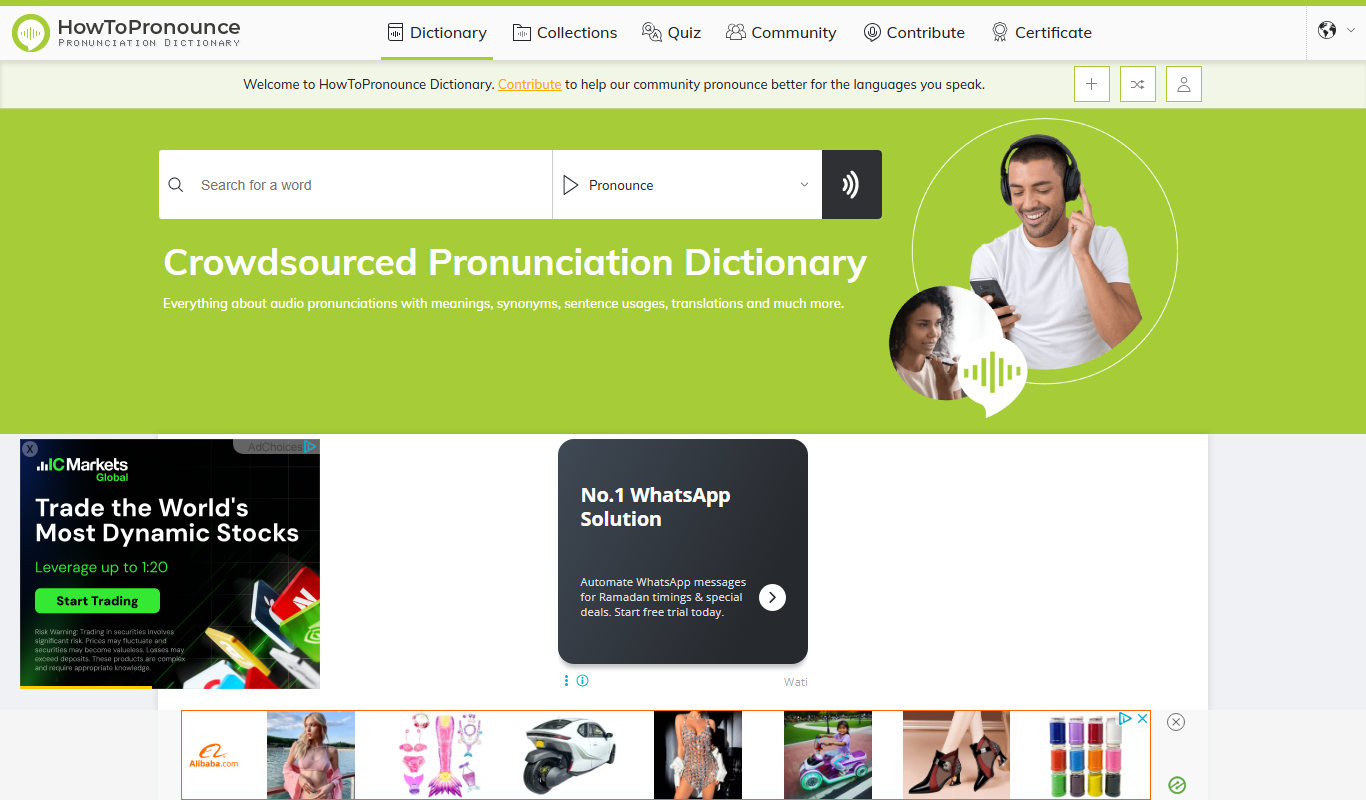
HowToPronounce
HowToPronounce is a free online tool that provides audio pronunciations and phonetic spellings for words in multiple languages, helping users learn correct pronunciation through native and expert recordings.

Free
EnglishCentral
EnglishCentral is an online English learning platform that uses video lessons and AI-powered speech recognition to help users improve their English speaking and listening skills through interactive practice and instant feedback.