

From my experience with Qz.kraft, I found it excels at simplifying the content creation process by providing AI-generated text that integrates SEO keywords effectively. The platform’s straightforward interface makes it accessible for marketers and small business owners who want to produce quality content without extensive writing expertise. However, the tool currently supports only English and lacks integrations with popular CMS platforms, which may limit workflow automation for some users. Overall, if you need a reliable AI assistant to generate and optimize content quickly, Qz.kraft offers solid value, especially at its affordable pricing.
Qz.kraft AI Writing Assistant for Content Creation and SEO Optimization
Qz.kraft is an AI-powered writing assistant designed to help users generate, optimize, and edit content efficiently with SEO integration and content templates.
- Best for
- Content Writing
- Key capability
- AI Content Generation
Your actions

Do you recommend this tool?
What is Qz.kraft?
Qz.kraft is an AI-powered writing assistant designed to help users create, optimize, and refine written content efficiently. It leverages advanced natural language processing to generate human-like text, assist with SEO optimization, and improve overall writing quality. The platform is web-based and caters to content creators, marketers, and businesses seeking to enhance their digital content production.
Key features of Qz.kraft
Qz.kraft offers features such as AI content generation, SEO keyword integration, grammar and style checking, content templates, and idea brainstorming tools. These features streamline the writing process, reduce time spent on drafting and editing, and help produce SEO-friendly content that ranks well on search engines.
AI Content Generation
Automatically generate articles, blog posts, and marketing copy based on user input.
SEO Keyword Integration
Incorporate targeted keywords seamlessly to improve search engine visibility.
Grammar and Style Checking
Identify and correct grammar mistakes and enhance writing style for clarity and engagement.
Content Templates
Access pre-built templates for various content types to speed up writing.
Idea Brainstorming
Generate topic ideas, headlines, and outlines to overcome writer’s block.
Pros and cons of Qz.kraft
Pros
- User-friendly interface with intuitive AI writing assistance
- Effective SEO keyword integration for better search rankings
- Helpful content templates to speed up writing process
Cons
- Limited language support currently only in English
- No direct integrations with CMS or publishing platforms
- Free plan has restricted features and usage limits
Key use cases for Qz.kraft
Content Writing
Generate high-quality articles, blog posts, and marketing copy quickly using AI-powered suggestions.
SEO Optimization
Create SEO-friendly content that improves search engine rankings with keyword integration and readability enhancements.
Copywriting
Produce persuasive and engaging sales copy, product descriptions, and ad texts to boost conversions.
Idea Generation
Brainstorm topics, headlines, and content outlines to overcome writer’s block and streamline content planning.
Editing and Proofreading
Refine and polish existing text with grammar correction, style improvements, and clarity suggestions.
How Qz.kraft works
- 1
Create an Account
Sign up on the Qz.kraft website to access the AI writing tools.
- 2
Select a Template or Start Fresh
Choose from various content templates or begin writing your own text.
- 3
Input Keywords or Topics
Provide keywords or topics to guide the AI in generating relevant content.
- 4
Generate and Edit Content
Use AI suggestions to create content, then edit and refine using built-in tools.
- 5
Export or Publish
Download your content or publish it directly to your platform if supported.
Who is using Qz.kraft
Content marketers
Bloggers and writers
Small business owners
SEO specialists
Digital marketing agencies
Qz.kraft pricing
Free
$0/month
Basic access with limited content generation and features.
Pro
$19/month
Unlimited content generation, advanced SEO tools, and priority support.
Plans and prices are as published by the vendor and can change. Check the official site before you buy. Open the pricing page (opens in a new tab)
Frequently asked questions about Qz.kraft
Yes, Qz.kraft offers a free plan with limited features to try the platform.
Currently, Qz.kraft supports English language content generation.
At this time, Qz.kraft is a standalone web application without direct integrations.
The AI generates unique content based on input, but users should verify originality with plagiarism tools.
This tool is designed to help users accomplish its core tasks more efficiently. It is typically used by individuals or teams looking to improve productivity and workflow.
Some tools offer a free plan or trial with limited features. Availability can vary, so confirm on the official website.
Yes, it can help with that use case depending on how you configure it and what features are available. You’ll get the best results with clear inputs and a defined goal.
It depends on your specific needs and how you plan to use the tool. The official website and documentation are the best sources for the latest details.
Sign in to review this tool.
Sign In to ReviewNo reviews yet
Be the first to share how this tool worked for you.
Ask about pricing, limits, or how it compares — or answer someone else.
Sign In to AskNo questions yet
Have a question about using or paying for this tool? Be the first to ask.
Featured on TiorAI



More AI Content Creation Tools tools
Other tools in the same category, for when this one is not quite the fit.

Freemium
Swifty
Swifty is an AI writing assistant that helps users create and edit English content quickly with AI-generated suggestions and grammar corrections.
Freemium
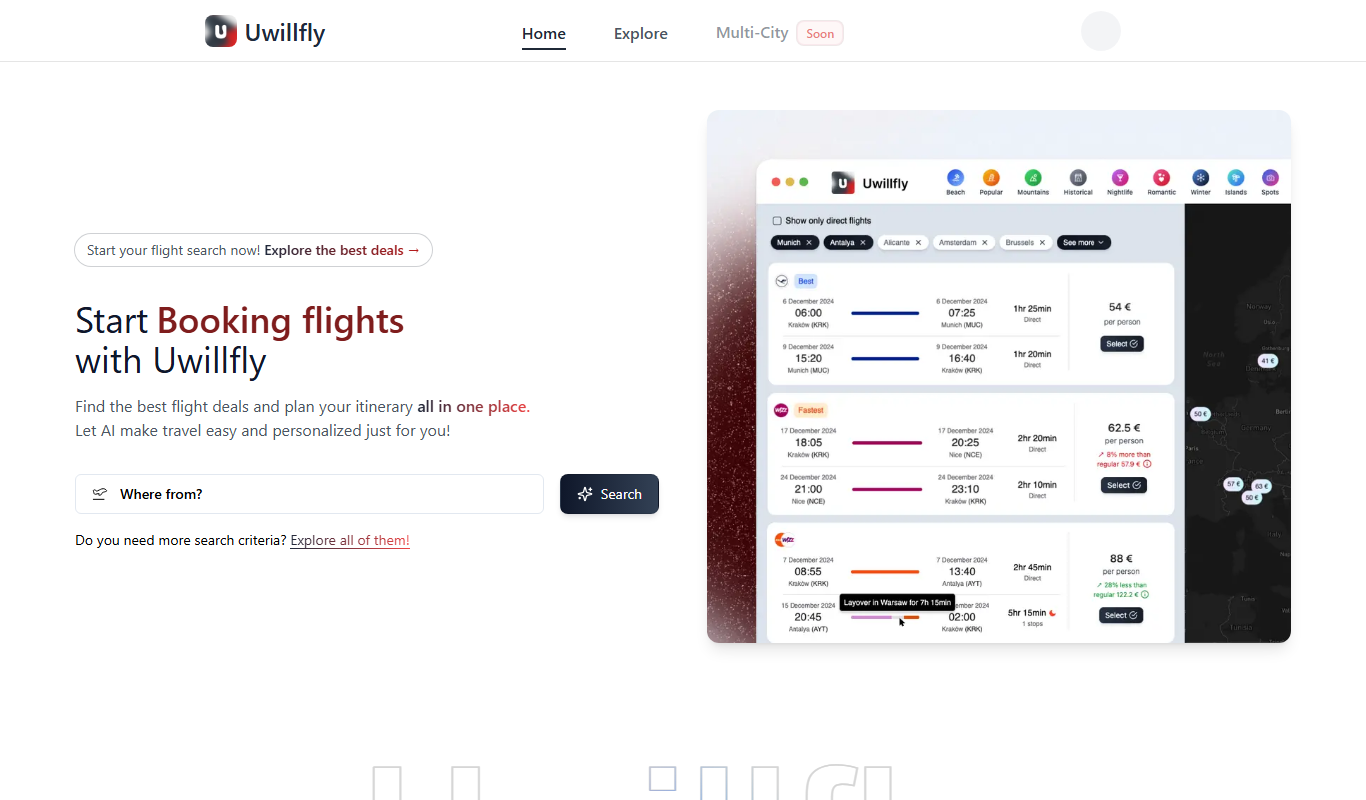
Uwillfly
Uwillfly is an AI-powered writing assistant that generates SEO-optimized articles, marketing copy, and content in English and Chinese to help marketers and writers create content faster.

Freemium
Smart Pineapple
Smart Pineapple is an AI-powered writing assistant designed to generate SEO-friendly content, including blog posts and marketing copy, through an easy-to-use web platform.

Freemium
Explra
Explra is an AI-powered writing assistant designed to help marketers and content creators generate SEO-friendly content quickly and efficiently.
Freemium
Ai & Stuff
Ai & Stuff is a web platform providing multiple AI-powered tools for generating text and images, automating content tasks, and assisting creative workflows.

Free
AI Listify
AI Listify is an AI-driven tool that generates structured lists for content marketing, SEO, and idea organization, helping users create engaging and readable lists quickly.

Freemium
iSamurai
iSamurai is an AI-powered writing assistant that generates SEO-friendly content including blog posts and marketing copy to help businesses and creators save time and improve content quality.
Free
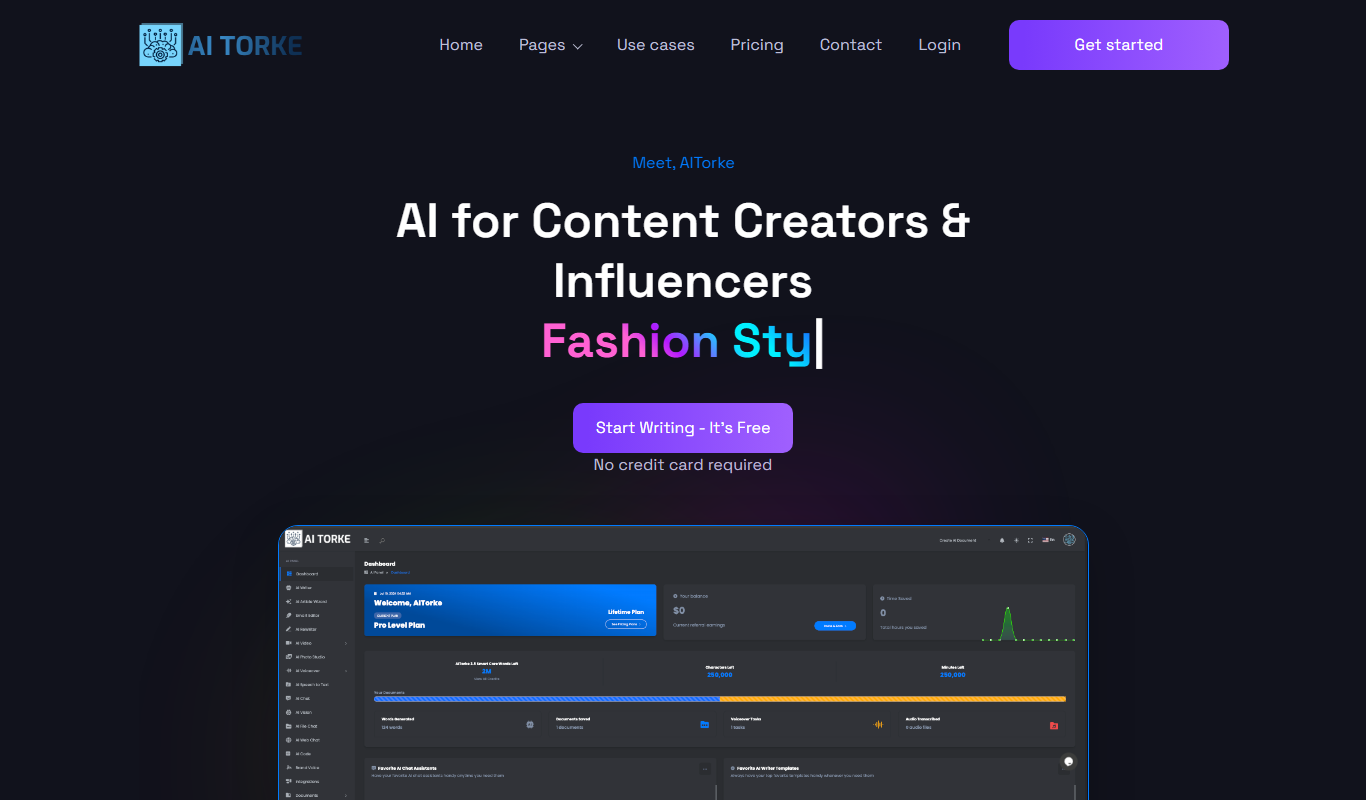
AITorke
AITorke is an AI writing assistant that helps users generate, optimize, and edit content with SEO tools and AI-powered suggestions.