

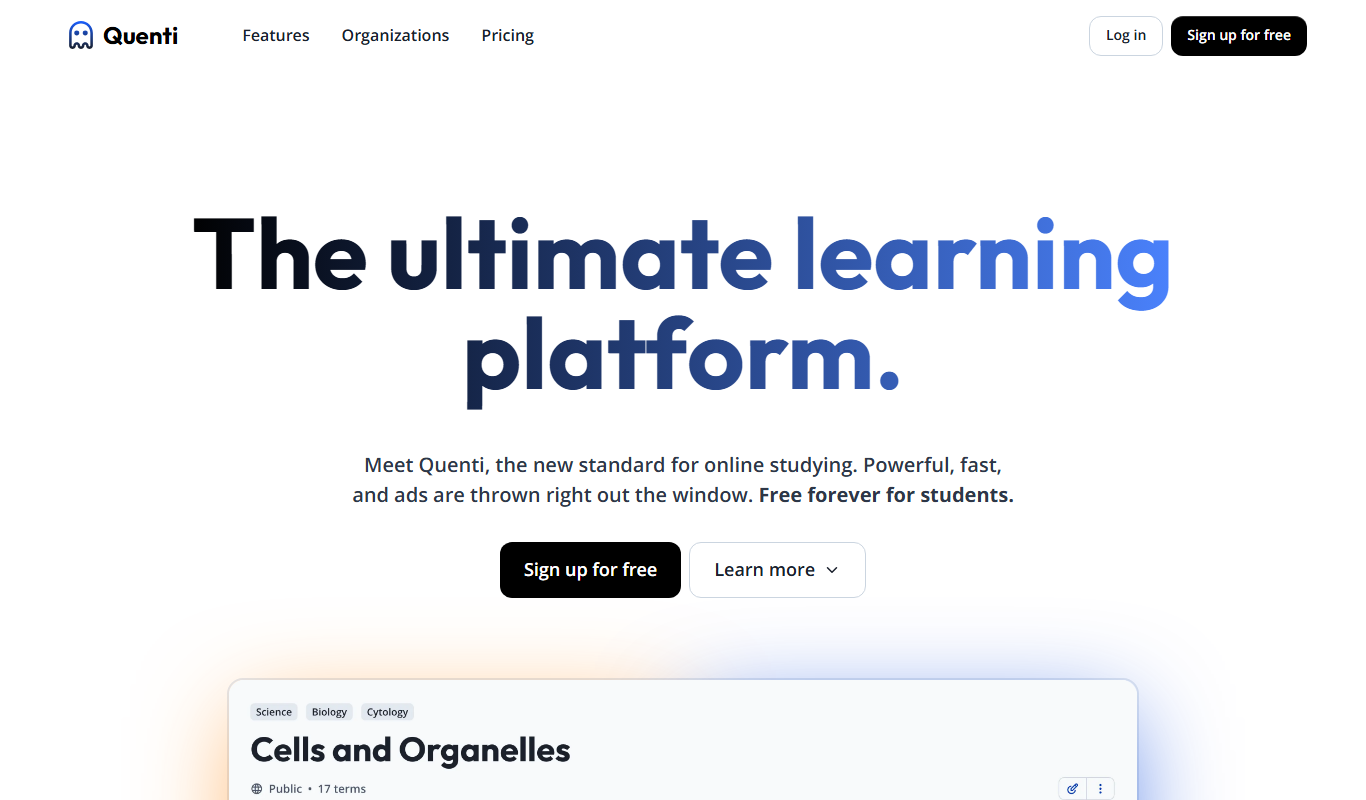
From my experience with Quenti, I found it excels at simplifying complex workforce scheduling and time tracking tasks through an intuitive interface and mobile accessibility. After spending time with the platform, I can say it’s particularly well-suited for small to medium businesses in retail, hospitality, and operations management that need reliable shift planning and absence management. However, there’s a trade-off: pricing details are not transparent upfront and require direct contact, which may slow decision-making. Overall, if you need a comprehensive workforce management solution with strong scheduling and attendance features, Quenti delivers solid results.
Quenti Workforce Management Software for Employee Scheduling & Time Tracking
Quenti is a cloud-based workforce management software that helps businesses schedule employees, track working hours, manage absences, and analyze workforce data through an intuitive web and mobile platform.
- Best for
- Employee Scheduling
- Key capability
- Drag-and-Drop Shift Scheduling
Your actions
Do you recommend this tool?
What is Quenti?
Quenti is a cloud-based workforce management software designed to simplify employee scheduling, time tracking, and absence management. It helps businesses optimize their workforce operations by automating shift planning, monitoring attendance, and providing actionable insights through analytics. The platform supports real-time communication between managers and employees, making workforce coordination more efficient.
Key features of Quenti
Quenti offers comprehensive features including intuitive shift scheduling, precise time tracking with mobile clock-in/out, absence and leave management, detailed workforce analytics, and integrated team communication tools. These features enable businesses to reduce administrative overhead and improve workforce productivity.
Drag-and-Drop Shift Scheduling
Easily create and adjust employee schedules with a user-friendly drag-and-drop interface.
Mobile Time Tracking
Employees can clock in and out using the mobile app, ensuring accurate attendance records.
Absence and Leave Management
Streamline leave requests and approvals with automated workflows and calendar integration.
Real-Time Notifications
Keep employees informed about schedule changes and important updates through instant notifications.
Workforce Analytics and Reporting
Access detailed reports on attendance, overtime, and labor costs to optimize workforce management.
Pros and cons of Quenti
Pros
- Intuitive and user-friendly scheduling interface
- Mobile app for convenient time tracking
- Comprehensive absence management features
- Detailed workforce analytics and reporting
- Real-time communication and notifications
Cons
- Pricing details are not publicly listed and require contact
- Limited information on third-party integrations
- Primarily focused on German and English languages
Key use cases for Quenti
Employee Scheduling
Create, manage, and optimize employee work schedules with drag-and-drop tools and automated shift planning.
Time Tracking
Track employee working hours accurately with clock-in/out features and real-time attendance monitoring.
Absence Management
Manage employee leave requests, approvals, and absence records efficiently within the platform.
Workforce Analytics
Gain insights into workforce productivity, attendance trends, and labor costs through detailed reports and dashboards.
Communication & Collaboration
Facilitate team communication with integrated messaging and notifications to keep employees informed.
How Quenti works
- 1
Sign Up and Set Up
Create an account on Quenti and configure your company profile, including departments and employee roles.
- 2
Add Employees and Define Shifts
Import or manually add employee data and create shift templates or schedules tailored to your business needs.
- 3
Schedule and Track Time
Assign shifts to employees, who can then clock in and out via mobile or web app, enabling accurate time tracking.
- 4
Manage Absences
Employees submit leave requests through the platform, which managers can approve or decline, updating schedules accordingly.
- 5
Analyze and Optimize
Use built-in reports and dashboards to monitor attendance, labor costs, and productivity to make informed workforce decisions.
Who is using Quenti
Small to medium-sized businesses
Retail and hospitality managers
HR professionals
Operations managers
Workforce planners
Quenti pricing
Free Trial
$0 for 14 days
Full access to all features for 14 days to evaluate the platform.
Basic
Contact for pricing
Core workforce management features suitable for small to medium businesses.
Enterprise
Contact for pricing
Advanced features and customization options for large organizations.
Plans and prices are as published by the vendor and can change. Check the official site before you buy. Open the pricing page (opens in a new tab)
Frequently asked questions about Quenti
Yes, employees can clock in and out using the Quenti mobile app, enabling accurate time tracking on the go.
Absolutely, Quenti provides tools for submitting, approving, and tracking employee leave and absences.
Yes, Quenti offers a 14-day free trial with full access to all features.
Quenti supports export of attendance and time data which can be integrated with various payroll systems.
It depends on your specific needs and how you plan to use the tool. The official website and documentation are the best sources for the latest details.
Yes, it can help with that use case depending on how you configure it and what features are available. You’ll get the best results with clear inputs and a defined goal.
Some tools offer a free plan or trial with limited features. Availability can vary, so confirm on the official website.
It depends on your specific needs and how you plan to use the tool. The official website and documentation are the best sources for the latest details.
Sign in to review this tool.
Sign In to ReviewNo reviews yet
Be the first to share how this tool worked for you.
Ask about pricing, limits, or how it compares — or answer someone else.
Sign In to AskNo questions yet
Have a question about using or paying for this tool? Be the first to ask.
Featured on TiorAI



Alternative Tools
Explore similar AI tools that might fit your needs

Free Trial
Deputy
Deputy is a cloud-based workforce management platform that simplifies employee scheduling, time tracking, task management, and compliance reporting for businesses.

Free
When I Work
When I Work is a cloud-based platform that simplifies employee scheduling, time tracking, and team communication to help businesses manage their workforce efficiently.
Custom Pricing
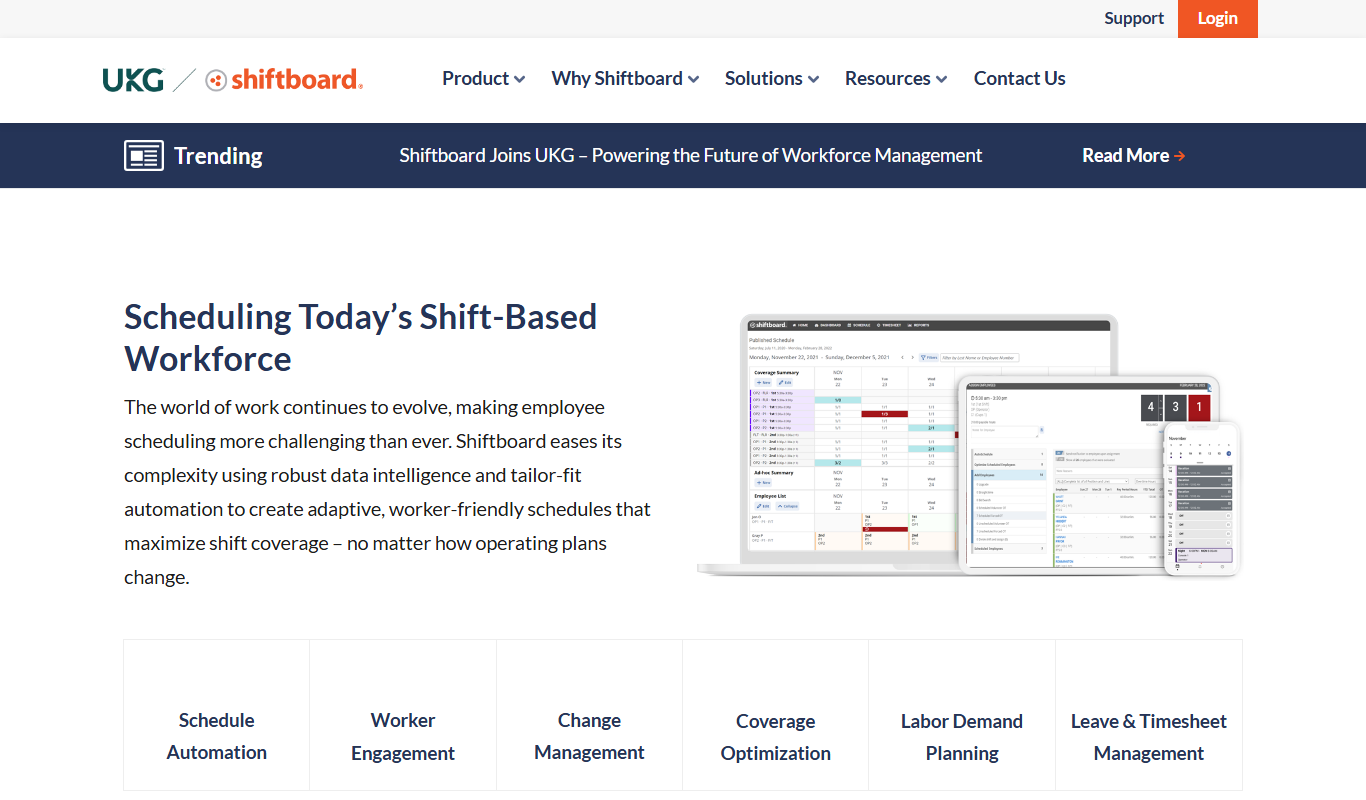
Shiftboard
Shiftboard is a cloud-based workforce scheduling software that helps organizations manage employee shifts, track labor costs, and ensure compliance with labor laws through advanced scheduling, mobile access, and reporting features.
More AI Course tools
Other tools in the same category, for when this one is not quite the fit.

Freemium
Learnrithm Ai
Learnrithm AI is an adaptive online education platform that uses artificial intelligence to personalize learning paths, helping users acquire skills efficiently through customized courses and progress tracking.

Free Trial
AI Design Training
AI Design Training is an online platform that uses artificial intelligence to provide personalized UX/UI and creative design education through interactive courses and project feedback.

Free
Learn Prompting
Learn Prompting is a free, open-source platform that teaches users how to design effective prompts for AI language models through structured lessons and interactive examples.
Free
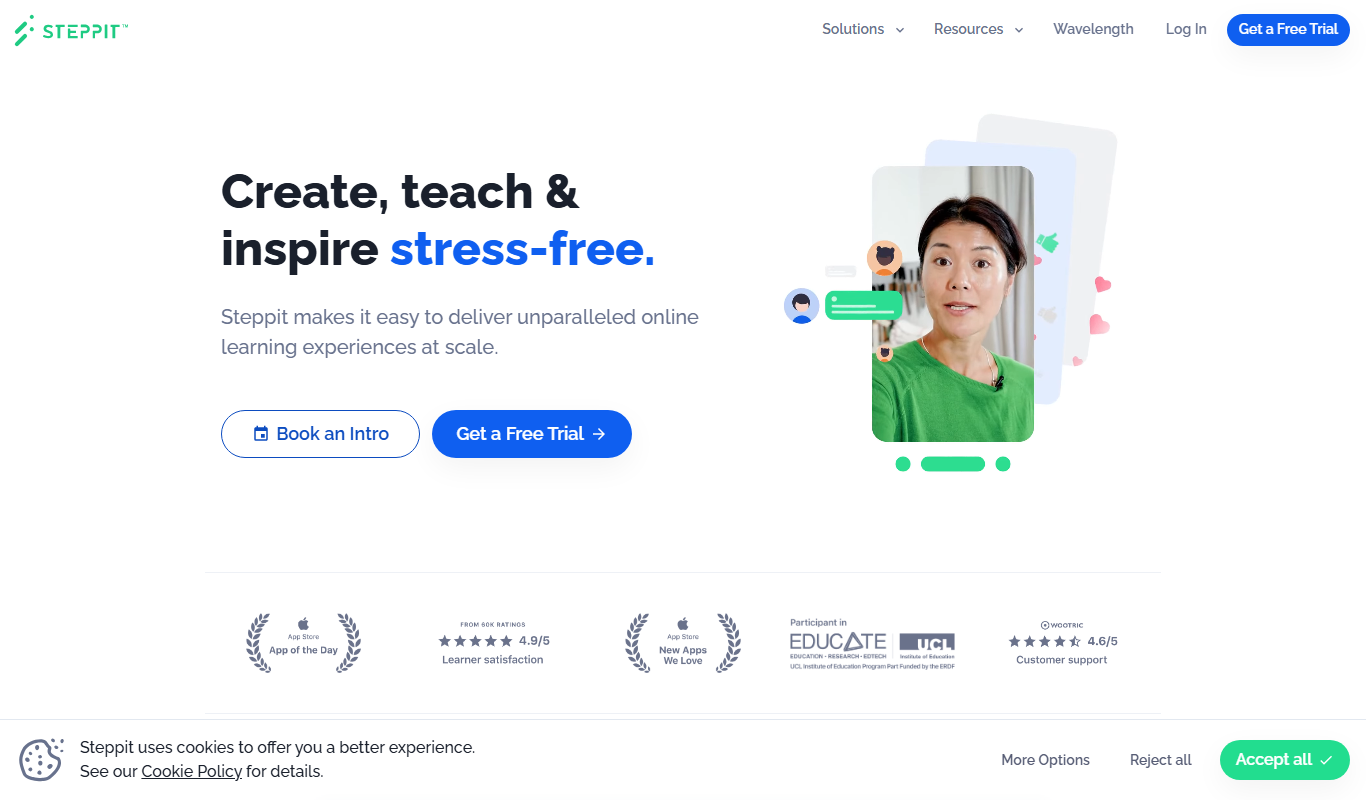
Steppit
Steppit is a task management and collaboration platform that helps teams organize, assign, and track tasks with real-time updates and communication tools accessible via web and mobile apps.

Freemium
DocteurQuiz
DocteurQuiz is a French online platform providing medical quizzes for students and healthcare professionals to improve knowledge and prepare for exams.

Custom Pricing
AI Course Creator – AcademyOcean
AcademyOcean's AI Course Creator is a web platform that uses AI to automate the creation of online courses, helping educators and trainers quickly generate structured content, customize lessons, and manage learner progress.

Freemium
Thea
Thea is an AI study assistant that helps students create personalized study plans, generate practice questions, and track progress to improve exam preparation.
Freemium
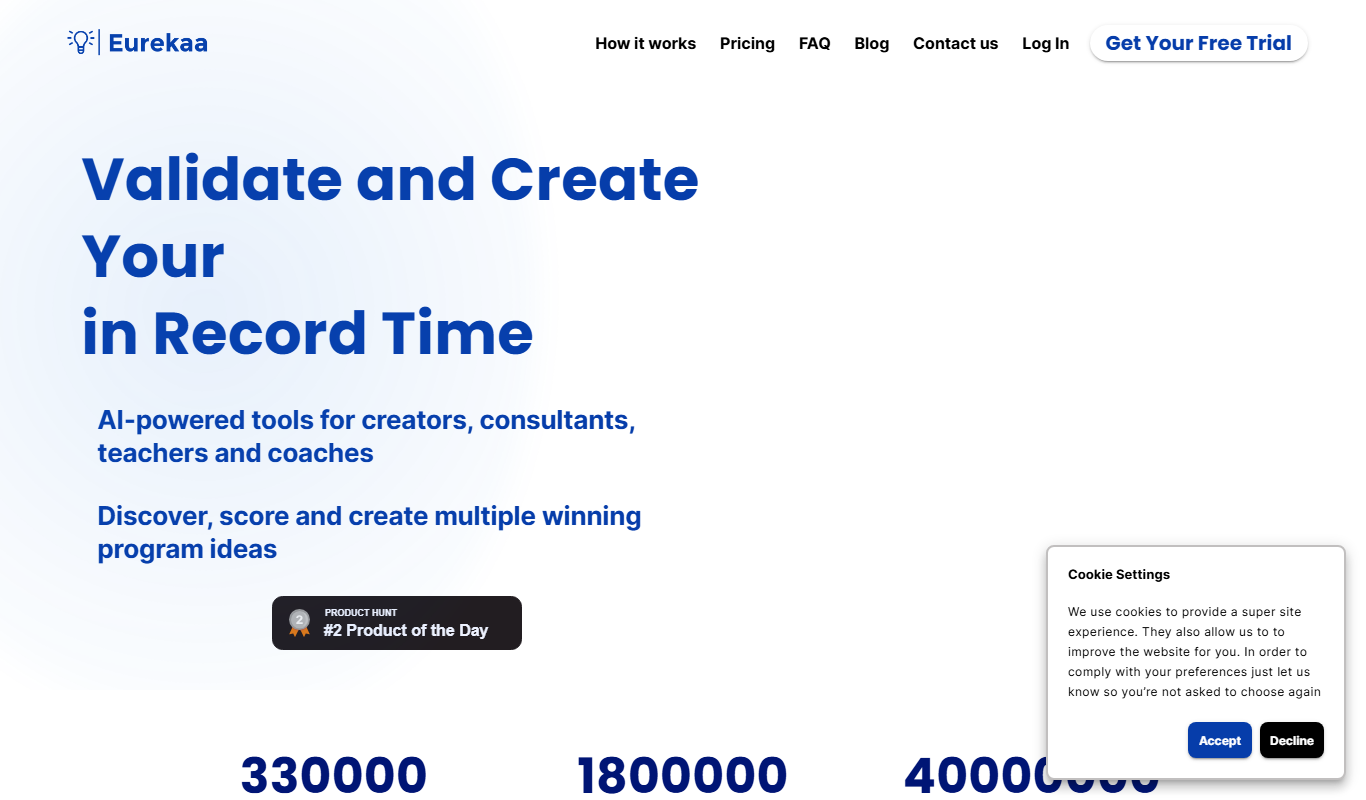
Eurekaa
Eurekaa is an AI-powered writing assistant designed to generate SEO-friendly content, blog posts, and marketing copy with customizable tone and style.