
From my experience with QnAPe, I found it excels at providing an intuitive no-code chatbot builder that allows businesses to quickly automate customer interactions without technical barriers. The platform’s multi-channel deployment and AI-powered natural language understanding make it a practical choice for small to medium businesses aiming to enhance customer support and lead generation. However, the limited language support and lack of a dedicated mobile app may restrict its use in some scenarios. Overall, if you need a straightforward, AI-driven chatbot solution with flexible pricing, QnAPe delivers solid results.
QnAPe AI Chatbot Platform for Customer Support and Engagement
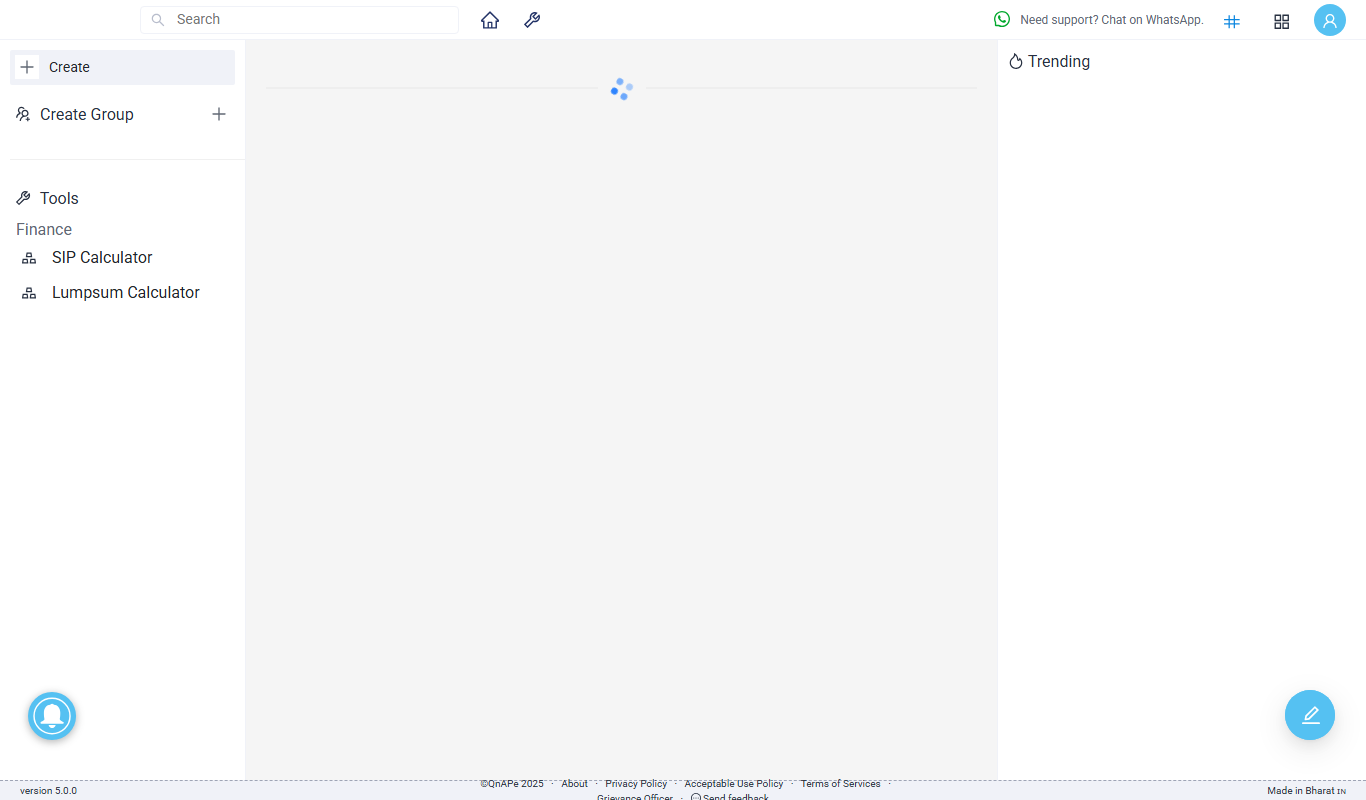
QnAPe is an AI-powered no-code chatbot platform designed to automate customer support and engagement by enabling businesses to build and deploy conversational chatbots across multiple channels.
What is QnAPe?
QnAPe is an AI-powered chatbot platform designed to help businesses automate customer interactions and improve engagement. It enables users to build, deploy, and manage conversational AI chatbots without coding, streamlining customer support and lead generation processes.
Key Features of QnAPe
No-Code Chatbot Builder
Create conversational flows easily without programming knowledge.
AI Natural Language Processing
Understand and respond to user queries with AI-powered intent recognition.
Multi-Channel Deployment
Deploy chatbots on websites, messaging apps, and other digital channels.
Analytics Dashboard
Track chatbot interactions, user engagement, and performance metrics.
Integration Support
Connect with CRM, helpdesk, and other business tools via API.
Pros and Cons of QnAPe
Pros
- User-friendly no-code chatbot builder
- Supports multi-channel deployment
- AI-powered natural language understanding
- Comprehensive analytics dashboard
- Flexible pricing plans including free trial
Cons
- Limited language support beyond English
- No dedicated mobile app available
- Pricing details not fully transparent without contact
Key Use Cases for QnAPe
Customer Support Automation
Automate responses to common customer queries to reduce support workload and improve response times.
Lead Generation
Engage website visitors with interactive chatbots to capture leads and qualify prospects.
E-commerce Assistance
Provide product recommendations, order tracking, and FAQs to enhance the online shopping experience.
Internal Helpdesk
Support employees with instant answers to HR, IT, and operational questions.
How QnAPe Works
-
1
Sign Up
Create an account on QnAPe’s website to access the chatbot builder.
-
2
Build Your Chatbot
Use the no-code interface to design conversation flows and train the AI with FAQs.
-
3
Integrate and Deploy
Connect the chatbot to your website or messaging platforms via API or widgets.
-
4
Monitor and Optimize
Use analytics to track chatbot performance and improve responses over time.
Who's Using QnAPe
Small and medium businesses
E-commerce companies
Customer support teams
Marketing agencies
Internal helpdesk departments
QnAPe Pricing
Free Trial
$0 for 14 days
Access core features with limited usage to test the platform.
Basic
$29/month
Suitable for small businesses with essential chatbot features.
Pro
$79/month
Advanced features and higher usage limits for growing businesses.
Enterprise
Custom pricing
Tailored solutions with premium support and integrations.
Frequently Asked Questions About QnAPe
No, QnAPe offers a no-code chatbot builder that allows anyone to create chatbots easily.
Yes, QnAPe supports integration with popular CRM and helpdesk systems via API.
Yes, QnAPe provides a 14-day free trial to explore the platform.
Currently, QnAPe primarily supports English language chatbots.
It depends on your specific needs and how you plan to use the tool. The official website and documentation are the best sources for the latest details.
It depends on your specific needs and how you plan to use the tool. The official website and documentation are the best sources for the latest details.
Integration support depends on the tool and its available connectors or API. Check the official documentation or integrations page to confirm what is supported.
Share your review
Reviews are limited to one per logged-in user and are published after moderation.
You need an account to review this tool.
0.0
★
★
★
★
★
0 reviews
5 star
0
4 star
0
3 star
0
2 star
0
1 star
0
No reviews yet
Be the first to share how this tool worked for you.
Questions from the community
Read questions and answers about this tool, or ask your own.
No questions yet
Start the conversation by asking the first question about this tool.
Is this tool helpful?
Free
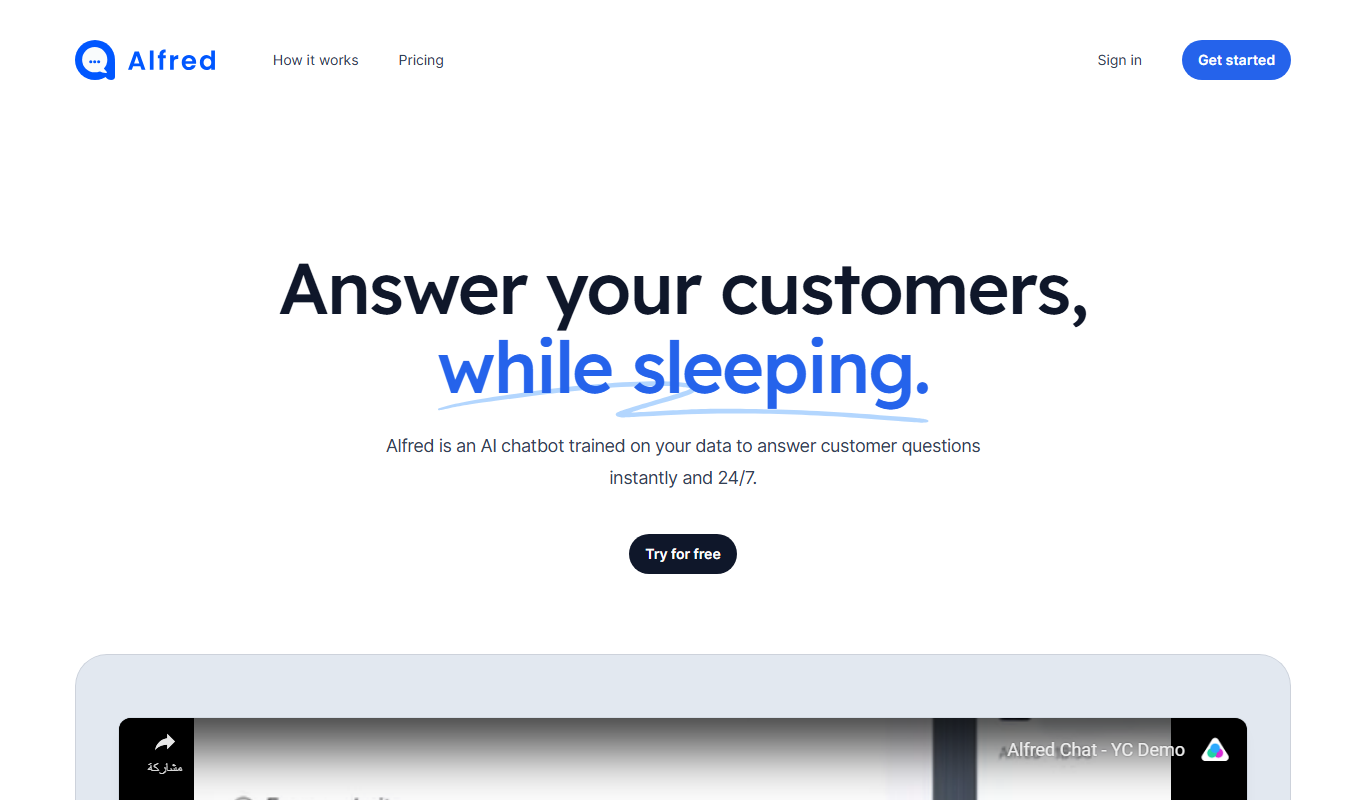
Alfred Chat
Alfred Chat is an AI-powered chatbot platform designed to automate customer support and improve team collaboration through customizable conversational workflows and multi-channel integration.

Free Trial
quso.ai
Quso.ai is an AI chatbot platform that helps businesses automate customer interactions, improve engagement, and capture leads through customizable conversational AI deployed on websites and apps.
Free
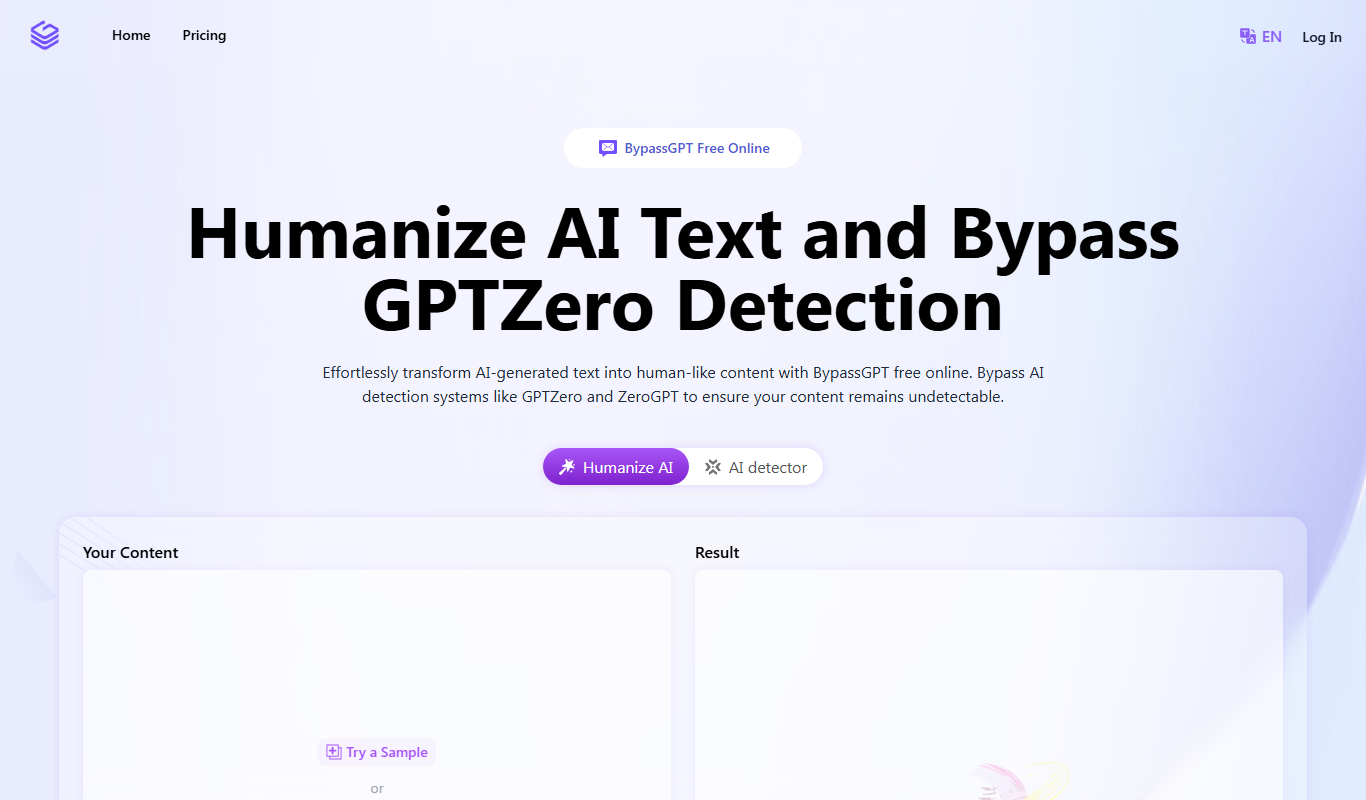
BypassGPT.co
BypassGPT.co is an AI chatbot platform that allows users to engage in conversations with fewer content restrictions compared to ChatGPT, providing more open and flexible AI interactions.

Freemium
caixuan.cc
Caixuan.cc is an AI chatbot platform that enables businesses to automate customer service and lead generation through customizable chatbots supporting Chinese and English.
Free Trial
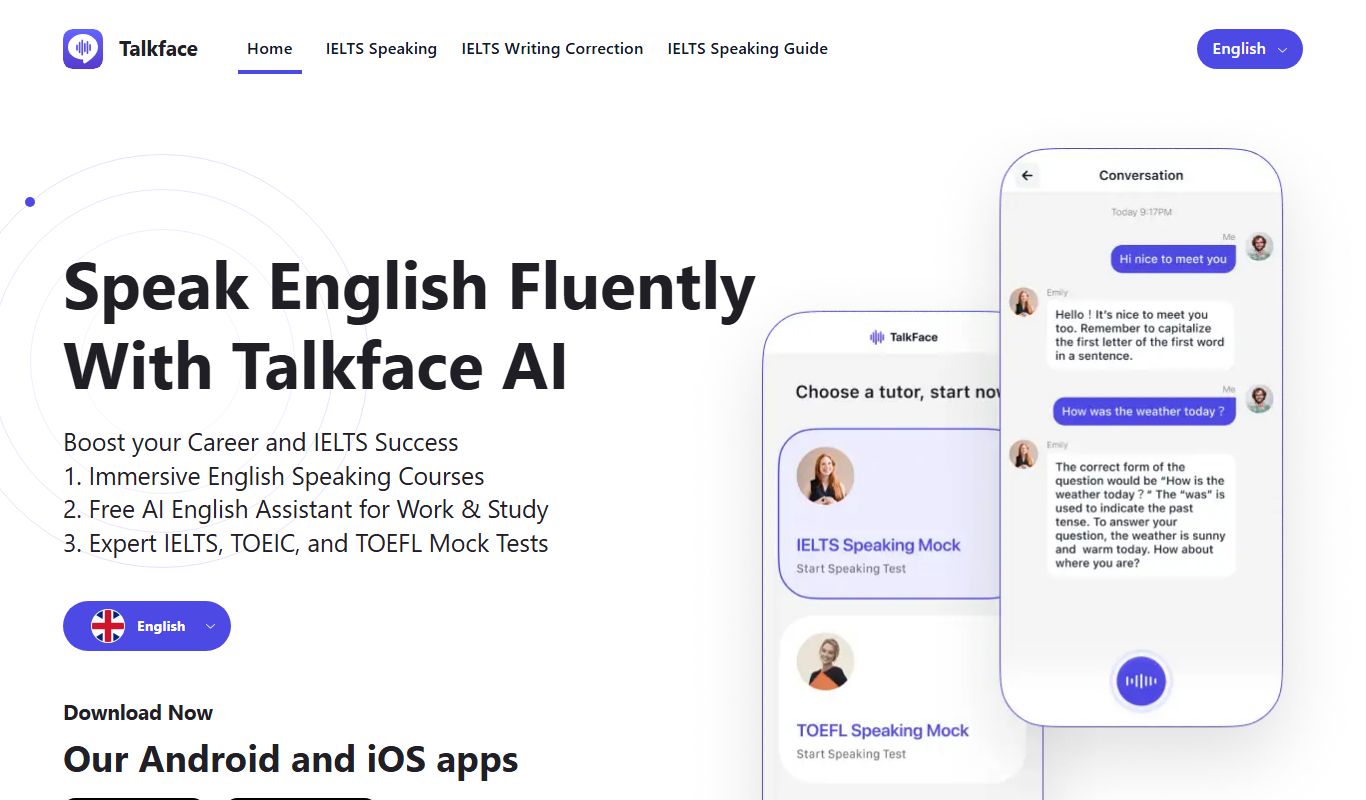
Talkface.AI
Talkface.AI is an AI chatbot platform that automates customer interactions using natural language processing, enabling businesses to improve support and engagement.

Free
Beebot AI
Beebot AI is a conversational chatbot platform that helps businesses automate customer support, lead capture, and appointment scheduling through customizable AI chatbots.

Freemium
Zavata v1.0 – Beta
Zavata AI Assistant v1.0 Beta is an AI-driven platform that automates customer support by handling inquiries, managing tickets, and integrating with help desk systems to improve response efficiency.

Free
CrestGPT
CrestGPT is an AI chatbot platform that helps businesses automate customer interactions and support through customizable conversational AI integrated on websites.