

QIMA Quality Control Platform for Supply Chain Inspections and Audits
QIMA is a global quality control platform providing product inspections, supplier audits, and lab testing to help businesses ensure supply chain compliance and product quality.
- Best for
- Product Quality Inspections
- Key capability
- Global Inspection Network
Save QIMA, follow its updates and vote on it — everything stays in your account.
Sign in or create a free account
What is QIMA?
QIMA is a comprehensive quality control and supply chain compliance platform that helps brands, retailers, and importers ensure product quality and supplier reliability worldwide. It combines on-site inspections, supplier audits, lab testing, and data analytics to provide actionable insights and reduce risks in global sourcing.
Key features of QIMA
The platform offers inspection scheduling, audit management, lab testing coordination, real-time reporting dashboards, and supplier performance tracking to streamline quality assurance processes.
Global Inspection Network
Access to thousands of qualified inspectors worldwide for timely and reliable quality checks.
Digital Reporting and Analytics
Real-time dashboards and detailed reports with photos and data to track quality and compliance.
Accredited Laboratory Testing
Comprehensive product testing services covering safety, performance, and regulatory standards.
Supplier Audit Services
Factory audits assessing social compliance, capabilities, and risk factors.
Customizable Quality Control Plans
Tailored inspection and audit programs to meet specific client requirements and industry standards.
Pros and cons of QIMA
Pros
- Extensive global network of inspectors and auditors
- Comprehensive quality control and compliance services
- User-friendly digital platform with real-time reporting
- Customizable inspection and audit programs
- Supports multiple languages and regions
Cons
- Pricing is not transparent and requires direct consultation
- Primarily focused on B2B clients, less suitable for small businesses
- No publicly available API for integration
Key use cases for QIMA
Product Quality Inspections
Conduct on-site and remote inspections to verify product quality and compliance before shipment.
Supplier Audits
Perform factory audits to assess supplier capabilities, compliance with standards, and social responsibility.
Lab Testing
Access accredited laboratories for product testing including safety, performance, and regulatory compliance.
Supply Chain Visibility
Gain real-time insights and reports on supplier performance and product quality across global supply chains.
Compliance Management
Manage and monitor compliance with international standards and customer-specific requirements.
How QIMA works
- 1
Request Inspection or Audit
Clients submit requests for product inspections, factory audits, or lab tests through the QIMA platform.
- 2
On-site or Remote Execution
QIMA’s network of inspectors and auditors perform the assigned tasks either on-site or remotely using digital tools.
- 3
Lab Testing
Products can be sent to QIMA’s accredited labs for comprehensive testing as needed.
- 4
Receive Reports
Detailed inspection and audit reports are delivered via the platform with photos, findings, and recommendations.
- 5
Monitor and Analyze
Clients use dashboards and analytics to monitor supplier performance and make informed sourcing decisions.
Who is using QIMA
QIMA pricing
Custom Pricing
Varies
Pricing depends on inspection types, volume, and service level; contact QIMA for a quote.
Plans and prices are as published by the vendor and can change. Check the official site before you buy. Open the pricing page (opens in a new tab)
Frequently asked questions about QIMA
QIMA serves industries including apparel, electronics, toys, food, cosmetics, and more.
Yes, QIMA offers remote inspections using digital tools when on-site visits are not feasible.
Inspection and audit reports are typically delivered within 24 to 48 hours after completion.
Yes, QIMA partners with accredited labs to provide comprehensive product testing services.
It depends on your specific needs and how you plan to use the tool. The official website and documentation are the best sources for the latest details.
It depends on your specific needs and how you plan to use the tool. The official website and documentation are the best sources for the latest details.
Yes, it can help with that use case depending on how you configure it and what features are available. You’ll get the best results with clear inputs and a defined goal.
It depends on your specific needs and how you plan to use the tool. The official website and documentation are the best sources for the latest details.
Conclusion
Inspections, factory audits and lab tests are all requested through the QIMA platform. Its network of inspectors and auditors carries out the work on-site, or remotely with digital tools when on-site visits are not feasible. On-site and remote inspections verify product quality and compliance before shipment, and access to thousands of qualified inspectors worldwide is meant to keep checks timely. Products that need testing go to accredited partner labs, which check safety, performance and regulatory compliance. Factory audits look at supplier capabilities, social compliance and risk factors.
Results arrive as detailed reports with photos, findings and recommendations, typically within 24 to 48 hours after completion. Real-time dashboards and analytics then track supplier performance to support informed sourcing decisions across global supply chains. Compliance with international standards and customer-specific requirements can be managed and monitored as well. Inspection and audit programs can be tailored to specific client requirements and industry standards.
The platform serves brands, retailers and importers, and quality assurance teams and supply chain managers also rely on it. Industries served include apparel, electronics, toys, food and cosmetics. Service is offered across multiple languages and regions.
Sources
Sign in to review this tool.
Sign In to ReviewNo reviews yet
Be the first to share how this tool worked for you.
Ask about pricing, limits, or how it compares — or answer someone else.
Sign In to AskNo questions yet
Have a question about using or paying for this tool? Be the first to ask.
Featured on TiorAI



More AI Analytics Assistant tools
Other tools in the same category, for when this one is not quite the fit.

Dropispy
Dropispy is an ad spy tool that allows marketers to analyze and monitor Facebook and Instagram ads from competitors, providing insights to optimize their own campaigns.

Freightos
Freightos is an online platform that allows businesses to compare freight shipping rates, book shipments instantly, and track freight shipments in real-time across multiple carriers and freight modes.

Flexport
Flexport is a technology platform that streamlines global freight forwarding and supply chain management by providing real-time shipment tracking, customs brokerage, and data analytics to optimize logistics operations.
SteamCharts
SteamCharts is a free web platform that tracks and displays real-time and historical player counts for Steam games, helping users analyze game popularity and trends.
MeasureSquare
MeasureSquare is flooring takeoff and estimating software for specialties such as carpet, tile, stone, turf and HVAC.
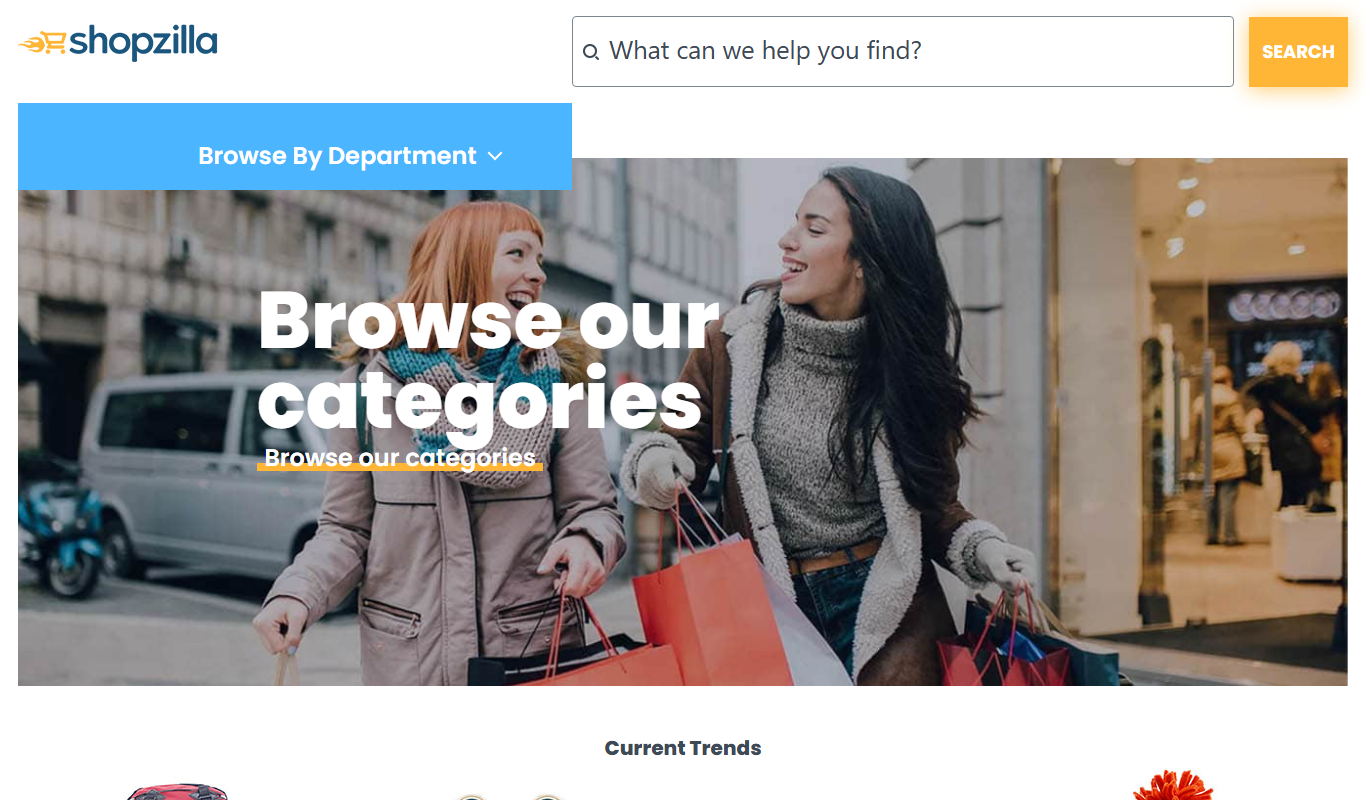
Shopzilla
Shopzilla is a free online platform that aggregates product listings from various retailers, allowing users to compare prices, read reviews, and find the best deals across many product categories.

Sogou AI Search
Sogou AI Search is a Chinese search engine that uses AI technologies like natural language processing, voice recognition, and image search to provide enhanced, context-aware search results primarily in Chinese.

CryptoSlam
CryptoSlam is a web-based NFT analytics platform offering real-time sales data, portfolio tracking, and market insights across multiple blockchains.