

Punchbowl Online Invitations and Digital Party Planning Platform Features
Punchbowl is an online platform for creating and sending digital invitations, managing RSVPs, and organizing party planning tasks.
- Best for
- Event Invitations
- Key capability
- Customizable Invitation Templates
Save Punchbowl, follow its updates and vote on it — everything stays in your account.
Sign in or create a free account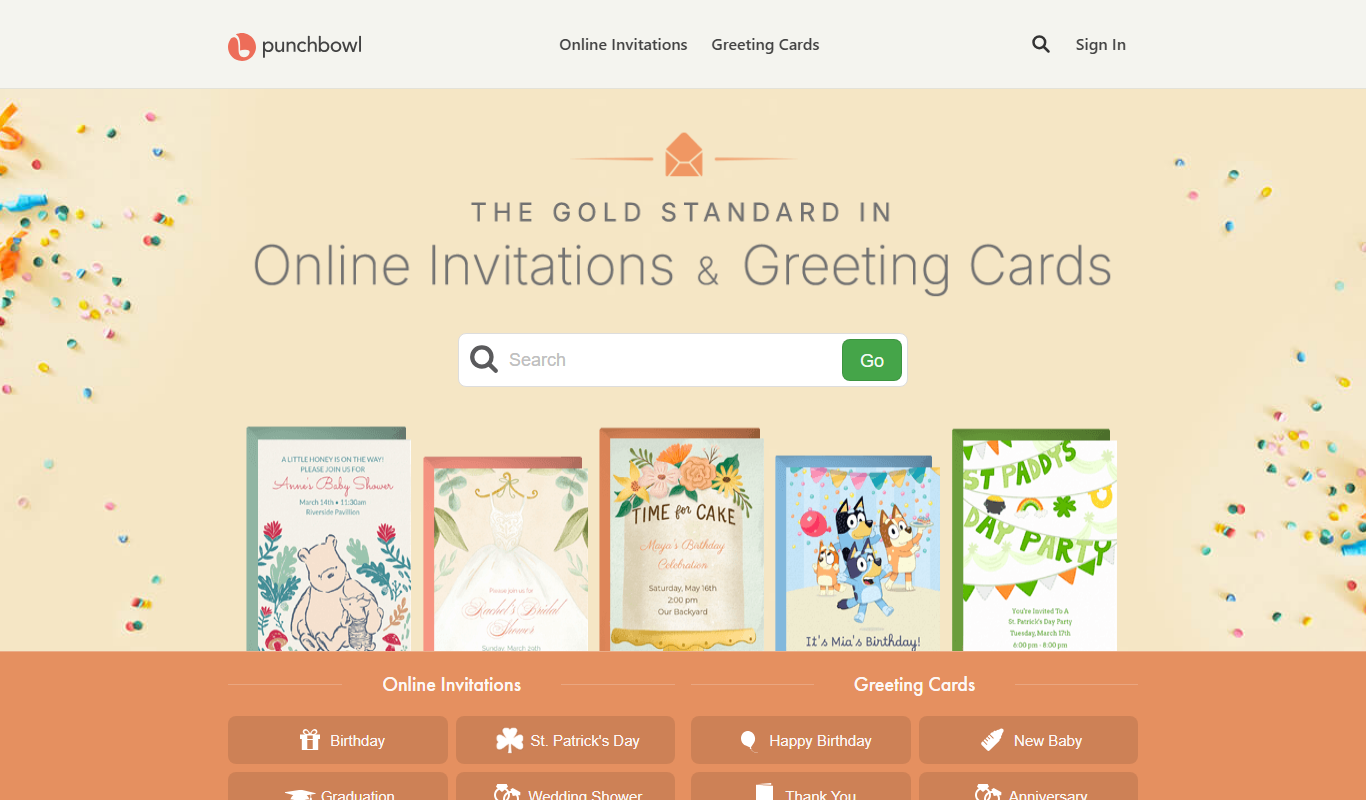
What is Punchbowl?
Punchbowl is an online platform that specializes in digital invitations and party planning. It allows users to create, customize, and send electronic invitations for various occasions, manage RSVPs, and organize event details all in one place. The service aims to simplify event coordination by providing tools for guest communication, gift registries, and reminders.
Key features of Punchbowl
Punchbowl offers a wide range of invitation templates, RSVP tracking, party planning tools, and digital greeting cards. Its user-friendly interface supports event organization from invitation creation to guest management, making it a comprehensive solution for personal and social event planning.
Customizable Invitation Templates
Access a large library of professionally designed templates for various occasions.
Online RSVP Tracking
Easily monitor guest responses and manage attendance lists.
Party Planning Tools
Organize event details including schedules, reminders, and gift registries.
Digital Greeting Cards
Send personalized e-cards for holidays and special events.
Group Messaging
Communicate with guests collectively to share updates and important information.
Pros and cons of Punchbowl
Pros
- Wide variety of customizable invitation templates
- Integrated RSVP tracking simplifies guest management
- Includes party planning tools beyond invitations
- User-friendly interface suitable for all skill levels
Cons
- Premium features require subscription
- Limited language support (English only)
Key use cases for Punchbowl
Event Invitations
Create and send personalized digital invitations for birthdays, weddings, baby showers, and other events.
RSVP Management
Track guest responses and manage event attendance efficiently through online RSVP tools.
Party Planning
Organize event details including schedules, gift registries, and reminders to streamline party preparation.
Greeting Cards
Send digital greeting cards for holidays and special occasions with customizable designs.
Group Messaging
Communicate with guests via group messages to share updates and important event information.
How Punchbowl works
- 1
Create an Account
Sign up on Punchbowl’s website to access invitation and planning tools.
- 2
Choose an Invitation Template
Select from hundreds of customizable digital invitation designs.
- 3
Customize and Send Invitations
Personalize your invitation with event details and send it via email or social media.
- 4
Manage RSVPs
Track guest responses and communicate updates through the platform.
- 5
Plan Your Event
Use built-in tools for scheduling, gift registries, and messaging to organize your party.
Who is using Punchbowl
Punchbowl pricing
Free
$0/month
Basic access with limited invitation designs and RSVP tracking.
Premium
Varies (subscription-based)
Access to premium templates, advanced planning tools, and ad-free experience.
Plans and prices are as published by the vendor and can change. Check the official site before you buy. Open the pricing page (opens in a new tab)
Frequently asked questions about Punchbowl
Yes, Punchbowl offers a free plan that allows sending invitations with limited features.
Yes, the platform can send automatic reminders to guests about the event.
Punchbowl provides online RSVP tracking to monitor guest responses easily.
Yes, Punchbowl has an app on iOS and Android.
It depends on your specific needs and how you plan to use the tool. The official website and documentation are the best sources for the latest details.
Some tools offer a free plan or trial with limited features. Availability can vary, so confirm on the official website.
Yes, it can help with that use case depending on how you configure it and what features are available. You’ll get the best results with clear inputs and a defined goal.
It depends on your specific needs and how you plan to use the tool. The official website and documentation are the best sources for the latest details.
Conclusion
Hundreds of customizable invitation designs are the starting point, and after adding event details users send the invitation via email or social media. Online RSVP tracking monitors guest responses, and group messages share updates with guests. Schedules and gift registries sit alongside the invitations, and digital greeting cards cover holidays and special occasions.
Birthdays, weddings and baby showers are typical occasions for its invitations. It is designed for individuals and families planning celebrations as well as event planners and coordinators. Punchbowl also has an app on iOS and Android. A free plan allows sending invitations with limited features, and paid subscriptions include Plus at $5.99/month.
Sources
Sign in to review this tool.
Sign In to ReviewNo reviews yet
Be the first to share how this tool worked for you.
Ask about pricing, limits, or how it compares — or answer someone else.
Sign In to AskNo questions yet
Have a question about using or paying for this tool? Be the first to ask.
Featured on TiorAI



Alternative Tools
Explore similar AI tools that might fit your needs
Evite
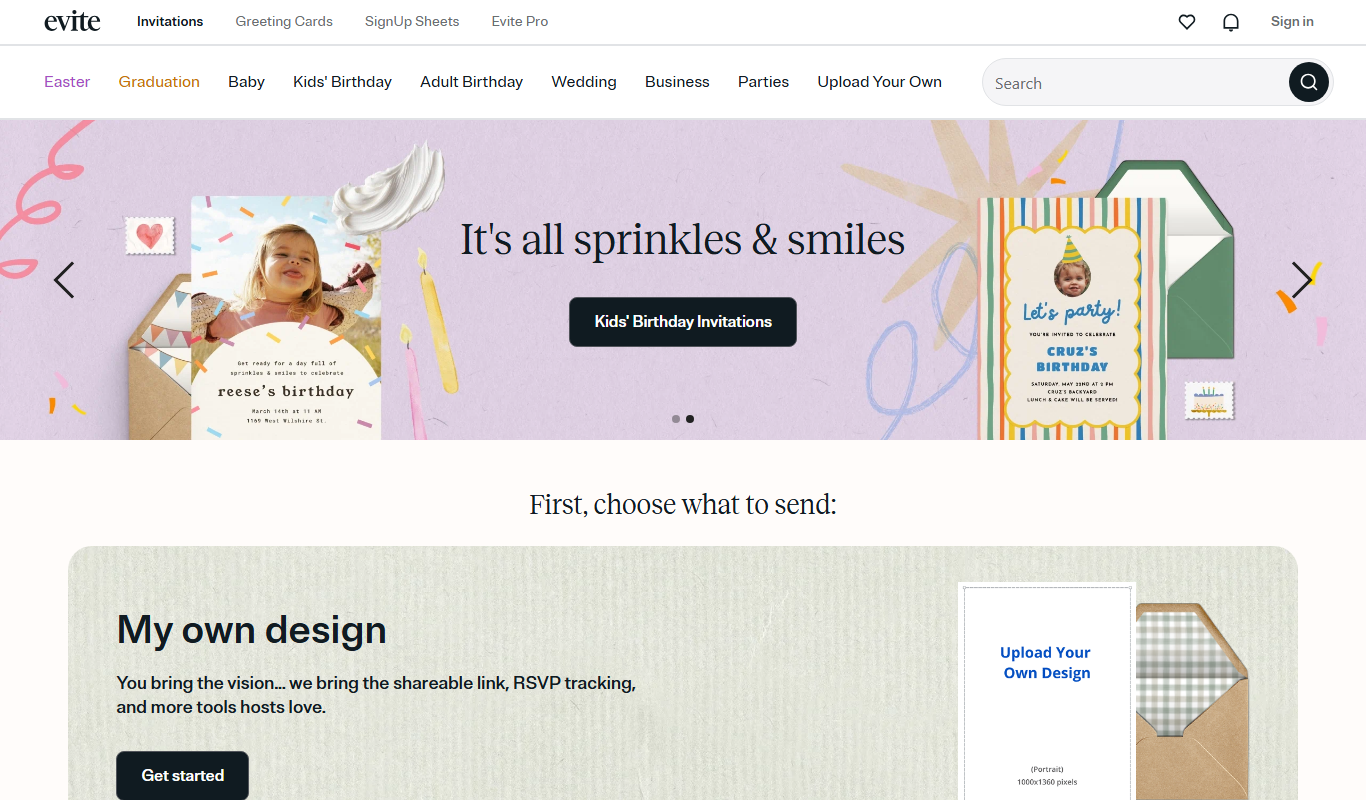
Evite is an online platform that enables users to create, send, and manage digital invitations for various events, with features like RSVP tracking and event reminders.
Greenvelope
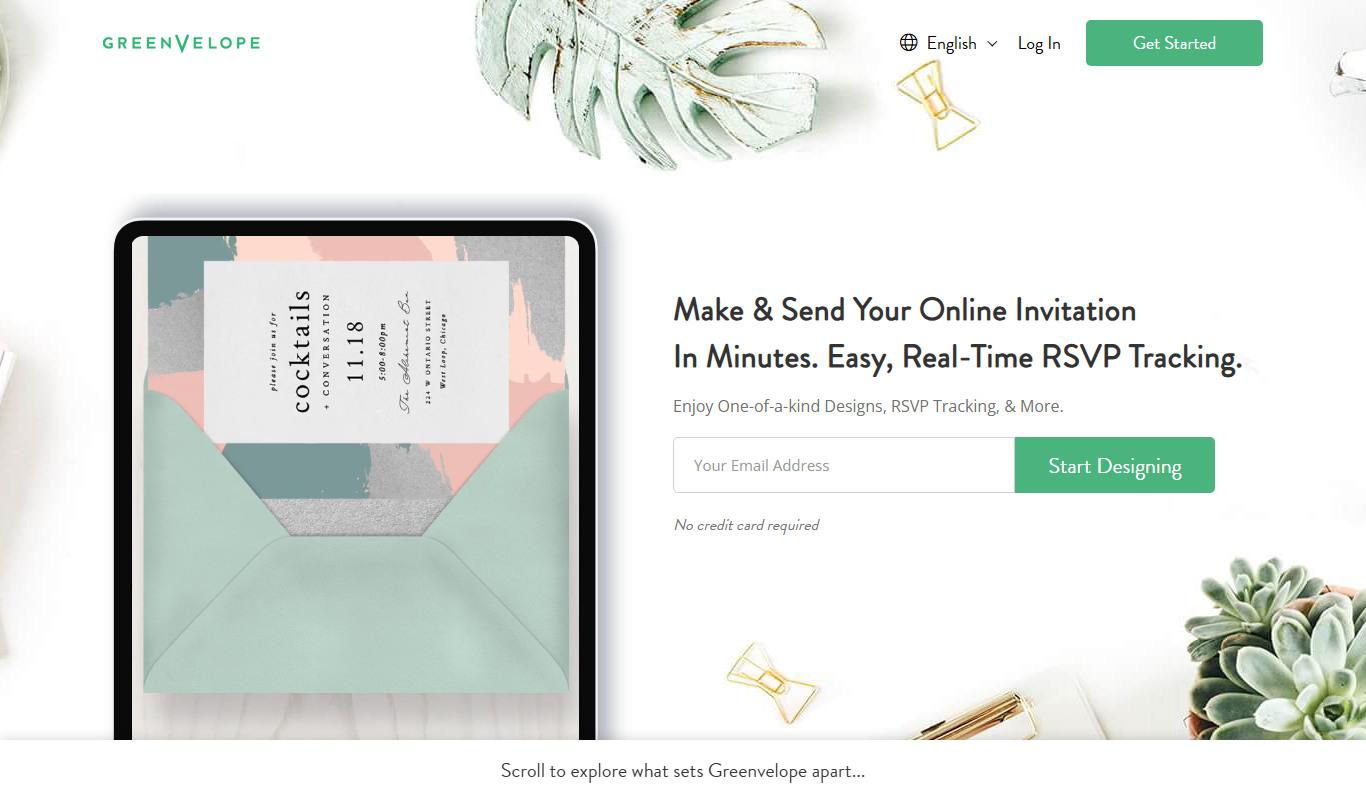
Greenvelope is an online platform that allows users to create, send, and manage digital invitations and RSVPs for various events with customizable designs and real-time guest tracking.
More Business Management tools
Other tools in the same category, for when this one is not quite the fit.

Monday.com AI
monday.com AI is a work operating system that uses AI to automate workflows, enhance project management, and improve team collaboration across platforms.

Asana AI
Asana AI is an AI-powered extension of the Asana platform that automates task creation, workflow management, and provides predictive analytics to improve project efficiency.

ClickUp AI
ClickUp AI is an AI assistant integrated into the ClickUp platform that automates project management tasks, generates content, and optimizes workflows to enhance team productivity.

Tailor Brands
Tailor Brands offers LLC formation services alongside its logo maker for small businesses.

Airbnb Experiences
Airbnb Experiences is a platform for booking unique local tours and activities hosted by locals worldwide, offering travelers authentic cultural and adventure experiences beyond traditional accommodations.

Pogo Travel
Pogo Travel is an AI-driven platform that generates personalized travel itineraries based on your preferences, travel dates, and interests, offering collaborative planning and offline access.
BabelOn
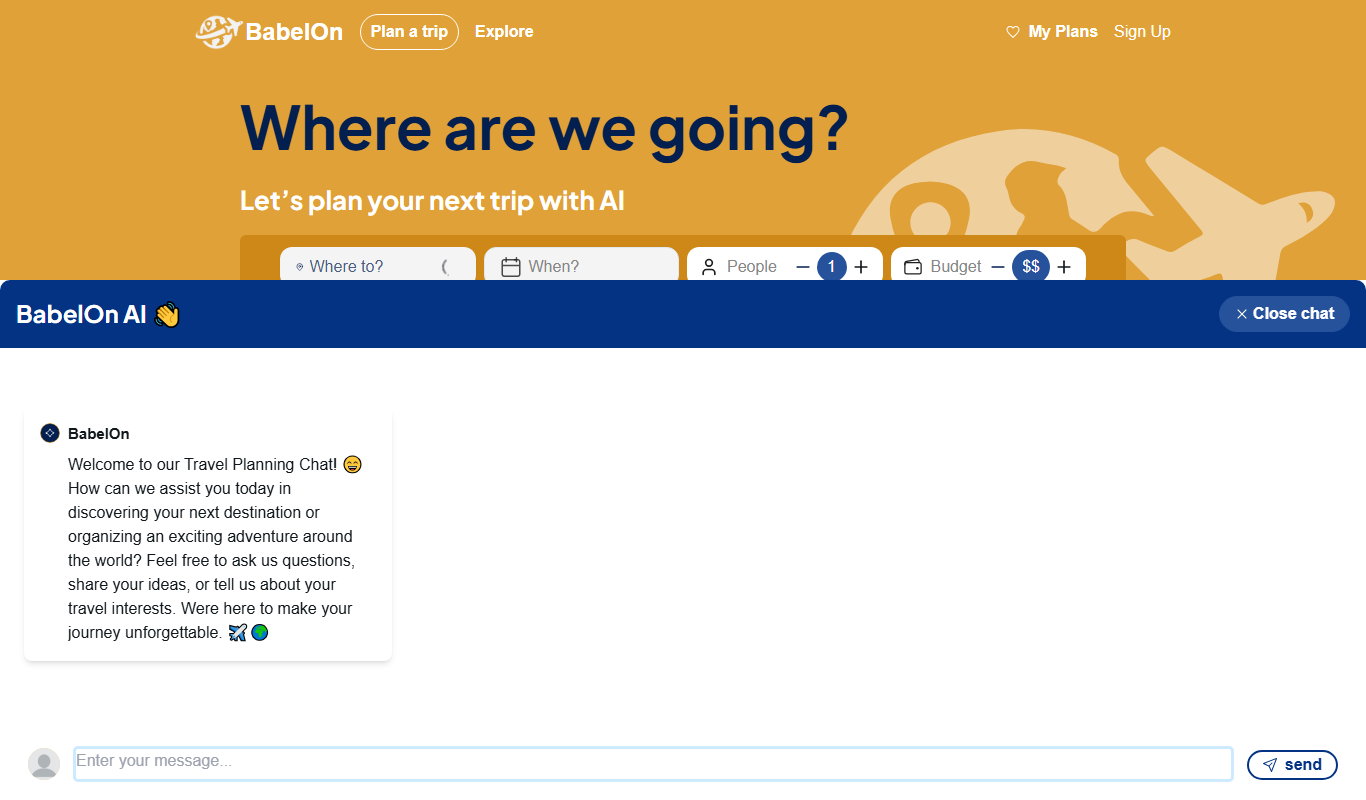
BabelOn is an AI-driven travel planning tool that generates personalized itineraries and helps organize all aspects of your trip in one place.

Furkot
Furkot is a web-based trip planner that helps users create multi-stop routes, optimize travel paths, schedule accommodations and activities, and share itineraries for efficient road trip planning.