
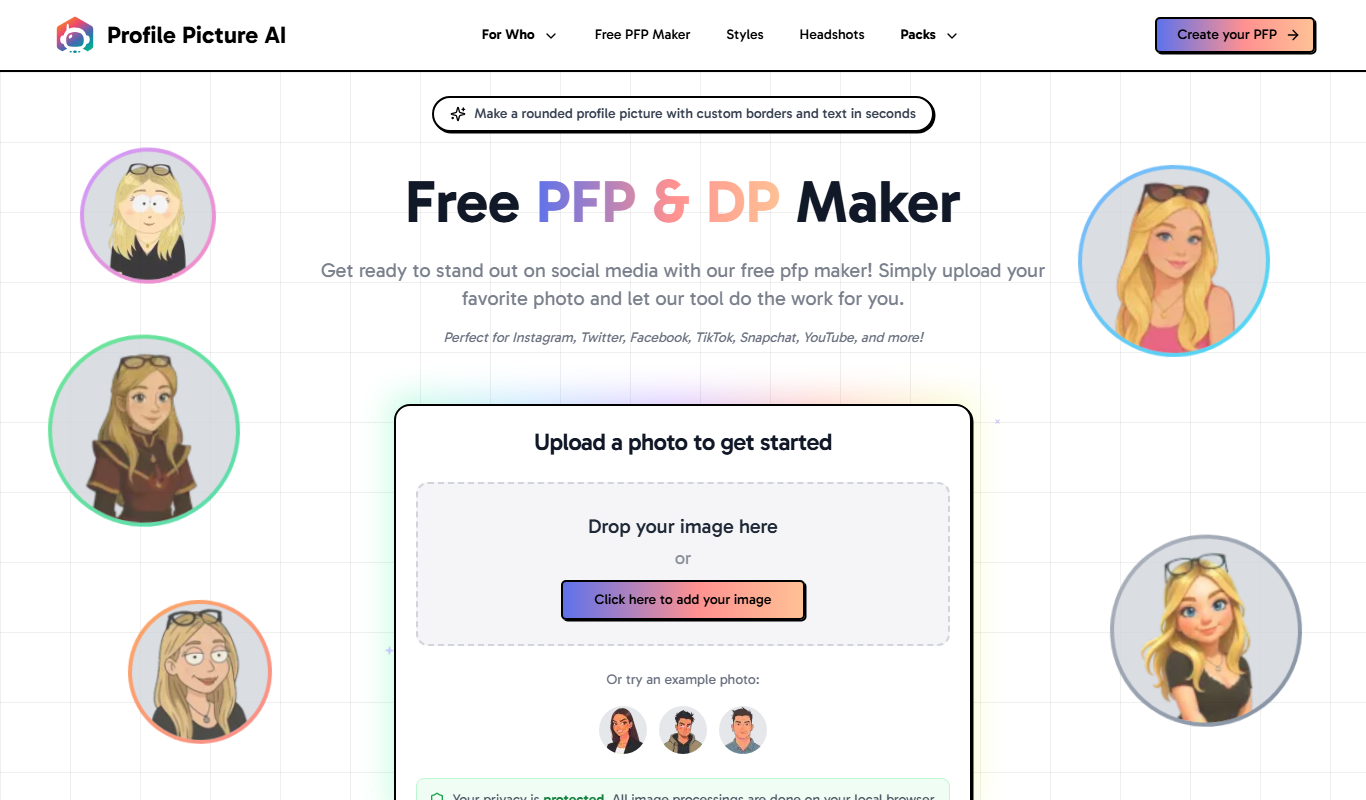
From my experience with ProfilePictureMaker.com, I found it excels at simplifying the process of creating polished profile pictures without requiring any design skills. The automatic background removal and variety of background templates make it easy to produce professional-looking images quickly. After spending time with the platform, I can say it’s particularly well-suited for social media users and professionals who need a clean, consistent online presence. However, there’s a trade-off: the editing tools are basic compared to full-featured photo editors, and premium features require a subscription. Overall, if you need a fast and user-friendly way to create profile pictures, this tool delivers solid results.
Create Professional Profile Pictures Online Free with ProfilePictureMaker
ProfilePictureMaker.com is a free online tool that helps you create professional profile pictures by uploading your photo, removing or changing backgrounds, and downloading high-resolution images without needing advanced editing skills.
What is profilepicturemaker.com?
ProfilePictureMaker.com is a free online tool designed to help users create professional and customized profile pictures quickly and easily. It offers an intuitive interface to upload photos, apply backgrounds, and add effects without requiring advanced photo editing skills.
Key Features of profilepicturemaker.com
Automatic Background Removal
Easily remove or replace backgrounds to create a clean and professional look.
Multiple Background Templates
Access a variety of background styles including solid colors, gradients, and patterns.
Simple Editing Tools
Crop, resize, and adjust images with user-friendly controls.
High-Resolution Downloads
Download profile pictures in high quality suitable for professional use.
No Account Required
Use the tool instantly without needing to sign up or log in.
Pros and Cons of profilepicturemaker.com
Pros
- Easy to use with no account required
- Automatic background removal simplifies editing
- Free access to essential features
- High-resolution downloads available
- Wide variety of background templates
Cons
- Premium features require subscription
- Limited advanced editing tools compared to full photo editors
- No mobile app version available
Key Use Cases for profilepicturemaker.com
Social Media Profile Pictures
Create professional and eye-catching profile pictures for platforms like LinkedIn, Facebook, Twitter, and Instagram.
Business and Professional Branding
Design polished profile images suitable for business websites, email signatures, and professional networking.
Online Avatars for Forums and Communities
Generate customized avatars to represent yourself in online forums, gaming profiles, and community platforms.
Personal Branding and Identity
Enhance your personal brand by creating consistent and high-quality profile pictures across multiple platforms.
How profilepicturemaker.com Works
-
1
Upload Your Photo
Start by uploading a clear photo of yourself to the platform.
-
2
Customize Background
Choose from multiple background options or use the automatic background removal feature.
-
3
Edit and Adjust
Crop, resize, and apply filters or effects to enhance your profile picture.
-
4
Download Your Picture
Save the final image in high resolution, ready for use on any platform.
Who's Using profilepicturemaker.com
Social media users
Professionals needing business profile pictures
Content creators and influencers
Online community members
Small business owners
profilepicturemaker.com Pricing
Free
$0
Access to basic features including background removal and standard templates.
Premium
$9.99/month
Unlock additional background templates, higher resolution downloads, and priority support.
Frequently Asked Questions About profilepicturemaker.com
No, you can use the tool instantly without signing up.
Yes, the tool includes an automatic background removal feature.
You can download your profile picture in PNG format with a transparent or solid background.
The free plan allows unlimited creations, while premium features may have additional benefits.
Some tools offer a free plan or trial with limited features. Availability can vary, so confirm on the official website.
Yes, it can help with that use case depending on how you configure it and what features are available. You’ll get the best results with clear inputs and a defined goal.
This tool is designed to help users accomplish its core tasks more efficiently. It is typically used by individuals or teams looking to improve productivity and workflow.
Some tools offer a free plan or trial with limited features. Availability can vary, so confirm on the official website.
Share your review
Reviews are limited to one per logged-in user and are published after moderation.
You need an account to review this tool.
0.0
★
★
★
★
★
0 reviews
5 star
0
4 star
0
3 star
0
2 star
0
1 star
0
No reviews yet
Be the first to share how this tool worked for you.
Questions from the community
Read questions and answers about this tool, or ask your own.
No questions yet
Start the conversation by asking the first question about this tool.
Is this tool helpful?
Alternative Tools
Explore similar AI tools that might fit your needs

Free
Fotor
Fotor is an online photo editing and graphic design tool offering AI-powered enhancements, templates, and batch processing across web and mobile platforms.
Free
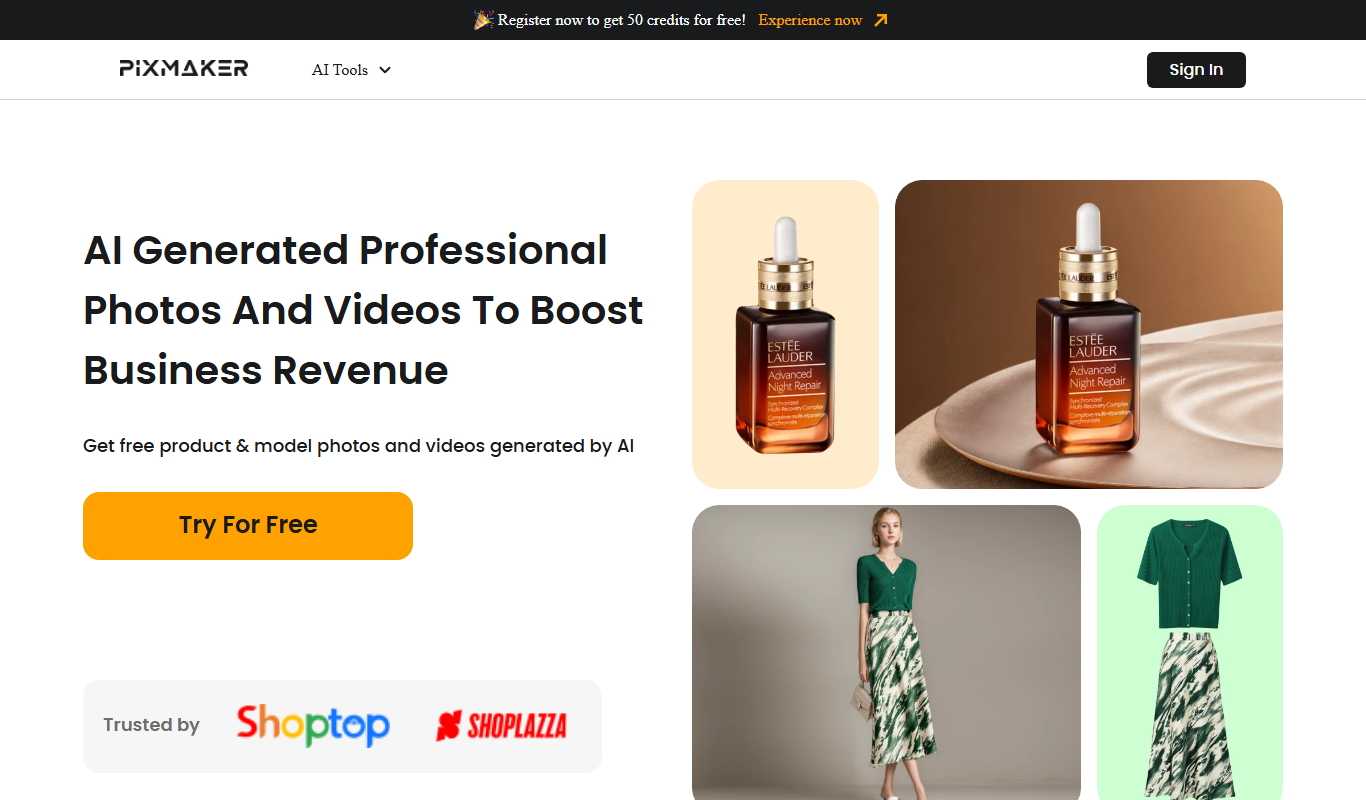
Pixmaker
Pixmaker is an AI-based tool that generates images from text prompts, helping users create unique visuals quickly and easily.

Free
Colorize black and white photos w AI
ColorizeThis is an AI-powered online tool that automatically adds realistic color to black and white photos, enabling quick restoration and enhancement without manual editing.
Free
Pixmaker
Pixmaker is an AI-based tool that generates creative images from text prompts, helping users create unique visuals quickly and easily.
Freemium
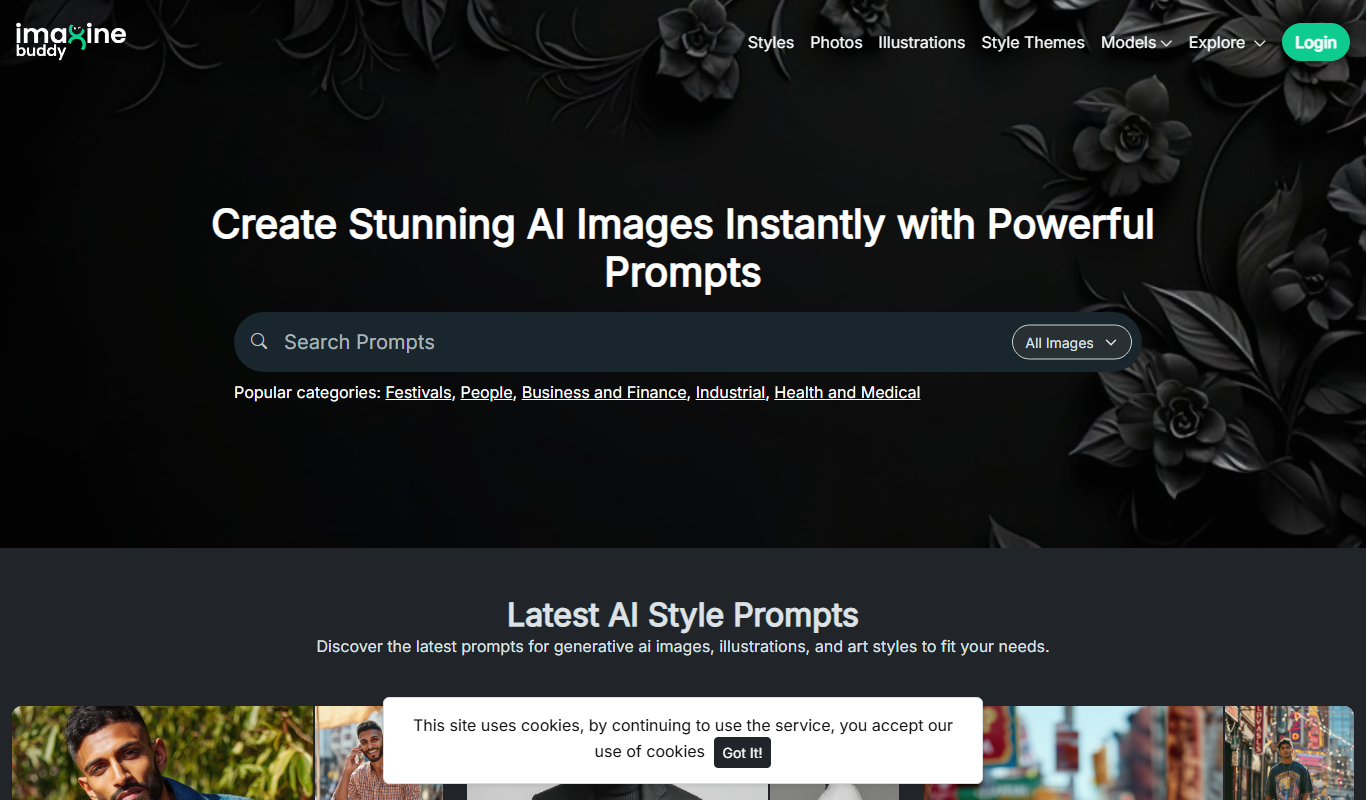
Imaginebuddy
Imaginebuddy is a web-based AI image generator that creates unique visuals from text prompts, supporting multiple artistic styles and offering both free and paid plans.

Free
Cherry Studio
Cherry Studio is a web-based AI art generator that transforms text prompts into unique digital images using advanced AI models, suitable for artists and content creators.

Free
PixVerse
PixVerse is an AI-powered web tool that generates digital images from text descriptions, enabling users to create unique artwork and visuals quickly and easily.
Free
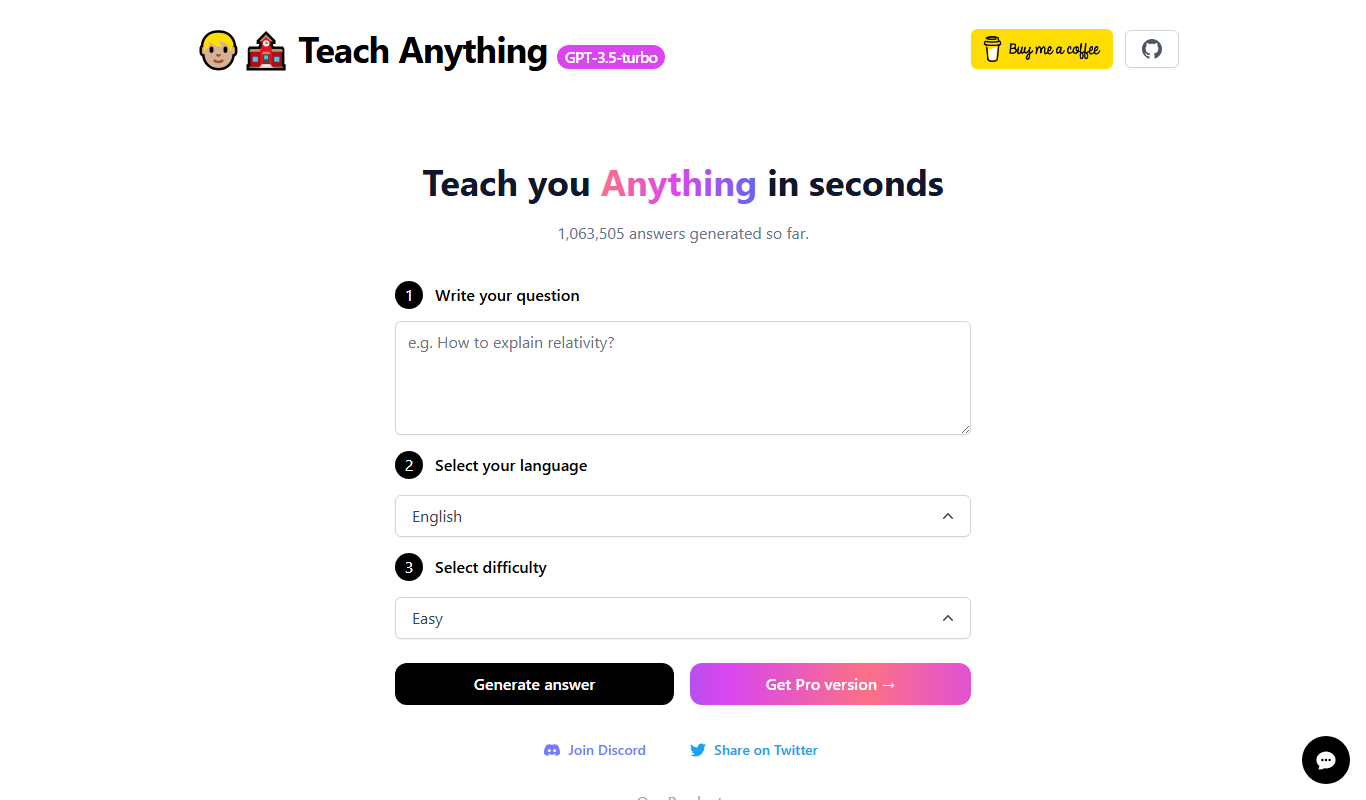
Replace Anything
Replace Anything is a free online AI tool that allows users to replace or remove objects in images quickly and easily without needing advanced editing skills.

One-time purchase
HeadshotBooth
HeadshotBooth is an AI-powered web tool that generates professional-quality headshots from your photos, ideal for business and social media profiles.