

From my experience with Priority Inbox for Builders by Spoke AI, I found it excels at simplifying email management specifically for construction professionals. The AI-driven prioritization helps cut through the noise of a busy inbox, allowing builders to focus on urgent project communications without distraction. After using the platform, it’s clear that it suits construction teams who need streamlined communication but may not be as flexible for other industries. The main trade-off is its limited language support and niche focus, but for builders, it delivers practical, time-saving benefits.
Priority Inbox for Builders by Spoke - AI Email Triage for Builders
Priority Inbox for Builders by Spoke AI is an AI-driven email management tool that automatically prioritizes construction-related emails to help builders focus on urgent communications and improve workflow efficiency.
- Best for
- Email Prioritization for Builders
- Key capability
- AI-Powered Email Triage
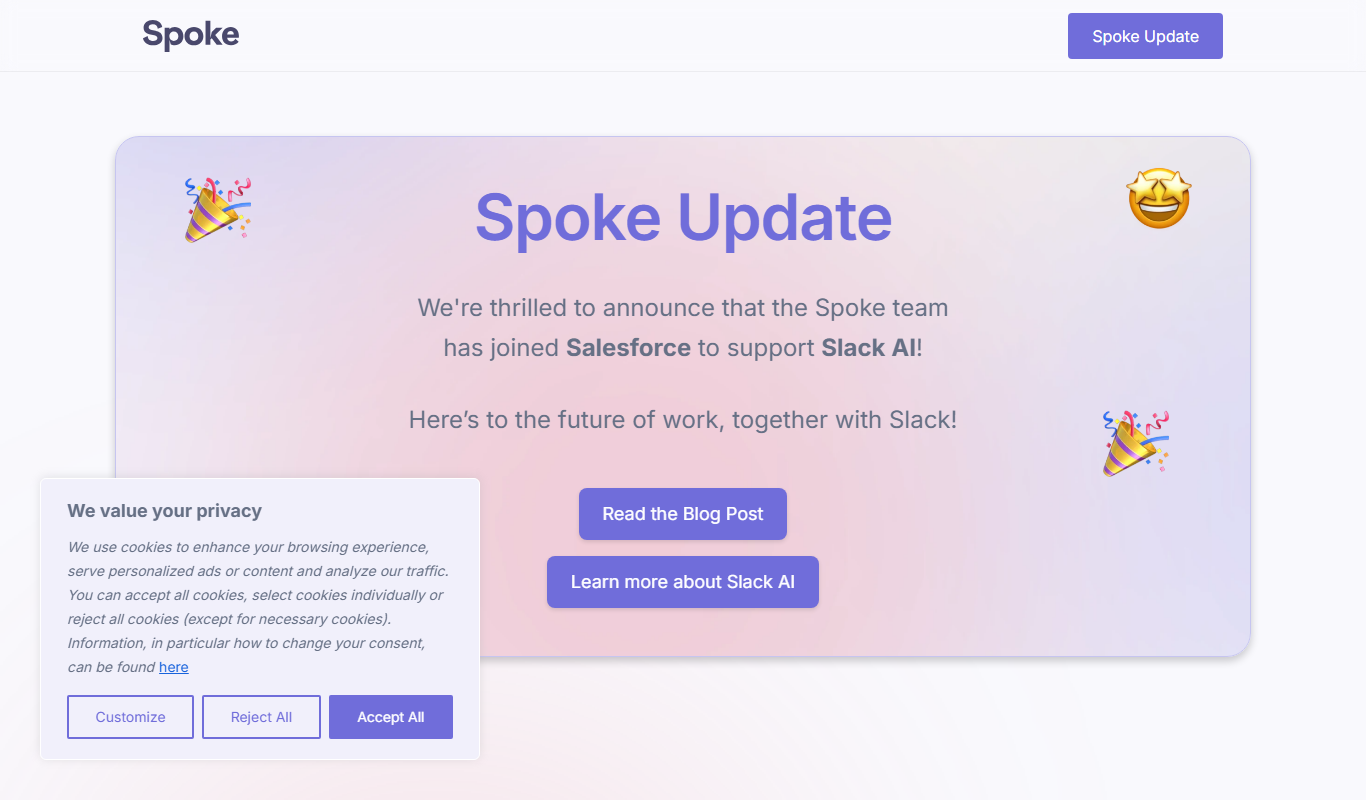
Do you recommend this tool?
What is Priority Inbox for Builders?
Priority Inbox for Builders by Spoke AI is an intelligent email triage system designed specifically for construction professionals. It uses AI to analyze incoming emails and automatically prioritize those that require immediate attention, helping builders manage communication efficiently without getting overwhelmed by their inbox.
Key features of Priority Inbox for Builders
The tool offers AI-powered email sorting, priority tagging, integration with existing email platforms, and a user-friendly dashboard to quickly identify and respond to critical messages in construction workflows.
AI-Powered Email Triage
Automatically identifies and prioritizes emails critical to builders’ workflows.
Customizable Priority Rules
Allows users to set specific criteria for what constitutes high-priority emails.
Seamless Email Integration
Works with popular email providers without disrupting existing workflows.
Team Collaboration Tools
Enables sharing and delegation of emails within construction teams.
Pros and cons of Priority Inbox for Builders
Pros
- Saves time by focusing on critical emails
- Easy integration with existing email accounts
- Customizable priority settings
- Improves team communication
Cons
- Limited language support (English only)
- Primarily designed for builders, less suited for other industries
Key use cases for Priority Inbox for Builders
Email Prioritization for Builders
Automatically sorts and prioritizes incoming emails relevant to construction projects, helping builders focus on critical communications.
Team Collaboration
Facilitates better communication within construction teams by highlighting urgent messages and reducing inbox clutter.
Project Management Support
Integrates with project workflows to ensure important client and subcontractor emails are addressed promptly.
Time Management
Saves time by filtering out low-priority emails, allowing builders to concentrate on onsite work and decision-making.
How Priority Inbox for Builders works
- 1
Connect Your Email
Link your existing email account to the Priority Inbox platform securely.
- 2
AI Analyzes Incoming Emails
The AI engine scans and categorizes emails based on urgency and relevance to construction projects.
- 3
Prioritized Inbox Display
Emails are presented in a prioritized order, highlighting those that need immediate action.
- 4
Respond or Delegate
Users can quickly respond to important emails or assign tasks to team members directly from the interface.
Who is using Priority Inbox for Builders
Construction project managers
General contractors
Subcontractors
Builders and construction teams
Construction office administrators
Priority Inbox for Builders pricing
Free Trial
$0 for 14 days
Full access to all features during the trial period.
Pro
$25/month
Continued access with priority support and advanced customization.
Plans and prices are as published by the vendor and can change. Check the official site before you buy. Open the pricing page (opens in a new tab)
Frequently asked questions about Priority Inbox for Builders
It supports major email providers like Gmail and Outlook, ensuring smooth integration.
Yes, users can set custom rules and filters to tailor prioritization to their needs.
Yes, it includes features to share and delegate emails among team members.
It depends on your specific needs and how you plan to use the tool. The official website and documentation are the best sources for the latest details.
Yes, it can help with that use case depending on how you configure it and what features are available. You’ll get the best results with clear inputs and a defined goal.
It depends on your specific needs and how you plan to use the tool. The official website and documentation are the best sources for the latest details.
Sign in to review this tool.
Sign In to ReviewNo reviews yet
Be the first to share how this tool worked for you.
Ask about pricing, limits, or how it compares — or answer someone else.
Sign In to AskNo questions yet
Have a question about using or paying for this tool? Be the first to ask.
Featured on TiorAI



More AI Productivity Tools tools
Other tools in the same category, for when this one is not quite the fit.

Free
Merlin AI
Merlin AI is a GPT-4 powered AI chat assistant that integrates as a browser extension, enabling users to access AI-generated content and assistance directly on any website to improve productivity and content creation.

Freemium
Wanderlust Browser Extension V2
Wanderlust Browser Extension V2 is a travel planning tool that integrates with Chrome and Firefox browsers, enabling users to save travel ideas, build itineraries, and collaborate on trip plans directly from their browsing experience.

Freemium
EasyTrip AI
EasyTrip AI is an AI-driven travel planner that generates customized trip itineraries based on your travel dates, destinations, and preferences, helping you organize your trip efficiently.

Freemium
PlaninGo
PlaninGo is an AI travel planning tool that generates personalized trip itineraries and guides based on your preferences, helping you plan efficient and enjoyable trips.

Free
Travelwiz
Travelwiz is an AI-powered travel planning tool that creates personalized trip itineraries and offers tailored travel recommendations based on user preferences.

Freemium
Swifty
Swifty is an AI writing assistant that helps users create and edit English content quickly with AI-generated suggestions and grammar corrections.

Free
Momo
Momo is an AI-powered assistant that automates workflows, manages tasks, and enhances team collaboration by integrating with popular productivity tools.

Freemium
Travel Itinerary AI
Travel Itinerary AI is an AI-powered web tool that creates personalized travel itineraries based on your preferences, helping you plan and manage trips efficiently.