

From my experience with PrettyShot, I found it excels at delivering quick and straightforward webpage screenshots with minimal setup. The Chrome extension integrates smoothly into browsing, allowing me to capture full pages or selected areas in seconds. Its built-in annotation tools, while basic, cover most common needs for highlighting and commenting on images. This makes it particularly well-suited for web developers, marketers, and remote teams who require fast visual feedback. However, the tool is limited to Chrome and lacks advanced editing features found in dedicated software. Overall, if you need a lightweight, efficient screenshot tool with instant sharing, PrettyShot delivers solid results.
PrettyShot Screenshot Tool for Fast, High-Quality Webpage Captures
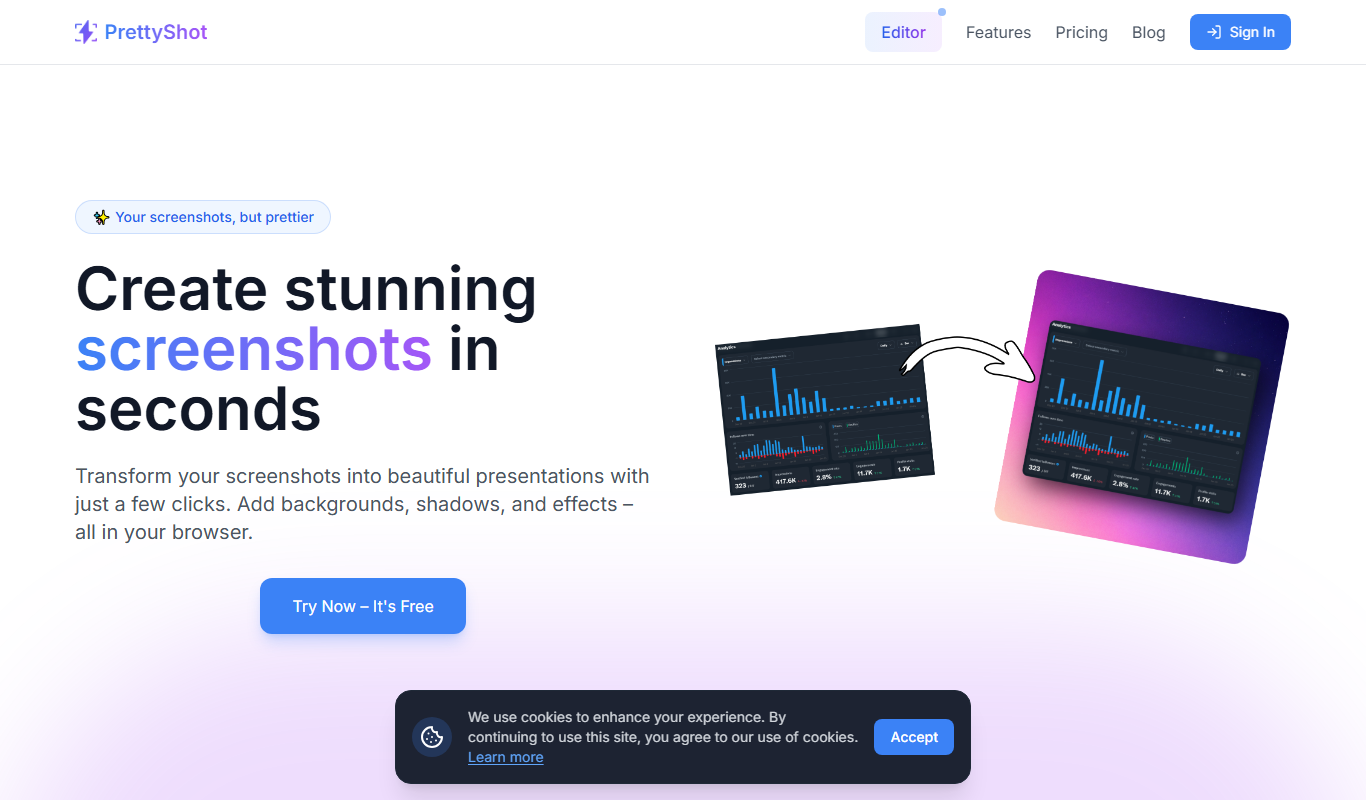
PrettyShot is a screenshot tool that enables fast capturing of full or partial webpages with built-in editing and instant sharing, primarily via a Chrome extension and web app.
- Best for
- Webpage Screenshot Capture
- Key capability
- Multiple Capture Modes
Your actions

Do you recommend this tool?
What is PrettyShot?
PrettyShot is a lightweight, user-friendly screenshot tool designed to capture high-quality images of webpages. It offers fast capturing options including full-page, visible area, and selected region screenshots. The tool integrates as a Chrome extension and a web app, enabling users to quickly grab, edit, and share screenshots without complex workflows.
Key features of PrettyShot
PrettyShot provides multiple capture modes, built-in editing tools for annotations, instant sharing via links, and easy downloads. Its intuitive interface focuses on speed and simplicity, making it ideal for professionals needing quick visual documentation.
Multiple Capture Modes
Supports full page, visible viewport, and custom region screenshots.
Annotation Tools
Add arrows, text, shapes, and highlights directly on screenshots.
Instant Sharing
Create shareable links immediately after capture for easy collaboration.
Fast Performance
Optimized for quick captures without slowing down browsing.
Chrome Extension Integration
Seamlessly capture screenshots directly from the browser toolbar.
Pros and cons of PrettyShot
Pros
- Simple and fast screenshot capturing
- Built-in annotation and editing tools
- Instant sharing via generated links
- Lightweight Chrome extension
- Affordable pricing for Pro features
Cons
- Limited to Chrome browser for extension
- Editing tools are basic compared to dedicated editors
- No mobile app available
Key use cases for PrettyShot
Webpage Screenshot Capture
Capture full-page or visible area screenshots of websites quickly and easily.
Image Annotation and Editing
Edit captured screenshots by adding annotations, highlights, and other visual elements.
Sharing and Collaboration
Share screenshots instantly via generated links or download for offline use.
Bug Reporting and Feedback
Use annotated screenshots to provide clear feedback or report bugs in web development.
How PrettyShot works
- 1
Install Extension or Open Web App
Add the PrettyShot Chrome extension or visit the web app to start capturing.
- 2
Choose Capture Mode
Select full page, visible area, or custom region capture based on your needs.
- 3
Edit Screenshot
Use annotation tools to highlight, draw, or add text to the captured image.
- 4
Share or Download
Generate a shareable link instantly or download the image for offline use.
Who is using PrettyShot
Web developers and designers
Content creators and marketers
Customer support and QA teams
Remote teams needing visual collaboration
Small businesses and freelancers
PrettyShot pricing
Free
$0/month
Basic screenshot captures with limited editing and sharing features.
Pro
$5/month
Unlocks advanced editing tools, unlimited captures, and priority support.
Plans and prices are as published by the vendor and can change. Check the official site before you buy. Open the pricing page (opens in a new tab)
Frequently asked questions about PrettyShot
Yes, PrettyShot offers a free plan with basic screenshot and editing features.
Yes, PrettyShot supports full-page captures as well as visible area and custom regions.
Currently, PrettyShot is available as a Chrome extension and web app optimized for Chrome.
You can generate instant shareable links or download images to share manually.
It depends on your specific needs and how you plan to use the tool. The official website and documentation are the best sources for the latest details.
Yes, it can help with that use case depending on how you configure it and what features are available. You’ll get the best results with clear inputs and a defined goal.
Sign in to review this tool.
Sign In to ReviewNo reviews yet
Be the first to share how this tool worked for you.
Ask about pricing, limits, or how it compares — or answer someone else.
Sign In to AskNo questions yet
Have a question about using or paying for this tool? Be the first to ask.
Featured on TiorAI



Alternative Tools
Explore similar AI tools that might fit your needs

Free
Lightshot
Lightshot is a free screenshot tool that enables quick screen capture, annotation, and easy sharing via cloud upload, available on Windows, Mac, and as browser extensions.
Free
Awesome Screenshot
Awesome Screenshot is a tool for capturing screenshots and screen recordings with annotation features, available as browser extensions and desktop apps, suitable for collaboration and content creation.

Free
Nimbus Screenshot
Nimbus Screenshot is a screen capture and annotation tool available as browser extensions and desktop apps, offering features like full-page capture, video recording, and cloud storage integration.
More AI Photo Enhancer tools
Other tools in the same category, for when this one is not quite the fit.

Freemium
Refleta
Refleta is an AI-powered writing assistant that helps users improve grammar, style, and content quality through real-time suggestions in a web-based editor.

Free
Cool Coloring Pages
Cool Coloring Pages is a free website offering thousands of printable coloring pages for kids and adults without requiring registration.
Free
YouOrMe
YouOrMe is a free web-based anonymous chat platform that allows users to engage in private conversations with strangers without registration or revealing their identity.
Free
MakePhotoFast
MakePhotoFast is a web-based AI image generator that enables users to quickly create and edit photos using artificial intelligence, suitable for content creators and marketers.

Freemium
SELPHO
SELPHO is an AI-based online photo editor that automatically removes backgrounds and enhances images, ideal for e-commerce and social media content creation.
Free
Sweep my phone
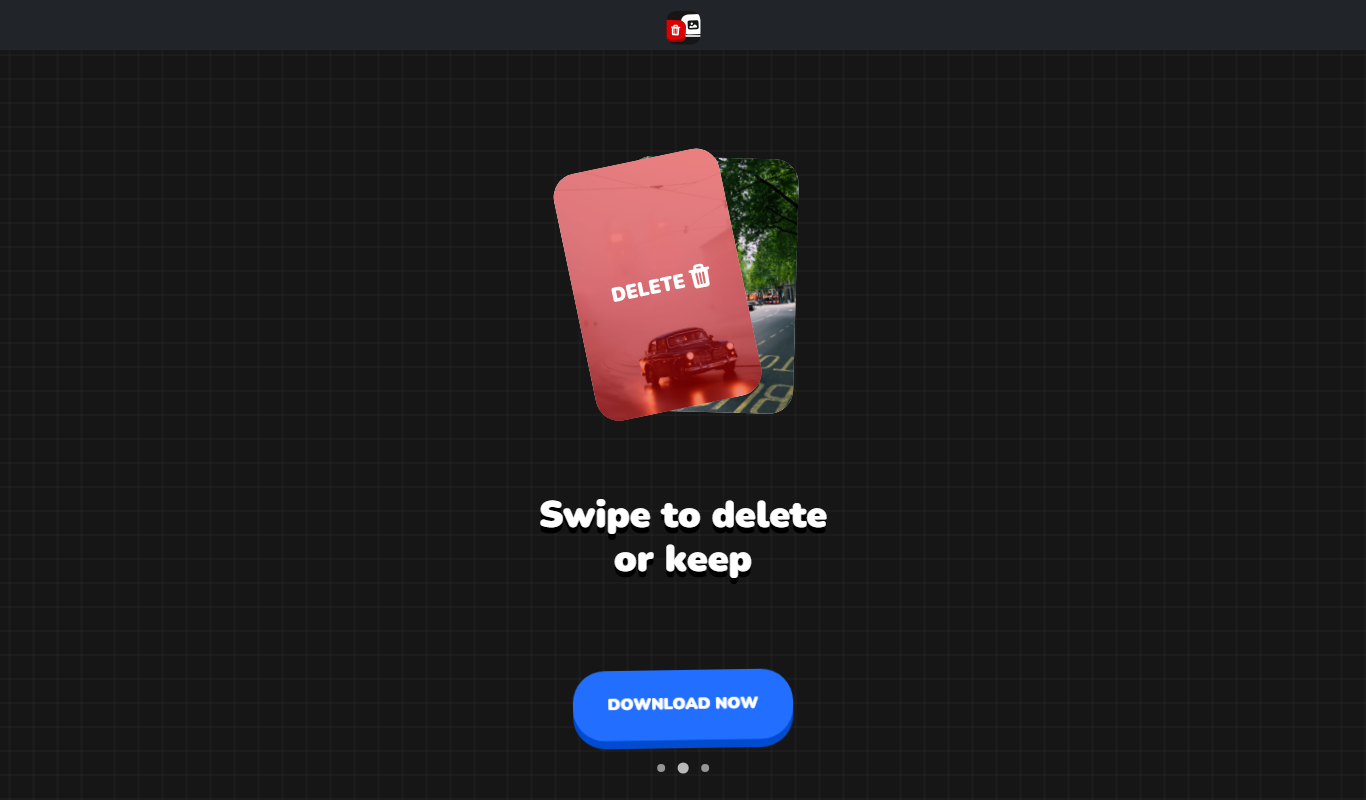
Sweep My Phone is a mobile privacy tool that securely scans and permanently deletes personal data and junk files from smartphones to protect user privacy and optimize device performance.

Free
Meme PFP
Meme PFP is a free web tool that lets you create custom meme-style profile pictures by uploading your photo or using meme templates, with no registration required.

Freemium
It’s Forever
It's Forever is an Indian digital legacy platform that allows users to securely preserve and share their memories, stories, and digital assets through personalized digital time capsules and archives.