

From my experience with Predict Expert AI, I found it excels at delivering accurate and actionable forecasts through an intuitive interface that suits both technical and non-technical users. The platform’s customizable dashboards and real-time data integration make it a practical choice for businesses aiming to improve sales forecasting, customer insights, and operational planning. However, the lack of mobile app support and English-only interface may limit accessibility for some users. Overall, if you need a robust AI-driven predictive analytics tool with flexible integration and strong reporting features, Predict Expert AI is a solid option.
Predict Expert AI - Advanced Predictive Analytics and Forecasting Platform
Predict Expert AI is a web-based platform that uses AI and machine learning to provide accurate predictive analytics and forecasting, helping businesses optimize decisions and anticipate trends.
- Best for
- Sales Forecasting
- Key capability
- AI-Powered Forecasting Models
Your actions
Save Predict Expert AI, follow its updates and vote on it — everything stays in your account.
Sign in or create a free account

What is Predict Expert AI?
Predict Expert AI is a web-based predictive analytics platform that leverages artificial intelligence and machine learning to provide accurate forecasting and data-driven insights. It helps businesses anticipate future trends, optimize decision-making, and improve operational efficiency by transforming raw data into actionable predictions.
Key features of Predict Expert AI
The platform offers advanced forecasting models, customizable dashboards, real-time data integration, and intuitive visualizations to help users understand complex datasets and make informed decisions quickly.
AI-Powered Forecasting Models
Utilizes machine learning algorithms to deliver highly accurate predictions across various domains.
Customizable Dashboards
Interactive dashboards allow users to tailor data visualizations and monitor KPIs in real time.
Real-Time Data Integration
Supports seamless integration with multiple data sources for up-to-date analytics.
Scenario Analysis
Enables users to simulate different business scenarios and assess potential outcomes.
Automated Reporting
Generates comprehensive reports automatically, facilitating communication with stakeholders.
Pros and cons of Predict Expert AI
Pros
- User-friendly interface suitable for non-technical users
- Robust AI models providing accurate forecasts
- Flexible integration options with existing data systems
- Customizable dashboards for tailored insights
- Responsive customer support and training resources
Cons
- Limited language support (English only)
- No mobile app available currently
- Pricing may be high for small startups
Key use cases for Predict Expert AI
Sales Forecasting
Use AI-driven models to predict future sales trends and optimize inventory management.
Customer Behavior Prediction
Analyze customer data to forecast purchasing patterns and improve marketing strategies.
Financial Risk Assessment
Leverage predictive analytics to evaluate and mitigate financial risks effectively.
Operational Efficiency
Forecast operational bottlenecks and optimize resource allocation using AI insights.
Demand Planning
Accurately predict product demand to streamline supply chain and reduce waste.
How Predict Expert AI works
- 1
Data Upload
Users upload their datasets through a secure web interface or connect data sources via API.
- 2
Model Selection
Choose from a variety of AI-driven predictive models tailored to specific business needs.
- 3
Customization
Configure model parameters and visualization settings to align with organizational goals.
- 4
Run Predictions
Execute forecasting models to generate predictions and insights.
- 5
Review & Export
Analyze results through interactive dashboards and export reports for stakeholders.
Who is using Predict Expert AI
Business analysts
Sales and marketing teams
Financial planners
Operations managers
Supply chain professionals
Predict Expert AI pricing
Free Trial
$0 for 14 days
Access to core features with limited data volume and model runs.
Professional
$49/month
Full feature access with higher data limits and priority support.
Enterprise
Custom pricing
Tailored solutions with unlimited data, dedicated support, and advanced integrations.
Plans and prices are as published by the vendor and can change. Check the official site before you buy. Open the pricing page (opens in a new tab)
Frequently asked questions about Predict Expert AI
The platform supports structured data such as sales figures, customer information, financial records, and operational metrics.
No, the platform is designed with an intuitive interface that allows users without coding skills to build and run predictive models.
Yes, it offers API access and supports integration with common data sources and business tools.
Data is protected with industry-standard encryption and secure cloud hosting to ensure confidentiality and compliance.
It depends on your specific needs and how you plan to use the tool. The official website and documentation are the best sources for the latest details.
Integration support depends on the tool and its available connectors or API. Check the official documentation or integrations page to confirm what is supported.
It depends on your specific needs and how you plan to use the tool. The official website and documentation are the best sources for the latest details.
Sign in to review this tool.
Sign In to ReviewNo reviews yet
Be the first to share how this tool worked for you.
Ask about pricing, limits, or how it compares — or answer someone else.
Sign In to AskNo questions yet
Have a question about using or paying for this tool? Be the first to ask.
Featured on TiorAI



More AI Artificial Intelligence Tools tools
Other tools in the same category, for when this one is not quite the fit.

Custom Pricing
symphonyai.com
SymphonyAI provides enterprise AI on its Eureka AI platform for Retail/CPG, Financial Services, Industrial and Media.

Freemium
AI Lens For Power BI
Power BI AI Lens is an AI-powered tool that integrates with Microsoft Power BI to provide automated data insights, natural language querying, and enhanced reporting capabilities.

Free
Futurepedia – Find The Best AI Tools & Software
Futurepedia is a free online directory that helps users discover, compare, and learn about a wide range of AI tools and software across various industries.

Freemium
DocumentPro
DocumentPro is an AI-driven document automation platform that extracts and processes data from documents to streamline business workflows.

Freemium
LegalGraph – AI Based Legal Assistant
LegalGraph is an AI-powered legal assistant that automates contract review and legal document analysis by extracting key clauses, identifying risks, and providing actionable insights through a secure web platform.

Free
Towards AI Jobs
Towards AI Jobs is a free, specialized job board focusing on AI, machine learning, and data science roles worldwide, offering job seekers and employers a targeted platform.
Free
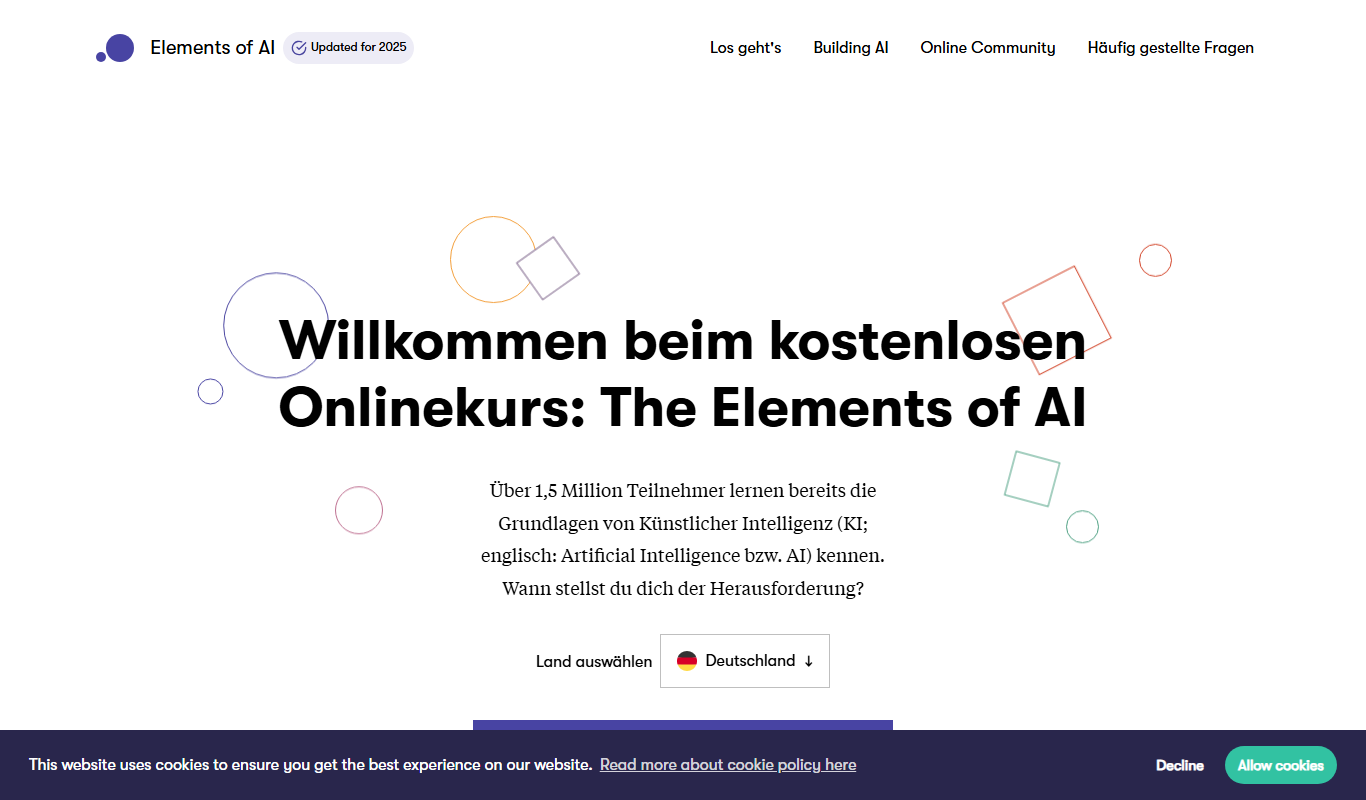
elementsofai.de
Elements of AI is a free, self-paced online course created by the University of Helsinki and Reaktor that teaches foundational AI concepts to beginners and professionals without requiring programming skills.

Freemium
Stratpilot
Stratpilot is an AI-powered strategic planning platform that helps businesses analyze data, simulate scenarios, and develop effective strategies to improve decision-making and performance.