

From my experience with PowerIn, I found it excels at simplifying complex business automation through its intuitive no-code interface combined with AI-powered capabilities. After spending time with the platform, I can say it’s particularly well-suited for small to medium businesses and non-technical users who want to automate workflows without coding. However, the platform currently lacks mobile app support, which may limit on-the-go management, and pricing might be a consideration for smaller teams. Overall, if you need a robust AI-enhanced automation tool with strong integration options, PowerIn delivers solid results.
PowerIn AI Automation Platform for Workflow Integration and Data Management
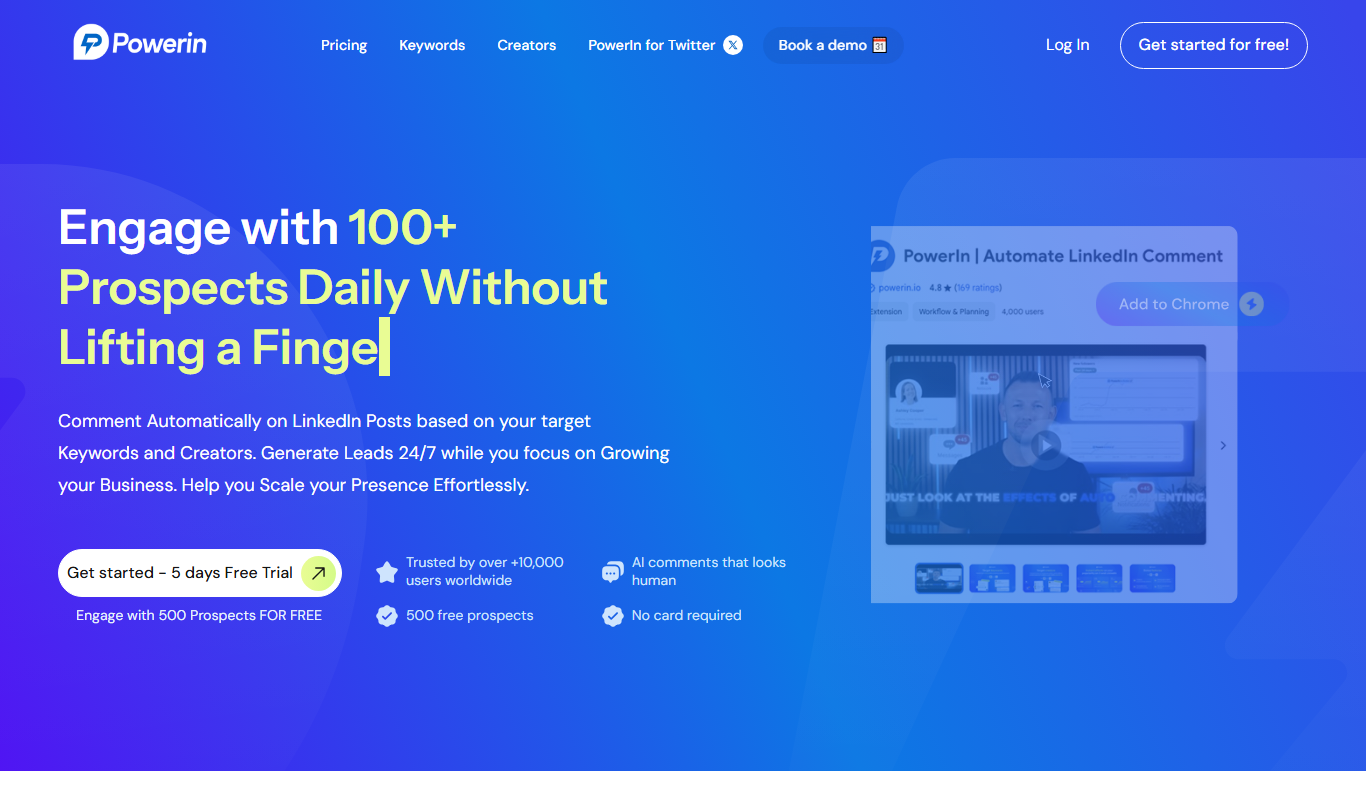
PowerIn is a no-code AI automation platform that enables businesses to integrate multiple applications and automate workflows efficiently without programming skills.
- Best for
- Automate Business Workflows
- Key capability
- Visual Workflow Builder
Do you recommend this tool?
What is PowerIn?
PowerIn is a no-code AI automation platform designed to help businesses streamline and automate workflows by integrating multiple applications and data sources. It empowers users to create custom automation processes without requiring programming skills, leveraging AI to enhance efficiency and accuracy in data handling and task execution.
Key features of PowerIn
PowerIn offers a visual workflow builder, AI integration for intelligent automation, multi-application connectivity, real-time data synchronization, and monitoring tools to track automation performance.
Visual Workflow Builder
Intuitive drag-and-drop interface for designing complex automation without coding.
AI Integration
Incorporates AI to automate data processing and decision-making tasks.
Multi-App Connectivity
Supports integration with numerous popular business applications and data sources.
Real-Time Data Sync
Ensures data is updated and synchronized across connected platforms instantly.
Automation Monitoring
Provides analytics and alerts to track workflow performance and troubleshoot issues.
Pros and cons of PowerIn
Pros
- User-friendly no-code interface
- Strong AI integration for intelligent automation
- Supports multiple app integrations
- Real-time data synchronization
- Comprehensive monitoring and analytics
Cons
- Limited mobile platform support
- Pricing may be high for small businesses
Key use cases for PowerIn
Automate Business Workflows
PowerIn enables users to automate repetitive business processes by integrating multiple applications and services without coding.
Data Integration and Management
Users can connect various data sources and automate data flows to streamline operations and improve data accuracy.
AI-Powered Task Automation
Leverages AI capabilities to enhance automation tasks such as data extraction, processing, and decision-making.
No-Code Automation for Non-Developers
Designed with a user-friendly interface that allows non-technical users to build automation workflows easily.
How PowerIn works
- 1
Sign Up and Access Platform
Create an account on PowerIn’s web platform to start building automation workflows.
- 2
Connect Applications
Integrate your preferred apps and data sources using PowerIn’s connectors.
- 3
Design Workflow
Use the drag-and-drop interface to create automation sequences tailored to your business needs.
- 4
Activate and Monitor
Launch your automation and monitor its performance through the dashboard.
Who is using PowerIn
Small to medium businesses
Marketing teams
Operations managers
Data analysts
Non-technical users seeking automation
PowerIn pricing
Free Trial
$0 for 14 days
Access to core features with limited automation runs to evaluate the platform.
Professional
$49/month
Full access to automation features with higher run limits and priority support.
Enterprise
Custom pricing
Tailored solutions with advanced features, dedicated support, and SLA guarantees.
Plans and prices are as published by the vendor and can change. Check the official site before you buy. Open the pricing page (opens in a new tab)
Frequently asked questions about PowerIn
No, PowerIn is designed as a no-code platform with a visual interface suitable for users without coding experience.
PowerIn supports integration with a wide range of popular business apps, including CRM, marketing, and data management tools.
Yes, PowerIn offers a 14-day free trial to test the platform’s features.
Yes, the platform supports real-time data syncing across connected applications.
This tool is designed to help users accomplish its core tasks more efficiently. It is typically used by individuals or teams looking to improve productivity and workflow.
Yes, it can help with that use case depending on how you configure it and what features are available. You’ll get the best results with clear inputs and a defined goal.
It depends on your specific needs and how you plan to use the tool. The official website and documentation are the best sources for the latest details.
Pricing depends on the plan and included features. For the most accurate and up-to-date details, check the official pricing page.
Sign in to review this tool.
Sign In to ReviewNo reviews yet
Be the first to share how this tool worked for you.
Ask about pricing, limits, or how it compares — or answer someone else.
Sign In to AskNo questions yet
Have a question about using or paying for this tool? Be the first to ask.
Featured on TiorAI



More AI Linkedin Headshot tools
Other tools in the same category, for when this one is not quite the fit.

Free Trial
MagicThumbnails
MagicThumbnails is an AI-driven online tool that helps users create professional thumbnails for YouTube and social media quickly and easily with customizable templates and high-resolution exports.

Enterprise
GoLinks Search Powered by ChatGPT
GoLinks Search Powered by ChatGPT is an enterprise link management platform that uses AI to enable natural language search across internal resources, improving team productivity and knowledge access.

Freemium
Vulse
Vulse is an AI writing assistant designed to help marketers and content creators generate high-quality, SEO-optimized content efficiently through an easy-to-use web platform.
Freemium
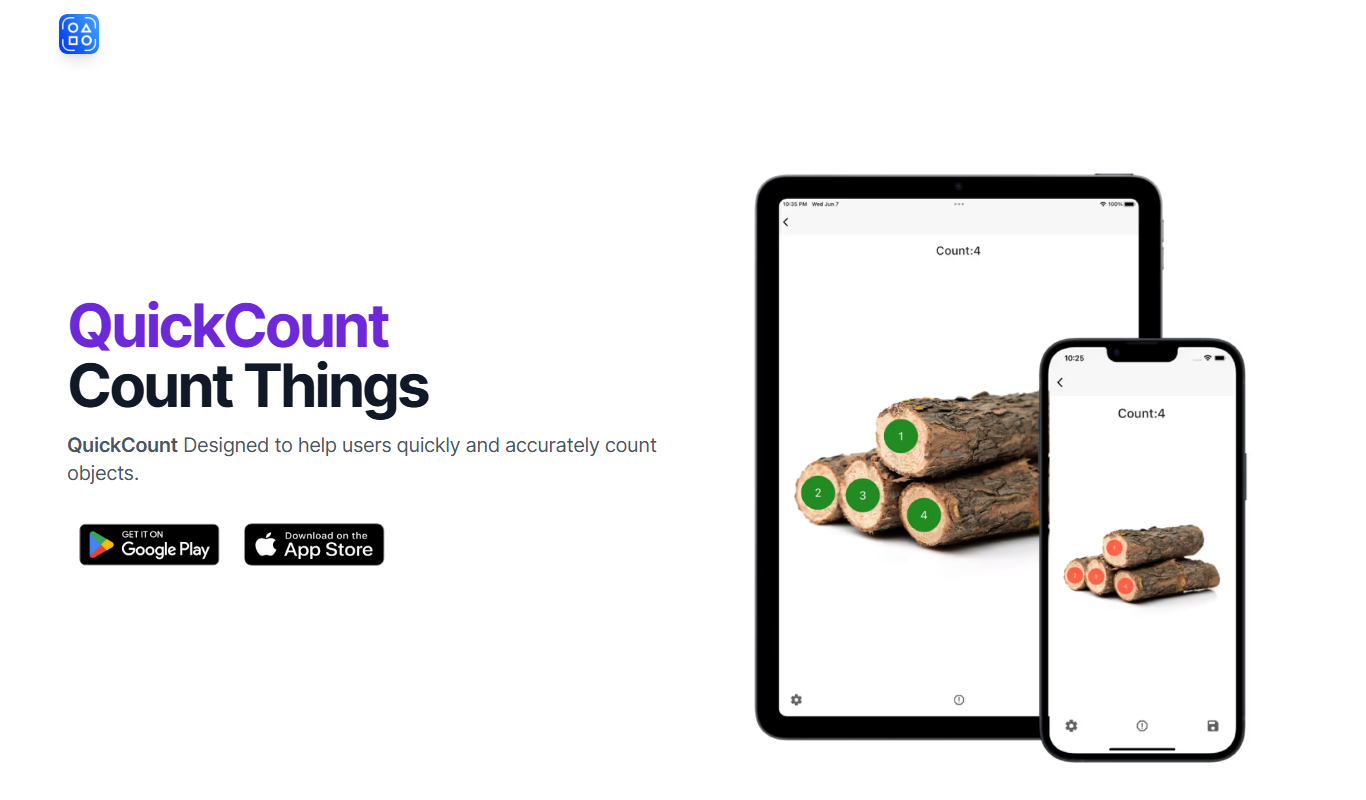
QuickCount from Photos
QuickCount from Photos is an AI-driven web tool that automatically detects and counts objects in photos, helping users save time on manual counting across various industries.

Free
lifemind
Lifemind is an AI personal assistant designed to enhance productivity by managing tasks, scheduling, and goal tracking through intelligent automation.

Free
Meetups.AI
Meetups.AI is an AI-powered networking platform that helps professionals connect efficiently at virtual, hybrid, and in-person events through smart matchmaking and integrated scheduling.

Freemium
Plump
Plump AI is an AI-powered video editing platform that automates editing tasks to help users create professional videos quickly, especially for social media and marketing purposes.

Custom Pricing
impact360.be
Impact360.be is a Belgian digital marketing platform that combines campaign management, marketing automation, and analytics to help businesses optimize their marketing strategies through data-driven insights.