

Polymet AI product designer for designs and front-end code
Polymet is an AI product designer that turns descriptions or images into production-ready designs and front-end code.
- Best for
- Product design from a brief
- Key capability
- Design from text or images
Save Polymet, follow its updates and vote on it — everything stays in your account.
Sign in or create a free account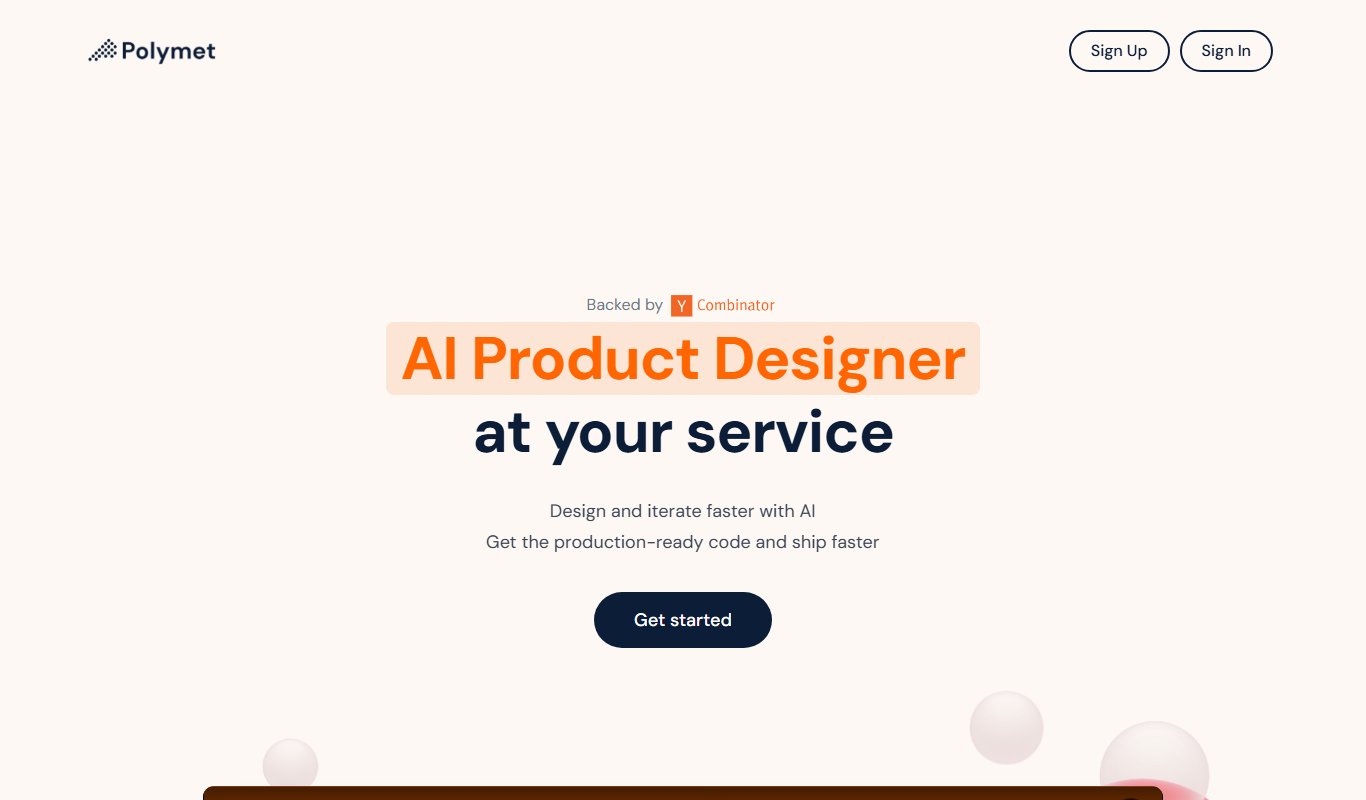

What is Polymet?
Polymet is an AI product designer that helps product teams create production-ready designs and front-end code. Teams describe what they want in plain language, upload images like sketches or screenshots, or import Figma frames, and Polymet designs and implements the interface as components, pages and prototypes, with support for the team’s own design system.
Key features of Polymet
Design from a description, an image or Figma frames, bring-your-own design system, visual and code editors, Figma import and export, integration with Github, npm packages and Storybook, real-time team collaboration and shareable prototype previews.
Design from text or images
Describe the interface in plain language, upload sketches or screenshots, or import Figma frames.
Bring your design system
Use your own design system to create pages and new components and iterate existing ones.
Visual and code editors
Tweak layouts, spacing and colors visually, or edit the code with full control.
Figma import and export
Import and export Figma files.
Developer integrations
Works with Github, public and private npm packages and Storybook.
Pros and cons of Polymet
Pros
- Production-ready front-end code from designs
- Works with your own design system
- Figma import and export
- Visual editor and code editor
- Real-time team collaboration
Cons
- Limited advanced customization compared to specialized BI tools
- Pricing may be high for small businesses needing extensive data volume
Key use cases for Polymet
Product design from a brief
Explain what you want and let Polymet design and implement the interface.
Design system work
Create pages and new components with your own design system.
Prototypes for stakeholders
Share prototypes through preview links that need no Polymet account.
Screens for web and mobile
Combine components into complete screens for web and mobile.
Design to code handoff
Get production-ready front-end code that works with Github, npm packages and Storybook.
How Polymet works
- 1
Design with English
Describe what you want, upload sketches or screenshots, or import Figma frames.
- 2
Refine on the canvas
Edit specific parts by leaving comments, as with a human designer.
- 3
Build prototypes
Connect pages into prototypes and share preview links with stakeholders.
- 4
Export the code
Export the repo, export to Figma, download images or share a preview link.
Who is using Polymet
Polymet pricing
Free
$0/month
Basic access with limited data volume and features.
Pro
$49/month
Expanded data limits, advanced analytics, and priority support.
Enterprise
Custom pricing
Tailored solutions with dedicated support and integrations.
Plans and prices are as published by the vendor and can change. Check the official site before you buy. Open the pricing page (opens in a new tab)
Frequently asked questions about Polymet
A plain-language description, uploaded sketches or screenshots, or imported Figma frames.
Yes. It delivers production-ready front-end code for pages, components and prototypes.
Yes. Teams design together, review and refine in real time and share live demos.
Yes. It imports and exports Figma files.
An AI product designer for pages, components and prototypes with production-ready front-end code.
Github, public and private npm packages, and Storybook.
Pricing depends on the plan and included features. For the most accurate and up-to-date details, check the official pricing page.
Conclusion
Product teams explain what they want, upload a sketch or screenshot, or import Figma frames, and Polymet designs and implements the interface. The output is components, pages for web and mobile, and prototypes, all with production-ready front-end code. Teams can bring their own design system, then adjust layouts, spacing and colors in a visual editor or change the code directly.
On the developer side it works with Github, public and private npm packages and Storybook, and designs can be exported back to Figma or as a repo. Prototypes are shared through preview links that stakeholders can open without a Polymet account. New users can get started directly or book a demo call.
Sources
Sign in to review this tool.
Sign In to ReviewNo reviews yet
Be the first to share how this tool worked for you.
Ask about pricing, limits, or how it compares — or answer someone else.
Sign In to AskNo questions yet
Have a question about using or paying for this tool? Be the first to ask.
Featured on TiorAI


