
From my experience with Poised, I found it excels at providing clear, actionable feedback during live virtual meetings, which is invaluable for improving communication skills in real time. The detailed post-meeting reports help track progress and identify patterns that might otherwise go unnoticed. It’s particularly well-suited for remote professionals, sales teams, and anyone looking to polish their speaking abilities. However, the tool currently supports only English and lacks a mobile app, which might limit accessibility for some users. Overall, if you want to enhance your verbal communication with AI-driven insights during online meetings, Poised delivers practical and user-friendly solutions.
Poised AI Communication Coach for Real-Time Speaking Feedback
Poised is an AI communication coach that provides real-time feedback on your speech during virtual meetings, helping you improve tone, pace, and clarity.
Categories:
AI Productivity Tools
AI Speech Analysis Tools
AI Voice Over
Content, Media & Communication
Tech Stack:
JavaScript
Machine Learning
Python
React
What is Poised: AI-Powered Communication Coach?
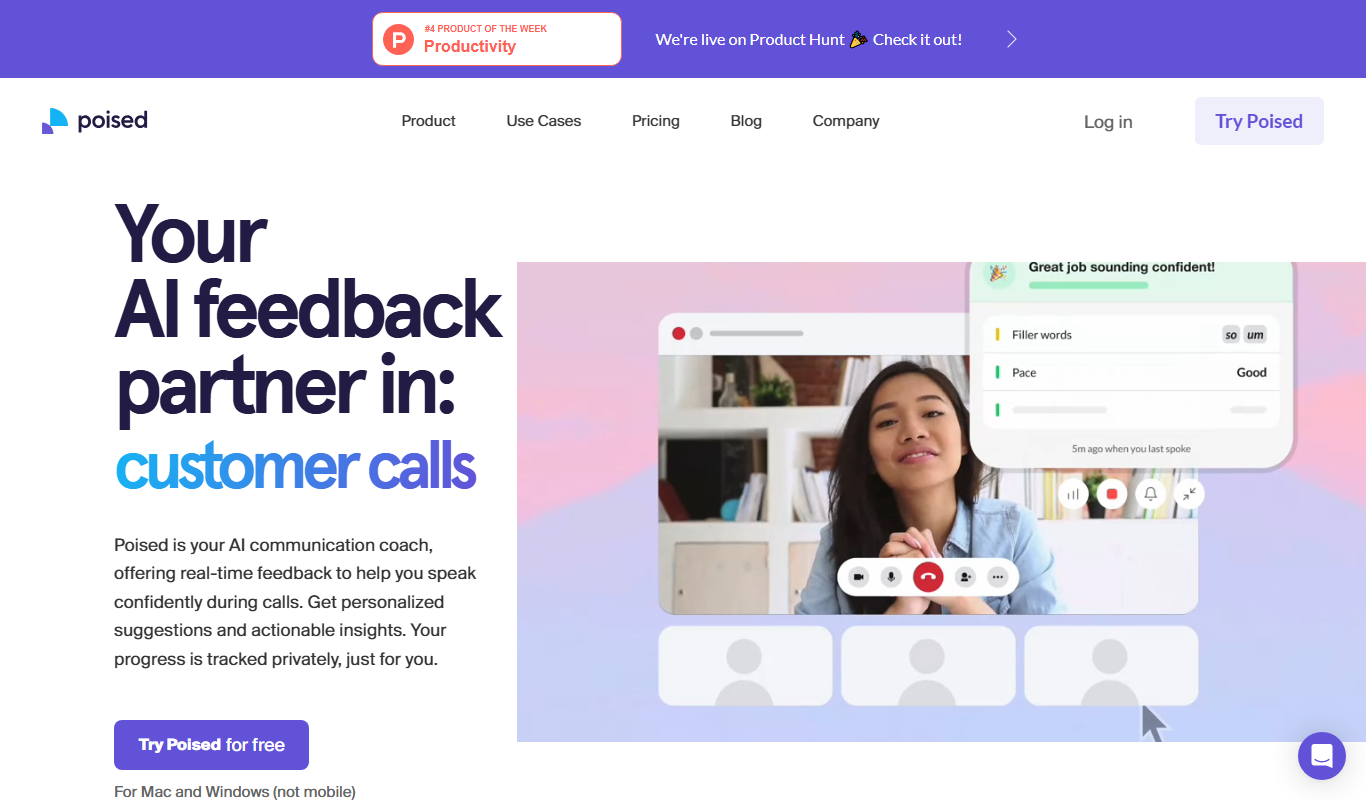
Poised is an AI-powered communication coach designed to provide real-time feedback on your speaking during virtual meetings and practice sessions. It analyzes your speech patterns, tone, pace, and filler word usage to help you communicate more clearly and confidently. By integrating seamlessly with popular video conferencing platforms, Poised offers actionable insights that enable users to improve their verbal communication skills effectively.
Key Features of Poised: AI-Powered Communication Coach
Real-Time Speech Analysis
Monitors your speaking during meetings to provide instant feedback on tone, pace, and filler words.
Personalized Coaching Tips
Offers tailored suggestions to improve clarity, energy, and engagement based on your speech patterns.
Post-Meeting Reports
Generates comprehensive summaries with actionable insights to track your communication progress.
Video Conferencing Integration
Works seamlessly with platforms like Zoom, Google Meet, and Microsoft Teams.
Practice Mode
Allows users to rehearse speeches and presentations with AI feedback before live events.
Pros and Cons of Poised: AI-Powered Communication Coach
Pros
- Provides actionable real-time feedback during live meetings
- Integrates smoothly with popular video conferencing tools
- Offers detailed post-meeting analytics for continuous improvement
- User-friendly interface with clear coaching tips
Cons
- Limited to English language support
- No dedicated mobile app available
- Free plan has restricted features
Key Use Cases for Poised: AI-Powered Communication Coach
Virtual Meeting Coaching
Provides real-time feedback during virtual meetings to improve clarity, tone, and engagement.
Public Speaking Practice
Helps users practice speeches with AI-driven insights on pacing, filler words, and energy.
Sales and Customer Calls
Enhances communication skills for sales professionals by analyzing speech patterns and suggesting improvements.
Interview Preparation
Assists job seekers in refining their verbal communication to make a stronger impression.
Language Fluency Improvement
Supports non-native English speakers in improving pronunciation and reducing filler words.
How Poised: AI-Powered Communication Coach Works
-
1
Install Poised
Add the Poised Chrome extension to your browser and sign up for an account.
-
2
Join a Meeting
Start or join a supported virtual meeting platform like Zoom or Google Meet.
-
3
Receive Real-Time Feedback
Poised listens to your speech and provides live coaching tips on your communication style.
-
4
Review Post-Meeting Report
After the meeting, access a detailed report highlighting strengths and areas for improvement.
Who's Using Poised: AI-Powered Communication Coach
Remote workers and virtual meeting participants
Sales and customer service professionals
Public speakers and presenters
Job seekers preparing for interviews
Non-native English speakers aiming to improve fluency
Poised: AI-Powered Communication Coach Pricing
Free
$0/month
Basic access with limited real-time feedback and post-meeting reports.
Pro
$19/month
Full access to all features including unlimited meetings, detailed reports, and priority support.
Frequently Asked Questions About Poised: AI-Powered Communication Coach
Poised supports major video conferencing platforms such as Zoom, Google Meet, and Microsoft Teams via its Chrome extension.
Yes, Poised provides feedback on pronunciation and filler words, which can help non-native speakers improve their fluency.
Poised prioritizes user privacy and secures speech data according to industry standards. Users can review the privacy policy on their website.
Currently, Poised is available as a Chrome extension for desktop browsers and does not support mobile platforms.
It depends on your specific needs and how you plan to use the tool. The official website and documentation are the best sources for the latest details.
Some tools offer a free plan or trial with limited features. Availability can vary, so confirm on the official website.
Yes, it can help with that use case depending on how you configure it and what features are available. You’ll get the best results with clear inputs and a defined goal.
Share your review
Reviews are limited to one per logged-in user and are published after moderation.
You need an account to review this tool.
0.0
★
★
★
★
★
0 reviews
5 star
0
4 star
0
3 star
0
2 star
0
1 star
0
No reviews yet
Be the first to share how this tool worked for you.
Questions from the community
Read questions and answers about this tool, or ask your own.
No questions yet
Start the conversation by asking the first question about this tool.
Is this tool helpful?
Free
simbly
Simbly is an AI-powered writing assistant that offers real-time grammar and style corrections, AI content generation, and customizable writing tones through a user-friendly web interface.
Free Trial
Move AI – Your AI Moving Assistant
Move AI is an AI-driven moving assistant that helps users plan, organize, and execute moves efficiently through personalized recommendations, inventory tracking, and cost estimation.

Free
LaPrompt
LaPrompt is an AI-powered writing assistant that helps users generate creative and efficient written content through customizable prompts and AI-generated suggestions.
Freemium
Meetz AI
Meetz AI is an AI-driven meeting assistant that provides real-time transcription, automated meeting summaries, and action item extraction to streamline meeting documentation and collaboration.
Freemium
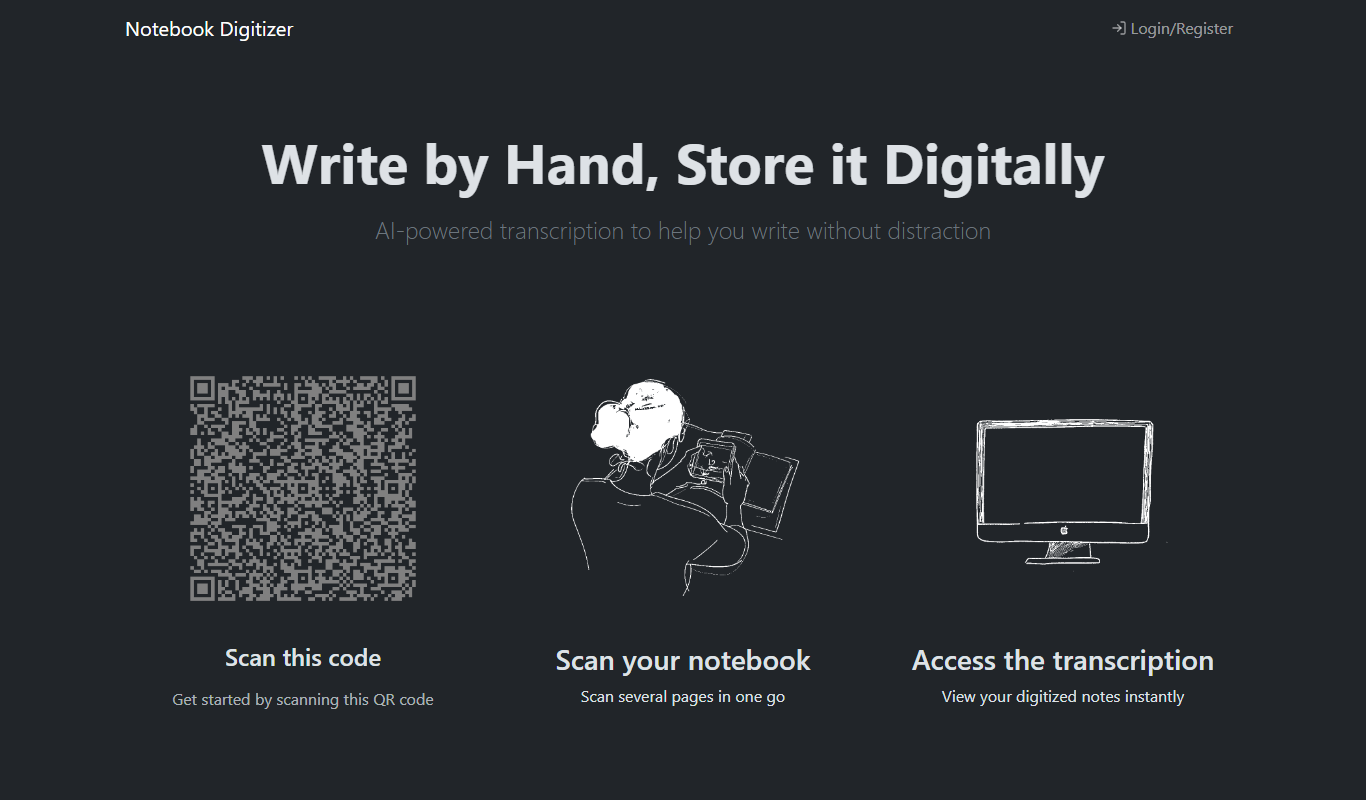
Notebook Digitizer
Notebook Digitizer is an app that converts handwritten notes into editable digital text using AI-powered OCR technology, supporting multiple languages and cloud sync.

Free Trial
Qatalog
Qatalog is a work management platform that unifies your tools, automates workflows, and centralizes knowledge to improve team collaboration and productivity.
Free
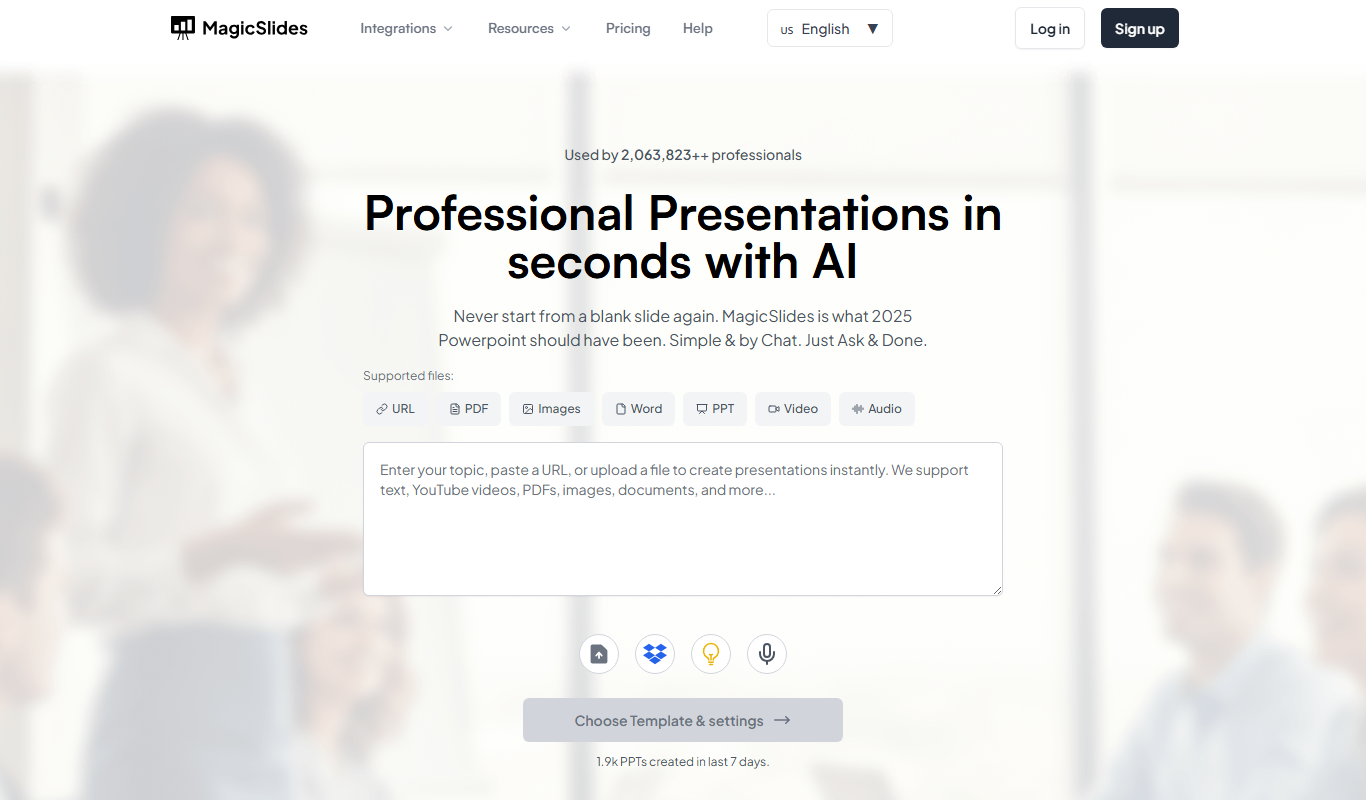
MagicSlides
MagicSlides is an AI-powered tool that generates complete presentation slide decks from text input, automating content creation and design to save time.
Free
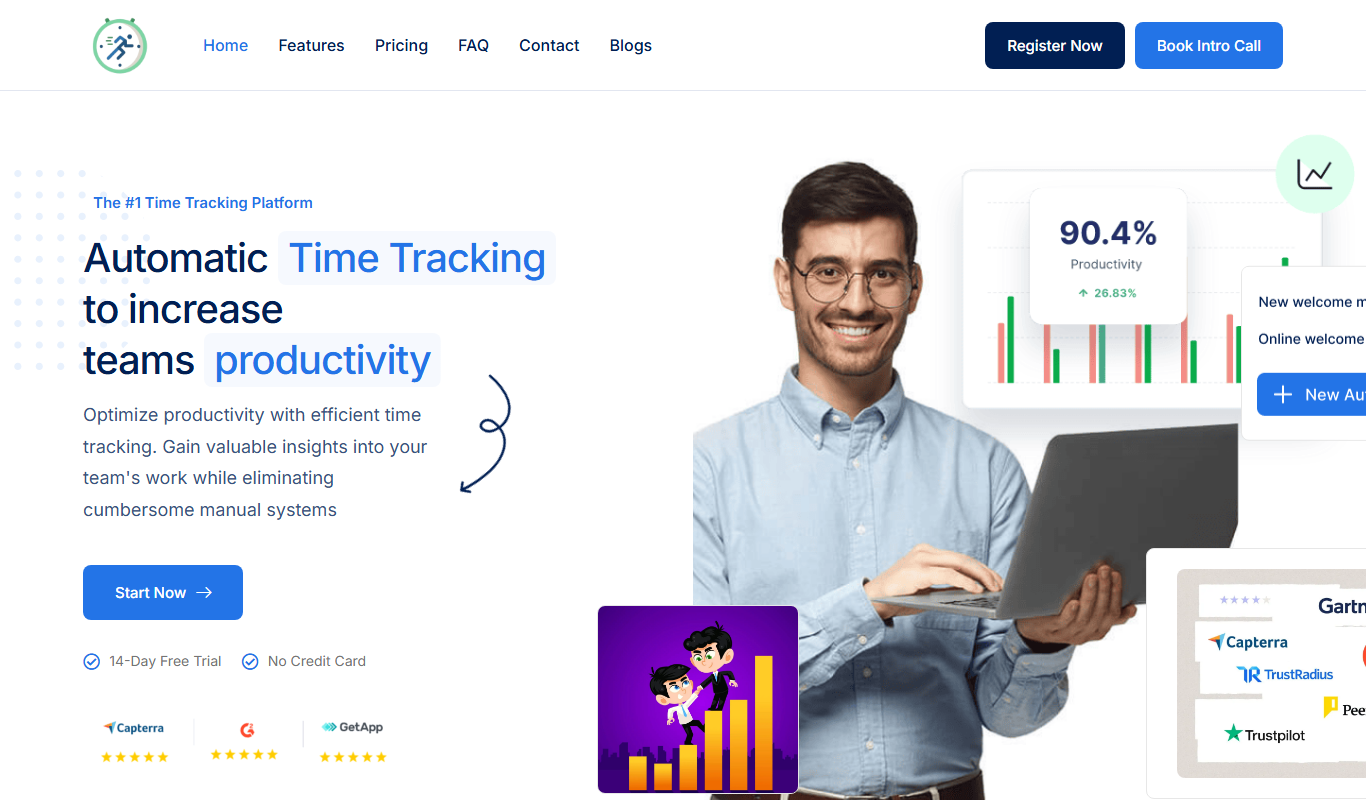
Backlsh – Time Tracking
Backlsh is a time tracking software that helps freelancers and teams track work hours, manage projects, and generate reports for billing and productivity.