

From my experience with Podmind, it stands out by making podcast creation accessible to users without any recording skills or equipment. The AI voices sound natural and the platform’s editing tools allow for quick customization, which is a big time saver. It’s particularly well-suited for content creators and marketers looking to repurpose written content into audio format efficiently. However, the limitation to English and lack of personal voice uploads may restrict some users. Overall, if you want to automate podcast production and focus on content rather than technical details, Podmind delivers a practical solution.
AI Podcast Generator Podmind for Automated Audio Content Creation
Podmind is an AI-powered tool that automatically converts written content into professional podcast episodes using natural-sounding AI voices, simplifying podcast production.
- Best for
- Podcast Creation
- Key capability
- AI Voice Synthesis

Do you recommend this tool?
What is Podmind – AI Podcast Generator?
Podmind is an AI-powered podcast generator that transforms written content into natural-sounding audio podcasts. It leverages advanced text-to-speech technology and AI voice synthesis to automate podcast production, enabling users to create professional audio episodes without traditional recording or editing.
Key features of Podmind – AI Podcast Generator
Podmind offers automated podcast creation from text, customizable AI voices, episode editing tools, and easy publishing options. It streamlines the entire podcast production workflow, making audio content creation accessible to non-experts.
AI Voice Synthesis
High-quality, natural-sounding AI voices that can be customized for tone and style.
Automated Podcast Production
Transforms text into fully produced podcast episodes without manual recording.
Episode Editing Tools
Built-in tools to add music, adjust speech speed, and fine-tune audio output.
Multi-format Export
Export podcasts in popular audio formats ready for distribution.
User-friendly Interface
Intuitive web platform designed for ease of use by content creators of all levels.
Pros and cons of Podmind – AI Podcast Generator
Pros
- Simplifies podcast creation without recording equipment
- Natural and customizable AI voices
- User-friendly web interface
- Fast production turnaround
- Supports content repurposing for audio
Cons
- Limited to English language support
- No option to use personal voice recordings
- Free plan has restrictive limits on episode length
Key use cases for Podmind – AI Podcast Generator
Podcast Creation
Automatically generate podcast episodes from text content without recording equipment.
Content Repurposing
Convert blog posts, articles, or newsletters into engaging audio podcasts.
Audio Marketing
Create audio ads or promotional podcasts quickly for marketing campaigns.
Accessibility Enhancement
Provide audio versions of written content to reach audiences who prefer listening.
How Podmind – AI Podcast Generator works
- 1
Input Text Content
Users provide the script, article, or blog post they want to convert into a podcast episode.
- 2
Select AI Voice
Choose from a variety of natural-sounding AI voices to narrate the content.
- 3
Customize and Edit
Adjust pacing, add intro/outro music, and edit the audio to fit your style.
- 4
Generate Podcast Episode
Podmind processes the input and produces a ready-to-publish podcast audio file.
- 5
Publish and Distribute
Easily publish the episode to podcast platforms or download for manual distribution.
Who is using Podmind – AI Podcast Generator
Content creators and bloggers
Marketing professionals
Small businesses
Podcast beginners
Media agencies
Podmind – AI Podcast Generator pricing
Free
$0/month
Basic access with limited episode length and AI voice options.
Pro
$29/month
Extended episode length, premium voices, and advanced editing features.
Enterprise
Custom pricing
Tailored solutions with API access, team collaboration, and priority support.
Plans and prices are as published by the vendor and can change. Check the official site before you buy. Open the pricing page (opens in a new tab)
Frequently asked questions about Podmind – AI Podcast Generator
Currently, Podmind uses AI-generated voices and does not support uploading custom voice recordings.
As of now, Podmind supports English language content only.
Episode length limits depend on your subscription plan, with longer durations available on paid tiers.
Yes, Podmind provides editing tools to customize pacing, add music, and adjust audio before publishing.
It depends on your specific needs and how you plan to use the tool. The official website and documentation are the best sources for the latest details.
Pricing depends on the plan and included features. For the most accurate and up-to-date details, check the official pricing page.
Yes, it can help with that use case depending on how you configure it and what features are available. You’ll get the best results with clear inputs and a defined goal.
It depends on your specific needs and how you plan to use the tool. The official website and documentation are the best sources for the latest details.
Sign in to review this tool.
Sign In to ReviewNo reviews yet
Be the first to share how this tool worked for you.
Ask about pricing, limits, or how it compares — or answer someone else.
Sign In to AskNo questions yet
Have a question about using or paying for this tool? Be the first to ask.
Featured on TiorAI



More AI Content Creation Tools tools
Other tools in the same category, for when this one is not quite the fit.

Freemium
Swifty
Swifty is an AI writing assistant that helps users create and edit English content quickly with AI-generated suggestions and grammar corrections.
Freemium
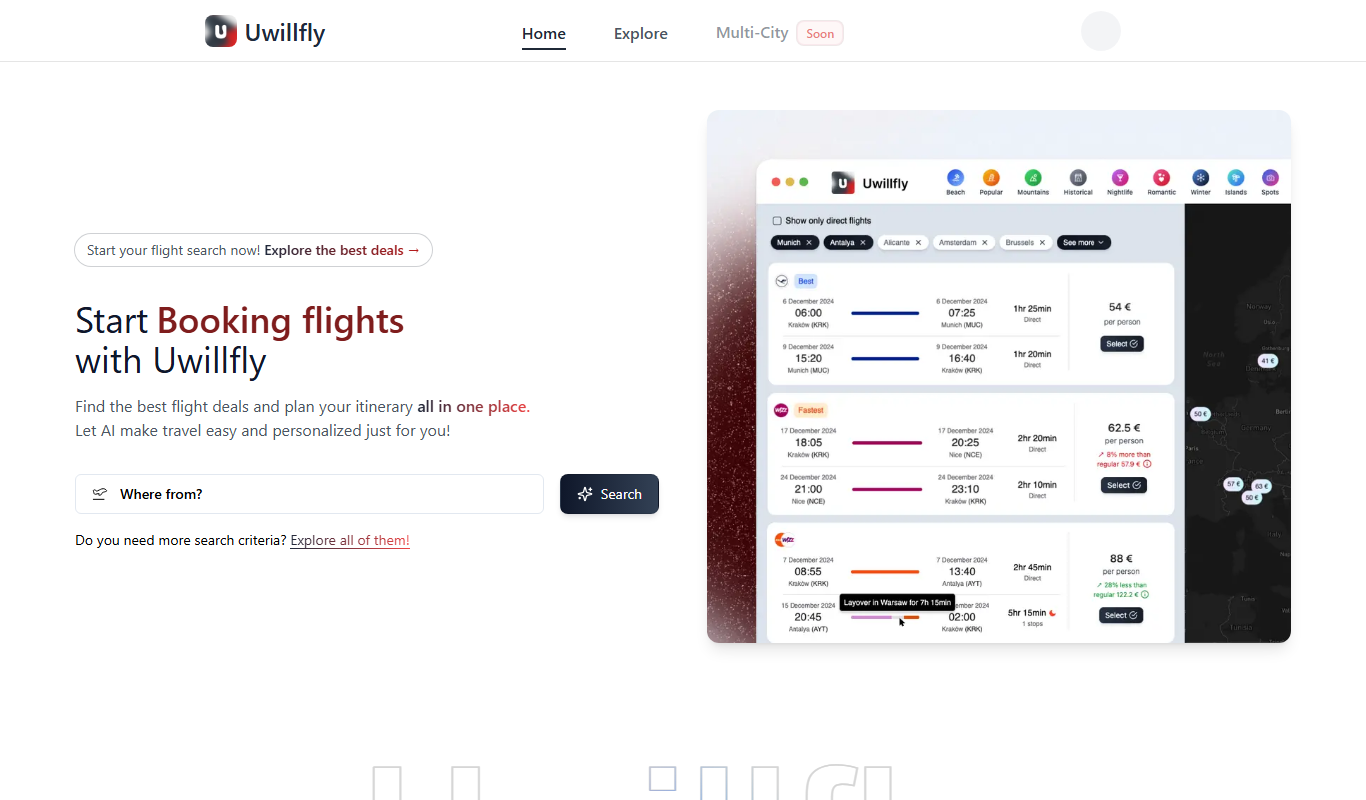
Uwillfly
Uwillfly is an AI-powered writing assistant that generates SEO-optimized articles, marketing copy, and content in English and Chinese to help marketers and writers create content faster.

Freemium
Smart Pineapple
Smart Pineapple is an AI-powered writing assistant designed to generate SEO-friendly content, including blog posts and marketing copy, through an easy-to-use web platform.

Freemium
Explra
Explra is an AI-powered writing assistant designed to help marketers and content creators generate SEO-friendly content quickly and efficiently.
Freemium
Ai & Stuff
Ai & Stuff is a web platform providing multiple AI-powered tools for generating text and images, automating content tasks, and assisting creative workflows.

Free
AI Listify
AI Listify is an AI-driven tool that generates structured lists for content marketing, SEO, and idea organization, helping users create engaging and readable lists quickly.

Freemium
iSamurai
iSamurai is an AI-powered writing assistant that generates SEO-friendly content including blog posts and marketing copy to help businesses and creators save time and improve content quality.
Free
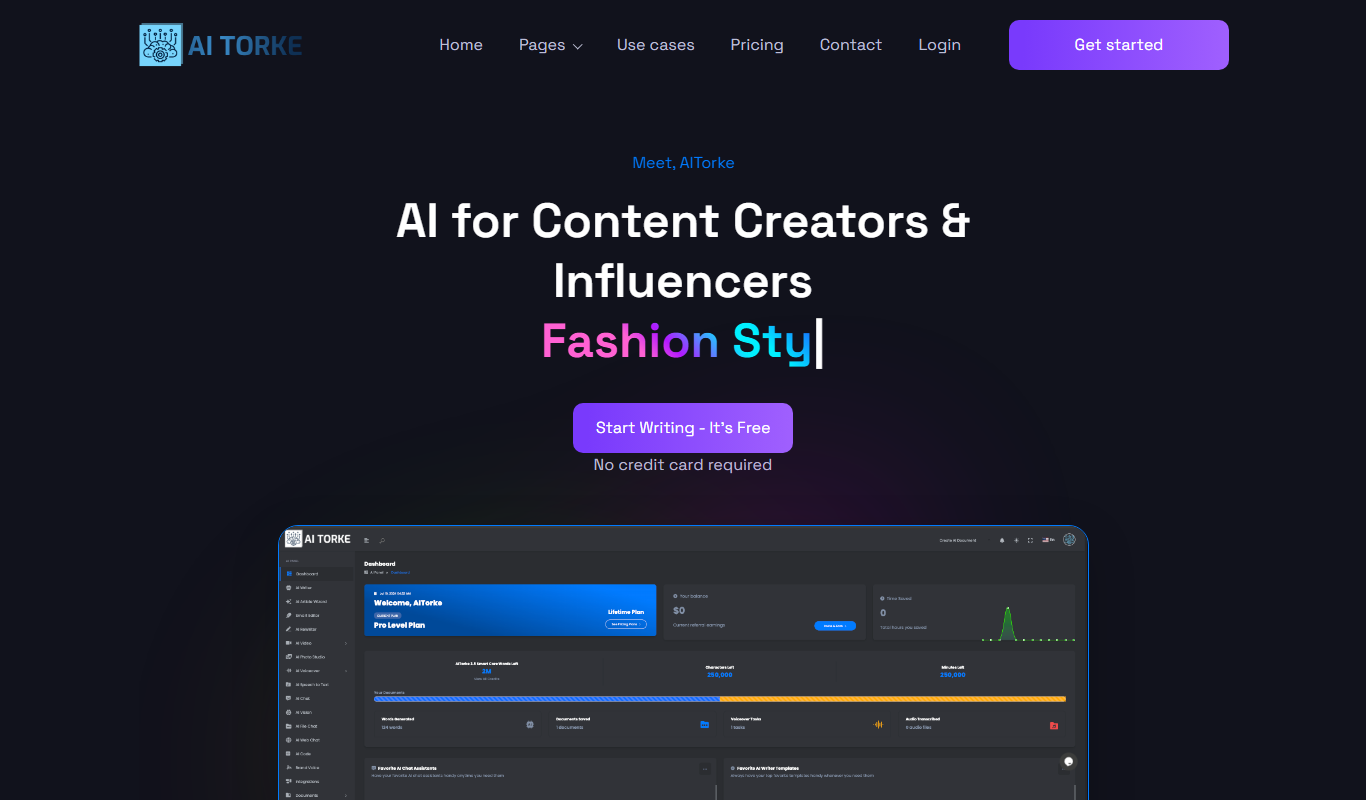
AITorke
AITorke is an AI writing assistant that helps users generate, optimize, and edit content with SEO tools and AI-powered suggestions.