

From my experience with Photomath, I found it excels at making complex math problems approachable through clear, step-by-step explanations. The camera scanning feature is intuitive and works well for both printed and many handwritten problems, which is a huge time-saver for students. However, some advanced features require a subscription, and occasionally the app struggles with very complex handwriting or unusual problem formats. Overall, if you need a reliable math homework helper or learning aid, Photomath delivers practical and accessible solutions that enhance understanding.
Photomath App - Step-by-Step Math Problem Solver for Students
Photomath is a mobile and web app that uses your device camera to scan math problems and provides detailed step-by-step solutions to help students learn and solve math effectively.
- Best for
- Homework Assistance
- Key capability
- Camera Math Scanner
Your actions

Do you recommend this tool?
What is photomath.app?
Photomath is a mobile and web application designed to help students and learners solve math problems by simply scanning them with a smartphone camera. It provides step-by-step explanations and multiple solving methods, making math more accessible and understandable.
Key features of photomath.app
Photomath offers instant problem recognition, detailed step-by-step solutions, multiple solving approaches, interactive graphs, and support for a wide range of math topics from arithmetic to calculus.
Camera Math Scanner
Scan printed or handwritten math problems for instant recognition.
Step-by-Step Explanations
Detailed breakdown of each solution step to aid comprehension.
Multiple Solving Methods
Offers alternative approaches to solving problems.
Interactive Graphs
Visualize functions and equations with interactive graphing tools.
Wide Math Topic Coverage
Supports arithmetic, algebra, geometry, trigonometry, calculus, and statistics.
Pros and cons of photomath.app
Pros
- Easy to use with camera scanning
- Provides detailed step-by-step solutions
- Supports a wide range of math topics
- Interactive graphs enhance understanding
- Free version available
Cons
- Some advanced features require subscription
- Occasionally struggles with complex handwritten problems
- Limited offline functionality
Key use cases for photomath.app
Homework Assistance
Helps students solve math problems step-by-step to understand solutions.
Learning and Practice
Supports learning by providing detailed explanations and multiple solving methods.
Exam Preparation
Allows users to practice various math problems to prepare for tests and exams.
Teacher Aid
Teachers can use it to demonstrate problem-solving techniques in class.
How photomath.app works
- 1
Scan the Problem
Use your device camera to scan a printed or handwritten math problem.
- 2
Automatic Recognition
The app recognizes the problem and processes it instantly.
- 3
View Step-by-Step Solution
Receive detailed explanations and multiple solving methods to understand the problem.
- 4
Practice and Learn
Use interactive graphs and additional examples to deepen your understanding.
Who is using photomath.app
Students from middle school to college
Parents helping children with homework
Teachers and tutors
Adult learners refreshing math skills
photomath.app pricing
Free
$0/month
Access to basic problem scanning and solutions with ads.
Photomath Plus
$9.99/month
Ad-free experience, detailed explanations, and additional solving methods.
Plans and prices are as published by the vendor and can change. Check the official site before you buy. Open the pricing page (opens in a new tab)
Frequently asked questions about photomath.app
Yes, Photomath offers a free version with basic features and ads.
Yes, Photomath can recognize and solve many handwritten math problems.
It covers arithmetic, algebra, geometry, trigonometry, calculus, and statistics.
Photomath is available on iOS, Android, and as a web app.
It depends on your specific needs and how you plan to use the tool. The official website and documentation are the best sources for the latest details.
It depends on your specific needs and how you plan to use the tool. The official website and documentation are the best sources for the latest details.
Yes, it can help with that use case depending on how you configure it and what features are available. You’ll get the best results with clear inputs and a defined goal.
Some tools offer a free plan or trial with limited features. Availability can vary, so confirm on the official website.
Sign in to review this tool.
Sign In to ReviewNo reviews yet
Be the first to share how this tool worked for you.
Ask about pricing, limits, or how it compares — or answer someone else.
Sign In to AskNo questions yet
Have a question about using or paying for this tool? Be the first to ask.
Featured on TiorAI



Alternative Tools
Explore similar AI tools that might fit your needs
Free
Mathway
Mathway is an AI-powered math solver that provides instant answers and detailed step-by-step solutions for a wide range of math problems across multiple platforms.

Free
Symbolab
Symbolab is an online math solver that provides step-by-step solutions for algebra, calculus, and other math problems, available on web and mobile platforms.
More AI Course tools
Other tools in the same category, for when this one is not quite the fit.

Freemium
Learnrithm Ai
Learnrithm AI is an adaptive online education platform that uses artificial intelligence to personalize learning paths, helping users acquire skills efficiently through customized courses and progress tracking.

Free Trial
AI Design Training
AI Design Training is an online platform that uses artificial intelligence to provide personalized UX/UI and creative design education through interactive courses and project feedback.

Free
Learn Prompting
Learn Prompting is a free, open-source platform that teaches users how to design effective prompts for AI language models through structured lessons and interactive examples.
Free
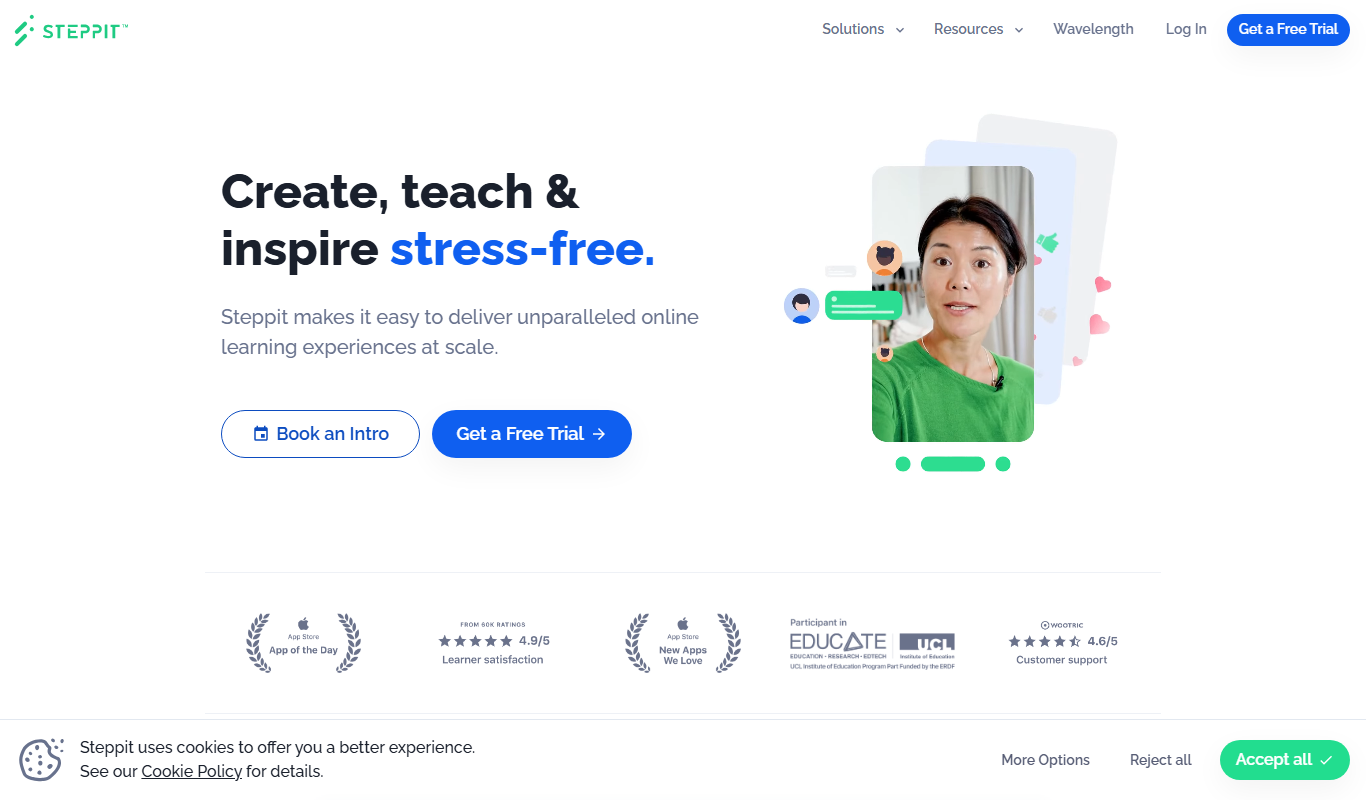
Steppit
Steppit is a task management and collaboration platform that helps teams organize, assign, and track tasks with real-time updates and communication tools accessible via web and mobile apps.

Freemium
DocteurQuiz
DocteurQuiz is a French online platform providing medical quizzes for students and healthcare professionals to improve knowledge and prepare for exams.

Custom Pricing
AI Course Creator – AcademyOcean
AcademyOcean's AI Course Creator is a web platform that uses AI to automate the creation of online courses, helping educators and trainers quickly generate structured content, customize lessons, and manage learner progress.

Freemium
Thea
Thea is an AI study assistant that helps students create personalized study plans, generate practice questions, and track progress to improve exam preparation.

Freemium
Eurekaa
Eurekaa is an AI-powered writing assistant designed to generate SEO-friendly content, blog posts, and marketing copy with customizable tone and style.