

From my experience with Pestle, I found it excels at providing quick and accurate pest identification through AI-powered image recognition. The app’s straightforward interface makes it easy for farmers and gardeners to get actionable pest control advice without needing expert knowledge. However, its limitation to iOS and occasional gaps in recognizing rare pests mean it may not cover all user needs. Overall, if you require a reliable mobile tool for managing common pest problems in agriculture or gardening, Pestle offers a practical and efficient solution.
Pestle App Review: AI-Powered Pest Control Identification Tool
Pestle is an iOS app that uses AI to identify pests from photos and offers pest control recommendations, helping farmers and gardeners manage pest problems efficiently.
- Best for
- Pest Identification
- Key capability
- AI-Powered Pest Identification
Your actions
Save Pestle, follow its updates and vote on it — everything stays in your account.
Sign in or create a free account

What is Pestle?
Pestle is an AI-powered mobile application designed to help users quickly identify pests and insects through image recognition technology. By simply taking a photo of a pest, the app analyzes the image using machine learning models to provide accurate species identification and relevant pest control advice. It is primarily targeted at farmers, gardeners, and pest control professionals seeking an easy and reliable way to manage pest-related challenges.
Key features of Pestle
The app offers instant pest identification, detailed species information, pest control recommendations, and a user-friendly interface optimized for on-the-go use. It leverages advanced AI models to ensure high accuracy and provides actionable insights to help users protect their crops and environments effectively.
AI-Powered Pest Identification
Accurate and fast recognition of pest species using advanced machine learning.
Detailed Pest Profiles
Comprehensive information about pest biology, behavior, and risks.
Personalized Pest Control Tips
Actionable advice to manage or eliminate pests effectively.
Offline Mode
Ability to identify pests without internet connection once models are downloaded.
Pros and cons of Pestle
Pros
- Fast and accurate AI-based pest identification
- User-friendly interface optimized for mobile use
- Provides actionable pest control advice
- Offline identification available for premium users
Cons
- Limited to iOS platform
- Some pest species may not be recognized
- Free version has daily scan limits
Key use cases for Pestle
Pest Identification
Users can take photos of insects or pests and receive instant AI-powered identification to understand the species.
Pest Control Recommendations
The app provides tailored advice on managing or controlling identified pests to protect crops or property.
Agricultural Support
Farmers and gardeners can use Pestle to monitor pest populations and make informed decisions to improve crop health.
Educational Tool
Users can learn about different pest species, their behaviors, and impacts through the app’s informational content.
How Pestle works
- 1
Capture Pest Image
Use your iPhone camera within the app to take a clear photo of the pest you want to identify.
- 2
AI Analysis
The app processes the image using AI models to recognize the pest species.
- 3
Receive Identification
Get instant results with the pest’s name, description, and relevant details.
- 4
Access Control Advice
Review recommended pest control methods and tips tailored to the identified species.
Who is using Pestle
Farmers and agricultural workers
Home gardeners
Pest control professionals
Environmental researchers
Agricultural extension agents
Pestle pricing
Free
$0/month
Basic pest identification with limited daily scans and access to general pest info.
Premium
$4.99/month
Unlimited pest identifications, detailed control recommendations, and offline access.
Plans and prices are as published by the vendor and can change. Check the official site before you buy. Open the pricing page (opens in a new tab)
Frequently asked questions about Pestle
Currently, Pestle is only available for iOS devices.
Pestle covers a wide range of common agricultural and household pests but may not identify very rare species.
Basic identification requires internet, but premium users can download models for offline use.
It depends on your specific needs and how you plan to use the tool. The official website and documentation are the best sources for the latest details.
Some tools offer a free plan or trial with limited features. Availability can vary, so confirm on the official website.
Yes, it can help with that use case depending on how you configure it and what features are available. You’ll get the best results with clear inputs and a defined goal.
Sign in to review this tool.
Sign In to ReviewNo reviews yet
Be the first to share how this tool worked for you.
Ask about pricing, limits, or how it compares — or answer someone else.
Sign In to AskNo questions yet
Have a question about using or paying for this tool? Be the first to ask.
Featured on TiorAI



Alternative Tools
Explore similar AI tools that might fit your needs
Free
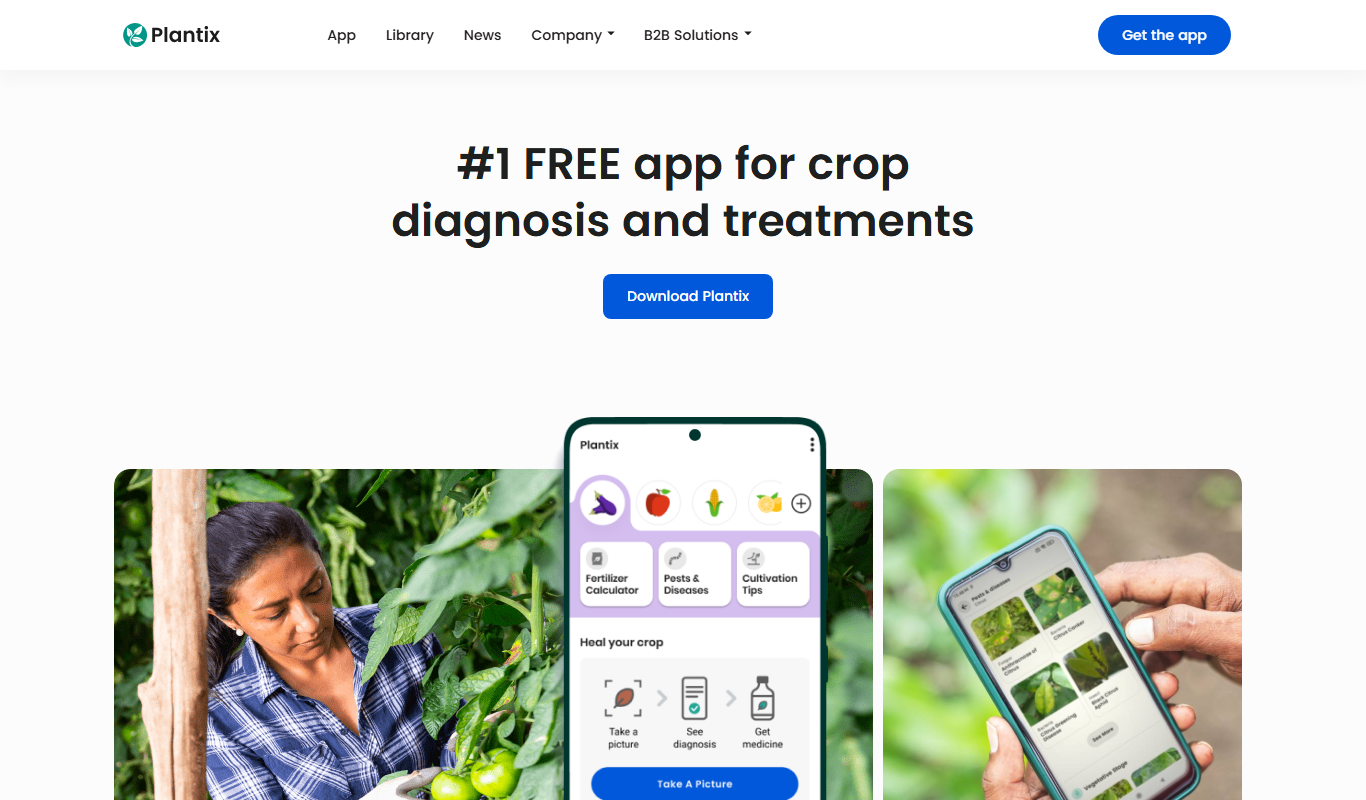
Plantix
Plantix is an AI-driven mobile app that identifies crop diseases and pests from photos, offering farmers instant diagnosis and treatment recommendations to improve crop health.
More AI Recipe Assistant tools
Other tools in the same category, for when this one is not quite the fit.

Freemium
KITI AI
KITI AI is an AI-powered chatbot platform that helps businesses automate customer support and lead generation by engaging website visitors with conversational AI.
Subscription
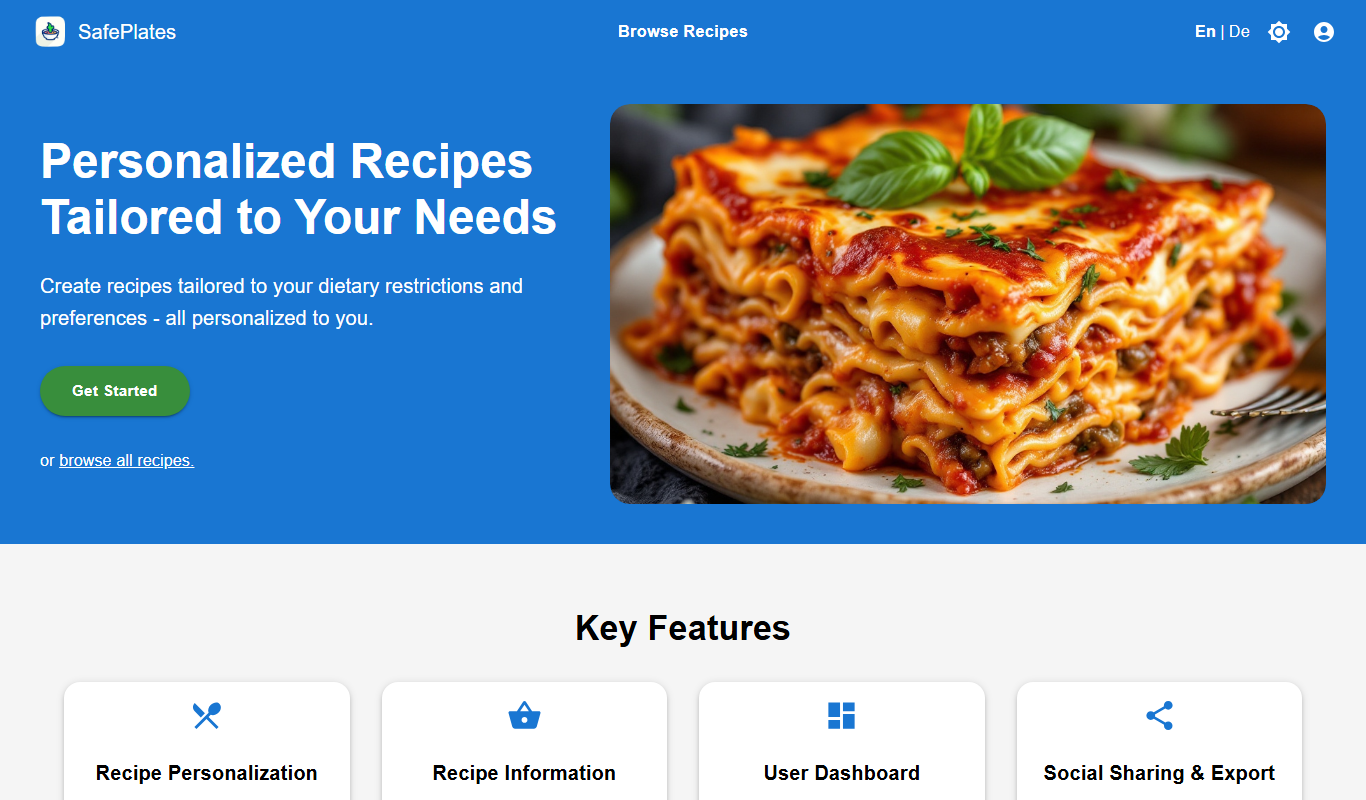
SafePlates
SafePlates is a German digital food safety management software that helps restaurants comply with HACCP standards through digital checklists, temperature monitoring, and audit-ready documentation.

Custom Pricing
DishGrab
DishGrab is a platform that enables restaurants to set up their own online ordering system, allowing customers to browse menus, place orders, and pay online for pickup or delivery.

Freemium
Sage Cooking
Sage Cooking is an AI-powered web tool that generates personalized recipes based on your dietary preferences, restrictions, and available ingredients to simplify meal planning and inspire cooking creativity.

Free Trial
PantryLab
PantryLab is a cloud-based inventory management software tailored for food businesses to track inventory, manage suppliers, control costs, and reduce waste efficiently.

One-time purchase
SmartPlate
SmartPlate is a smart food scale that measures food portions and provides detailed nutrition information through its mobile app, helping users manage diet and health goals.

Free
Infinite Meals
Infinite Meals is a free AI-based meal planner that generates personalized healthy meal plans tailored to your dietary preferences, allergies, and nutritional goals.

Free
Menu planner – OH, a potato!
OH, a potato! is a meal planning app that helps users organize weekly meals, manage recipes, and create grocery lists efficiently across web and mobile platforms.