
From my experience with PDF2Audio, I found it excels at quickly transforming PDF documents into clear, natural-sounding audio files without any software installation. Its straightforward web interface makes it accessible for users with varying technical skills, especially benefiting those who need audio versions of text for accessibility or multitasking. However, the tool is limited to PDFs and offers minimal voice customization, which might not satisfy users seeking more control over audio output. Overall, if you want a simple, effective way to listen to PDF content, PDF2Audio delivers reliable results.
Convert PDF to Audio Easily with PDF2Audio Text-to-Speech Tool
PDF2Audio is a web-based AI tool that converts PDF documents into audio files using natural-sounding text-to-speech technology, enabling users to listen to their PDFs.
What is PDF2Audio?
PDF2Audio is an AI-powered web-based tool that converts PDF documents into natural-sounding audio files. It leverages text-to-speech technology to transform written content into spoken word, enabling users to listen to their PDFs instead of reading them. This tool is designed to enhance accessibility and convenience for users who prefer audio content or have reading difficulties.

Key Features of PDF2Audio
AI-Powered Text-to-Speech
Utilizes advanced AI voices to produce natural and clear audio from PDF text.
Easy PDF Upload
Simple drag-and-drop or file selection for quick document processing.
Audio Download
Allows users to download the generated audio files in common formats.
User-Friendly Interface
Clean and intuitive design for effortless conversion.
Pros and Cons of PDF2Audio
Pros
- Simple and fast PDF to audio conversion
- Natural-sounding AI voices
- No software installation required
- Supports offline listening with downloadable files
Cons
- Limited to PDF file format
- Few customization options for voice parameters
- No mobile app available
Key Use Cases for PDF2Audio
Accessibility Enhancement
Convert PDF documents into audio to assist visually impaired users or those who prefer listening.
Learning and Comprehension
Listen to PDF content on the go, improving retention and multitasking capabilities.
Content Repurposing
Transform written PDF content into audio format for podcasts or audio blogs.
Language Practice
Use audio versions of PDFs to improve language listening skills.
How PDF2Audio Works
-
1
Upload PDF
Select and upload your PDF document to the platform.
-
2
Select Voice and Settings
Choose from available AI voices and adjust speed or pitch if options are provided.
-
3
Convert to Audio
Initiate the conversion process to generate the audio file.
-
4
Download or Listen
Listen to the audio online or download it for offline use.
Who's Using PDF2Audio
Visually impaired users
Students and learners
Content creators repurposing PDFs
Busy professionals who prefer audio content
PDF2Audio Pricing
Free
$0/month
Basic access with limited conversions and standard voices.
Premium
$9.99/month
Unlimited conversions, premium voices, and faster processing.
Frequently Asked Questions About PDF2Audio
Currently, PDF2Audio supports PDF files only for conversion to audio.
Yes, the tool offers a selection of AI voices to customize your listening experience.
The free plan may have size limits; premium plans offer support for larger files.
Yes, as a web-based tool, PDF2Audio is accessible via mobile browsers.
It depends on your specific needs and how you plan to use the tool. The official website and documentation are the best sources for the latest details.
Yes, it can help with that use case depending on how you configure it and what features are available. You’ll get the best results with clear inputs and a defined goal.
Yes, it can help with that use case depending on how you configure it and what features are available. You’ll get the best results with clear inputs and a defined goal.
Share your review
Reviews are limited to one per logged-in user and are published after moderation.
You need an account to review this tool.
0.0
★
★
★
★
★
0 reviews
5 star
0
4 star
0
3 star
0
2 star
0
1 star
0
No reviews yet
Be the first to share how this tool worked for you.
Questions from the community
Read questions and answers about this tool, or ask your own.
No questions yet
Start the conversation by asking the first question about this tool.
Is this tool helpful?
Alternative Tools
Explore similar AI tools that might fit your needs
Free
Natural Reader
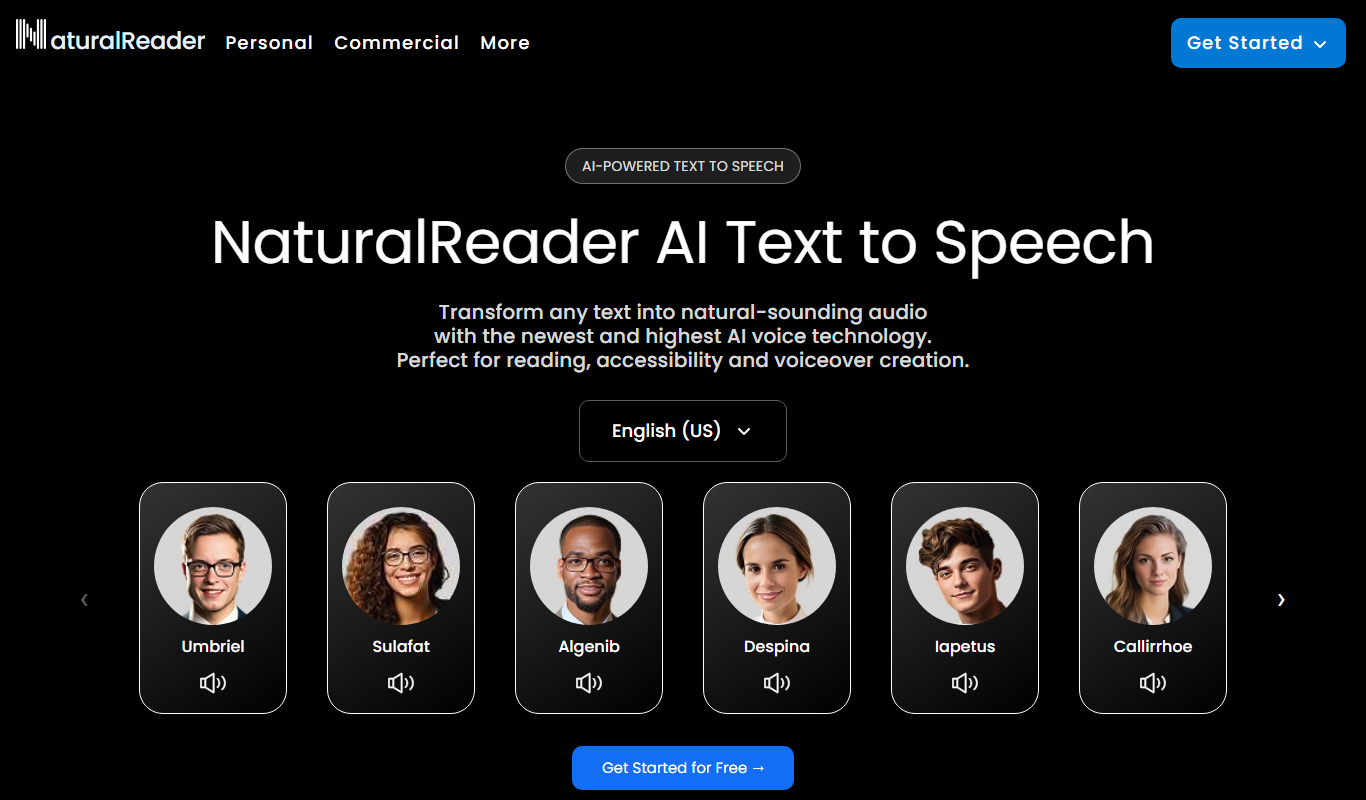
Natural Reader is a text-to-speech software that converts written text into natural, human-like speech across multiple languages and platforms, supporting accessibility and content consumption.

Free
free text Into Speech
Free Text Into Speech is a free web tool that converts typed text into natural-sounding speech with multiple voice options and downloadable MP3 audio.

Free
PhotoCaption
PhotoCaption is an Apple iOS app that automatically generates descriptive captions for photos using AI, primarily to improve accessibility for visually impaired users.

Free
Audeus: Text to Speech Reader
Audeus is a web-based text to speech reader that converts written text into natural, human-like audio in multiple languages, designed for accessibility and content consumption.

Free
NaturalReaders
NaturalReaders is a text to speech software that converts written text into natural audio using multiple voices and languages, supporting accessibility and content consumption.

Free
NVDA Screen Reader
NVDA is a free, open-source screen reader for Windows that helps visually impaired users access digital content through speech and braille output.
Free
free text Into Speech
TTS4Free is a free online text-to-speech tool that converts typed text into natural-sounding speech audio in multiple languages without registration.

Free
Clearly Reader
Clearly Reader is an AI-driven text reader that simplifies text and provides text-to-speech to assist users with dyslexia and reading difficulties.

Free
Generador de voz
Generador de Voz is a free web-based text-to-speech tool that converts text into natural voice audio in Spanish and English, allowing users to download the audio files for various uses.