

From my experience with Palzin Monitor, I found it excels at providing straightforward, real-time website uptime and performance monitoring with instant alerts that help reduce downtime. The platform’s clean interface and multi-site management make it practical for small businesses and web professionals who need reliable monitoring without complexity. However, it currently lacks mobile apps and deeper third-party integrations, which might limit flexibility for some users. Overall, if you want an easy-to-use tool to keep your websites online and performing well, Palzin Monitor delivers solid, dependable results.
Palzin Monitor - Real-Time Website Monitoring and Uptime Alerts Tool
Palzin Monitor is a web-based tool that provides real-time monitoring of website uptime and performance, sending instant alerts when issues occur to help minimize downtime.
- Best for
- Website Uptime Monitoring
- Key capability
- Real-Time Uptime Monitoring

Do you recommend this tool?
What is Palzin Monitor?
Palzin Monitor is a web-based service designed to help website owners and administrators track the uptime and performance of their websites in real-time. It provides instant alerts when a website goes down or experiences performance degradation, enabling quick response to minimize downtime and maintain a reliable online presence.
Key features of Palzin Monitor
Palzin Monitor offers continuous uptime monitoring, performance tracking, instant alerting, detailed incident reports, and multi-site management through an intuitive web dashboard.
Real-Time Uptime Monitoring
Continuously checks website availability to detect outages immediately.
Performance Metrics Tracking
Measures response times and other key performance indicators.
Instant Notifications
Sends alerts via email or other configured channels upon detecting issues.
Detailed Incident Reports
Provides comprehensive logs and reports for downtime events.
Multi-Site Dashboard
Allows monitoring of multiple websites from a single interface.
Pros and cons of Palzin Monitor
Pros
- Easy to set up and use with a clean web interface
- Provides real-time uptime and performance monitoring
- Instant alert notifications help reduce downtime
- Supports monitoring multiple websites in one place
Cons
- Limited integrations with third-party tools
- No mobile app available currently
Key use cases for Palzin Monitor
Website Uptime Monitoring
Track website availability in real-time to ensure your site is always accessible to visitors.
Performance Monitoring
Monitor website response times and performance metrics to identify and resolve slowdowns.
Instant Alerts
Receive immediate notifications via email or other channels when downtime or performance issues occur.
Incident Reporting
Access detailed reports on downtime incidents to analyze causes and improve reliability.
Multi-Website Management
Manage and monitor multiple websites from a single dashboard for streamlined oversight.
How Palzin Monitor works
- 1
Sign Up
Create a Palzin account on the website to start monitoring your sites.
- 2
Add Websites
Input the URLs of the websites you want to monitor.
- 3
Configure Alerts
Set up notification preferences for downtime and performance issues.
- 4
Monitor Dashboard
View real-time status and performance metrics for all your monitored sites.
- 5
Respond to Alerts
Receive alerts and investigate issues promptly to reduce downtime.
Who is using Palzin Monitor
Website owners
Small business operators
IT administrators
Digital agencies
Freelance web developers
Palzin Monitor pricing
Free
$0/month
Basic monitoring with limited checks and alert options.
Pro
$15/month
Enhanced monitoring frequency, advanced alerts, and multi-site support.
Plans and prices are as published by the vendor and can change. Check the official site before you buy. Open the pricing page (opens in a new tab)
Frequently asked questions about Palzin Monitor
The monitoring frequency depends on your plan, with the Pro plan offering more frequent checks.
Palzin Monitor sends instant email alerts when your website is down or experiencing performance issues.
Yes, Palzin Monitor supports managing multiple websites from a single dashboard.
Palzin offers a free plan with limited features; details on Pro plan trials can be found on their website.
This tool is designed to help users accomplish its core tasks more efficiently. It is typically used by individuals or teams looking to improve productivity and workflow.
It depends on your specific needs and how you plan to use the tool. The official website and documentation are the best sources for the latest details.
Yes, it can help with that use case depending on how you configure it and what features are available. You’ll get the best results with clear inputs and a defined goal.
Some tools offer a free plan or trial with limited features. Availability can vary, so confirm on the official website.
Sign in to review this tool.
Sign In to ReviewNo reviews yet
Be the first to share how this tool worked for you.
Ask about pricing, limits, or how it compares — or answer someone else.
Sign In to AskNo questions yet
Have a question about using or paying for this tool? Be the first to ask.
Featured on TiorAI



Alternative Tools
Explore similar AI tools that might fit your needs
Freemium
Pingdom
Pingdom is a website monitoring tool that tracks uptime, performance, and user experience through real user and synthetic monitoring, providing alerts and detailed reports to help maintain website reliability.

Free
StatusCake
StatusCake is a website monitoring service that tracks uptime, performance, and server health, providing instant alerts and detailed analytics to ensure reliable online presence.
More Humanizer AI tools
Other tools in the same category, for when this one is not quite the fit.

Free
Mera Monitor
Mera Monitor is a web-based tool that provides real-time website uptime and performance monitoring with alert notifications to help maintain site reliability.

Free
United Market Music
United Market Music is a digital platform that helps independent artists distribute their music worldwide, manage royalties, and promote their releases through marketing tools.

Custom Pricing
Humming
Humming AI is a conversational voice assistant platform that automates customer service and sales calls using natural language processing and integrates with existing telephony and CRM systems.
Custom Pricing
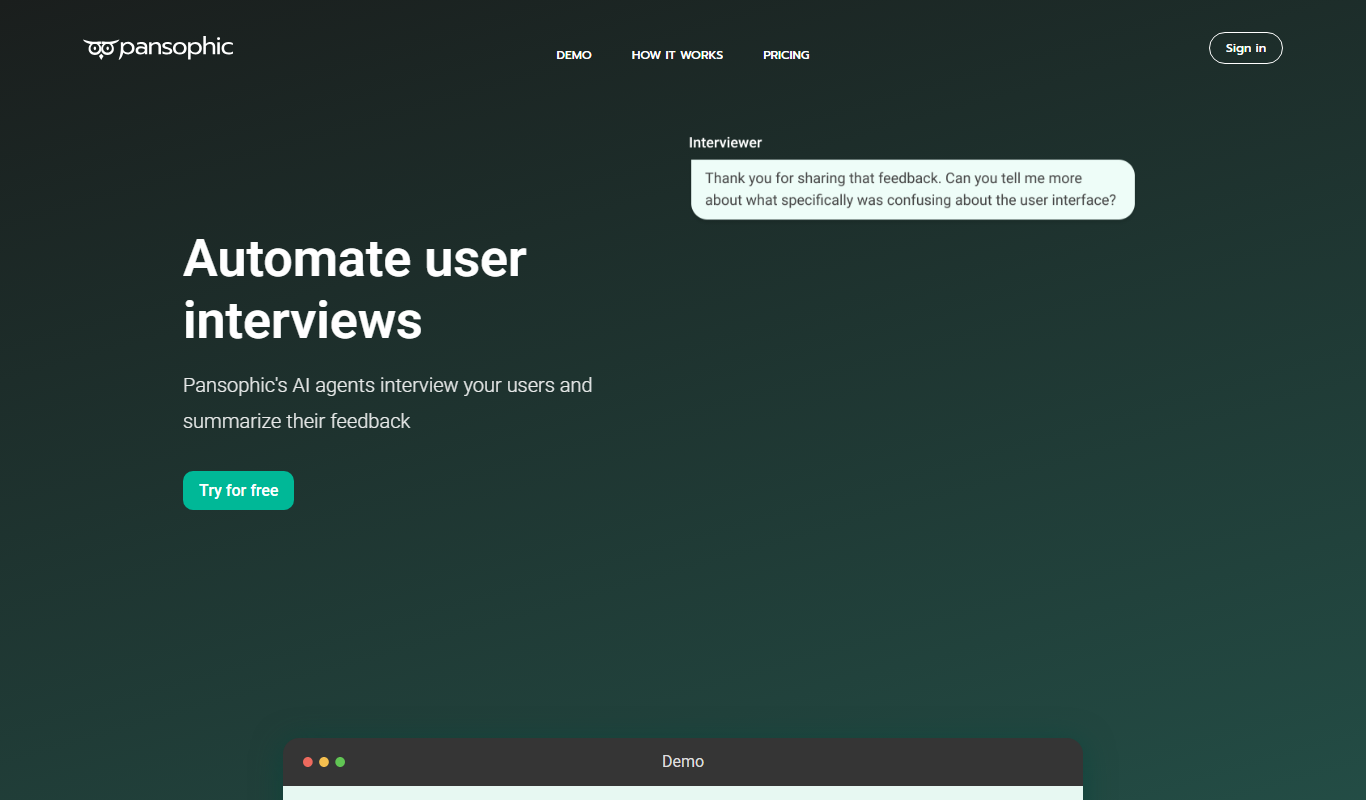
Pansophic
Pansophic is an AI-driven enterprise knowledge management platform that integrates multiple data sources and provides natural language querying and insights to improve organizational decision-making.

Subscription
Humi onboarder
Humi Onboarder is a web-based HR software that automates and streamlines employee onboarding with customizable workflows, digital document management, and progress tracking.
Free
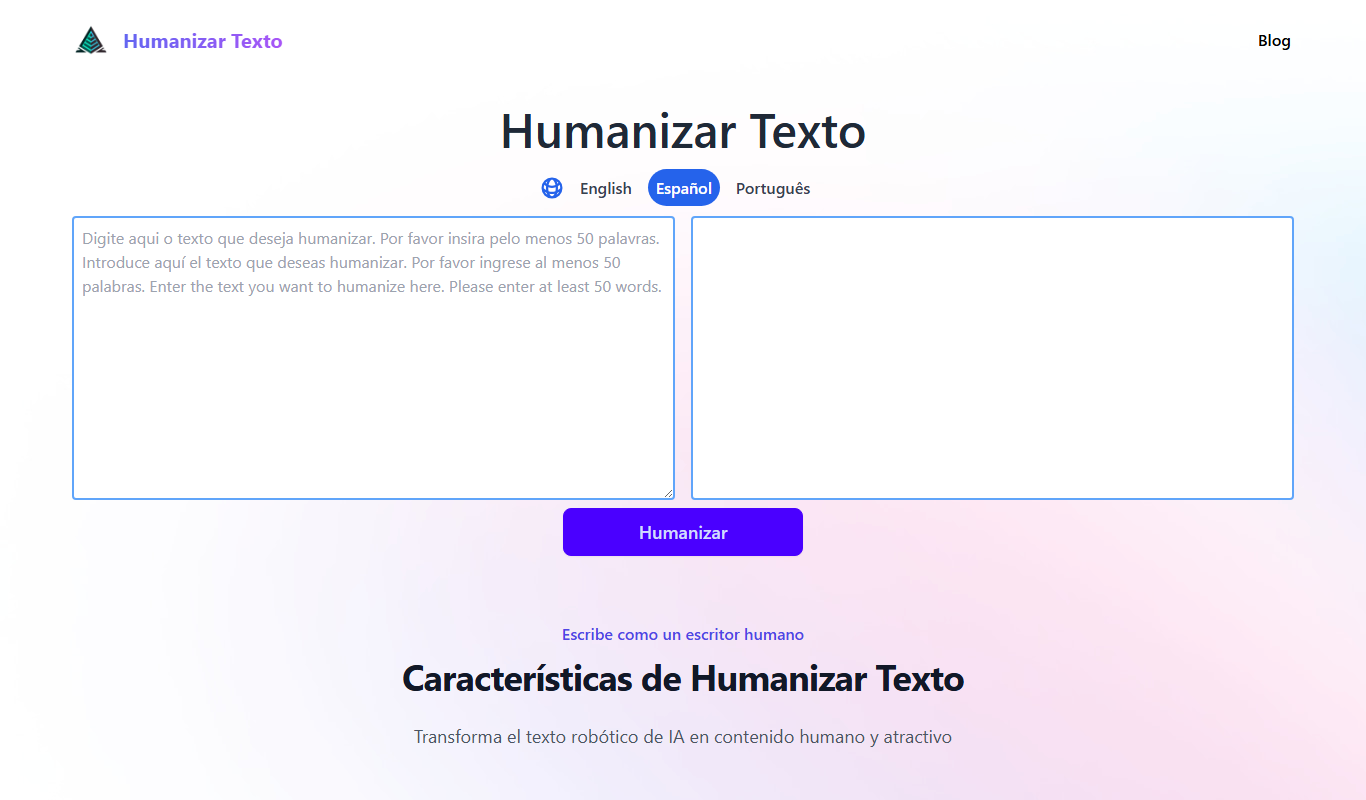
Humanizar Texto
Humanizar Texto is an AI tool that converts artificial Spanish text into natural, fluent, and engaging language, ideal for content creators and marketers.

Free Trial
AIHumanize
AIHumanize is an AI writing tool that generates natural, human-like text for content creation, marketing copy, and SEO optimization with tone customization.
Free
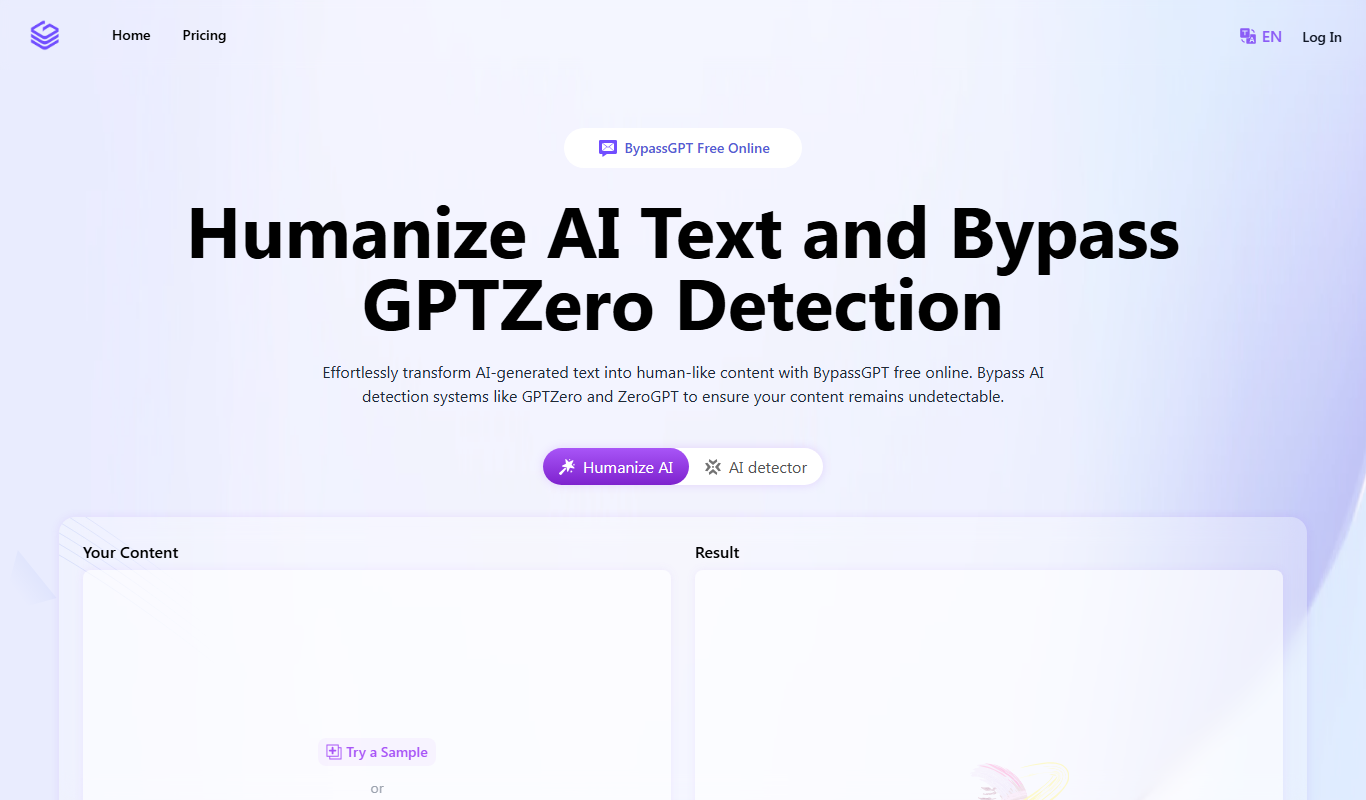
BypassGPT.co: Free AI Text Humanizer
BypassGPT.co is a free web-based AI text humanizer that rewrites AI-generated content into natural, human-like language to improve readability and avoid AI detection.