

From my experience with Pairrd, I found it excels at simplifying collaborative code reviews by providing an intuitive interface for inline commenting and real-time discussions. It is particularly well-suited for small to medium development teams looking to streamline pull request management without overwhelming complexity. However, the platform currently lacks broader integrations beyond Git repositories and does not offer a mobile app, which may limit flexibility for some users. Overall, if your team prioritizes clear communication and efficient code review workflows, Pairrd delivers solid, focused functionality.
Pairrd Review: Collaborative Code Review Tool for Developers and Teams
Pairrd is a web-based collaborative code review tool that integrates with Git repositories to help development teams review, comment, and approve pull requests efficiently.
- Best for
- Collaborative Code Review
- Key capability
- Inline Code Commenting
Your actions
Save Pairrd, follow its updates and vote on it — everything stays in your account.
Sign in or create a free account
What is Pairrd?
Pairrd is a web-based collaborative code review tool designed to help development teams streamline the process of reviewing code changes. It integrates with popular version control systems to provide a centralized platform where developers can comment, discuss, and approve pull requests efficiently.
Key features of Pairrd
Pairrd offers features such as inline commenting on code diffs, real-time collaboration, pull request tracking, and integration with Git repositories. These features enable teams to conduct thorough code reviews and maintain high standards of code quality.
Inline Code Commenting
Add comments directly on specific lines of code to provide precise feedback.
Pull Request Dashboard
Centralized view of all open pull requests for easy tracking and management.
Real-Time Collaboration
Collaborate with team members in real-time to discuss code changes and resolve issues quickly.
Integration with Git
Seamlessly integrates with Git repositories to fetch pull requests and code diffs.
Pros and cons of Pairrd
Pros
- User-friendly interface for code reviews
- Supports inline commenting for precise feedback
- Real-time collaboration enhances team communication
Cons
- Limited integrations beyond Git platforms
- No mobile app available currently
Key use cases for Pairrd
Collaborative Code Review
Facilitates team-based code reviews with inline comments and discussions to improve code quality.
Pull Request Management
Streamlines the process of managing and reviewing pull requests from multiple repositories.
Developer Collaboration
Enables developers to communicate effectively on code changes, reducing misunderstandings and errors.
Code Quality Improvement
Helps teams identify bugs, enforce coding standards, and maintain high-quality codebases.
How Pairrd works
- 1
Connect Repository
Link your Git repository to Pairrd to start managing pull requests.
- 2
Invite Team Members
Add your development team to collaborate on code reviews.
- 3
Review Code Changes
Use inline comments and discussions to review pull requests effectively.
- 4
Approve and Merge
Once reviews are complete, approve and merge code changes confidently.
Who is using Pairrd
Software development teams
Open source project maintainers
DevOps engineers
Quality assurance teams
Pairrd pricing
Free
$0/month
Basic features with limited repositories and collaborators.
Pro
$15/month
Advanced features with unlimited repositories, collaborators, and priority support.
Plans and prices are as published by the vendor and can change. Check the official site before you buy. Open the pricing page (opens in a new tab)
Frequently asked questions about Pairrd
Yes, Pairrd integrates with popular Git platforms including GitHub and GitLab.
Pairrd offers a free plan with basic features suitable for small teams.
Yes, the free plan has limits on repositories and collaborators, which can be expanded with paid plans.
This tool is designed to help users accomplish its core tasks more efficiently. It is typically used by individuals or teams looking to improve productivity and workflow.
Integration support depends on the tool and its available connectors or API. Check the official documentation or integrations page to confirm what is supported.
Some tools offer a free plan or trial with limited features. Availability can vary, so confirm on the official website.
Sign in to review this tool.
Sign In to ReviewNo reviews yet
Be the first to share how this tool worked for you.
Ask about pricing, limits, or how it compares — or answer someone else.
Sign In to AskNo questions yet
Have a question about using or paying for this tool? Be the first to ask.
Featured on TiorAI



More AI Coaching tools
Other tools in the same category, for when this one is not quite the fit.
Custom Pricing
Second Nature AI
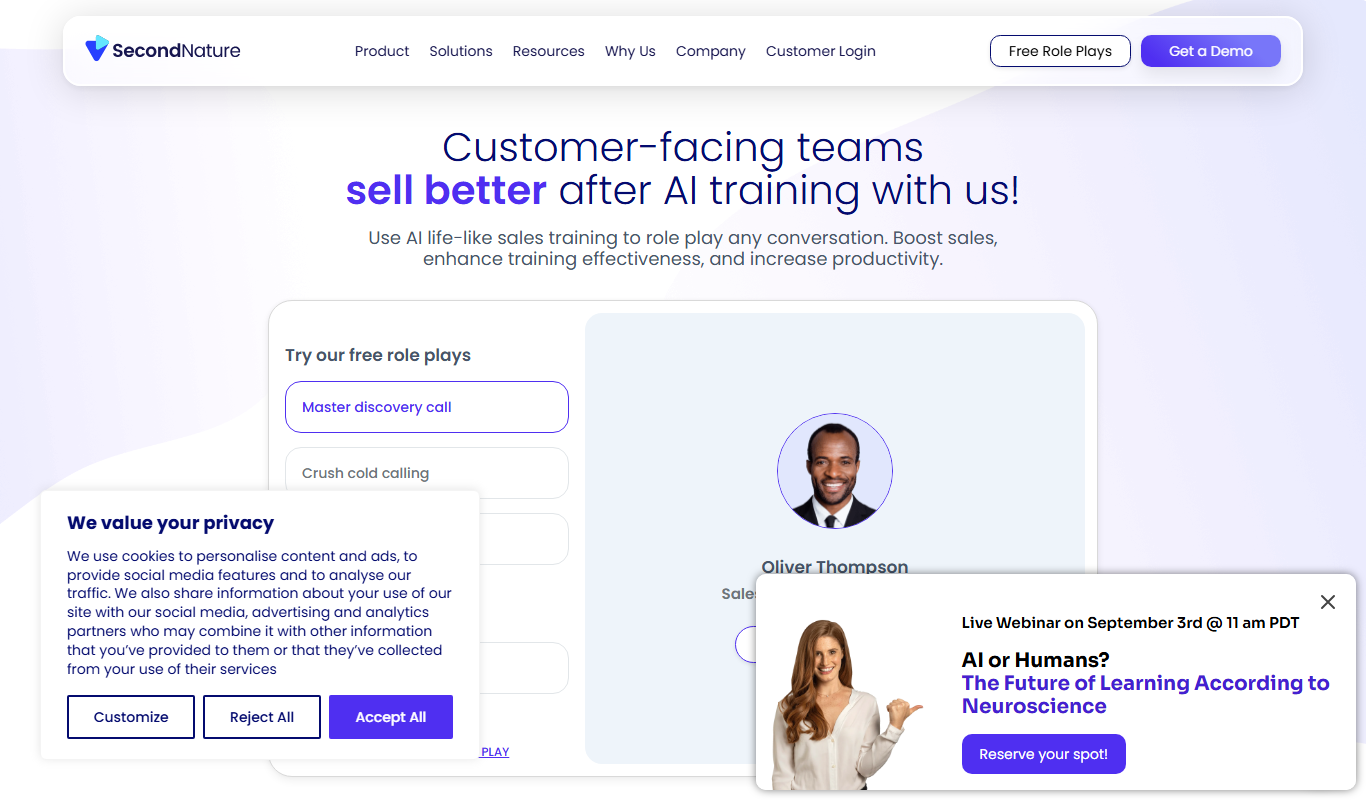
Second Nature AI is an AI-powered sales coaching platform that provides realistic conversation simulations and real-time feedback to help sales professionals improve their skills and close more deals.

Free
LoveGenius Sidekick
LoveGenius Sidekick is an AI dating coach that provides personalized advice, message suggestions, and profile optimization to help users improve their dating experience.

Freemium
Interviews Pilot
Interviews Pilot is a job search platform with an AI resume builder, an ATS checker, cover letters, a job tracker and interview prep.
Free Trial
Careerfornia
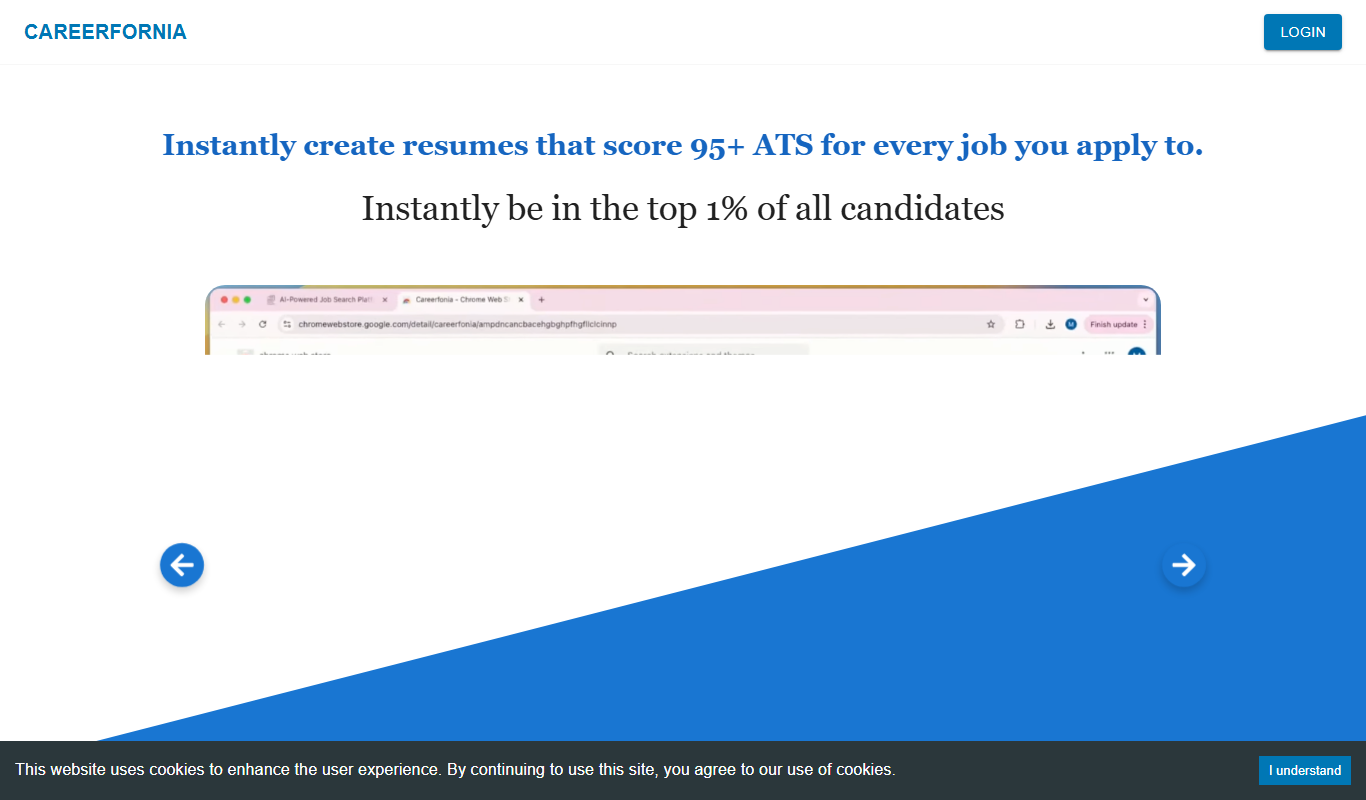
Careerfornia generates tailored, ATS safe resumes from a pasted job description.

Enterprise
BetterUp
BetterUp is a digital coaching platform for organizations that combines certified human coaches with AI-powered insights to support leadership development, mental fitness, and career growth.
Free
Speeko
Speeko is an AI-powered speech coaching tool that analyzes your voice recordings to provide personalized feedback on public speaking and communication skills, helping you improve pace, tone, and clarity.

Custom Pricing
salesken.ai
Salesken.ai is an AI-powered sales coaching platform that provides real-time guidance during calls, conversation analytics, and performance tracking to help sales teams improve effectiveness and close deals faster.

Free
LoveGenius
LoveGenius writes dating profiles and opening lines for dating apps.