

From my experience with Origlio, I found it excels at simplifying the process of capturing and organizing audio notes across devices. The clean interface and tagging system make it easy to keep recordings well-structured, which is a big help for busy professionals and students alike. However, the lack of transcription features means it may not fully replace text-based note-taking for everyone. Overall, if you want a straightforward, affordable tool to manage your voice memos and collaborate with others, Origlio delivers solid, user-friendly functionality.
Origlio Audio Notes Manager for Efficient Voice Recording and Organization
Origlio is an audio notes manager that enables users to record, organize, and share voice notes across multiple devices with ease.
- Best for
- Voice Note Taking
- Key capability
- High-Quality Audio Recording
Your actions
Save Origlio – your audio notes manager, follow its updates and vote on it — everything stays in your account.
Sign in or create a free account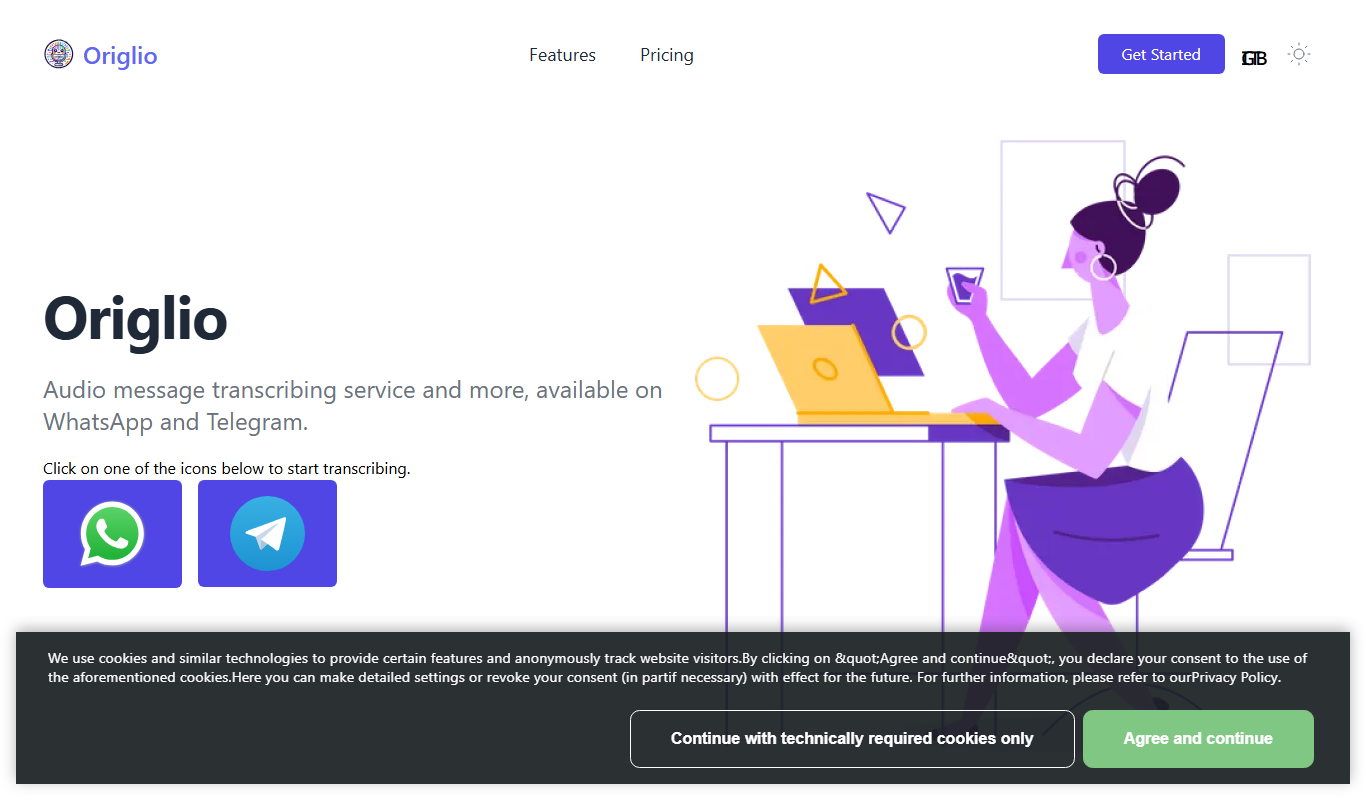
What is Origlio – your audio notes manager?
Origlio is an audio notes manager designed to help users capture, organize, and manage voice recordings seamlessly across devices. It provides a simple interface to record audio notes, categorize them, and access them anytime, enhancing productivity for professionals, students, and creatives.
Key features of Origlio – your audio notes manager
Origlio offers features such as easy voice recording, tagging and categorization of notes, cross-device synchronization, and sharing capabilities, making audio note management intuitive and efficient.
High-Quality Audio Recording
Capture clear voice notes with minimal background noise.
Tagging and Categorization
Organize notes with customizable tags and categories for quick retrieval.
Cross-Platform Sync
Seamlessly sync audio notes across web, iOS, and Android devices.
Easy Sharing
Share audio notes with colleagues or friends via links or app integration.
User-Friendly Interface
Intuitive design focused on quick access and minimal friction.
Pros and cons of Origlio – your audio notes manager
Pros
- Simple and clean user interface
- Cross-device synchronization
- Affordable premium plan
- Efficient audio organization with tagging
- Quick sharing options
Cons
- No built-in transcription service
- Limited advanced editing features
Key use cases for Origlio – your audio notes manager
Voice Note Taking
Capture quick audio notes during meetings, lectures, or personal reminders.
Audio Organization
Manage and categorize audio recordings efficiently for easy retrieval.
Productivity Enhancement
Use audio notes to streamline workflows and reduce reliance on manual typing.
Content Creation
Record ideas or scripts for podcasts, videos, or other media projects.
Collaboration
Share audio notes with team members to improve communication and project tracking.
How Origlio – your audio notes manager works
- 1
Create an Account
Sign up on Origlio’s platform via web or mobile app to start managing your audio notes.
- 2
Record Audio Notes
Use the built-in recorder to capture voice notes quickly and clearly.
- 3
Organize Notes
Tag and categorize your recordings for easy searching and sorting.
- 4
Sync Across Devices
Access your audio notes on any supported device with automatic synchronization.
- 5
Share and Collaborate
Share selected audio notes with others to facilitate collaboration.
Who is using Origlio – your audio notes manager
Students
Professionals
Content creators
Small business teams
Anyone needing efficient audio note management
Origlio – your audio notes manager pricing
Free
$0/month
Basic access with limited storage and features.
Premium
$4.99/month
Expanded storage, advanced features, and priority support.
Plans and prices are as published by the vendor and can change. Check the official site before you buy. Open the pricing page (opens in a new tab)
Frequently asked questions about Origlio – your audio notes manager
Yes, Origlio supports synchronization across web, iOS, and Android platforms.
The free plan has storage limits, while the Premium plan offers expanded capacity.
Yes, you can share audio notes via links or within the app to collaborate.
Currently, Origlio focuses on audio management and does not offer transcription features.
It depends on your specific needs and how you plan to use the tool. The official website and documentation are the best sources for the latest details.
Some tools offer a free plan or trial with limited features. Availability can vary, so confirm on the official website.
Yes, it can help with that use case depending on how you configure it and what features are available. You’ll get the best results with clear inputs and a defined goal.
It depends on your specific needs and how you plan to use the tool. The official website and documentation are the best sources for the latest details.
Sign in to review this tool.
Sign In to ReviewNo reviews yet
Be the first to share how this tool worked for you.
Ask about pricing, limits, or how it compares — or answer someone else.
Sign In to AskNo questions yet
Have a question about using or paying for this tool? Be the first to ask.
Featured on TiorAI



Alternative Tools
Explore similar AI tools that might fit your needs

Free
Noted
Noted is an AI-powered note-taking app that records audio and provides synchronized transcription and note organization, available on iOS and macOS.
More AI Productivity Tools tools
Other tools in the same category, for when this one is not quite the fit.

Free
PromptPoint
PromptPoint is a web platform that helps users create, manage, and optimize AI prompts to improve the quality and relevance of AI-generated content, with features for collaboration and analytics.

Free
The GPT Repo
The GPT Repo is a community directory of custom GPTs submitted by users.

Custom Pricing
AI Consulting for Finance Teams
GenFinance AI provides specialized AI consulting services designed to help finance teams improve financial analysis, forecasting, risk management, and automation through tailored AI solutions.
Free Trial
Time Champ
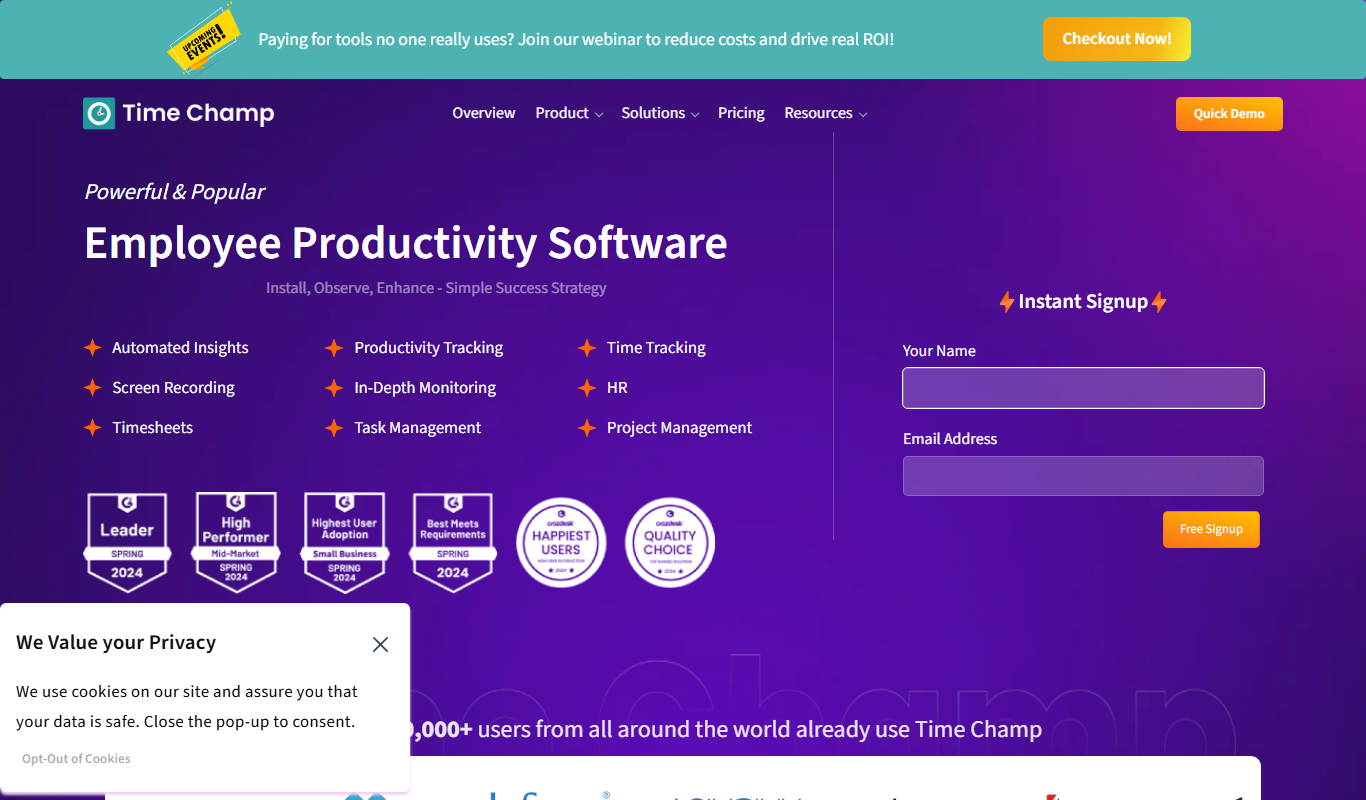
Time Champ is a multi-platform time tracking and employee monitoring software that helps businesses track work hours, manage projects, and analyze productivity with features like automatic tracking, screenshots, and timesheet automation.

Free
Powerpresent AI
Powerpresent AI is a web-based tool that uses artificial intelligence to automatically generate professional presentation slides from user input, offering customizable templates and easy editing.

Freemium
WorkPPT
WorkPPT is a web-based presentation tool by SoftTooler that uses AI to help users create and customize professional slides quickly, supporting collaboration and export in PPTX and PDF formats.

Freemium
Pi by DeepVinci
Pi by DeepVinci is an AI presentation tool that creates slides from a sentence, an uploaded document or a connected knowledge base.

Freemium
AI Slide Studio
AI Slide Studio is a web-based tool that uses artificial intelligence to automatically generate and design presentation slides from text input, helping users create professional slide decks quickly and easily.