

From my experience with OppenheimerGPT, the standout feature is its dual AI brain setup, which provides a unique conversational dynamic not found in typical single-AI chatbots. This approach offers richer insights and a broader range of responses, making it especially useful for brainstorming and exploring ideas. The web-based interface is straightforward and accessible, though the lack of mobile apps limits on-the-go use. For users seeking diverse AI perspectives in one place, OppenheimerGPT delivers a compelling experience, though those needing multilingual support or offline access may find it less suitable.
OppenheimerGPT AI Chat App with Dual-Brain Conversational Intelligence
OppenheimerGPT is a web-based AI chat tool that uses two AI models simultaneously to provide diverse and collaborative responses, enhancing conversational depth and productivity.
- Best for
- Enhanced AI Conversations
- Key capability
- Dual AI Interaction
Do you recommend this tool?
What is OppenheimerGPT: two AI brains, one app!?
OppenheimerGPT is a web-based AI chat application that features two distinct AI ‘brains’ interacting within one platform. This dual-AI setup allows users to experience conversations where two AI models collaborate or debate, providing richer, more nuanced responses than traditional single-AI chatbots.
Key features of OppenheimerGPT: two AI brains, one app!
The main features include simultaneous dual AI chat, side-by-side AI responses, interactive dialogue between AI models, and a user-friendly web interface designed for productivity and creative exploration.
Dual AI Interaction
Two AI models respond simultaneously, offering diverse viewpoints and collaborative answers.
Side-by-Side Response Display
Users can easily compare AI answers to better understand different perspectives.
Web-Based Accessibility
No installation required; accessible from any modern web browser.
User-Friendly Interface
Clean, intuitive design focused on seamless conversational flow.
Pros and cons of OppenheimerGPT: two AI brains, one app!
Pros
- Unique dual AI perspective enhances conversation depth
- Easy-to-use web interface with no installation
- Free tier available for casual users
Cons
- Limited to English language support
- No dedicated mobile or desktop apps yet
- Pro plan pricing may be high for some users
Key use cases for OppenheimerGPT: two AI brains, one app!
Enhanced AI Conversations
Engage with two AI models simultaneously to get diverse perspectives and richer dialogue.
Creative Brainstorming
Use the dual AI brains to generate ideas, solve problems, and explore concepts collaboratively.
Productivity Assistance
Leverage the app for drafting content, answering questions, and managing tasks through AI interaction.
Learning and Exploration
Interact with the AI to deepen understanding of topics by comparing different AI responses.
How OppenheimerGPT: two AI brains, one app! works
- 1
Access the Web App
Visit the OppenheimerGPT website and open the chat interface in your browser.
- 2
Start a Conversation
Type your query or prompt to initiate dialogue with the two AI brains.
- 3
View Dual AI Responses
Receive and compare responses from both AI models displayed side-by-side.
- 4
Interact and Refine
Continue the conversation, ask follow-up questions, or request clarifications from either AI.
Who is using OppenheimerGPT: two AI brains, one app!
Content creators seeking diverse AI input
Students and learners exploring topics
Professionals needing brainstorming assistance
AI enthusiasts interested in multi-model interaction
OppenheimerGPT: two AI brains, one app! pricing
Free
$0/month
Access to basic dual AI chat features with usage limits.
Pro
$15/month
Extended usage limits, priority access, and enhanced features.
Plans and prices are as published by the vendor and can change. Check the official site before you buy. Open the pricing page (opens in a new tab)
Frequently asked questions about OppenheimerGPT: two AI brains, one app!
It features two AI models interacting simultaneously, providing richer and more diverse responses.
Currently, OppenheimerGPT is accessible via web browsers; no dedicated mobile app is available.
Yes, there is a free plan with basic features and usage limits.
It depends on your specific needs and how you plan to use the tool. The official website and documentation are the best sources for the latest details.
Some tools offer a free plan or trial with limited features. Availability can vary, so confirm on the official website.
It depends on your specific needs and how you plan to use the tool. The official website and documentation are the best sources for the latest details.
Sign in to review this tool.
Sign In to ReviewNo reviews yet
Be the first to share how this tool worked for you.
Ask about pricing, limits, or how it compares — or answer someone else.
Sign In to AskNo questions yet
Have a question about using or paying for this tool? Be the first to ask.
Featured on TiorAI



Alternative Tools
Explore similar AI tools that might fit your needs
Free
YouChat
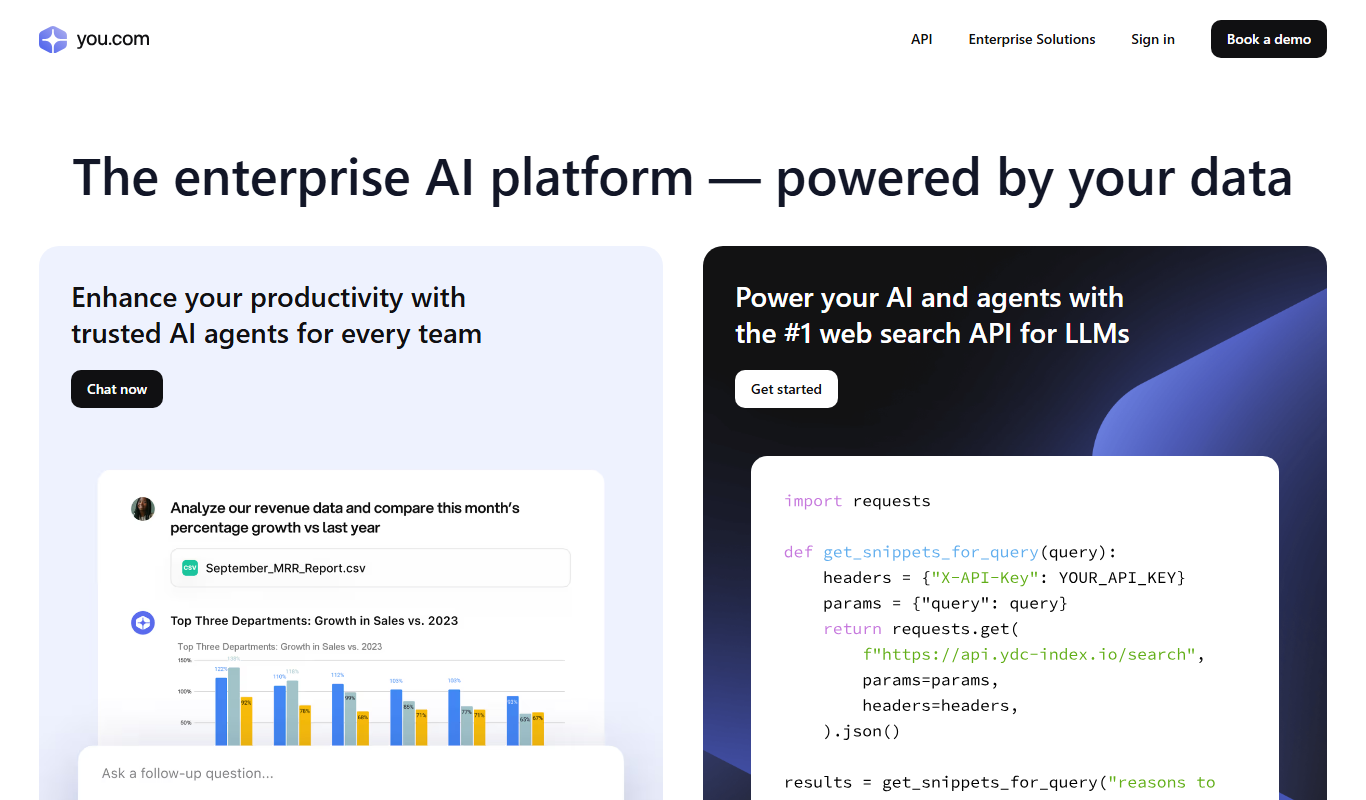
YouChat is an AI-powered chat assistant by You.com that provides conversational answers, integrates search results, and offers API access for developers.
More AI Chatbot tools
Other tools in the same category, for when this one is not quite the fit.

Free Trial
Smarbot
Smarbot is an AI chatbot platform that helps businesses automate customer interactions, support, and lead generation through customizable conversational agents deployed on websites and APIs.

Free
Kyber
Kyber is an AI chatbot platform that automates customer support and engagement using natural language processing, customizable conversational flows, and multi-channel integration.

Freemium
Chat University v1
Chat University v1 is an AI chatbot platform focused on education and training, enabling users to create interactive chatbots for tutoring, corporate training, and e-learning.

Free
psychoroid.com
Psychoroid is an AI-powered chatbot designed to provide empathetic mental health support and therapy assistance through conversational AI available 24/7 on the web.

Free Trial
WisBot
WisBot is an AI-powered chatbot platform that enables businesses to automate customer interactions across multiple channels using a no-code builder and natural language processing.

Free
PaperChat
PaperChat is an AI-powered chatbot that enables users to upload academic papers and interact with them through questions and summaries, simplifying research and study.

Custom Pricing
SOM AI
SOM AI is an Indonesian AI chatbot platform that automates customer service by understanding Indonesian and English queries, enabling businesses to provide 24/7 support through customizable chatbots integrated with websites and messaging apps.

Freemium
Solvemigo – ChatGPT for Telegram
Solvemigo is a ChatGPT-powered Telegram bot that allows users to interact with AI for conversations, content creation, and automation within Telegram chats.